


Verstehe nicht, warum ihr alle so auf Vektor abgeht...Klar, sieht gut aus aber war gleichzeitig der Problemauslöser schechthin (mal abgesehen von den OOM's). Da bevorzuge ich lieber einen stabilen Flusi.
Beiträge von LeMaestro
-
-
LFPG ist nun auch P3Dv4 ready! Gegen Bezahlung. Bei Simmarkt spricht man von einem "Update Angebot".
UPDATE ANGEBOT
Wenn Sie vorher TAXI2GATE - PARIS CHARLES DE GAULLE LFPG FSX P3DV3 bei simMarket gekauft haben, sind Sie für nur EUR 5.00 zu einem Upgrade berechtigt. HINWEIS: Der spezielle Upgrade-Preis gilt nur für das Konto mit dem Sie
eines der genannten Produkte gekauft haben! Im Zweifelsfall wenden Sie sich an simMarket! KEINE Erstattung!http://secure.simmarket.com/taxi2gate-pari…de_11044).phtml

-
PMDG Scheibentexturen...sehen glaub ich immer so aus.
-
Wamos ist aktuell für NAX unterwegs. Kurzstrecke mit 747. I like.
AGP-OSL
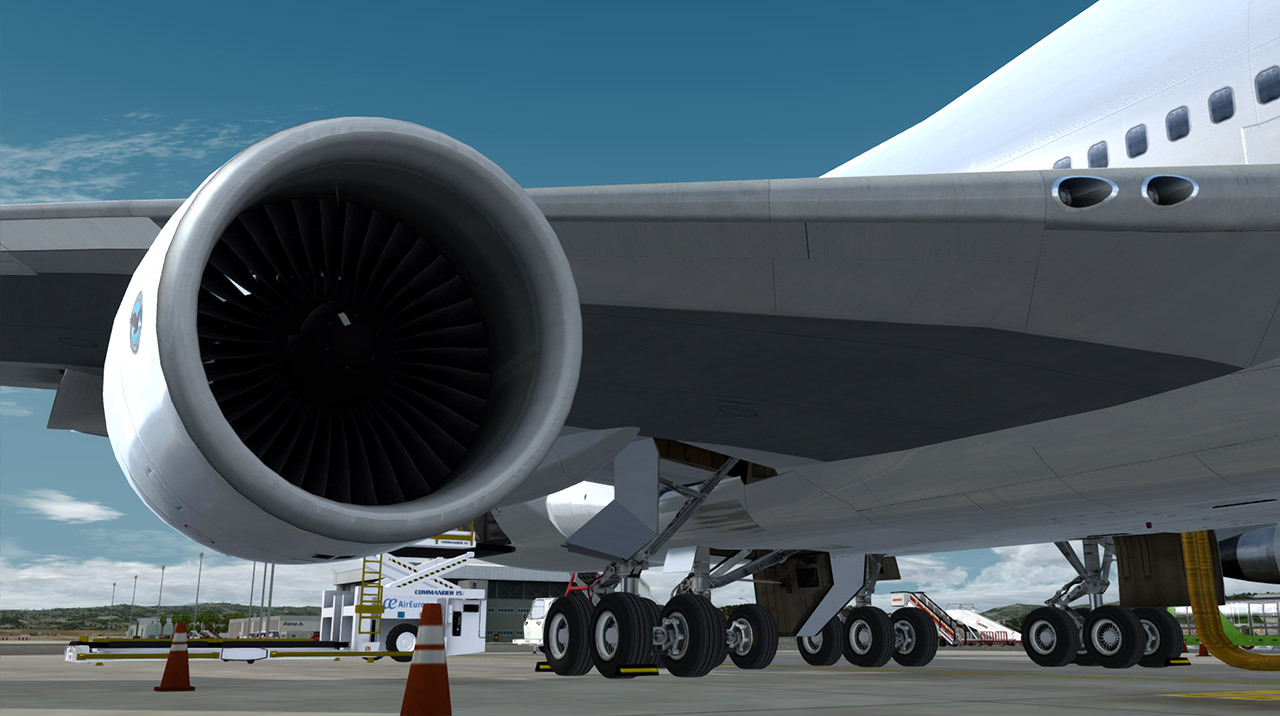
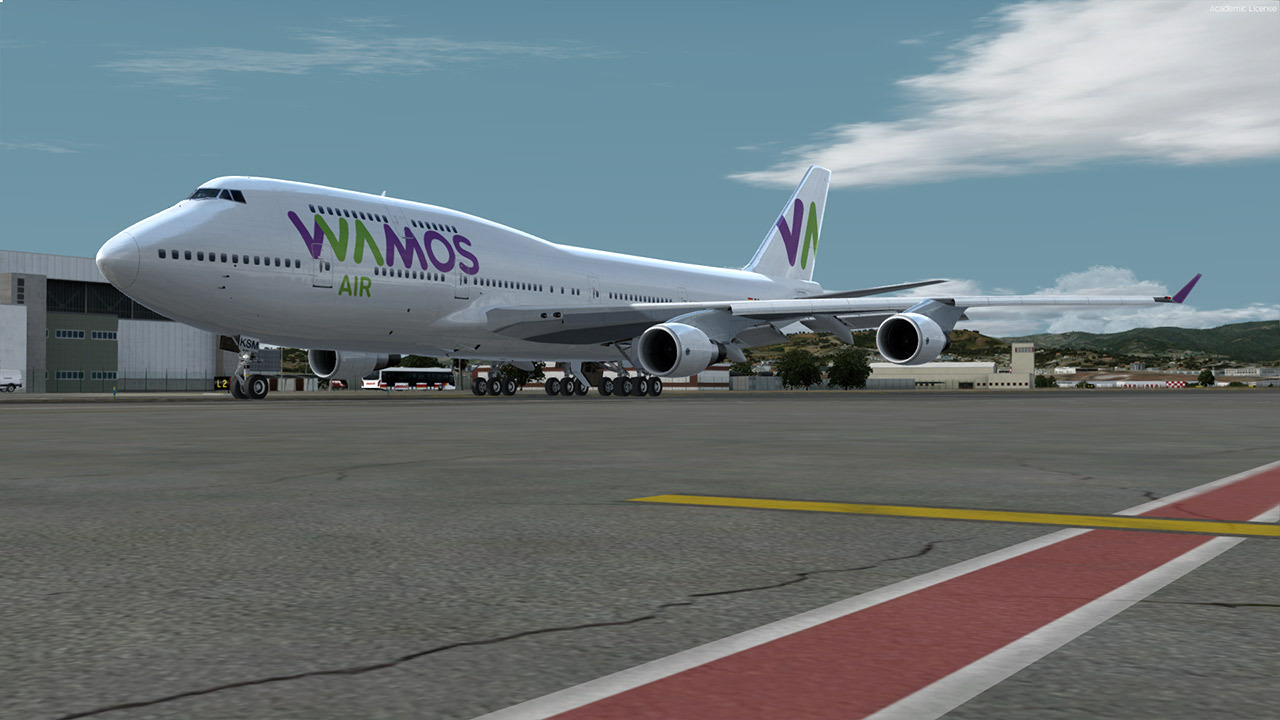
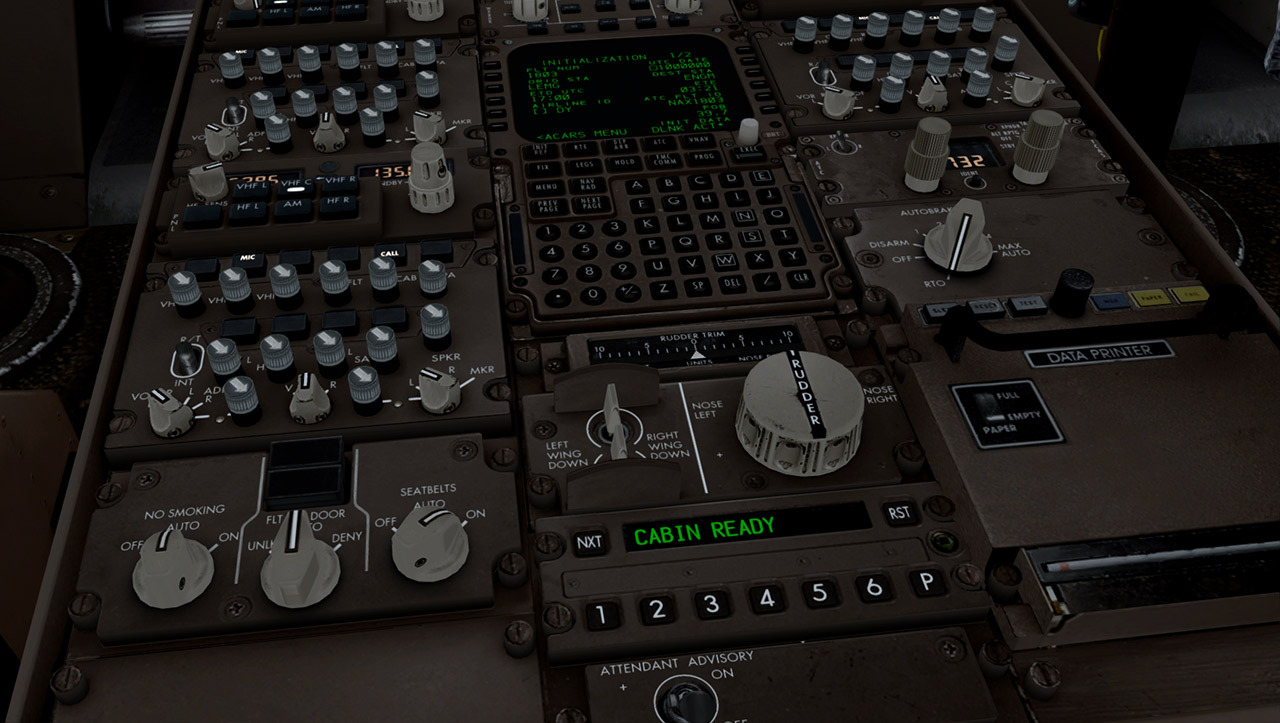
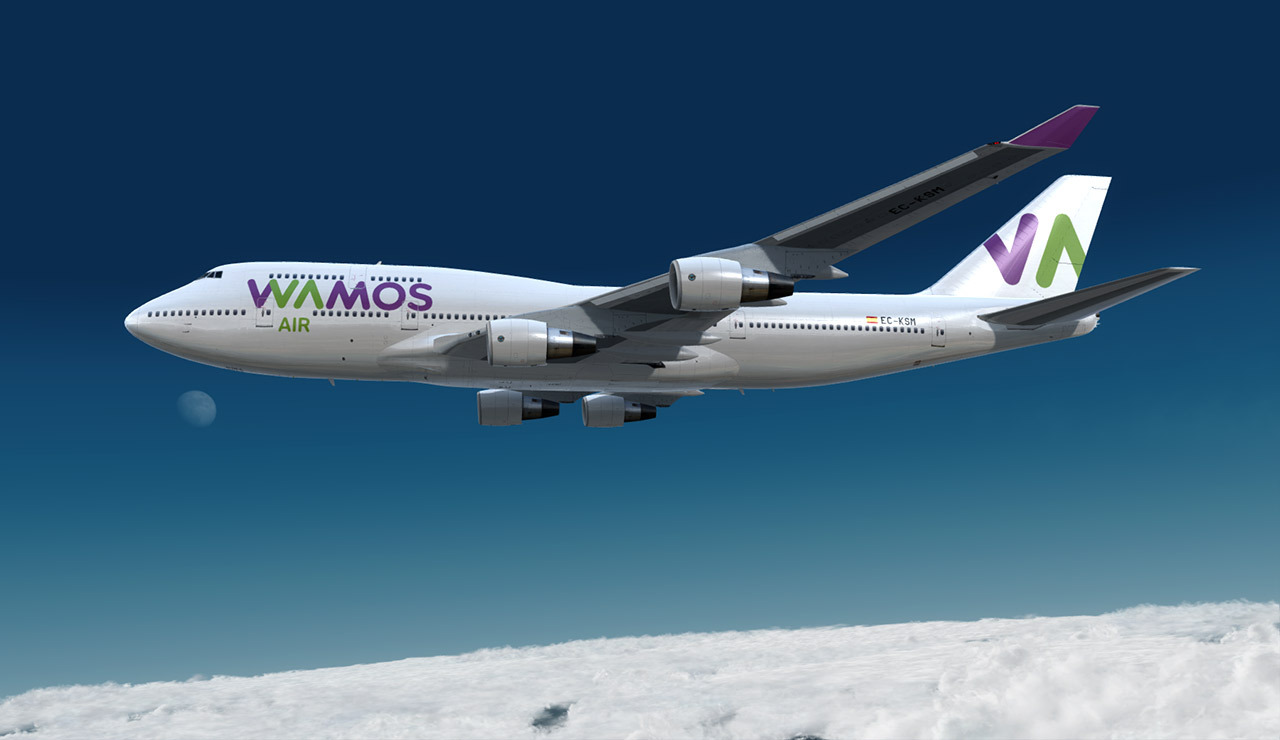
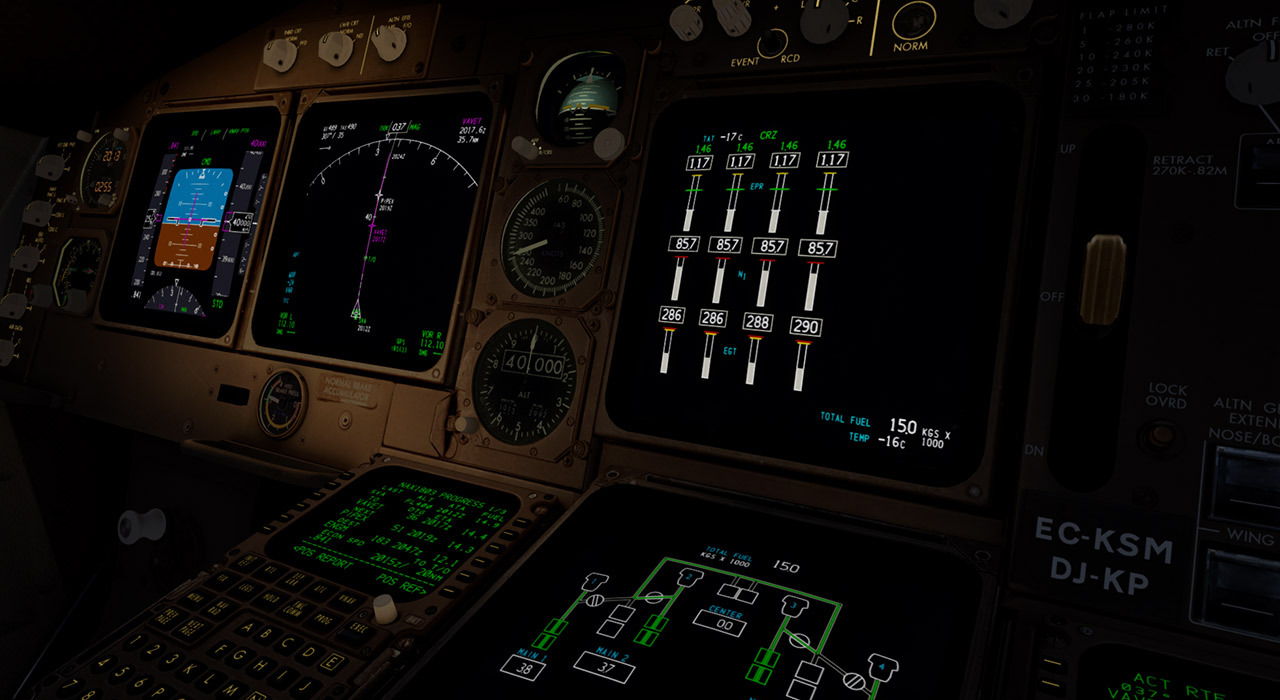
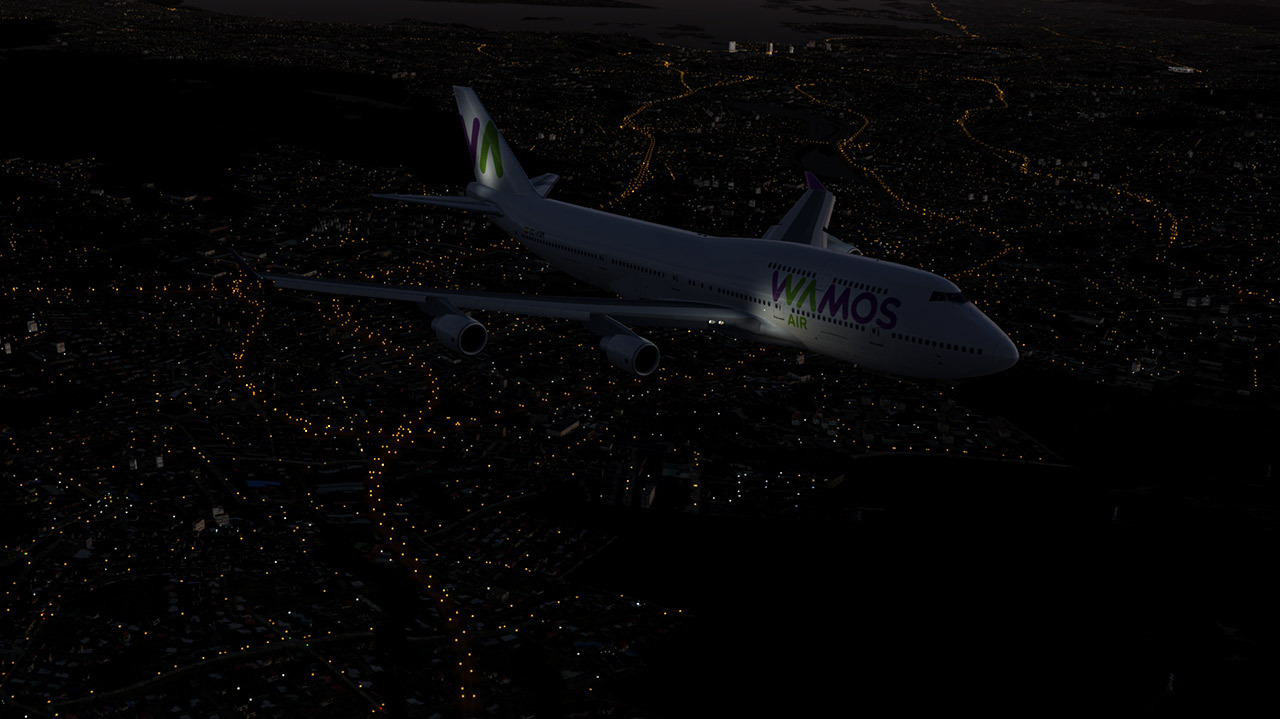
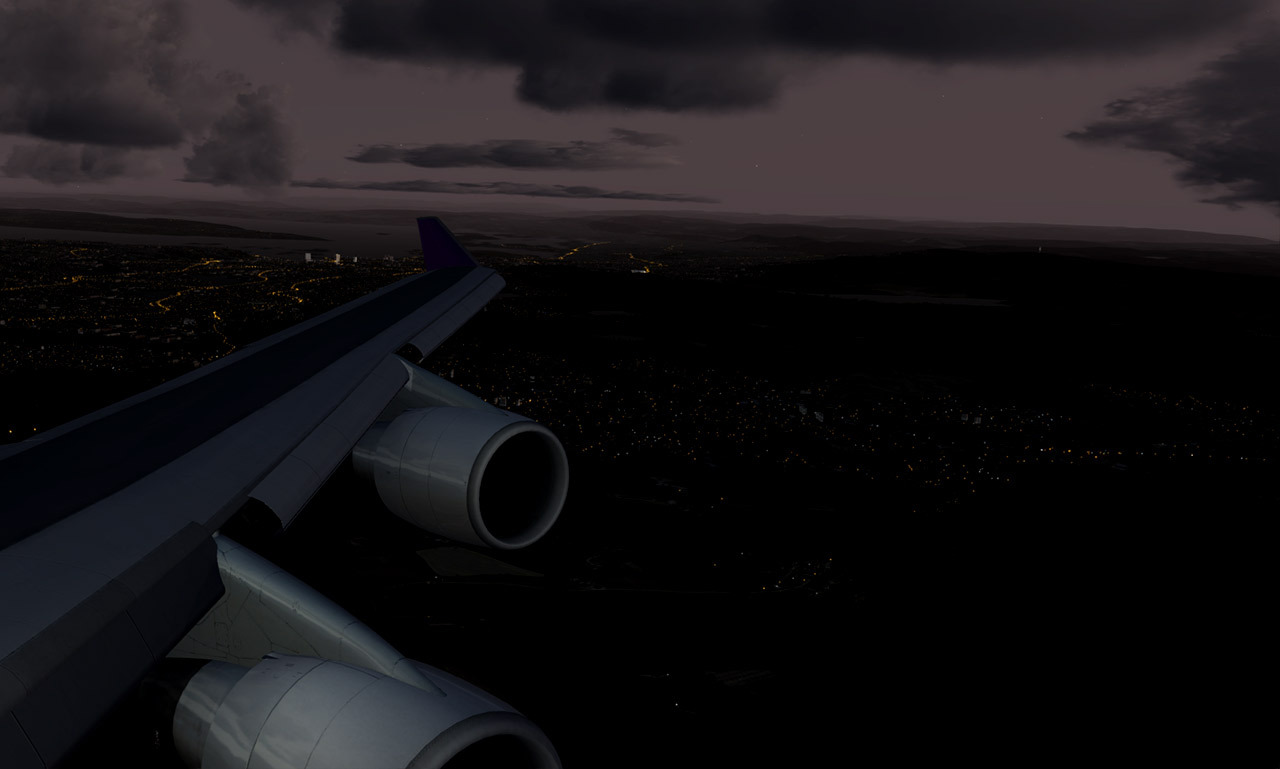
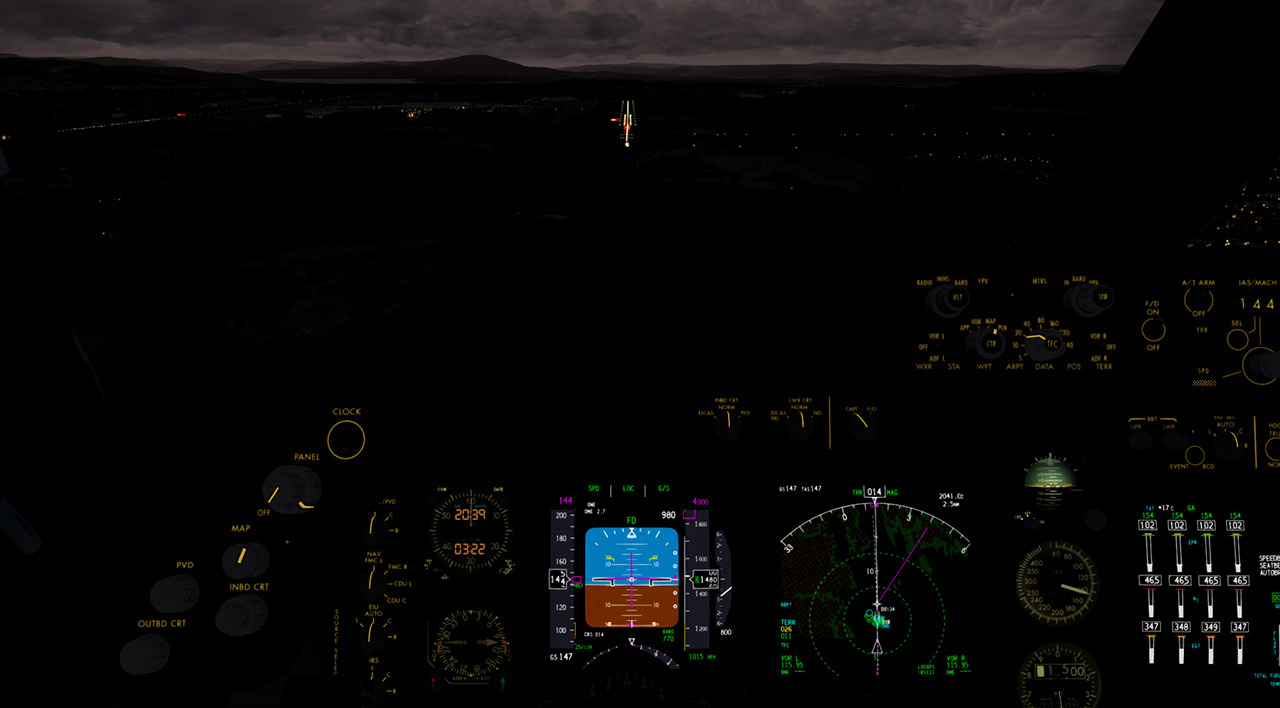
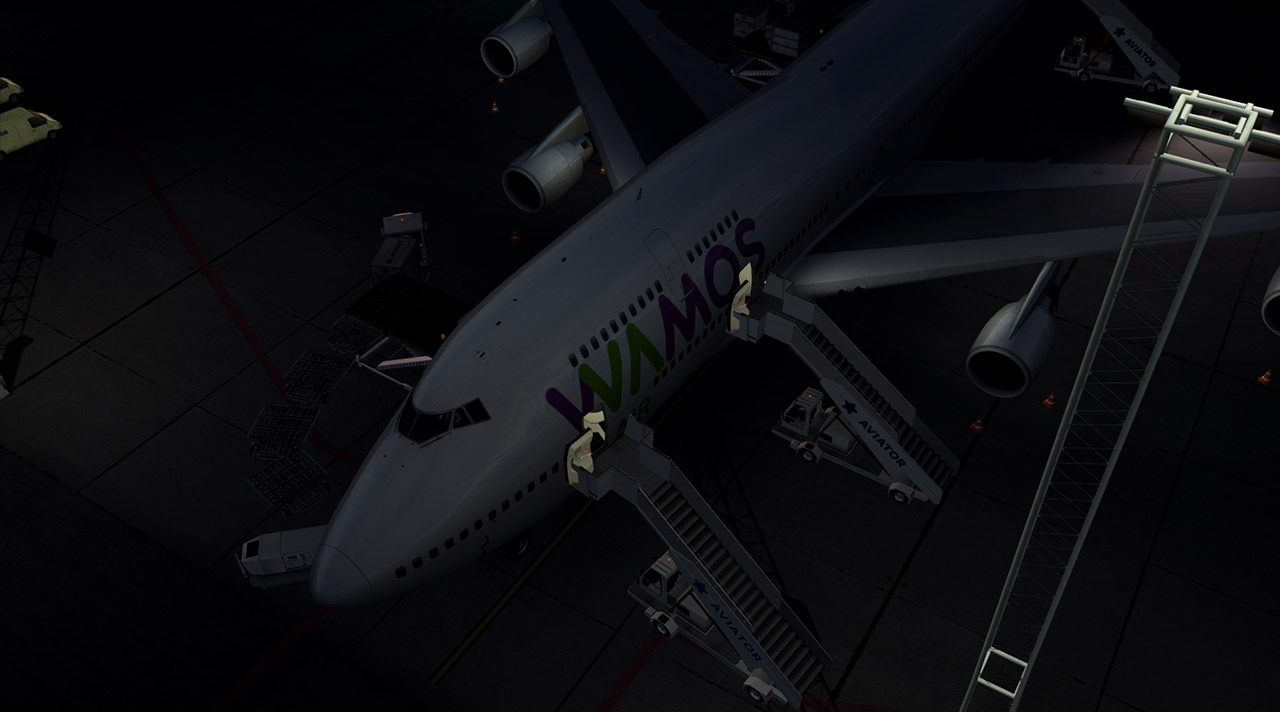
OSL-PMI-OSL
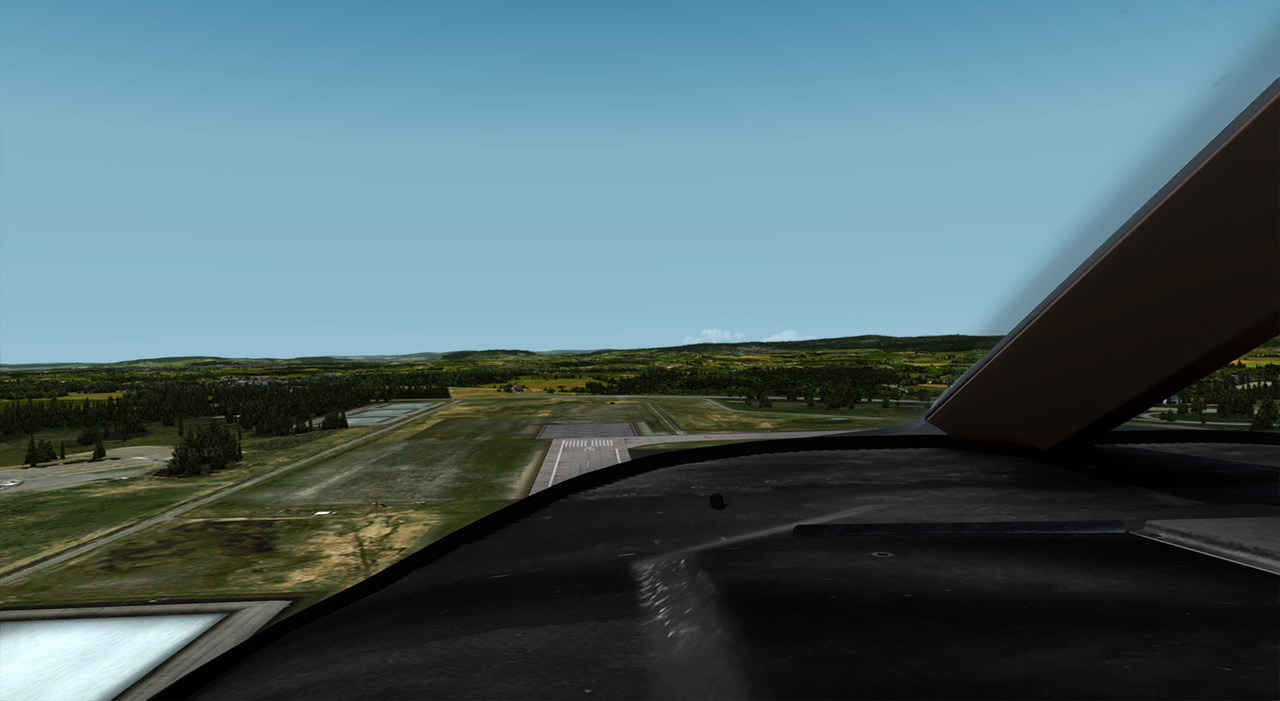
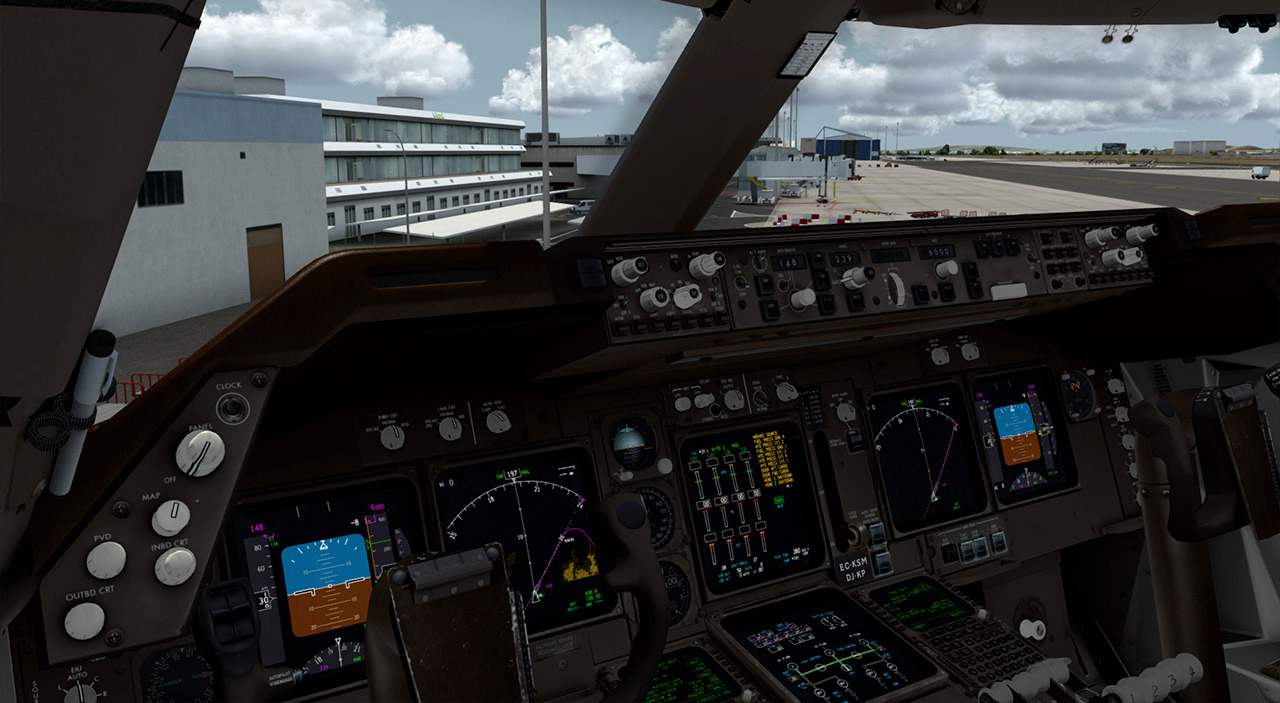
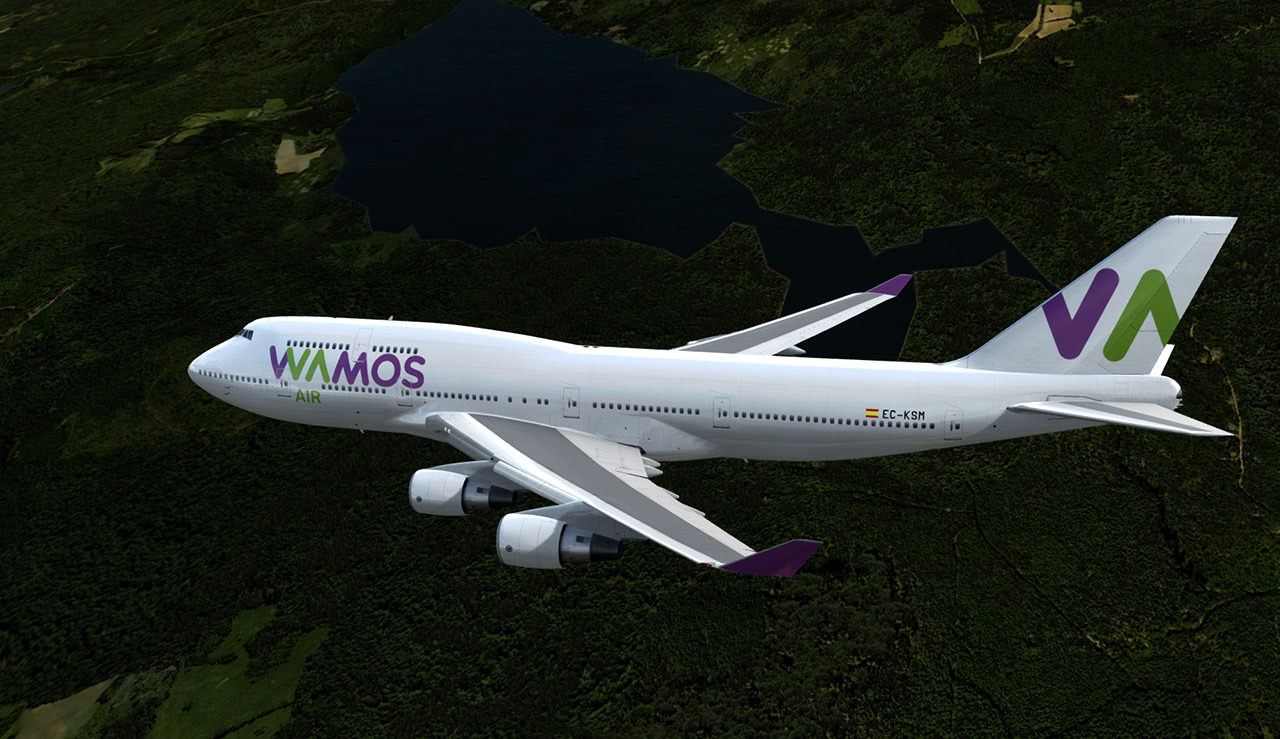
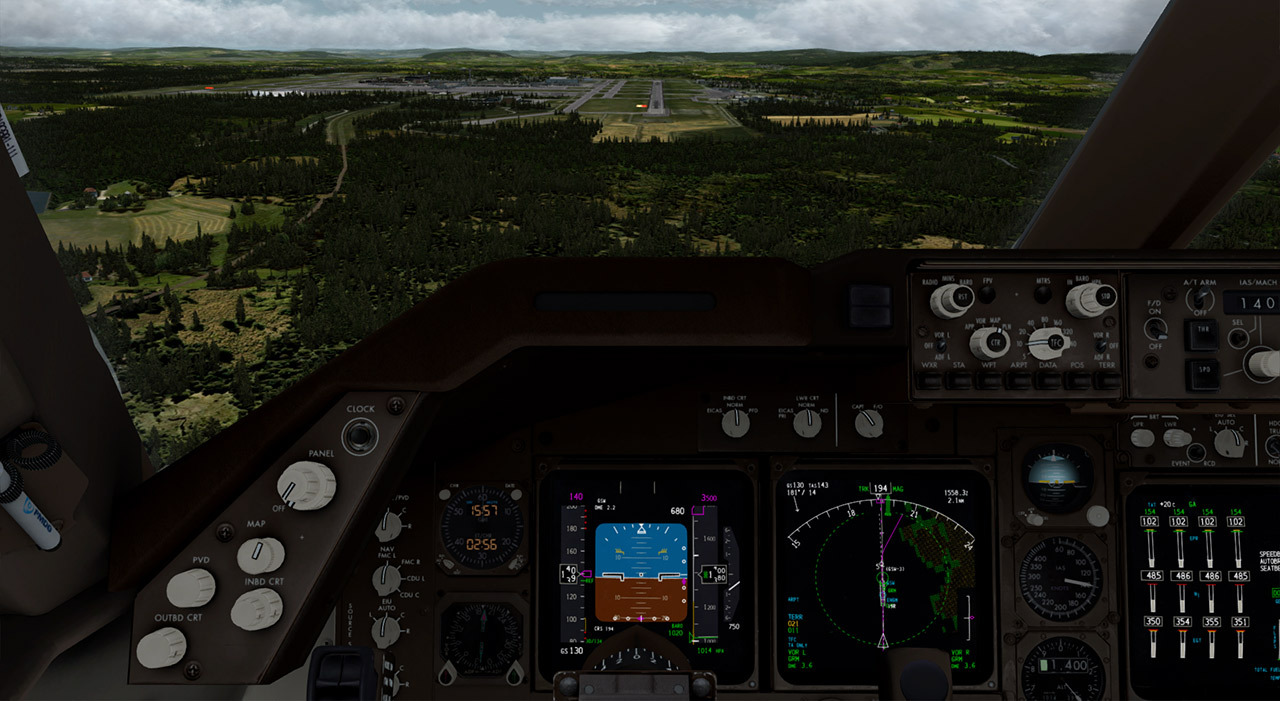
-
-
Externer Inhalt www.youtube.comInhalte von externen Seiten werden ohne deine Zustimmung nicht automatisch geladen und angezeigt.Durch die Aktivierung der externen Inhalte erklärst du dich damit einverstanden, dass personenbezogene Daten an Drittplattformen übermittelt werden. Mehr Informationen dazu haben wir in unserer Datenschutzerklärung zur Verfügung gestellt.
-
Externer Inhalt www.youtube.comInhalte von externen Seiten werden ohne deine Zustimmung nicht automatisch geladen und angezeigt.Durch die Aktivierung der externen Inhalte erklärst du dich damit einverstanden, dass personenbezogene Daten an Drittplattformen übermittelt werden. Mehr Informationen dazu haben wir in unserer Datenschutzerklärung zur Verfügung gestellt.
-
Kleiner Hinweis: Die Effekte für die Landing Lights und Strobes auf dem Boden sind nur mit Dynamic Lights sichtbar. Bei der 747 ist dies aktuell mit einer Diashow zu vergleichen. Die 777 hat da wohl weniger Probleme.
Finde ich irgendwie Banane und zeigt meine Befürchtung: 64bit bietet Entwicklern mehr Möglichkeiten und Spielereien, die dann jedoch wieder auf die Performance drücken. Ansonsten in die v4 aber ein Träumchen!
-
Oder richtige Reihenfolge mal checken?
-
Wollte erst "dabei" rufen....allerdings nur noch im v4 unterwegs. Da gibts bisher immer noch keine Lösung oder?
-

Wäre hierzulande wie wenn Lindt eine Sonderlivery spendieren würde.
-
With some luck the 77W will see release here very shortly- and then NGX is in very good shape as of now- so we are hoping it goes through the last round of testing very quickly.
(And just to help quell some really oddball uninformed discussion: Release of the NGX has no dependency on the 77W...anyone quoting otherwise is woefully ill informed and should be smacked about the head and shoulders until they agree to stop repeating dumb stuff in public.... If you need a mallet, please stop by tech support and we will loan you one of ours.
 )
) -
Kleines Update steht bereit:
https://www.avsim.com/forums/topic/5…released-today/
ZitatAlles anzeigenCaptains,
When we started pushing out updates to bring our products up to compatibility with Prepar3D v4, we almost immediately began to suspect that our installers were not doing a proper job of getting our products onto the user machine in usable form.
I'll spare you the long version of the story, but the short version is that some aspects of our installation process trace their roots back to our original PMDG 737 release from July 1, 2003.
Many of you probably haven't stopped to consider that our technical support system gives us quite a bit of reporting data with which to analyze trends in product problem reports- (and if you HAVE stopped to consider it, you might want to consider bringing an iPad or a good book on your next long haul, because clearly you need something else to think about during your flying!
 ) but needless to say it quickly became apparent to us that a significant percentage of our customer problems were being created by our own installation mechanism and it's failing to handle some knee-knockers with grace.
We wound up putting just about everything on hold in order to analyze the problems we were seeing and developing a new set of installers that we hope will eliminate the sudden up-tick in customers who were having trouble with what should otherwise have been very straight-forward installations.
The past ten days or so have been almost entirely dedicated to installation methods and enhancements- and in order to quickly change the trend line, we have today issued new versions of both FSX/FSX-SE and P3D v3/P3D v4 installers for the PMDG 747-400 and the PMDG 777-200LR/F.
In both the 747-400 and the 777-200LR/F, we made only a couple of very minor changes to the product itself:
- Elimination of a sound-device related CTD that was affecting some users.
- Updated installer
- (For P3D v4) rolled back the dynamic lighting enhancements one version in order to eliminate some problems that customers were seeing with last week's update. (We are still investigating, but felt this temporary measure was reasonable until we resolve the issues reported.)
A few key notes on these new installers, if you elect to install them now:
- Completely remove the 747 and 777 you have already installed. Do this for all of our sanity...
- These installers will do a much better job of utilizing the standard ADD/REMOVE/MODIFY capabilities of windows installation
- These installers will actually allow you to run a REPAIR on an existing installation- which can come in handy if you accidentally delete something critical.
- These installers are designed to do a health check on a few key prerequisites that support activation, operation and interfacing of the product to your simulator and the windows platform.
With these out of the way, we are again pivoting back to getting the NGX release ready and the 77W as well. For those that are not aware, this is a holiday weekend here in the USA, so most of us will not be working the normal full schedule that we have been keeping- and we will pick up where we left off on Wednesday of next week- but I have built that holiday into the schedule expectations thread already with my timeline updates from this morning.
With some luck the 77W will see release here very shortly- and then NGX is in very good shape as of now- so we are hoping it goes through the last round of testing very quickly.
(And just to help quell some really oddball uninformed discussion: Release of the NGX has no dependency on the 77W...anyone quoting otherwise is woefully ill informed and should be smacked about the head and shoulders until they agree to stop repeating dumb stuff in public.... If you need a mallet, please stop by tech support and we will loan you one of ours.
)**NOTE for Aerosoft DVD/Download Customers: We anticipate Aerosoft will update their system with the new version of the 777 during the day Monday. You will need to get it from them, but the wait shouldn't be too tedious.
-
-
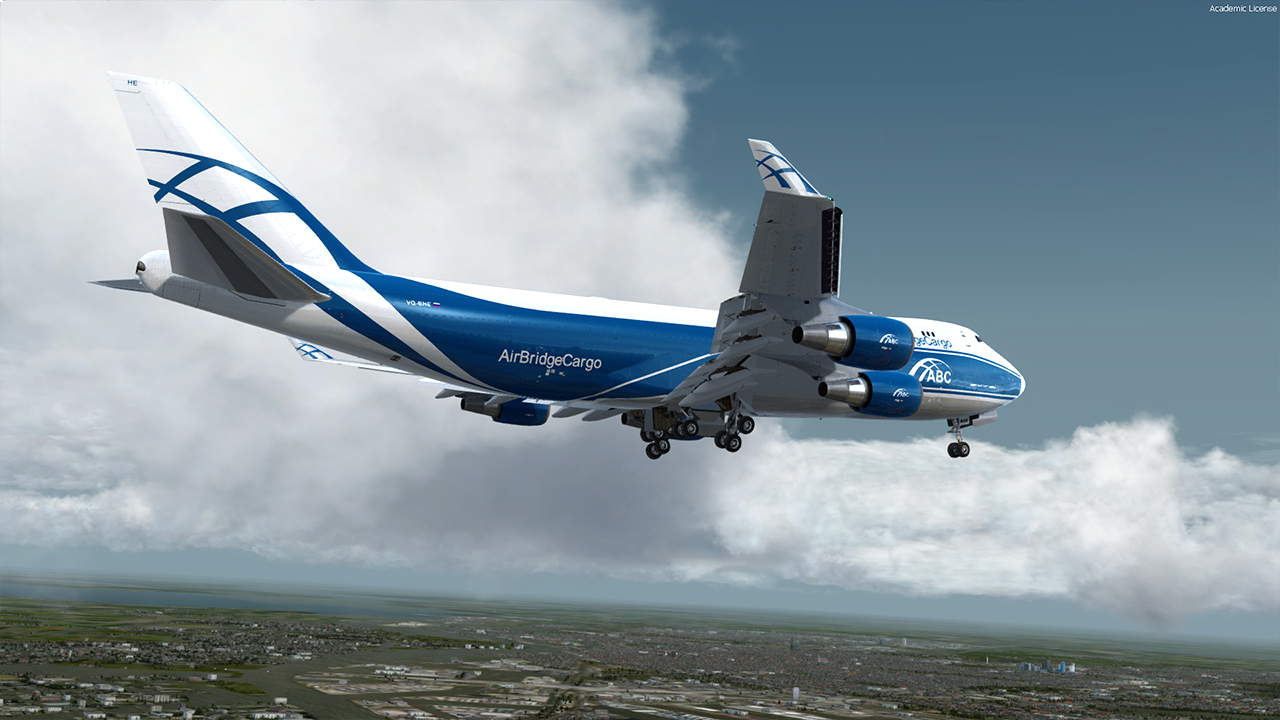
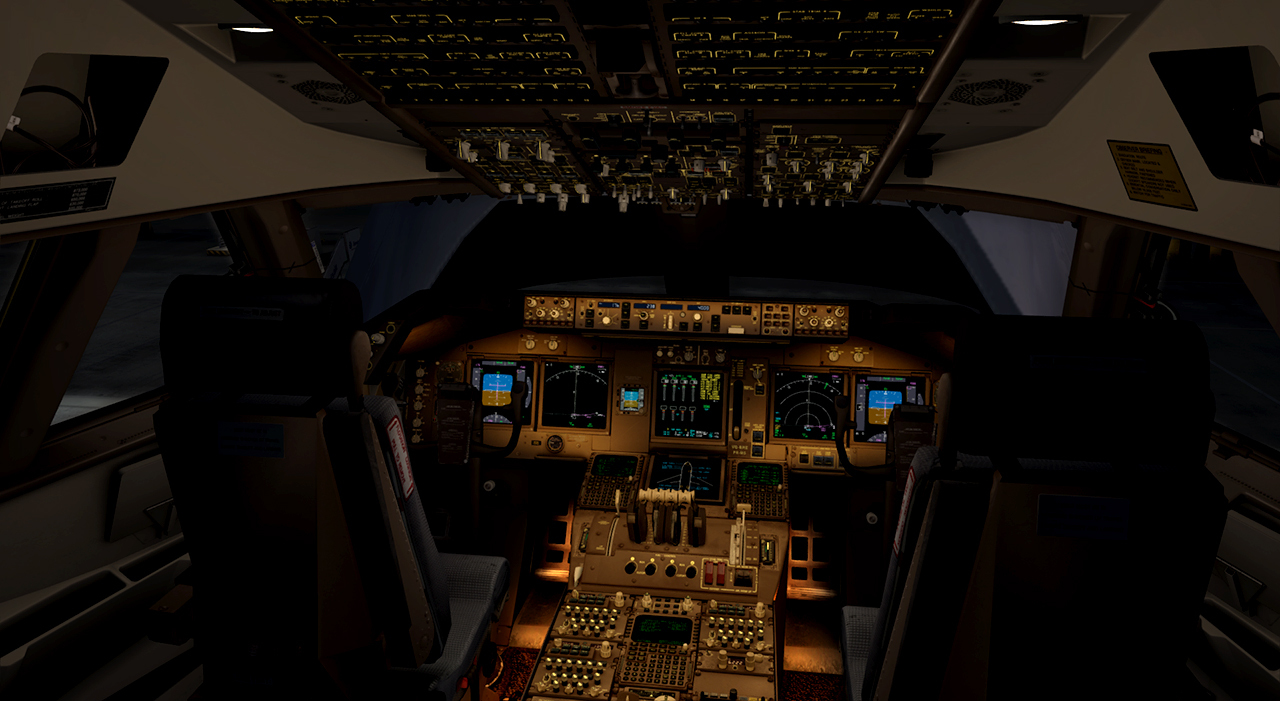
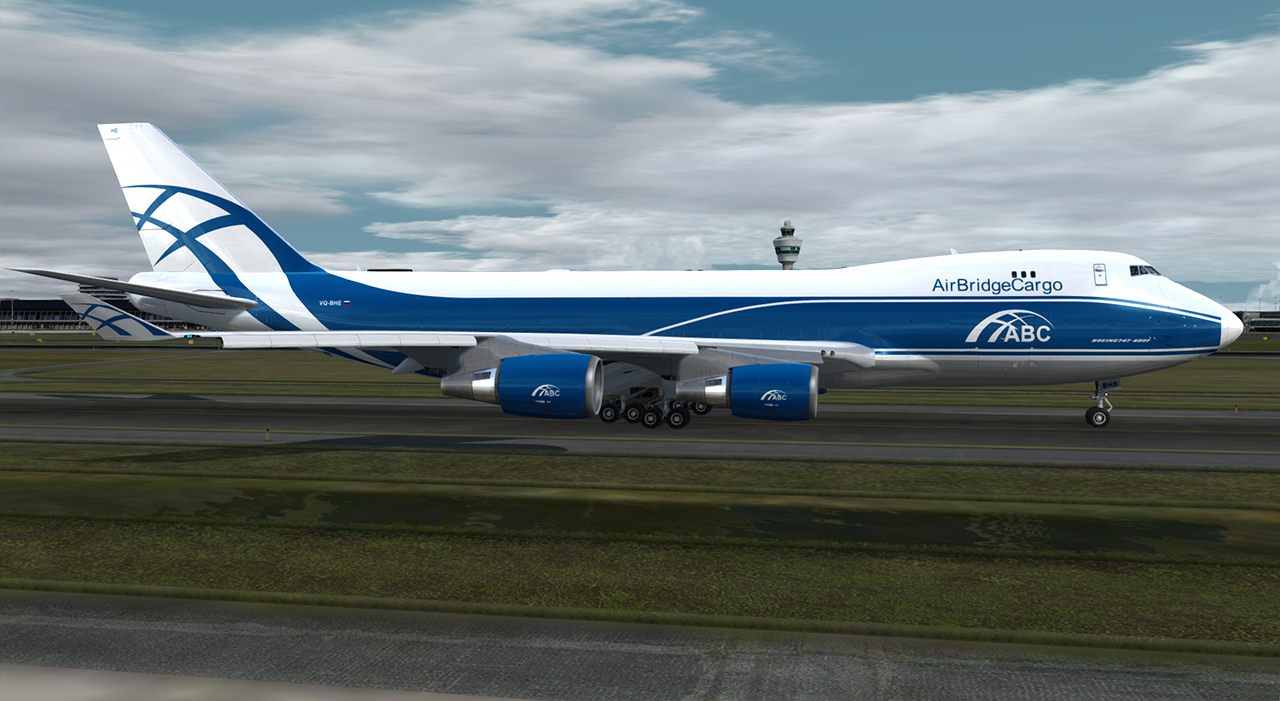
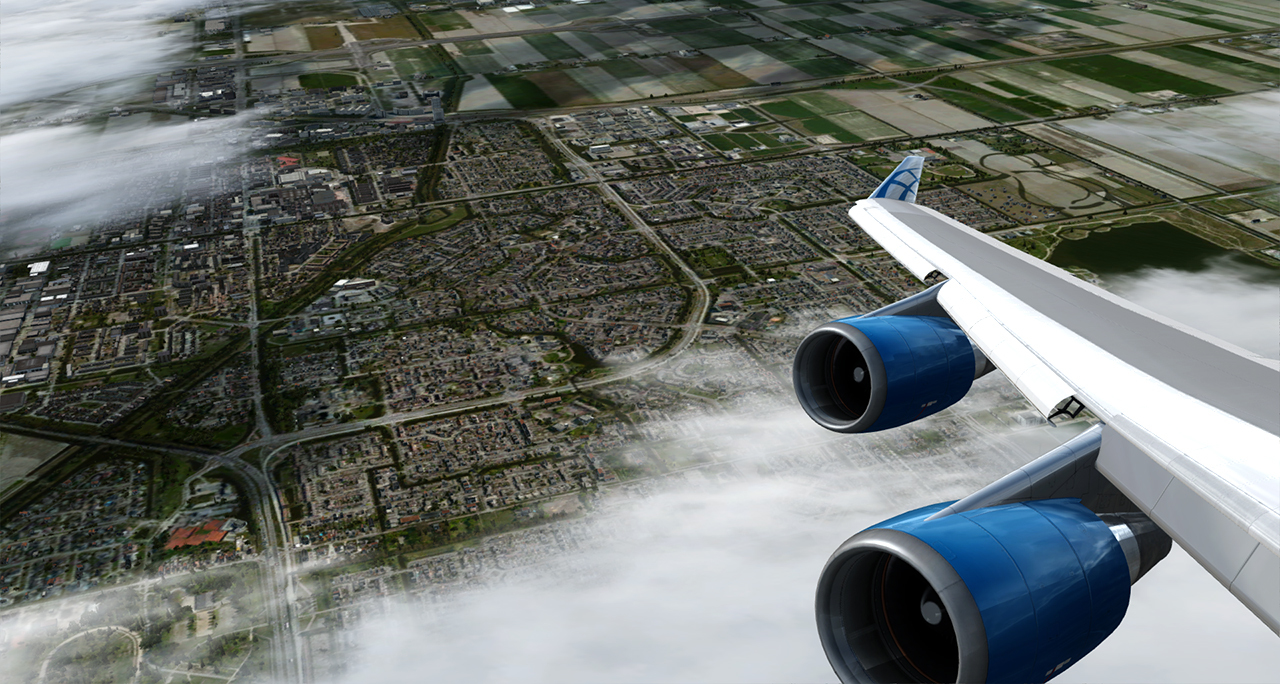
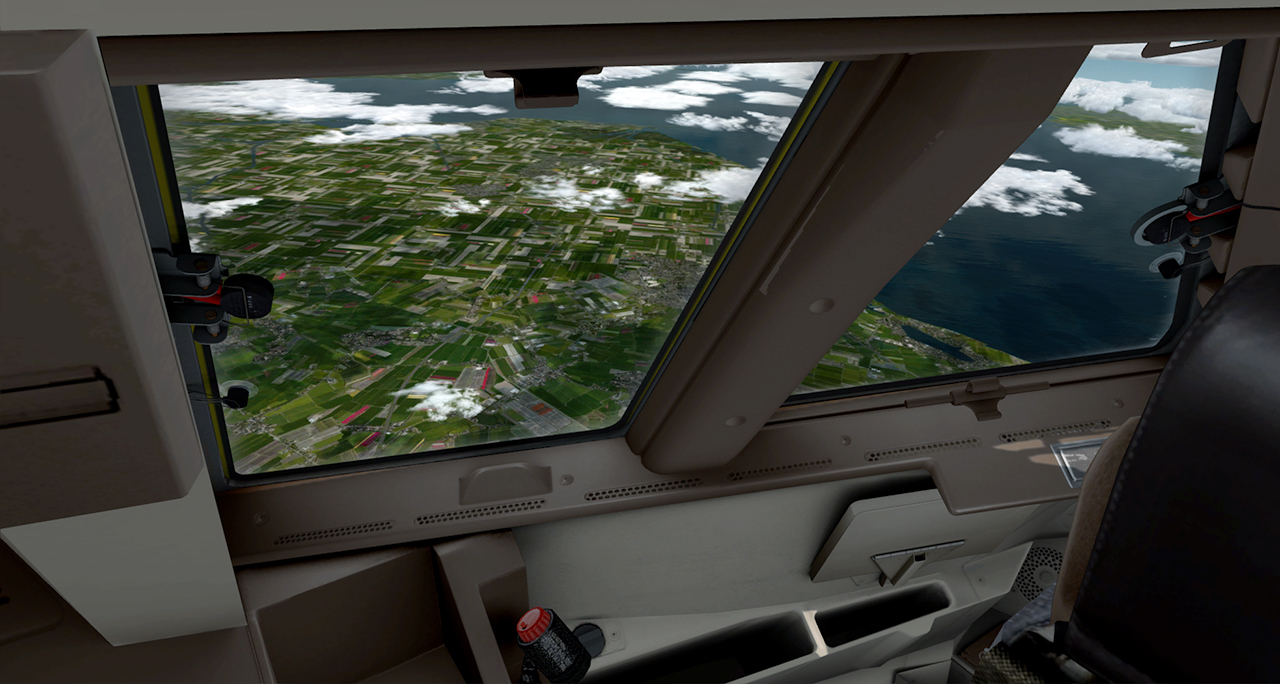
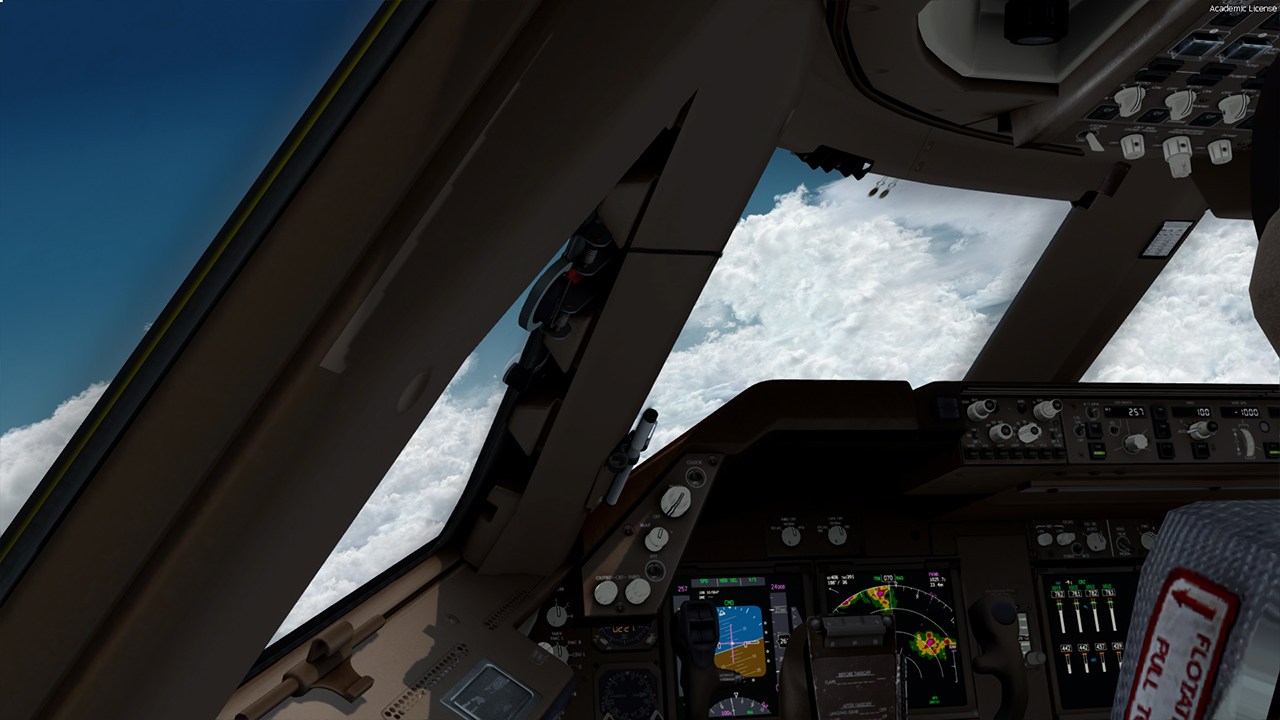
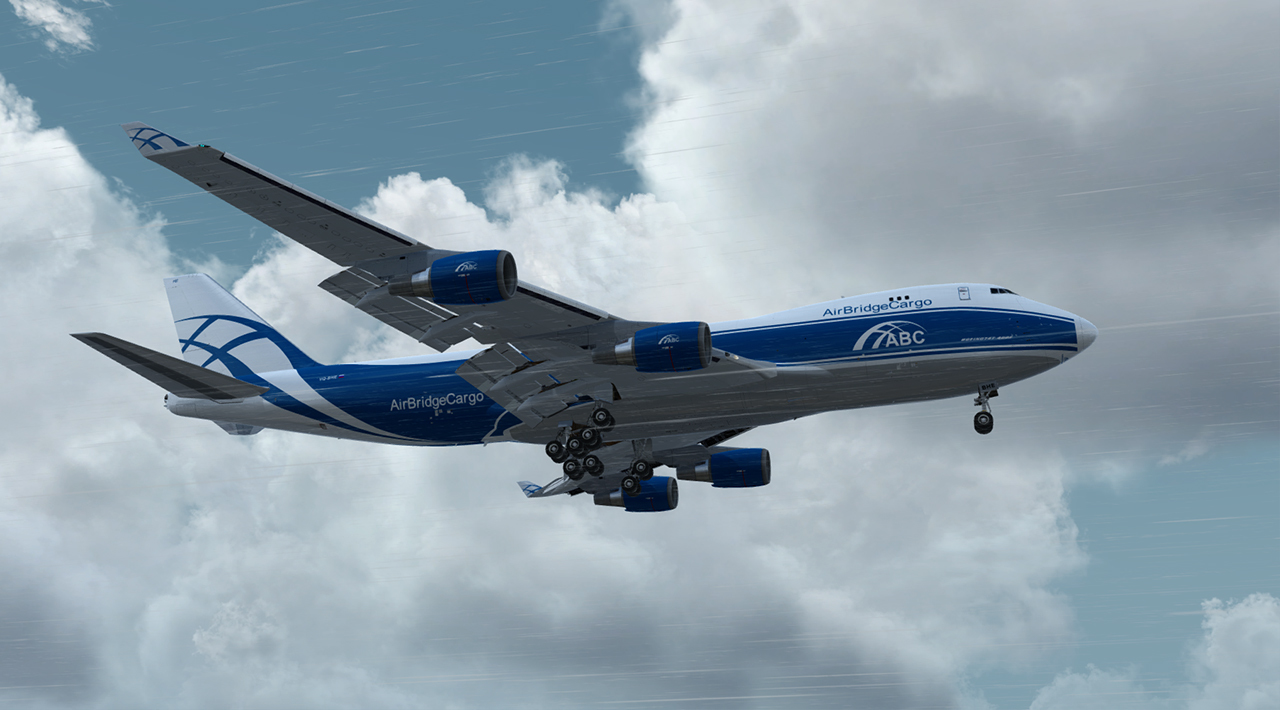
P3D v4 Stresstest.
HNL-SYD
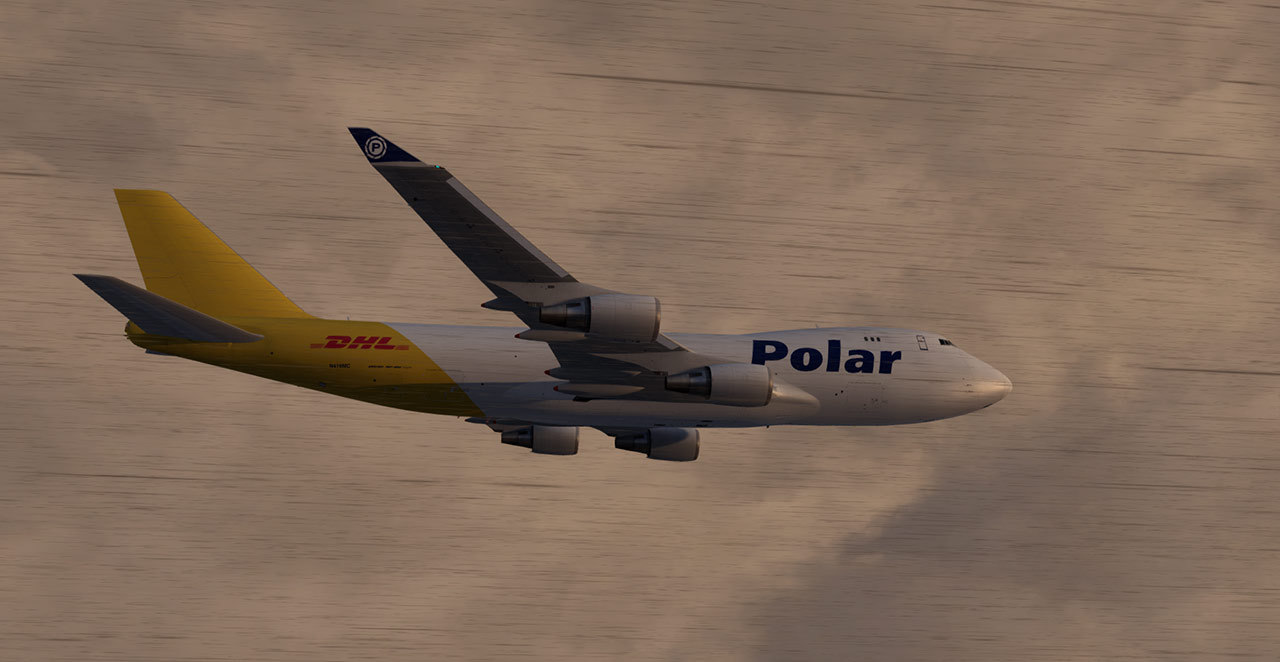
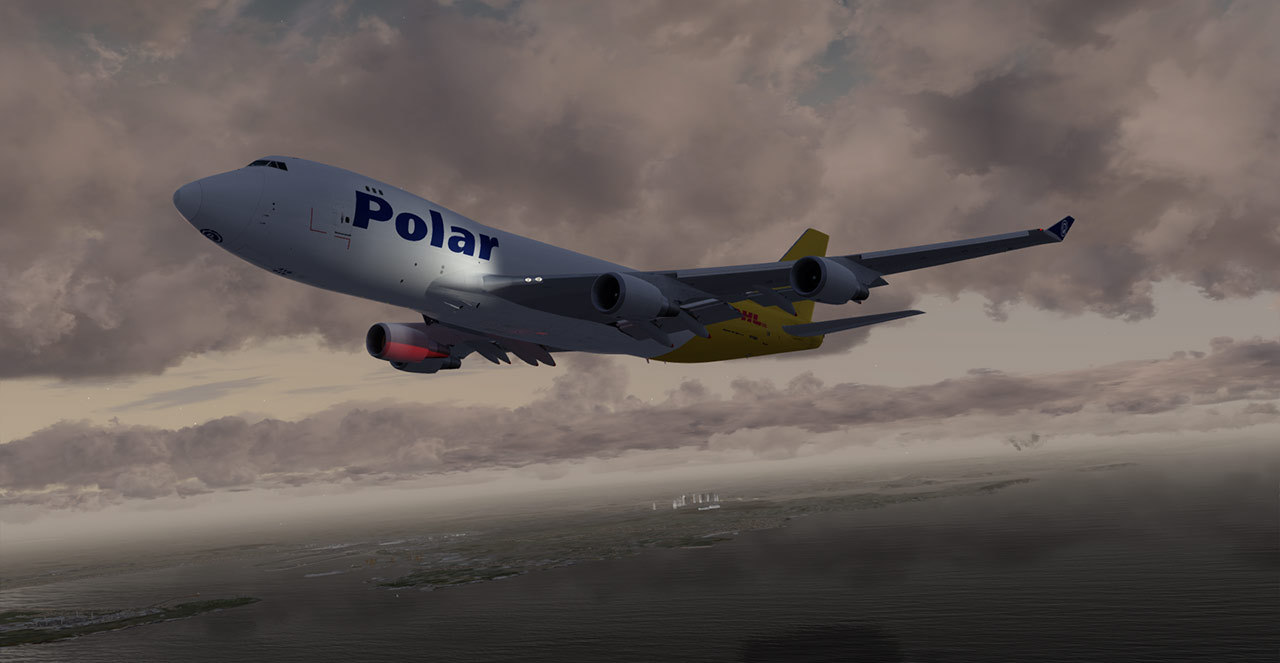
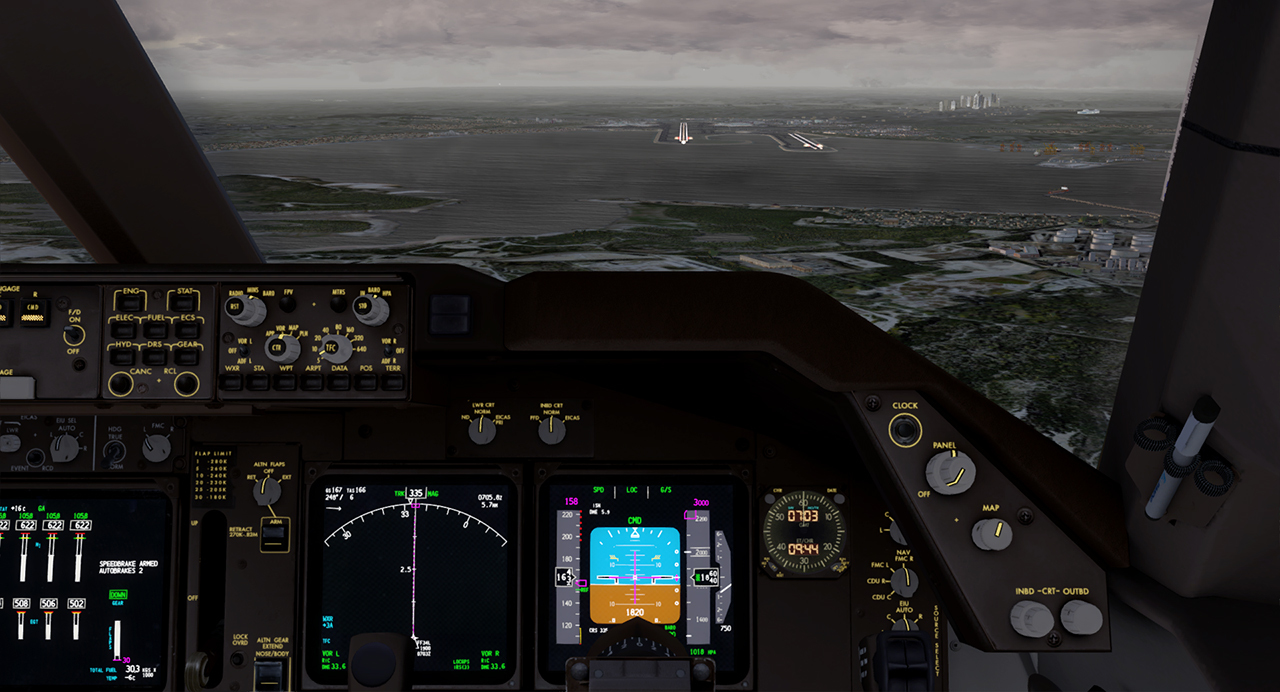
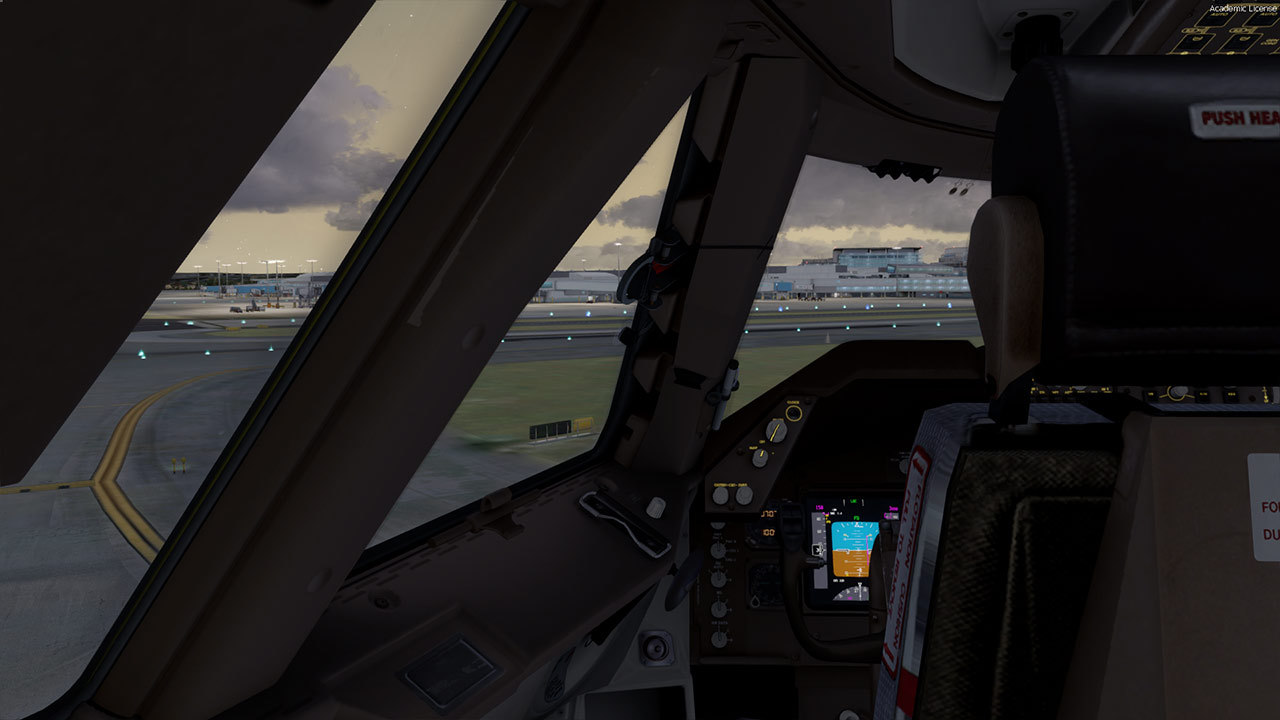
SVO-AMS-SVO (und Abendshots)
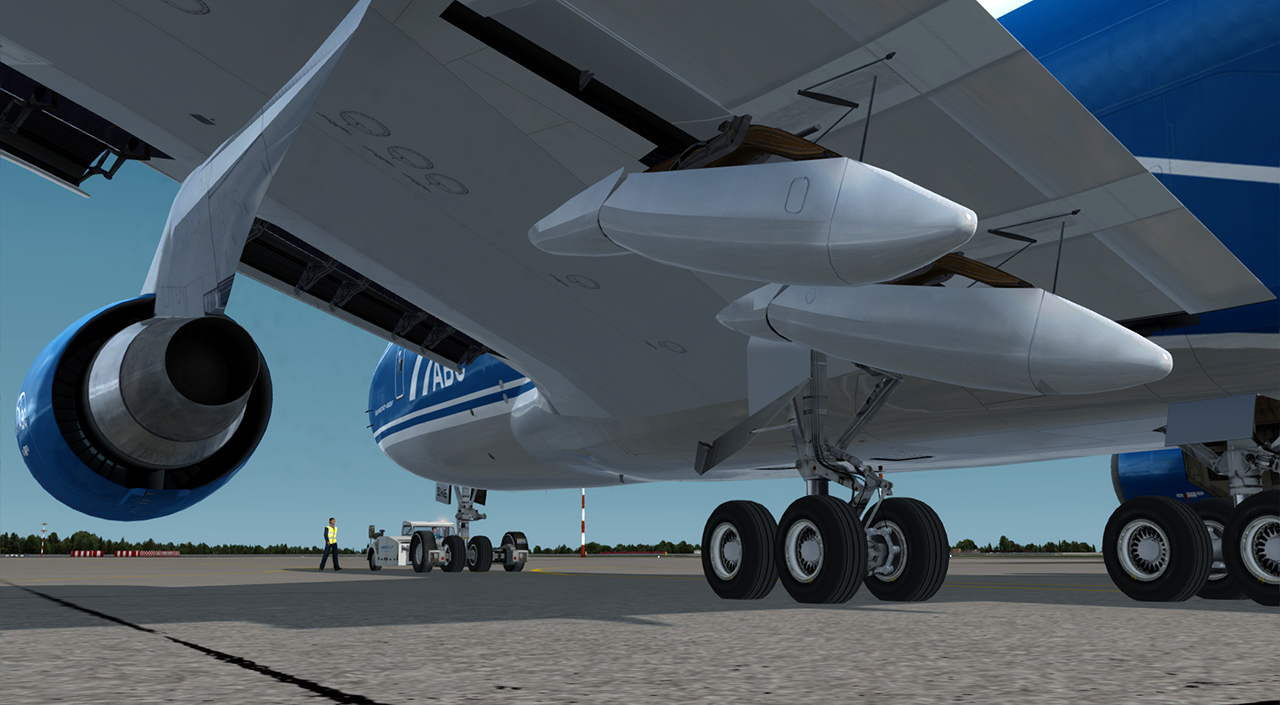
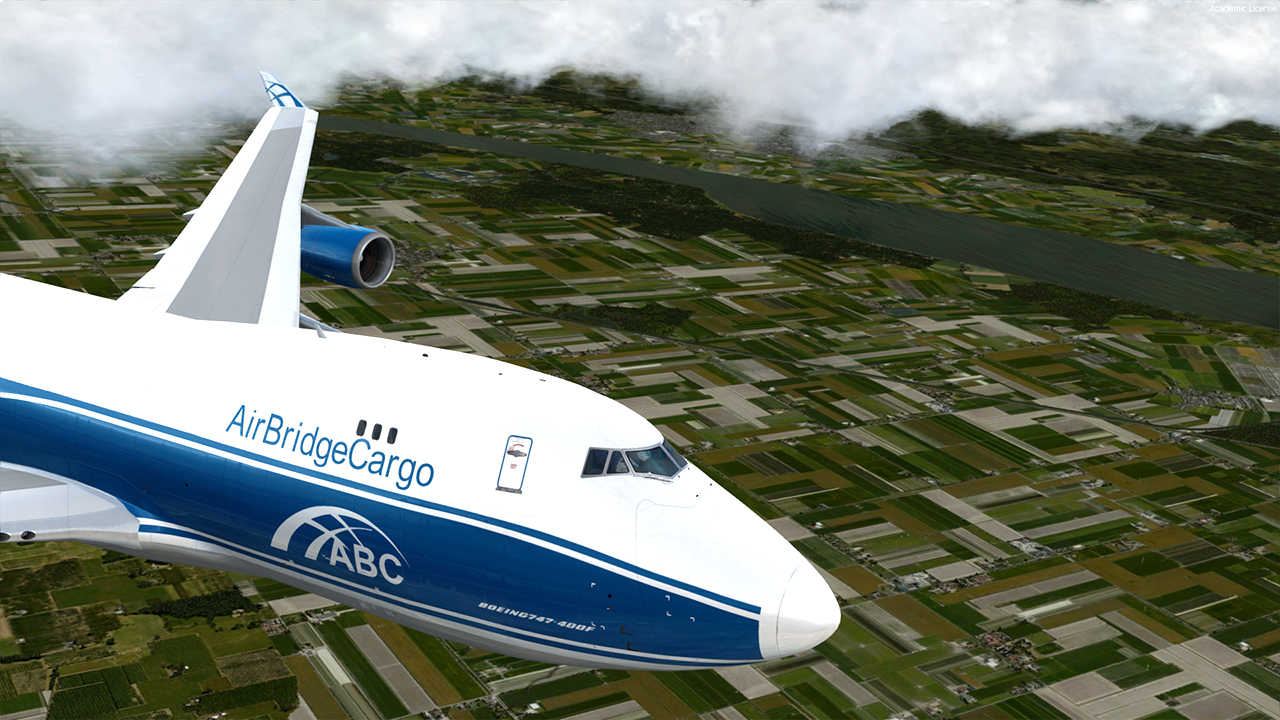
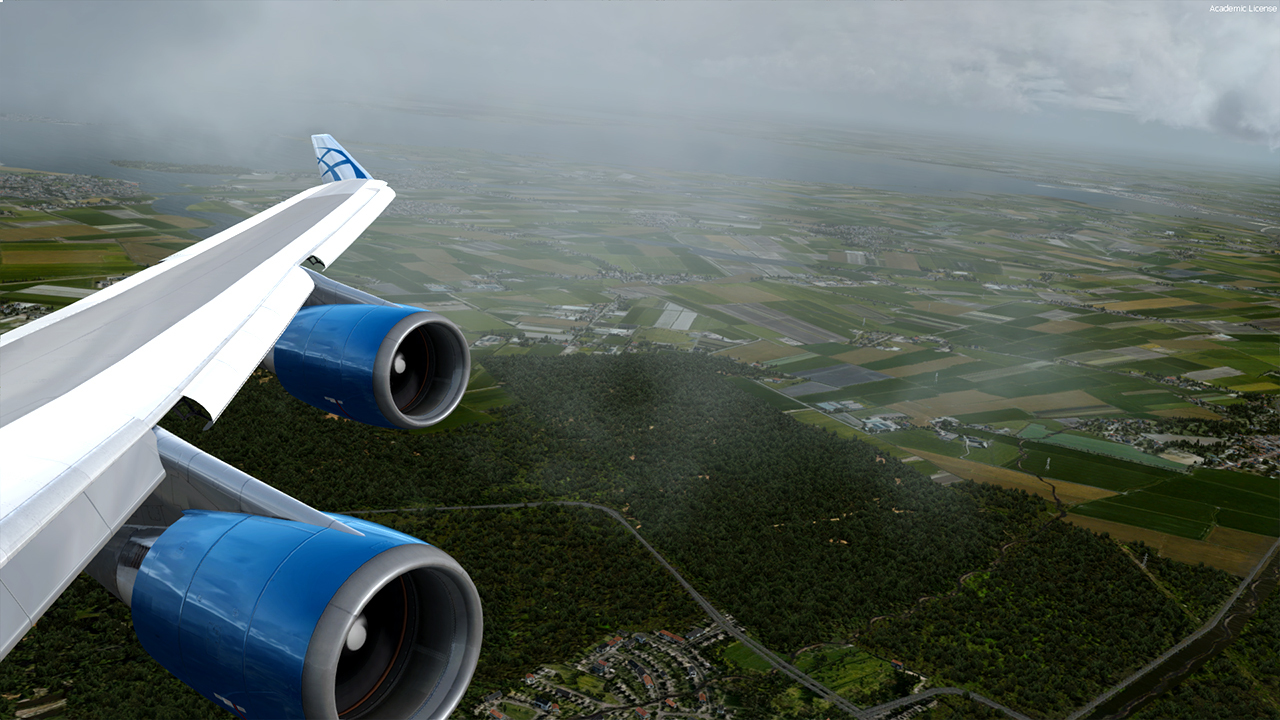


-
Und der nächste Streich...

-
Nur für Boeingman
Externer Inhalt www.youtube.comInhalte von externen Seiten werden ohne deine Zustimmung nicht automatisch geladen und angezeigt.Durch die Aktivierung der externen Inhalte erklärst du dich damit einverstanden, dass personenbezogene Daten an Drittplattformen übermittelt werden. Mehr Informationen dazu haben wir in unserer Datenschutzerklärung zur Verfügung gestellt. -
Must Have...ernsthaft!
-
Aber Autosave benutzt du? Dann kann es wirklich am Defender liegen....die vertragen sich wohl nicht so gut.
-
Schalte Mal folgendes aus (falls in Benutzung):
- FS real Time (autosync)
- AI Traffic
- Windows Defender
Probiere es danach Mal..bei mir war der FR24 Traffic auf Langstrecke das Problem.


