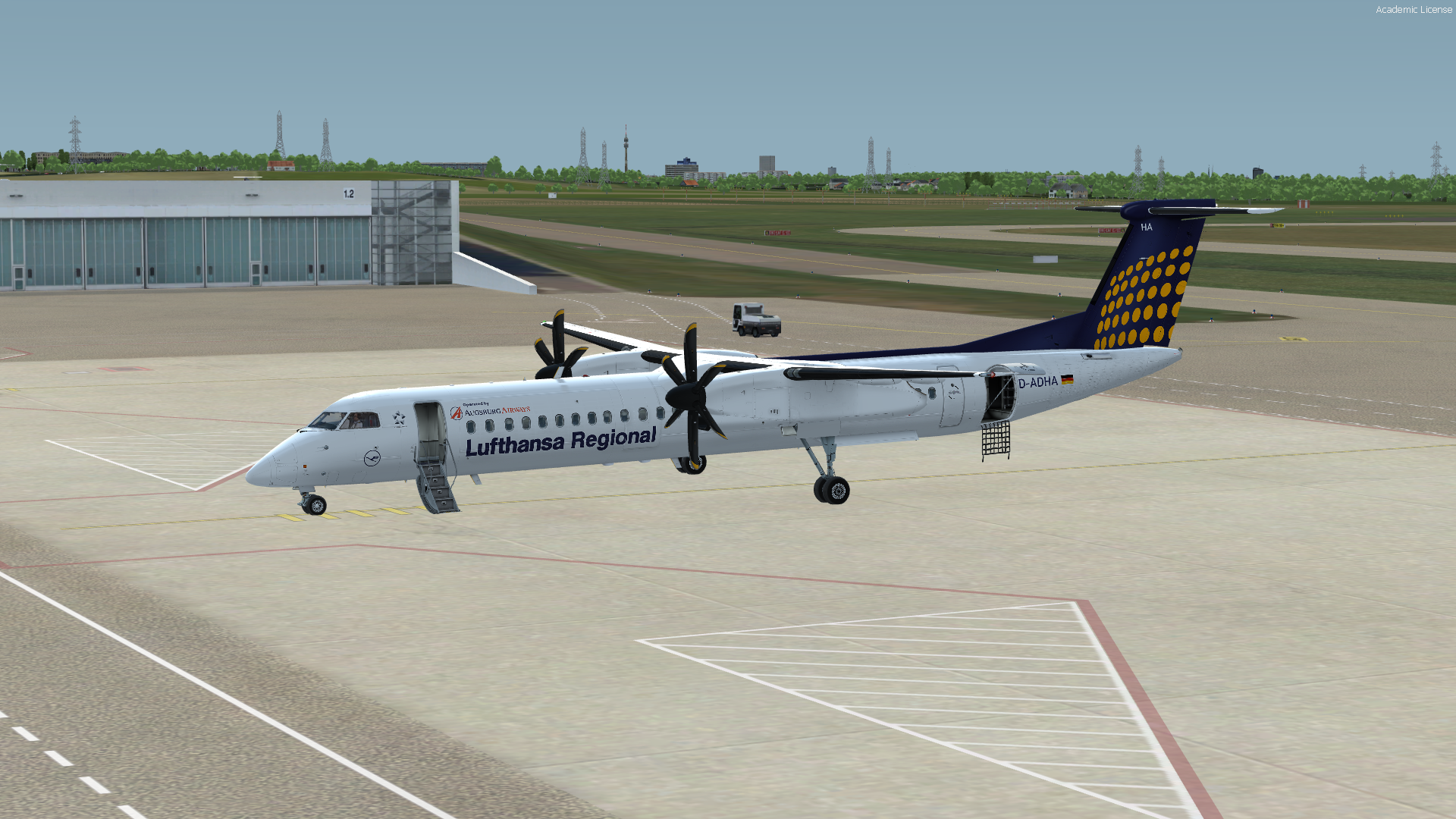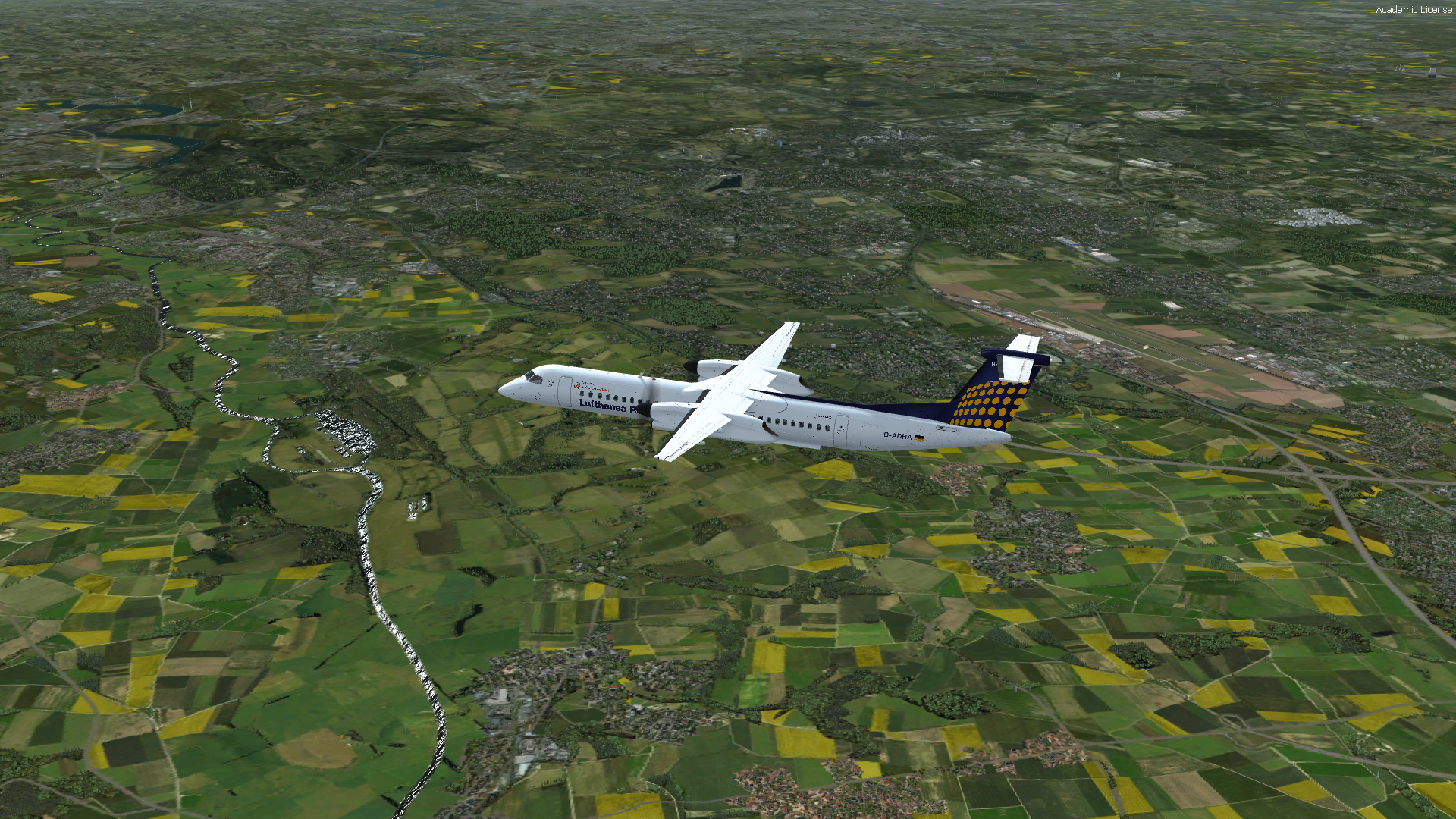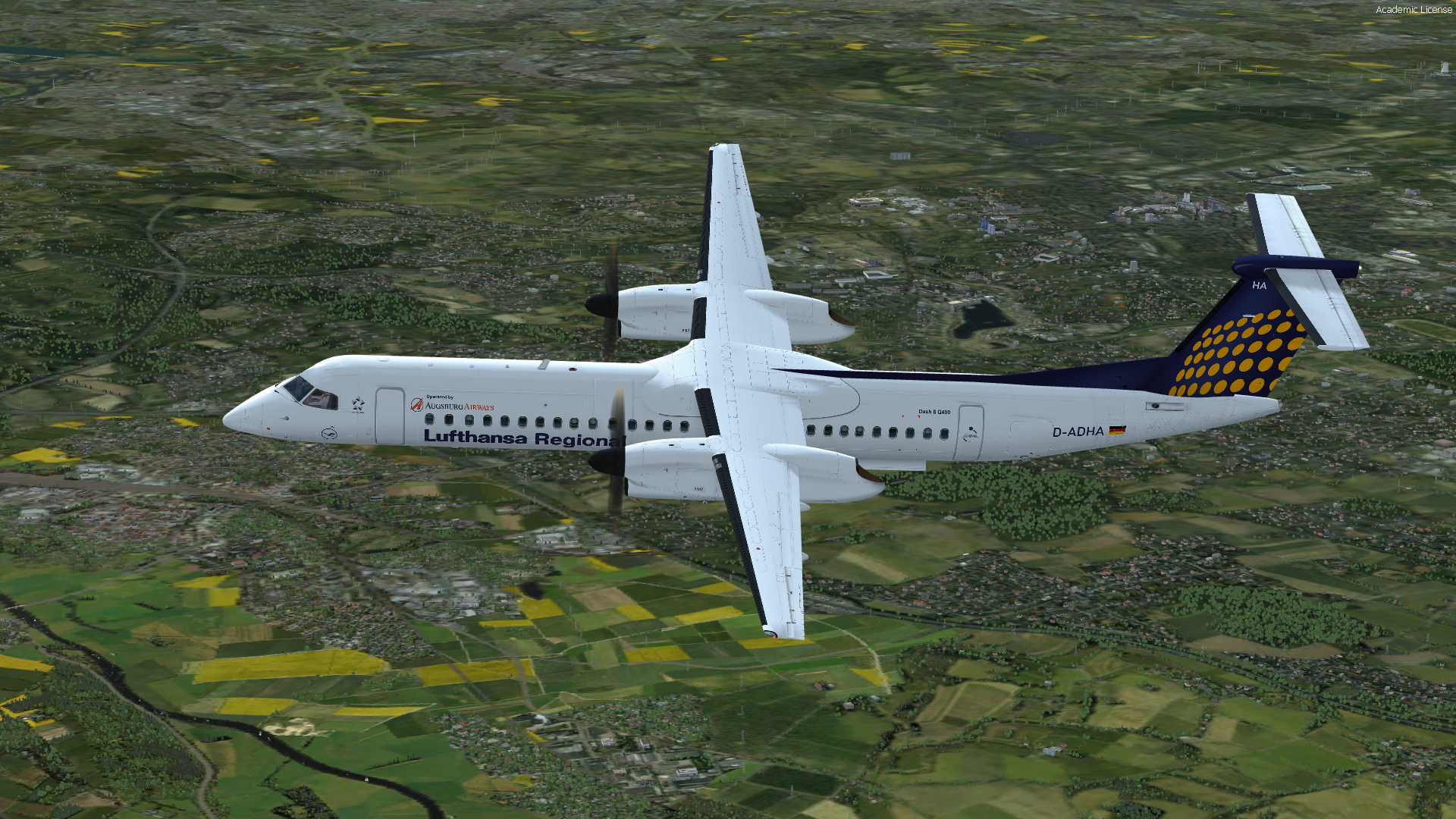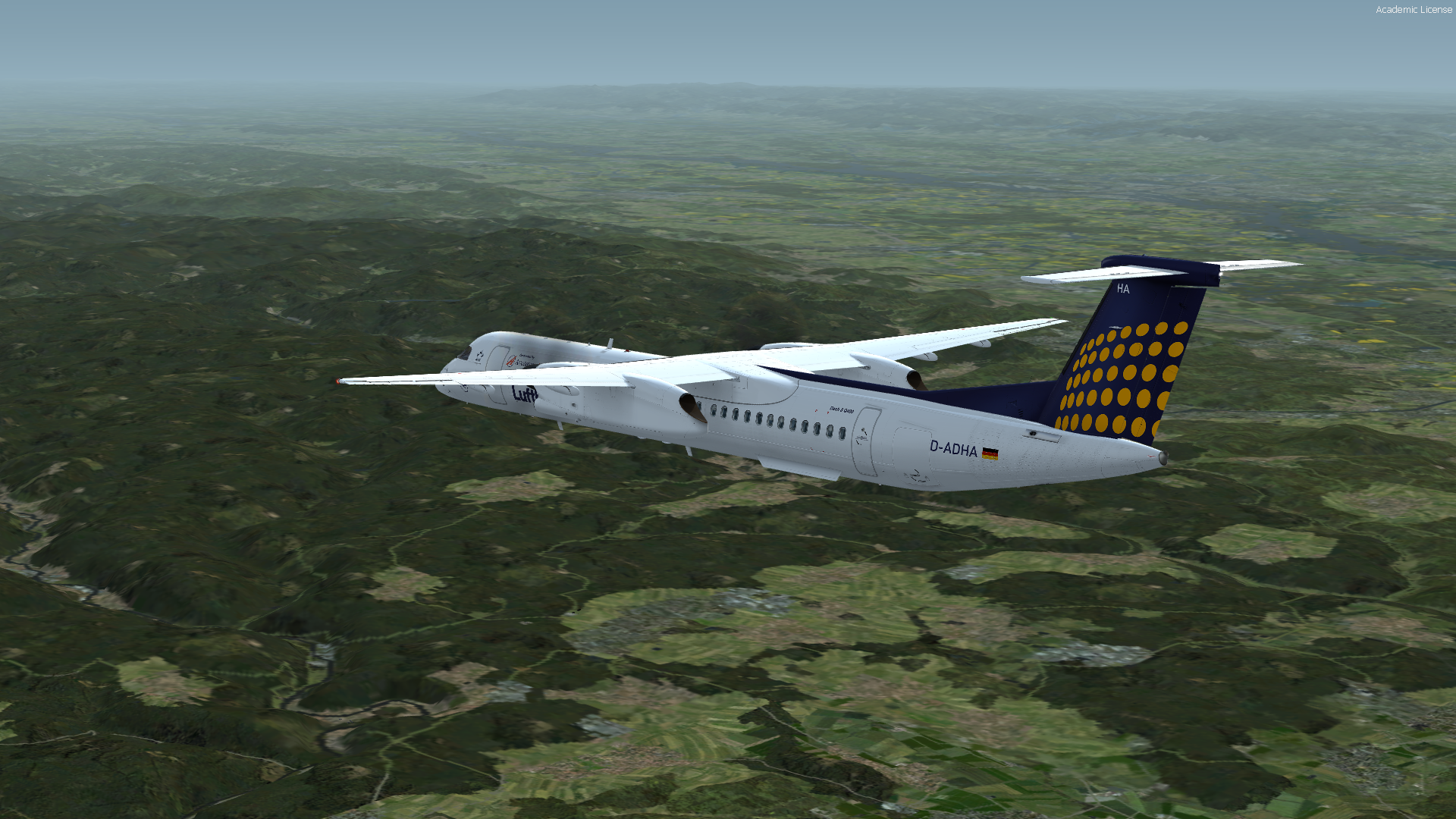


Top, danke!
Beiträge von RoyalToto
-
-
-
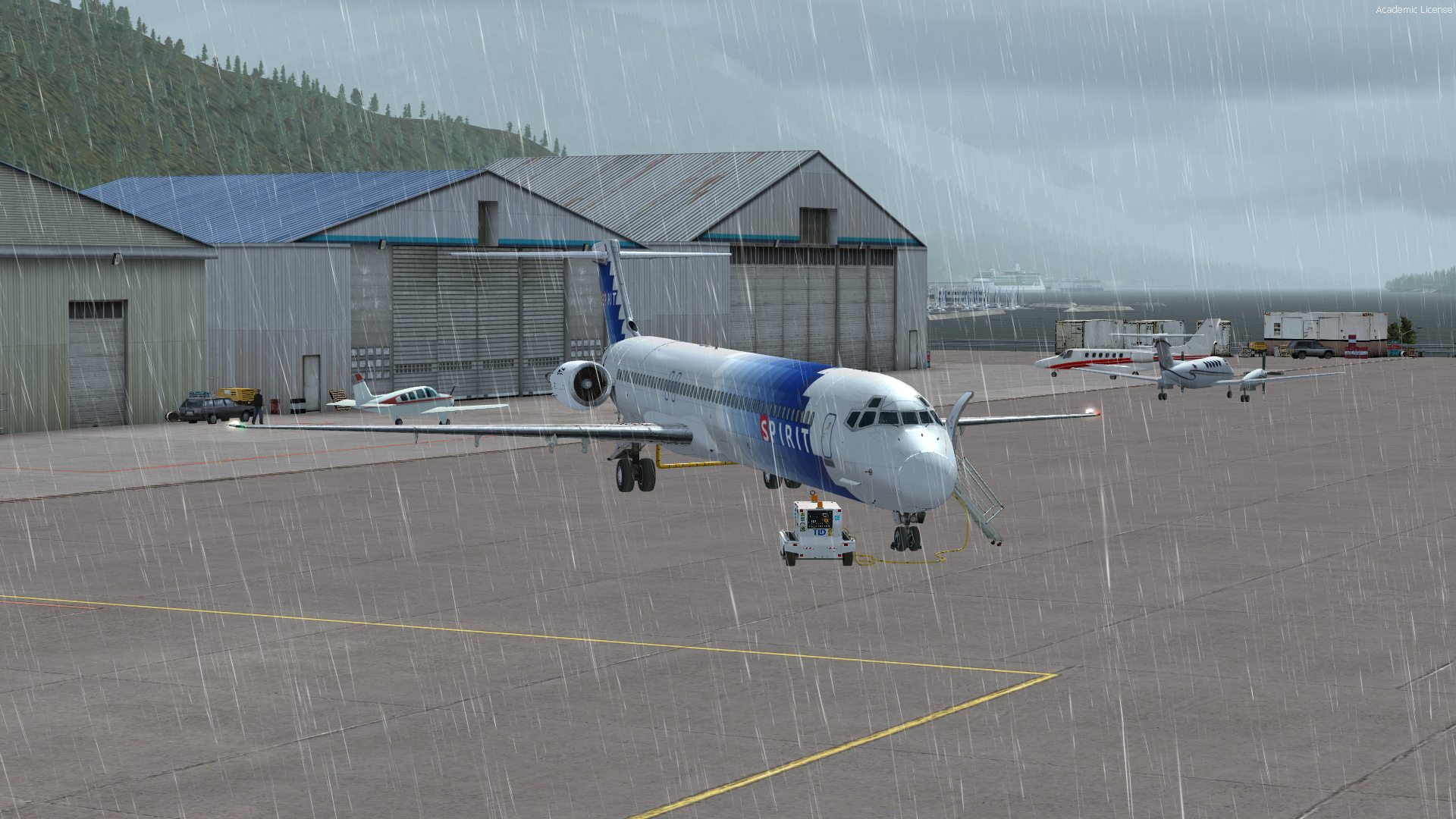
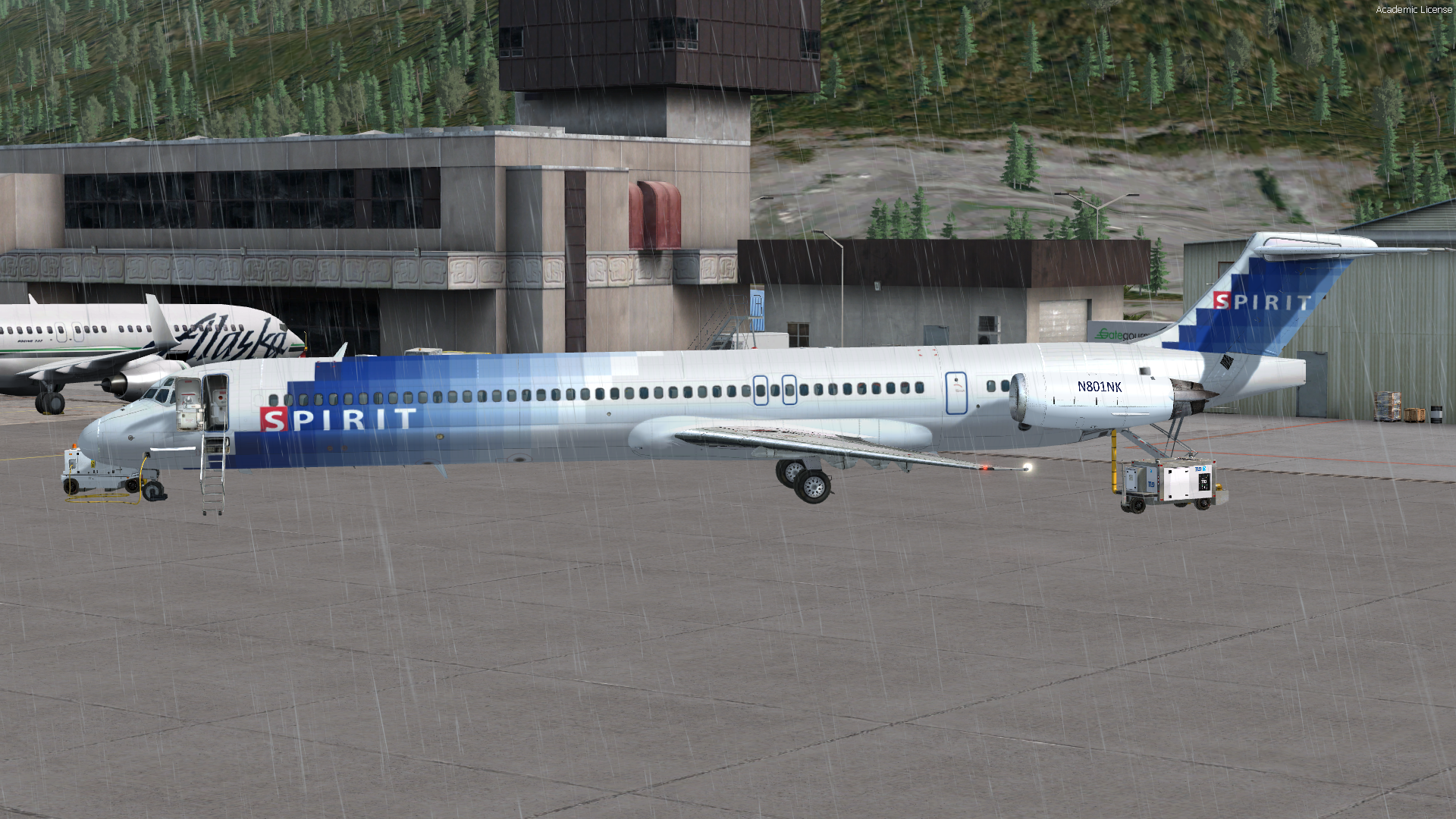
Flieger steht in PAKT
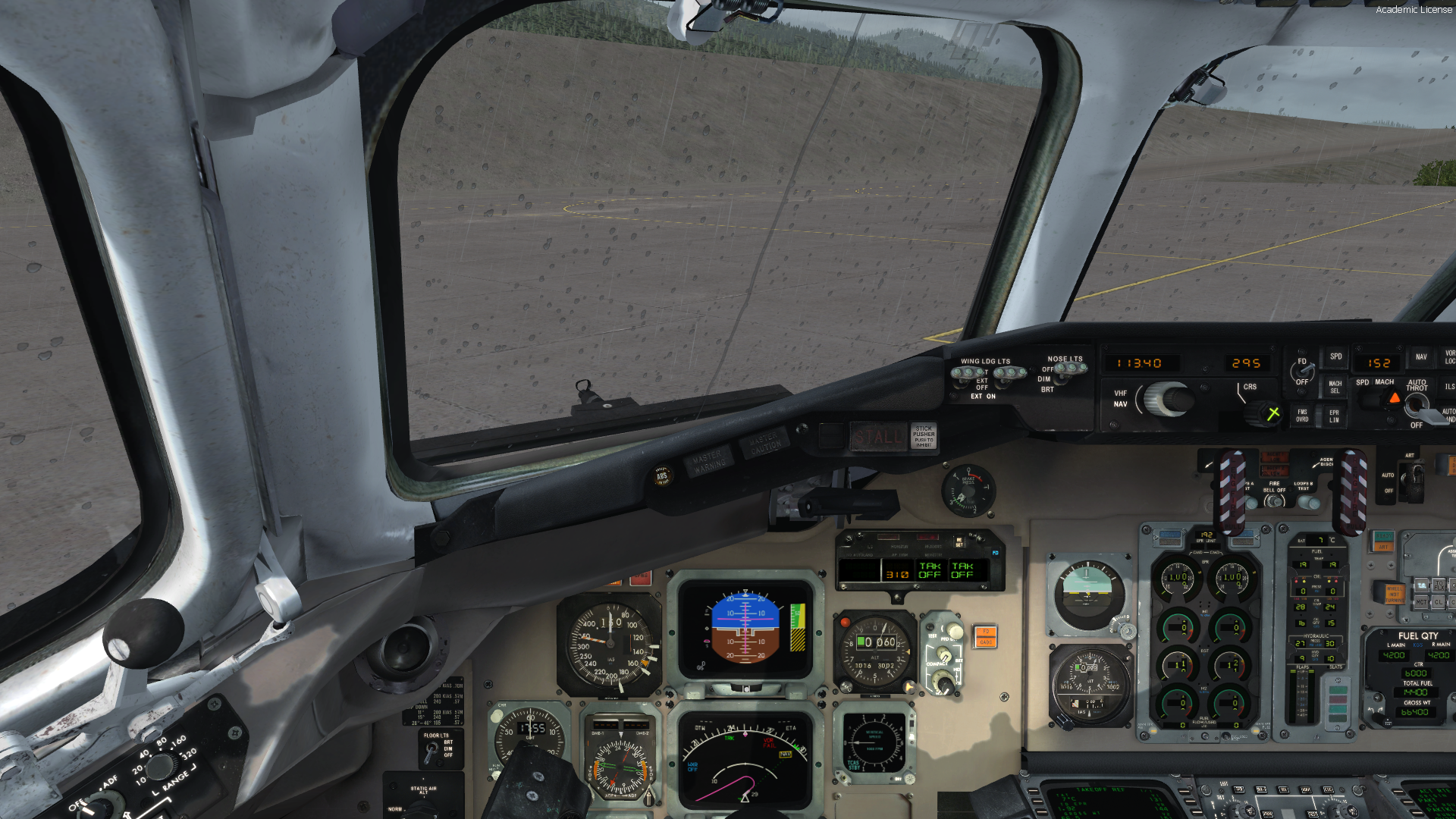
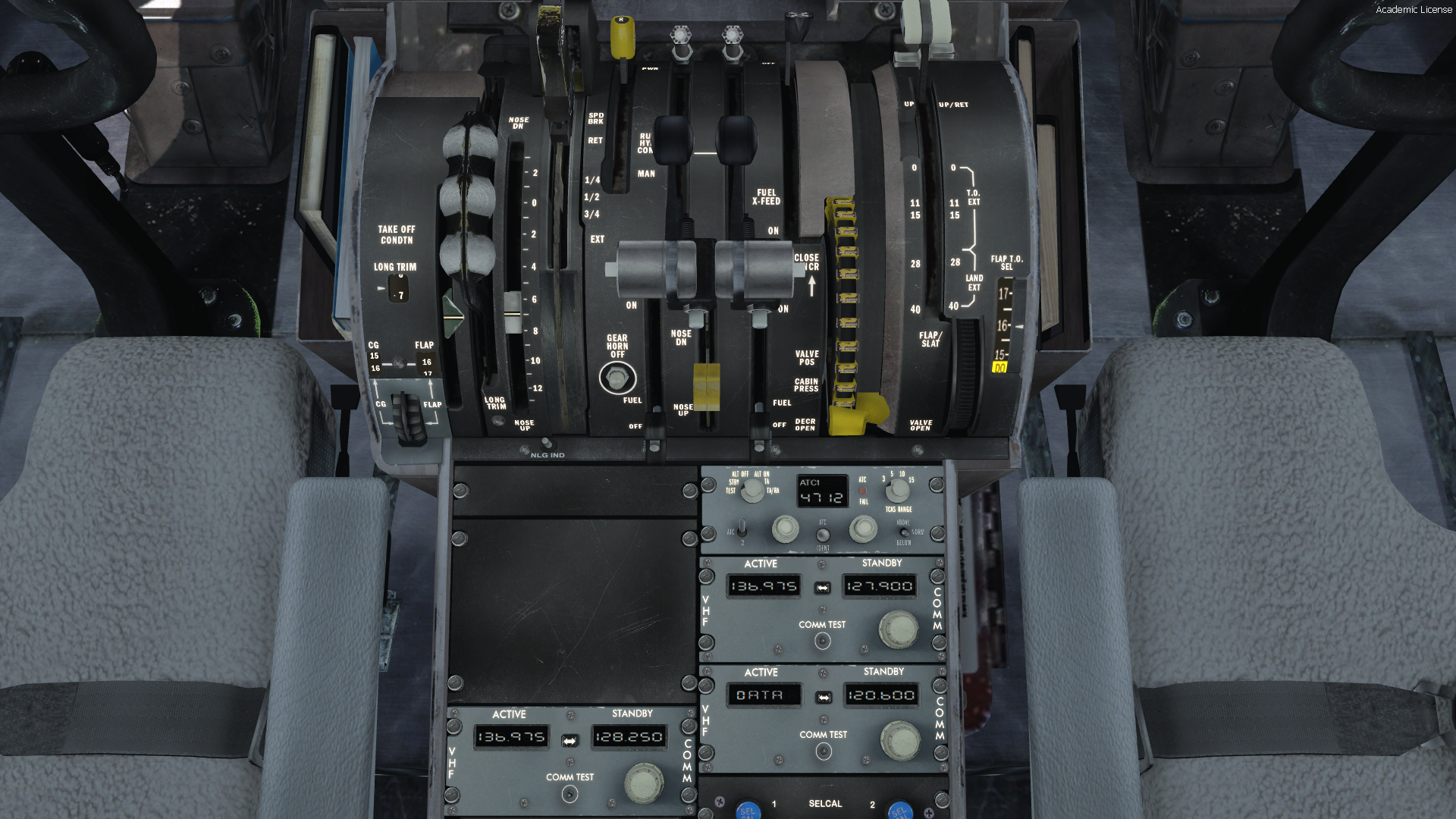
Ganz schoen schwer
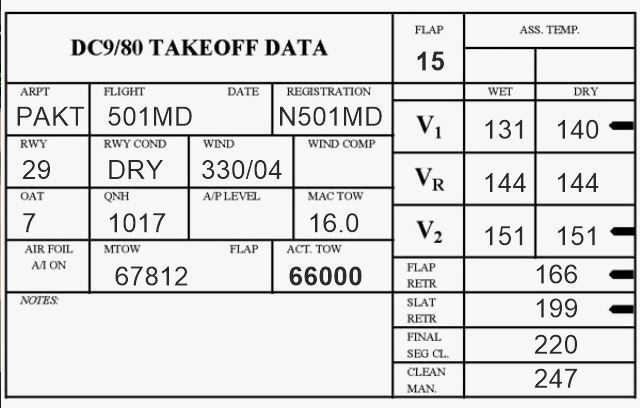
-
Guten Morgen Basti,
Sorry hatte Nachtschicht und war noch nicht ganz da

Aber doppeltgemoppelt.....

-
-
Geil, da hat man ein neues System und dann so etwas.
Also der Flughafen passt mal so gar nicht in die Landschaft.
Aber folgendes hilft:
SCA compatibility with FSDreamTeam KLAS
"DEACTIVATE: (by renaming from .bgl to .bgl.off)
>>> in \ORBX\FTX_NA\FTX_NA_SCA05_SCENERY\scenery
FTX_SCA_objects_KLAS_PLC.bgl.OFF
ADE_FTX_SCA_KLAS_CVX.bgl.OFF
ADE_FTX_SCA_KLAS.bgl.OFF
>>> in \Scenery\World\Scenery
ADE_FTX_SCA_KLAS_elevation_adjustment.BGL.OFF
>>> in \fsdreamteam\KLAS\scenery
mesh_terrain.bgl.OFF
CVX_KLAS.BGL.OFF
ADD: (by extracting and moving the file attached below)
>>> in \fsdreamteam\KLAS\scenery
cvx_FTX-SCA_FSDT-KLAS_compatibility.BGL "
(Fix by Holger Sandmann - ORB-X Forum)
Nachdem ich alles so gemacht habe, klappt es auch

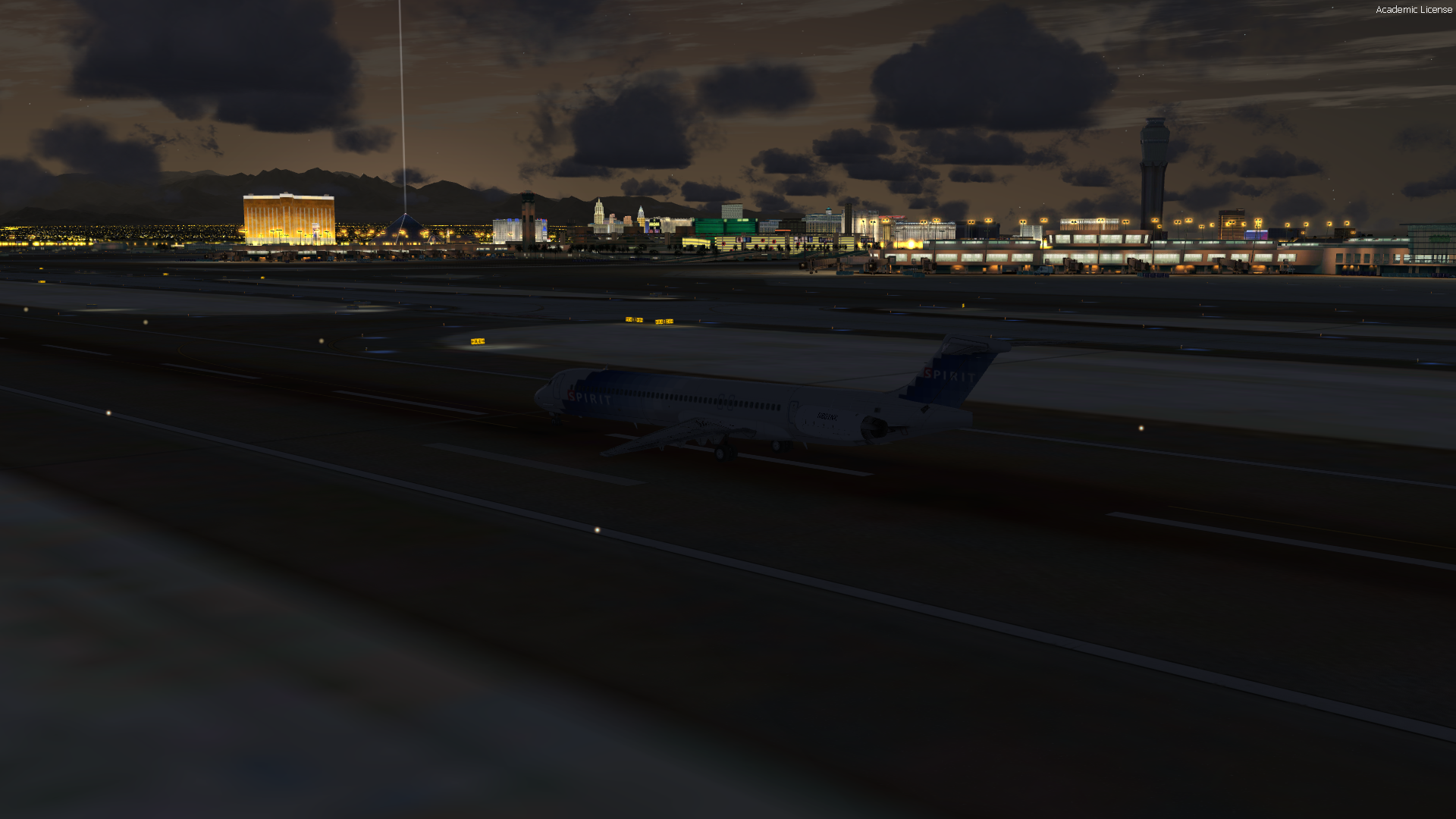
Ich fliege Mittwoch folgendes:
(FPL-NKS941-IN
-MD80/M-SDE1FGHIRWXYZ/LB1
-PAKT1630
-N0450F310 SKOWL1 DOOZI J502 PRYCE/N0451F330 J502 YZT J523 TOU DCT BTG J67 LKV J5 FMG DCT BTY FUZZY8
-KLAS0321 KHND
-PBN/A1B1L1 NAV/RNVD5E10A5 DOF/180509 REG/N832NK EET/CZVR0017 KZSE0116 KZOA0221 KZLA0254 RVR/300 PER/C
-E/0408)
-

Auf folgender Seite gibt es nicht nur schöne Paints, sondern auch Austauschtexturen für das Virtual Cockpit (Grey oder Turqioise Style)
Top, danke!
-
Ah sorry, na klar.
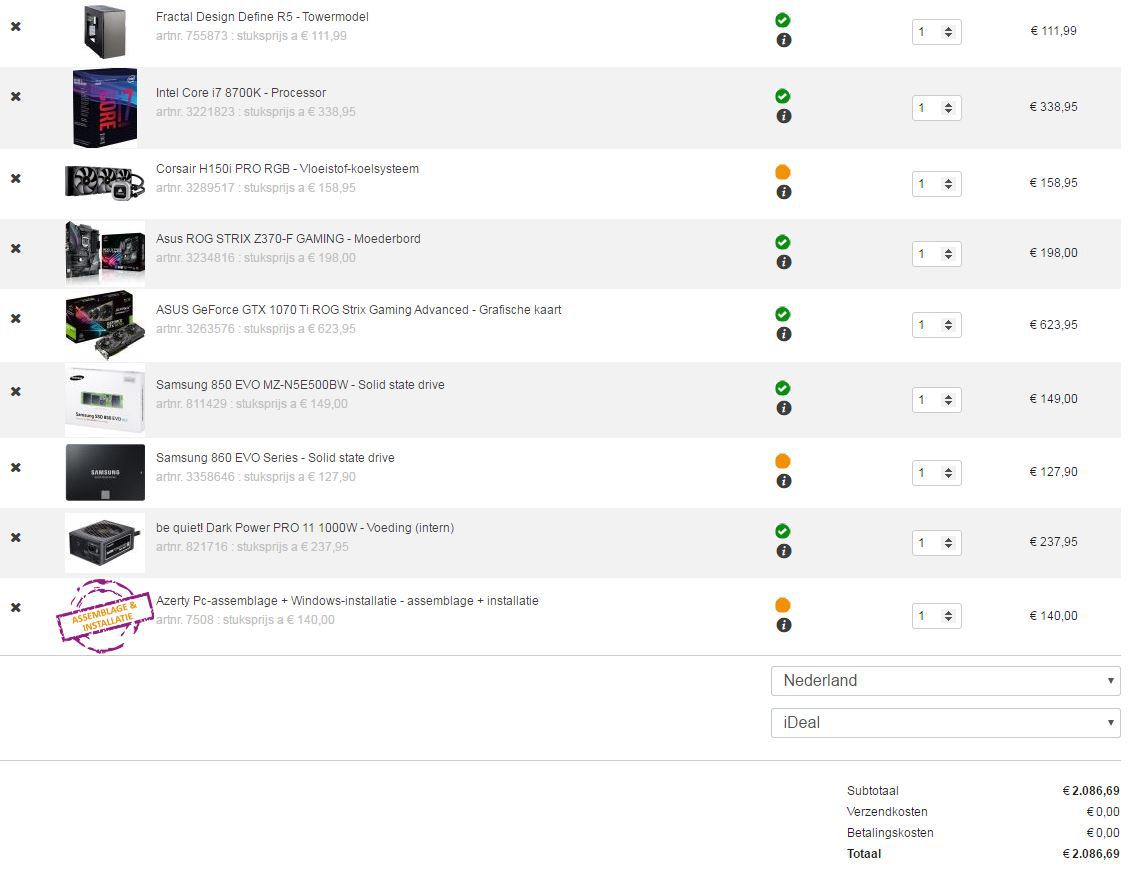
Eine 500gb S2 und noch eine 500gb SSD.
Wenn voll kommen weitere SSD dazu.
Ist fuer nen Kumpel.
Gut dann gehen wir zurueck aufs 85WAfloesung ist HD
-
Naechste Woche habe ich frei und bin dabei!
-
-
2,er Teil.
Wir kommen nach Holland.
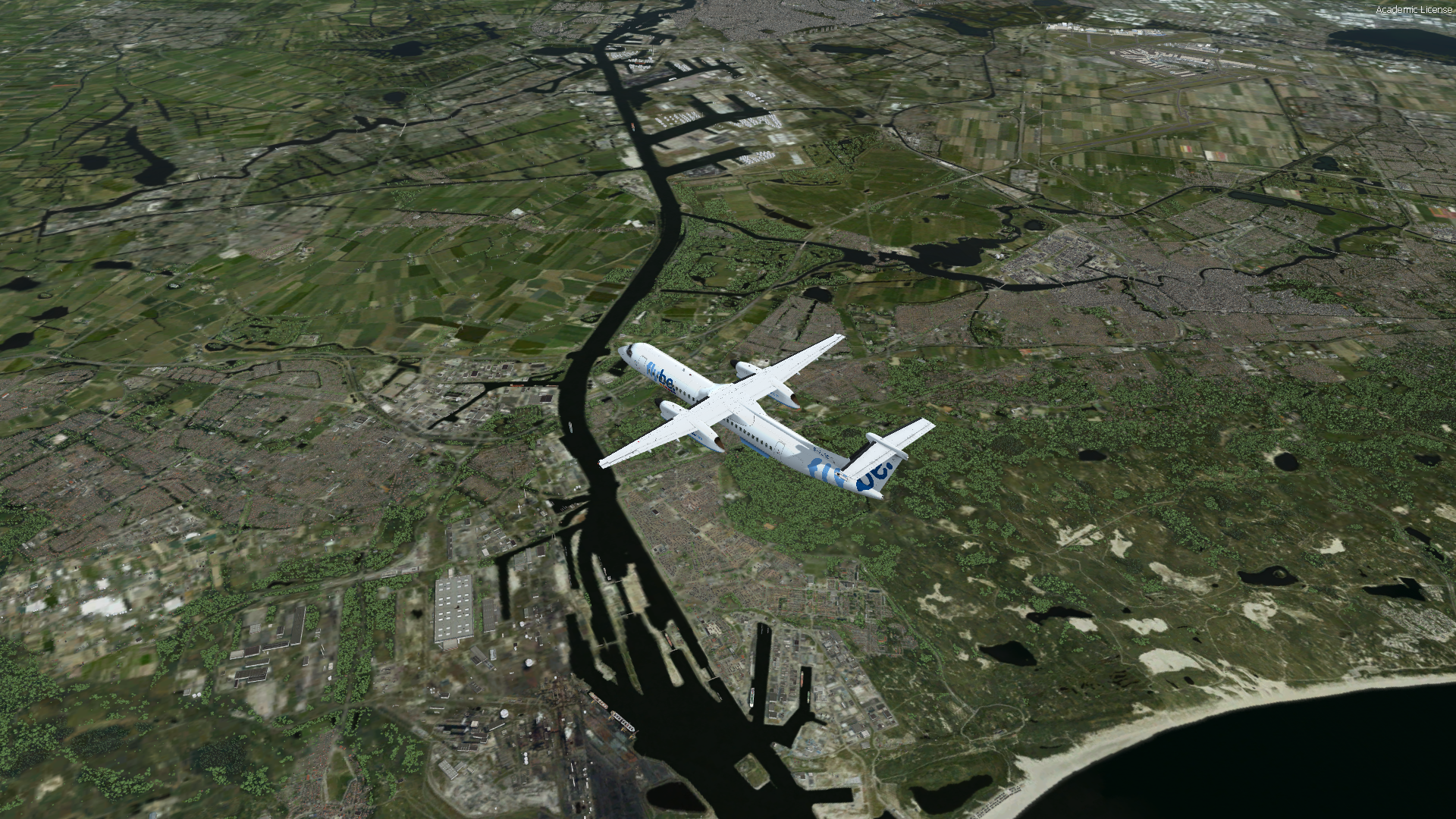
Texel ganz im Norden
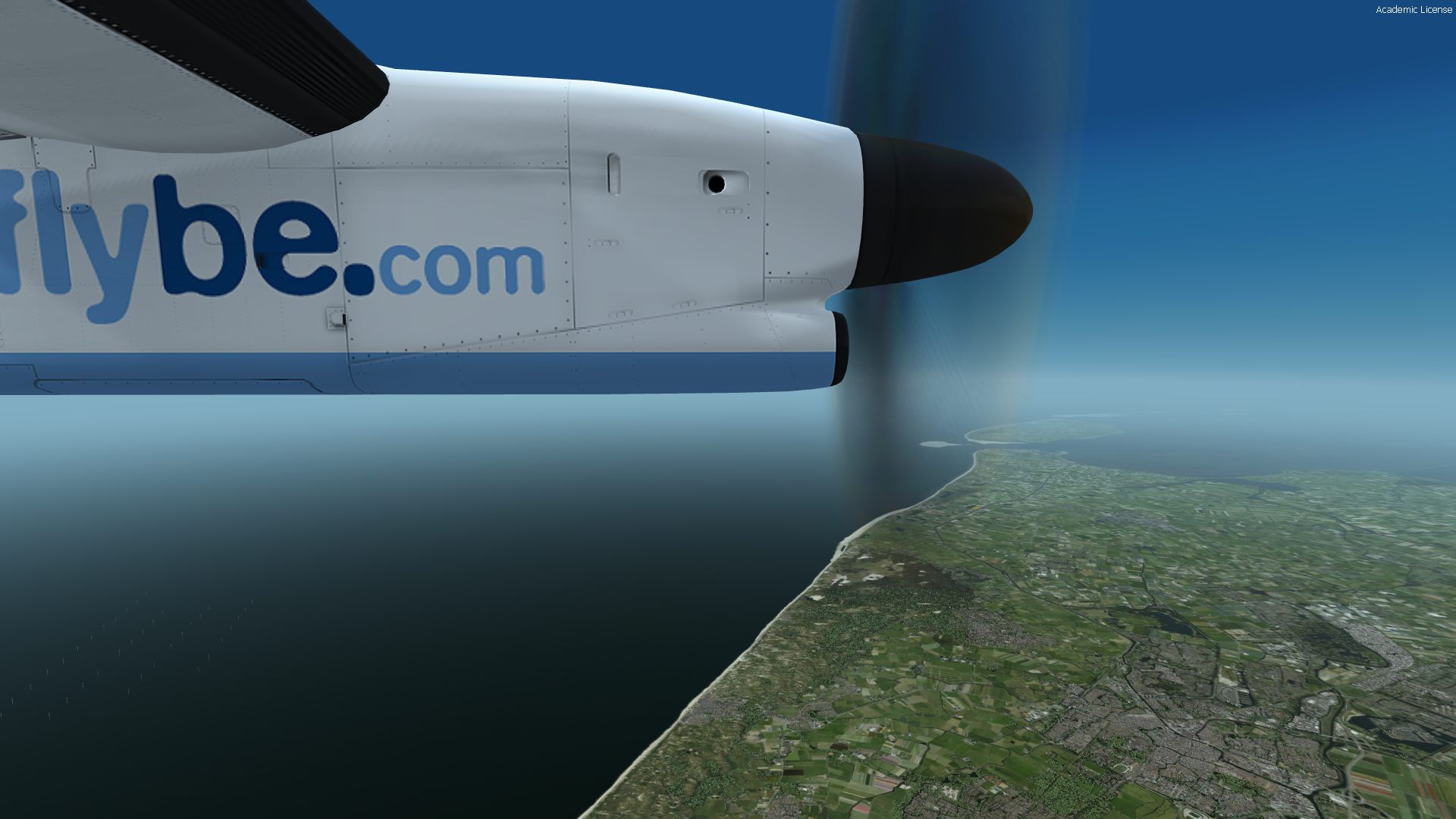
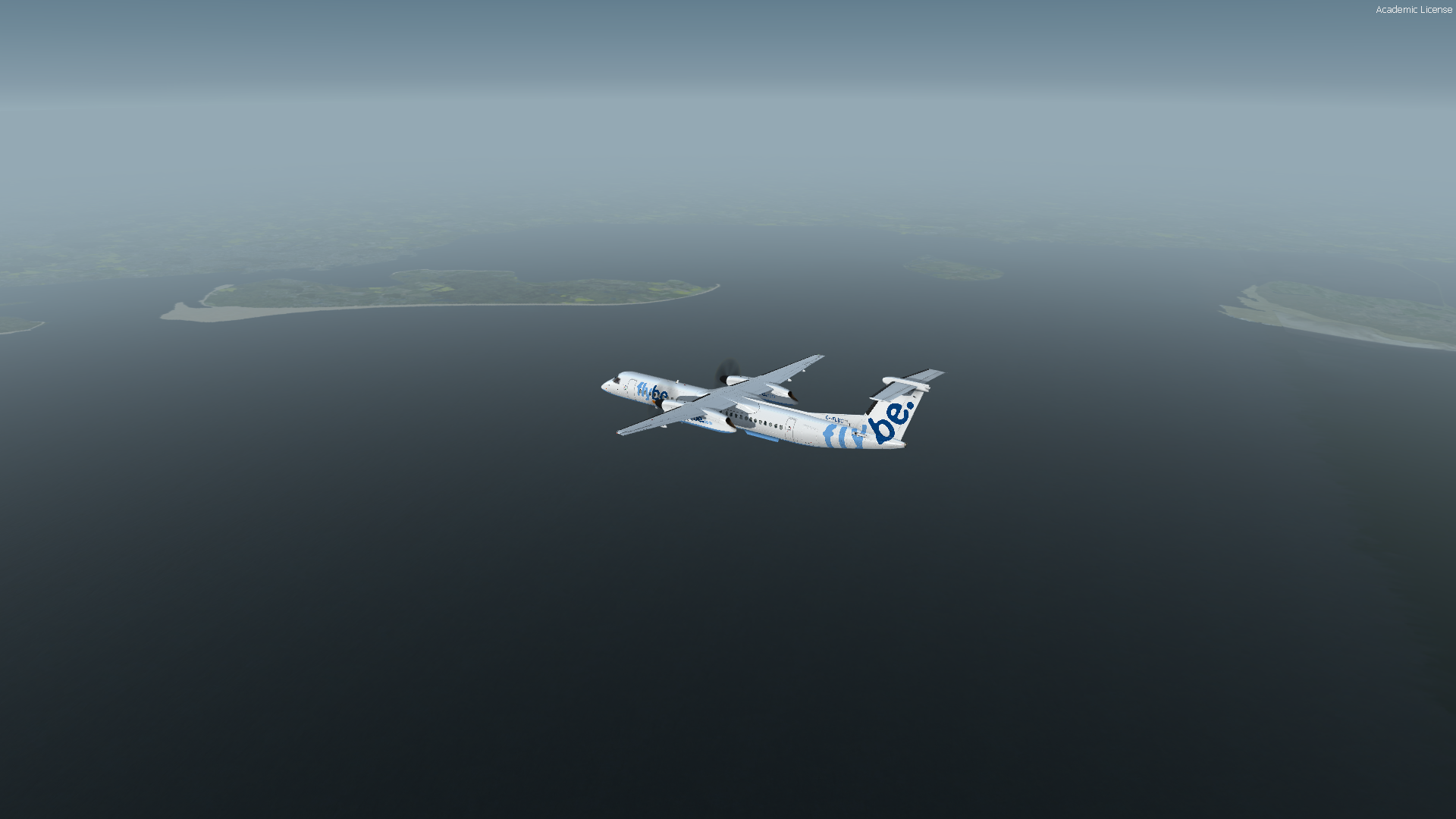
Da ich gleich los muss keine Text mehr. Aber die Landung war richtig Hubbelig
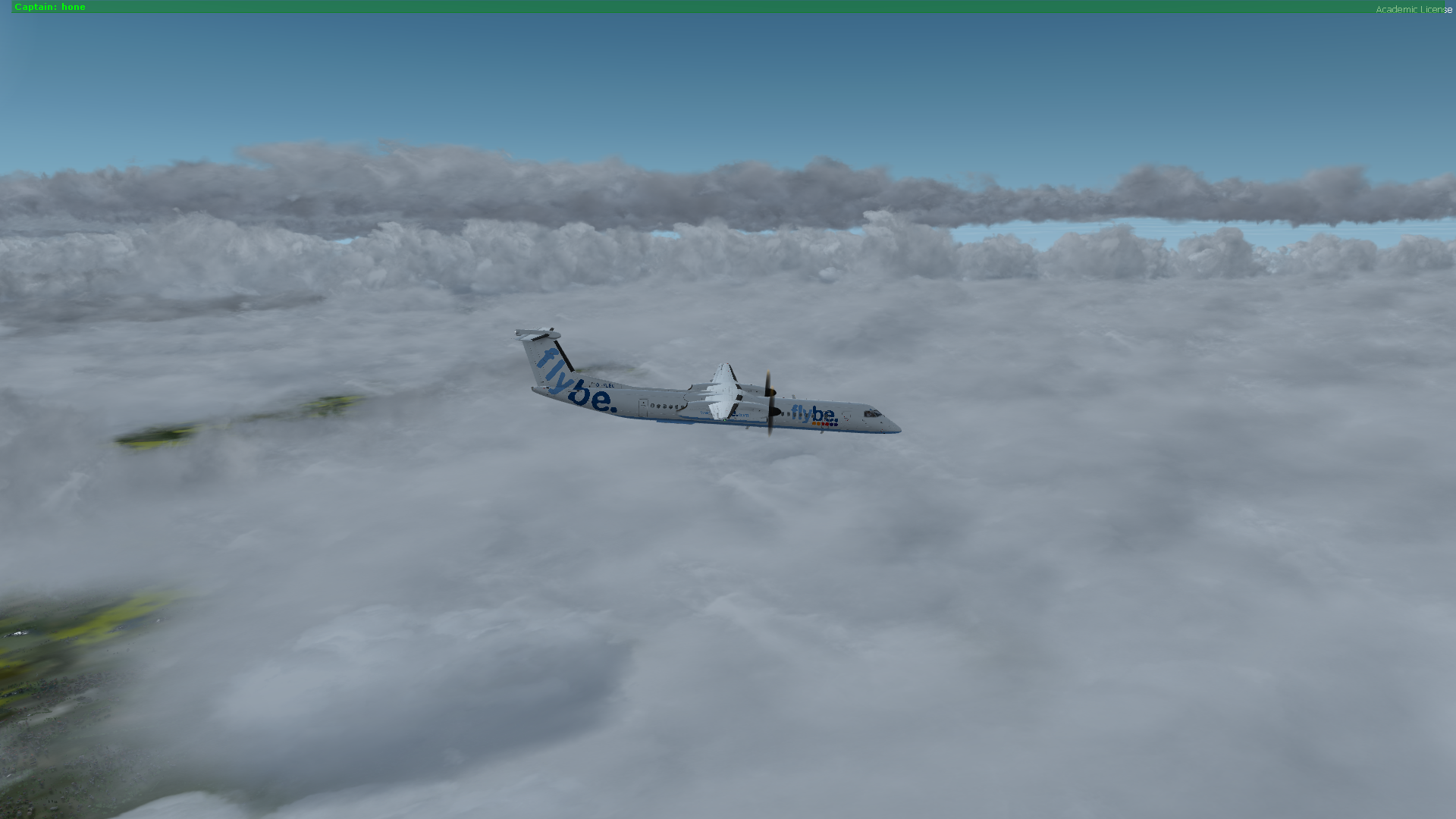
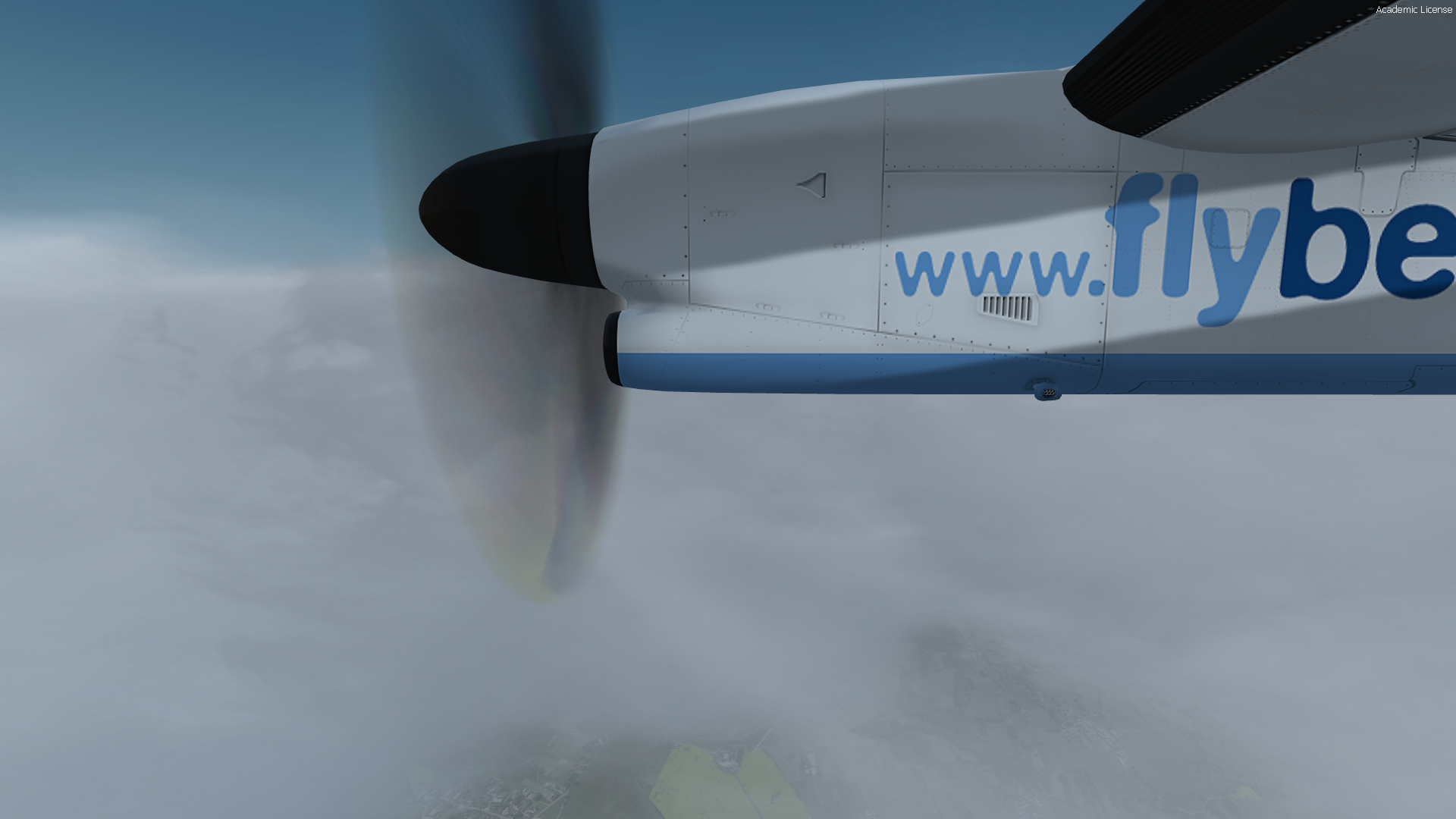
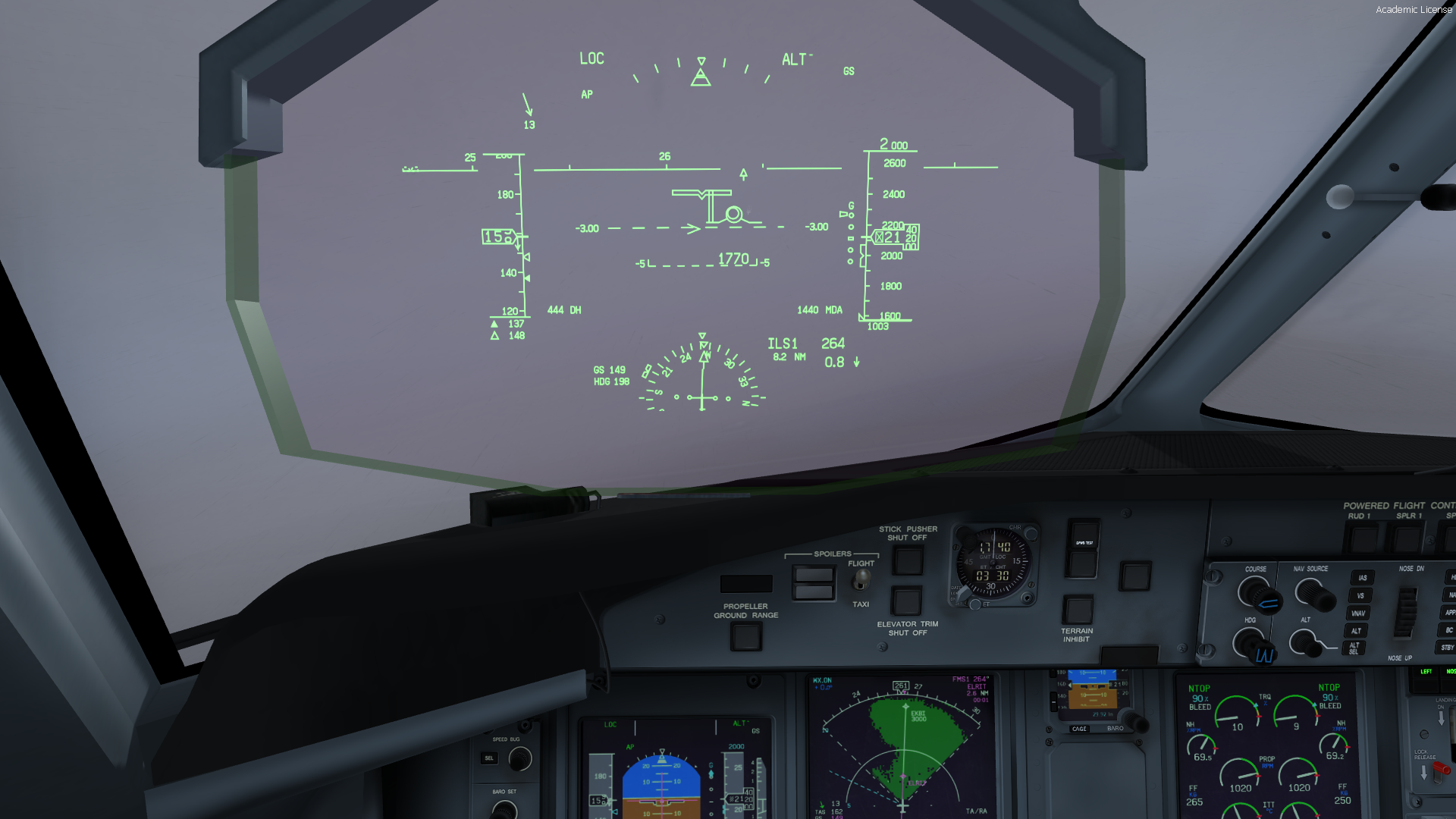
Kein Eis auf den Props?
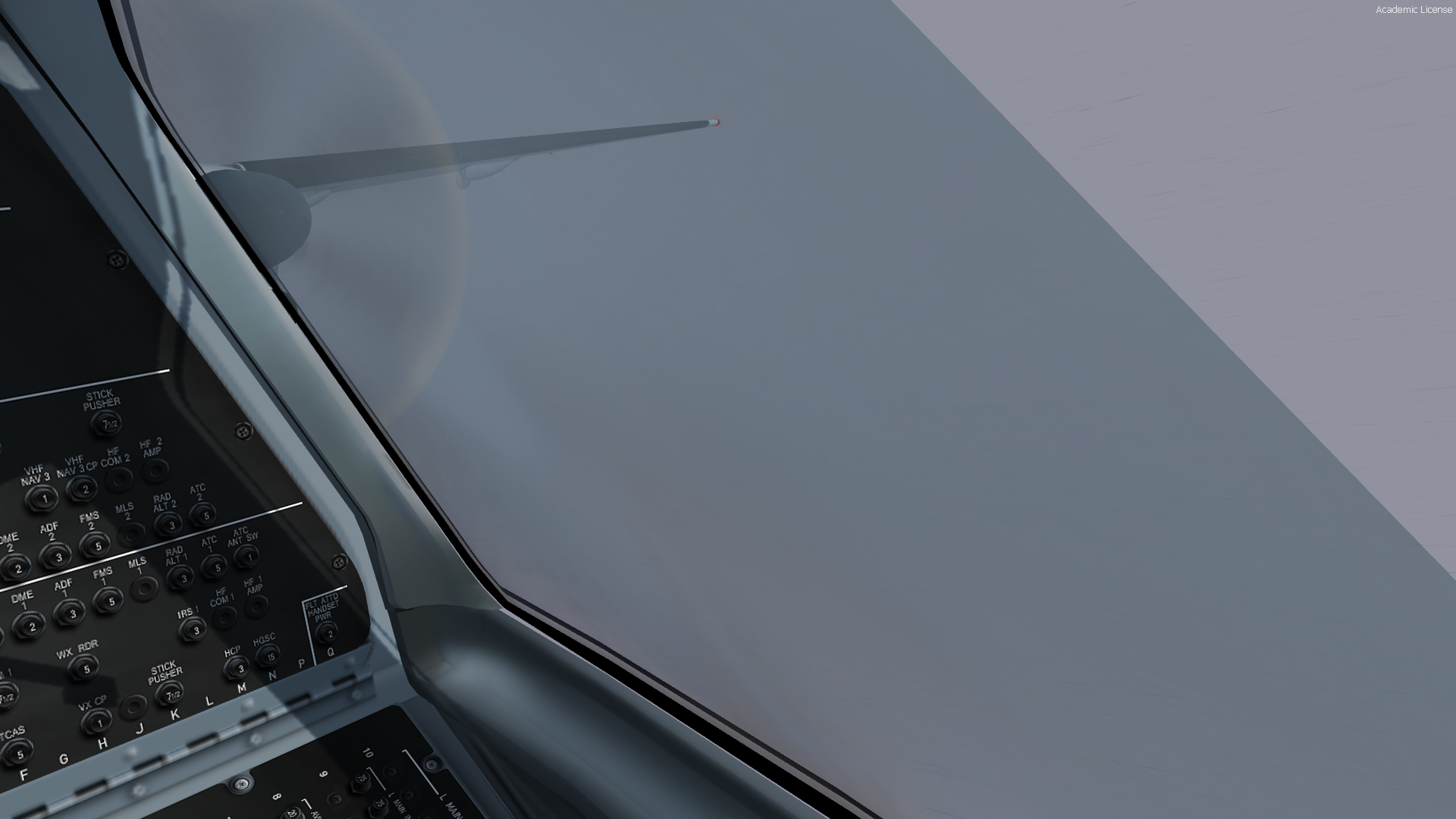
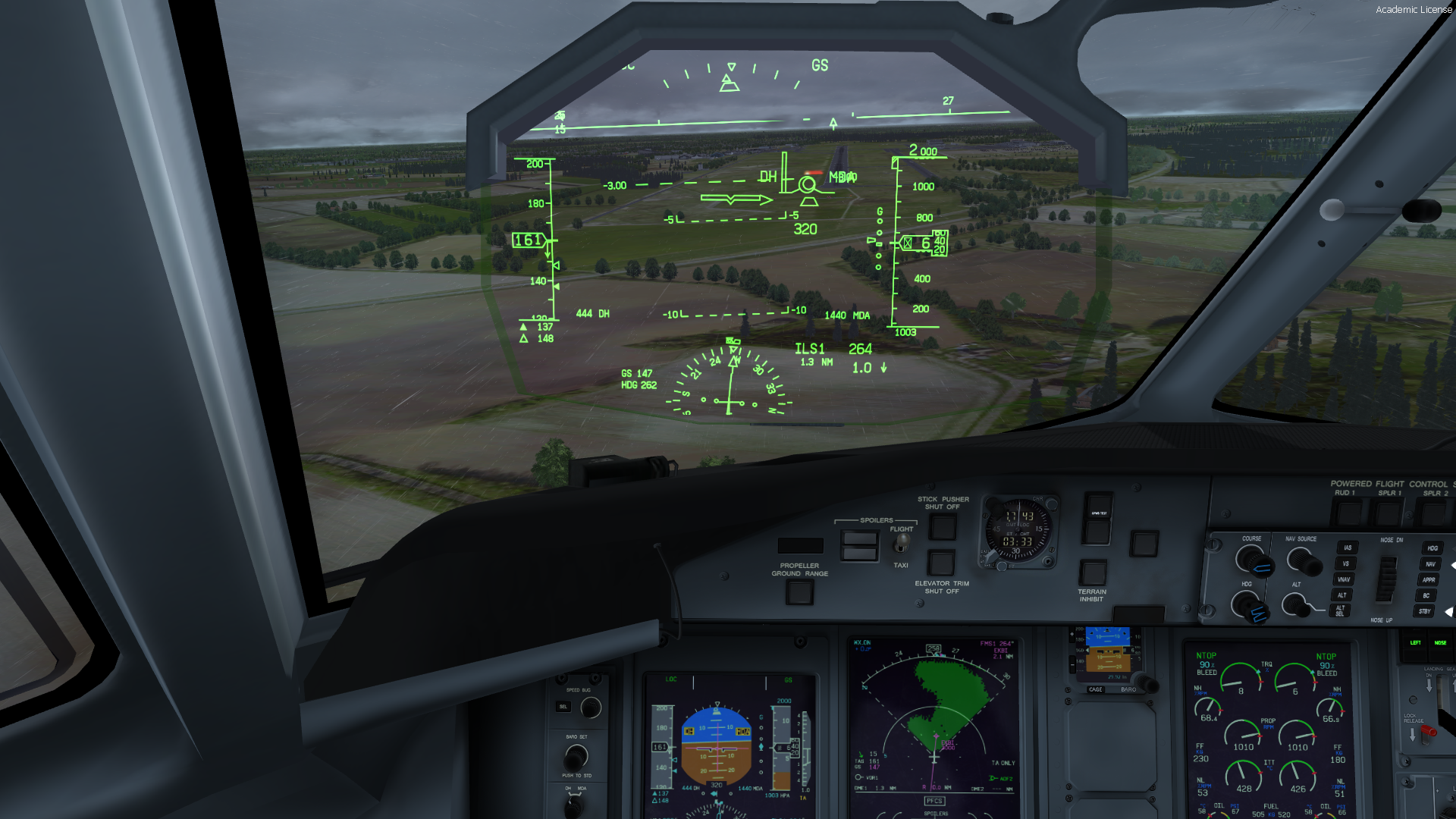
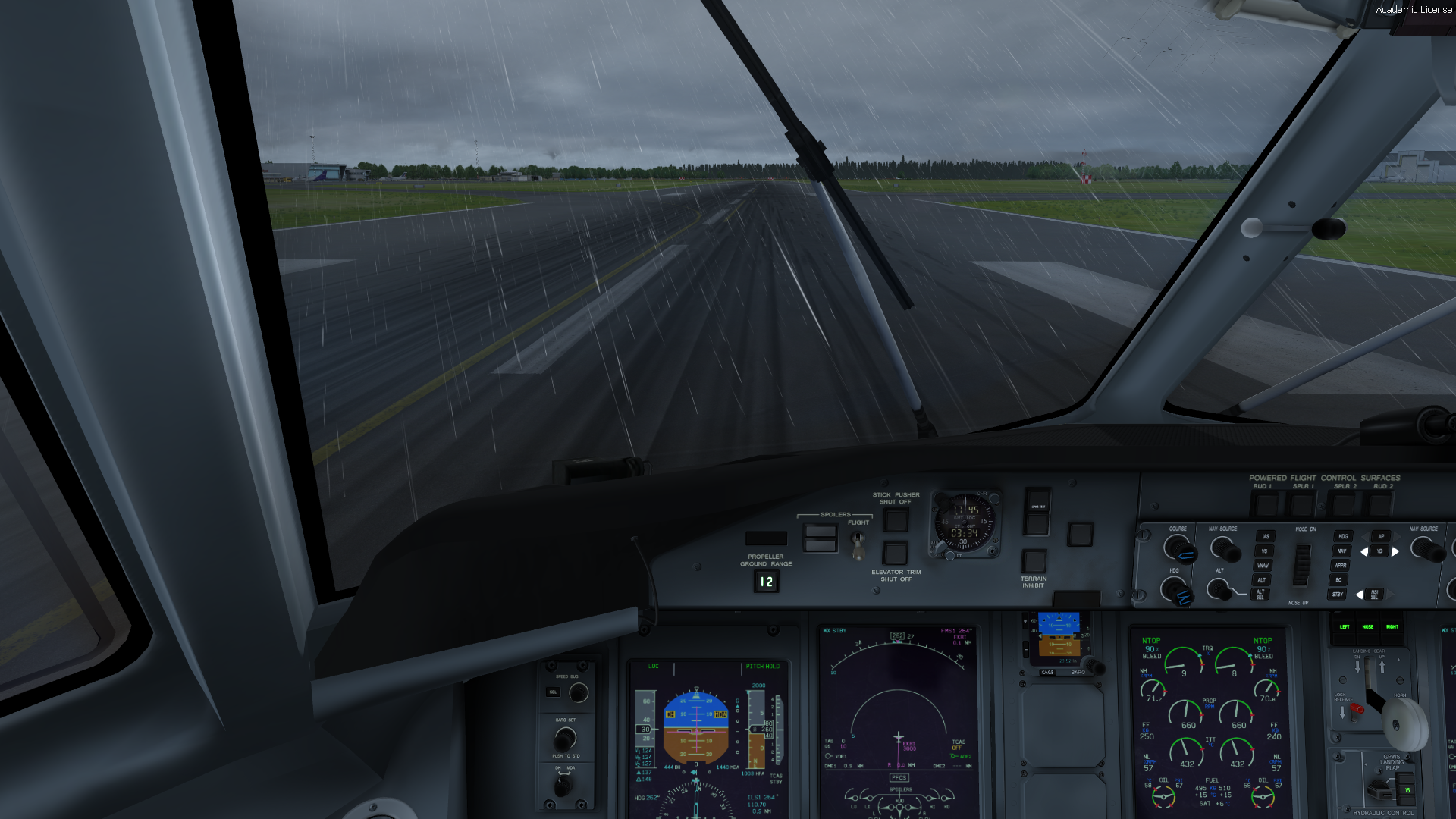
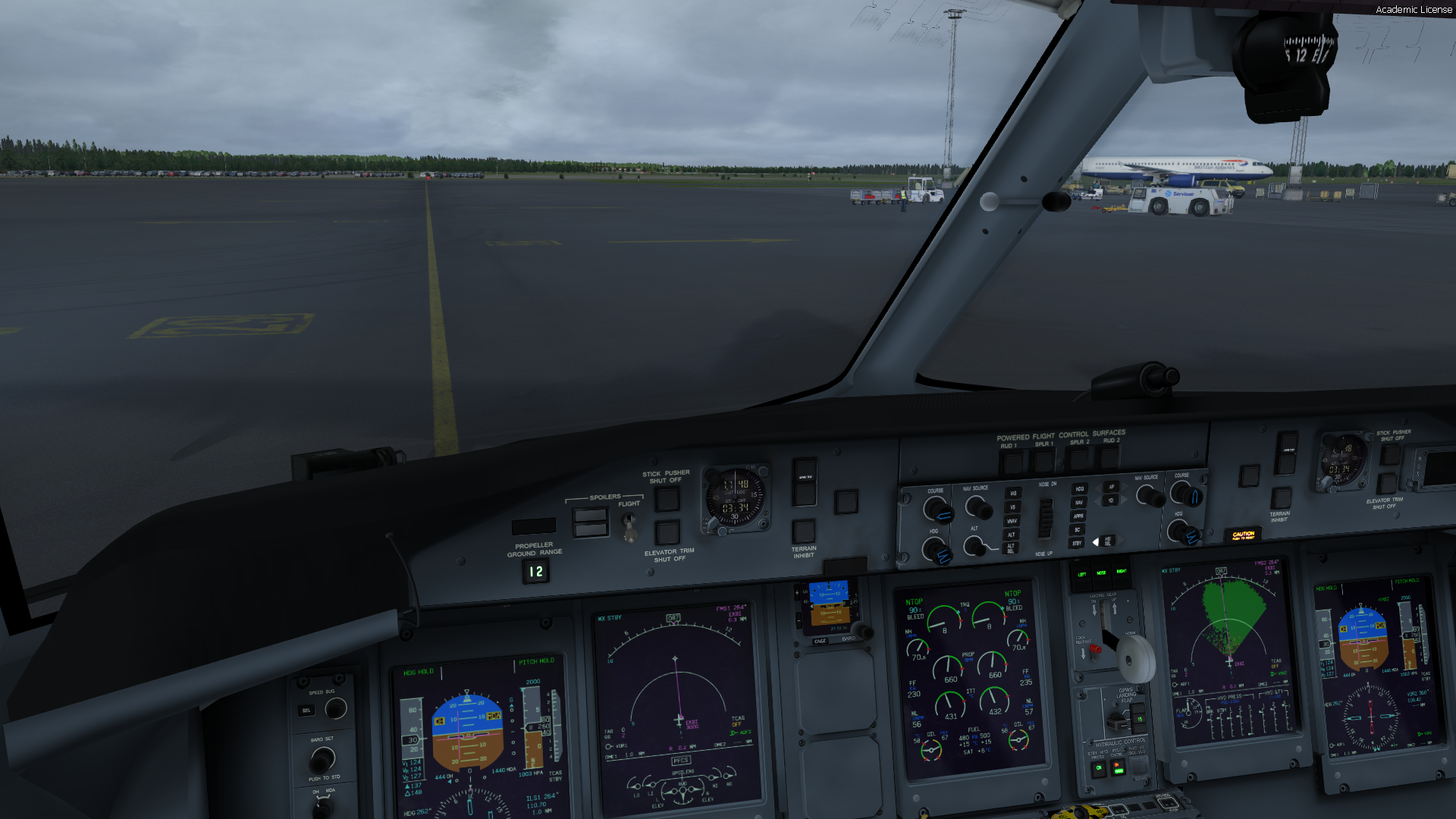
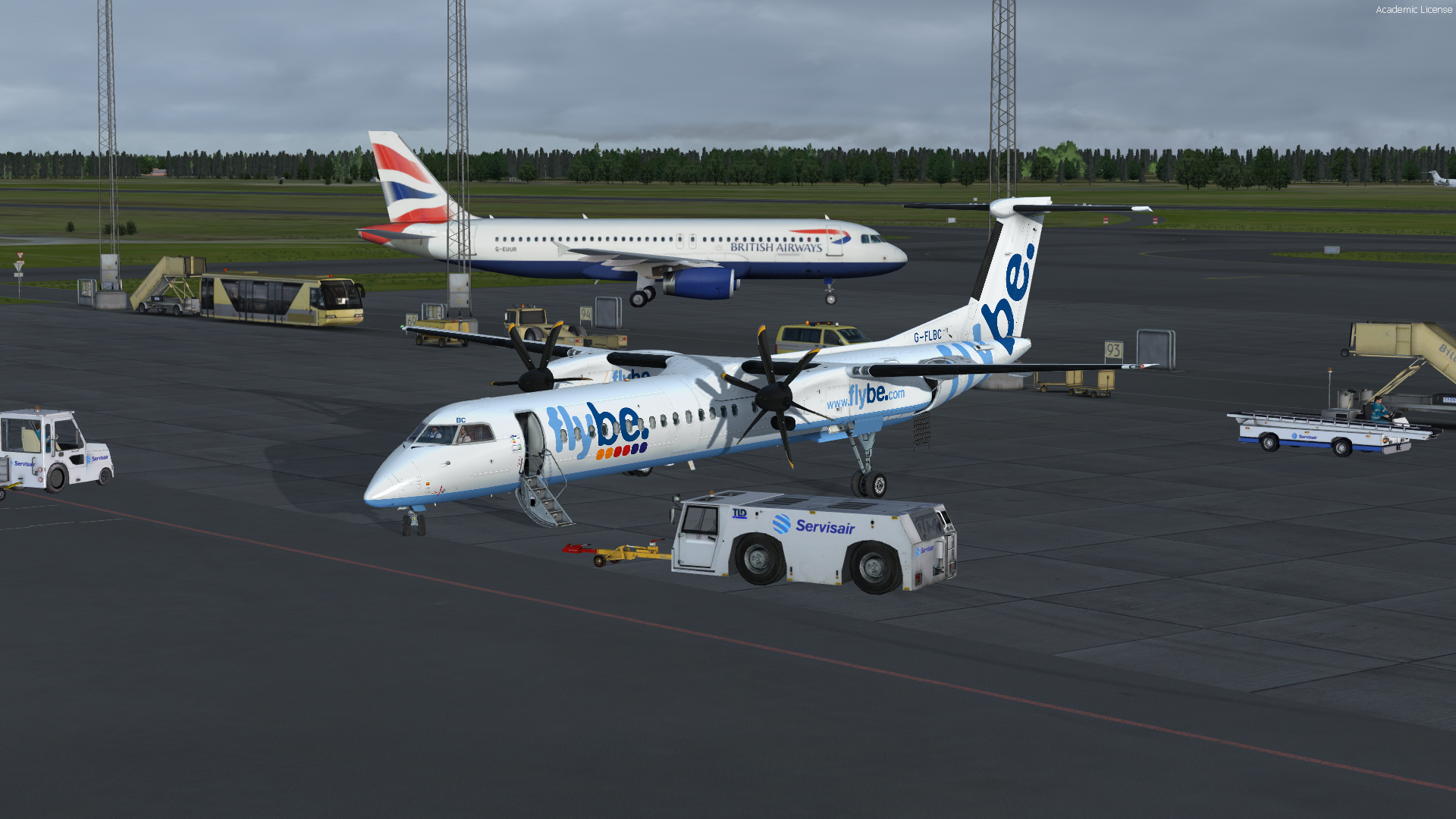
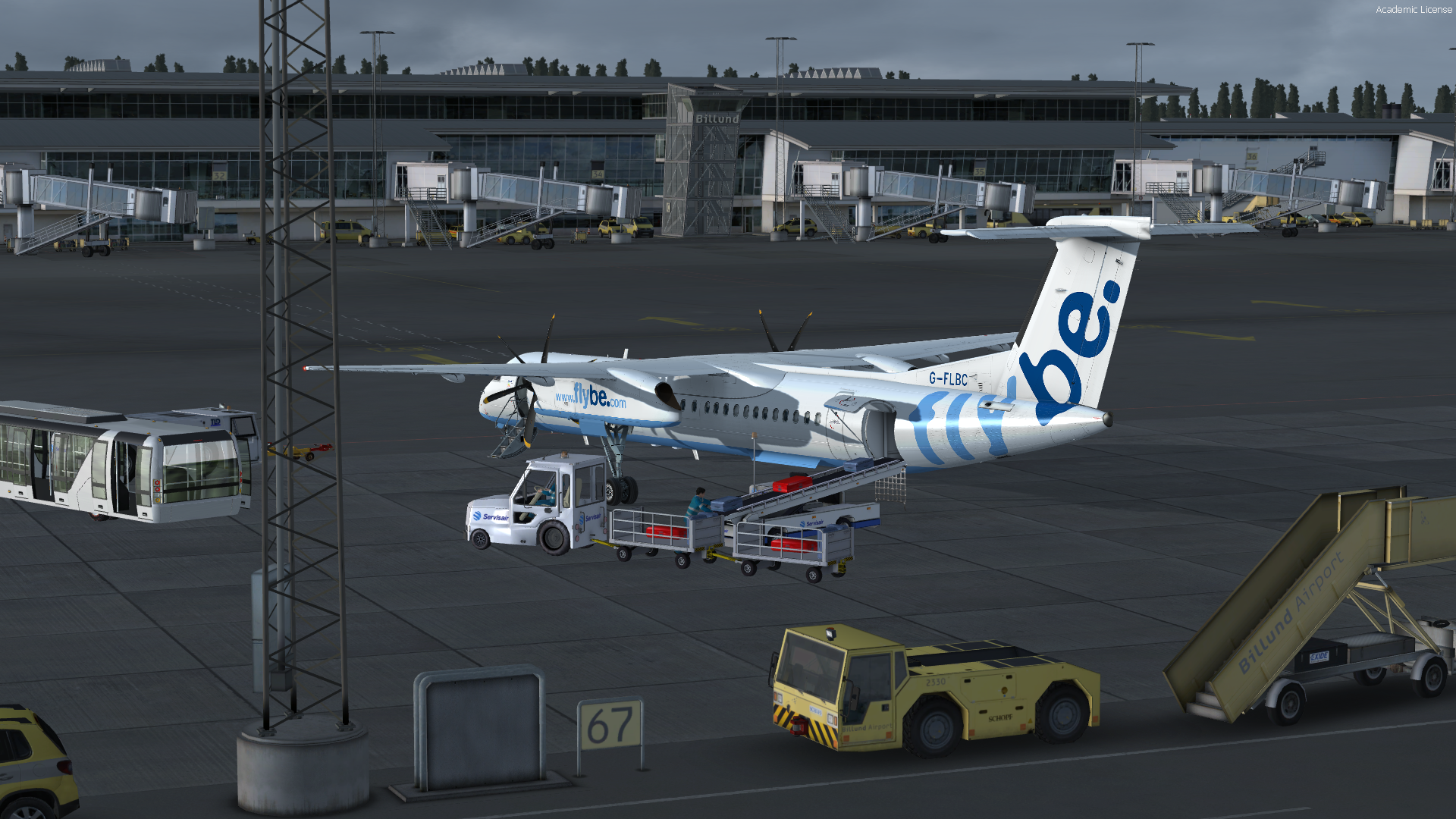
-
Wollte mal sehen ob Du wach bist
Natürlich hast Du recht.... -
Auch wenn ich Nachtschicht habe und außer Konkurrenz mit fliege. Heute mal ein wenig üben.
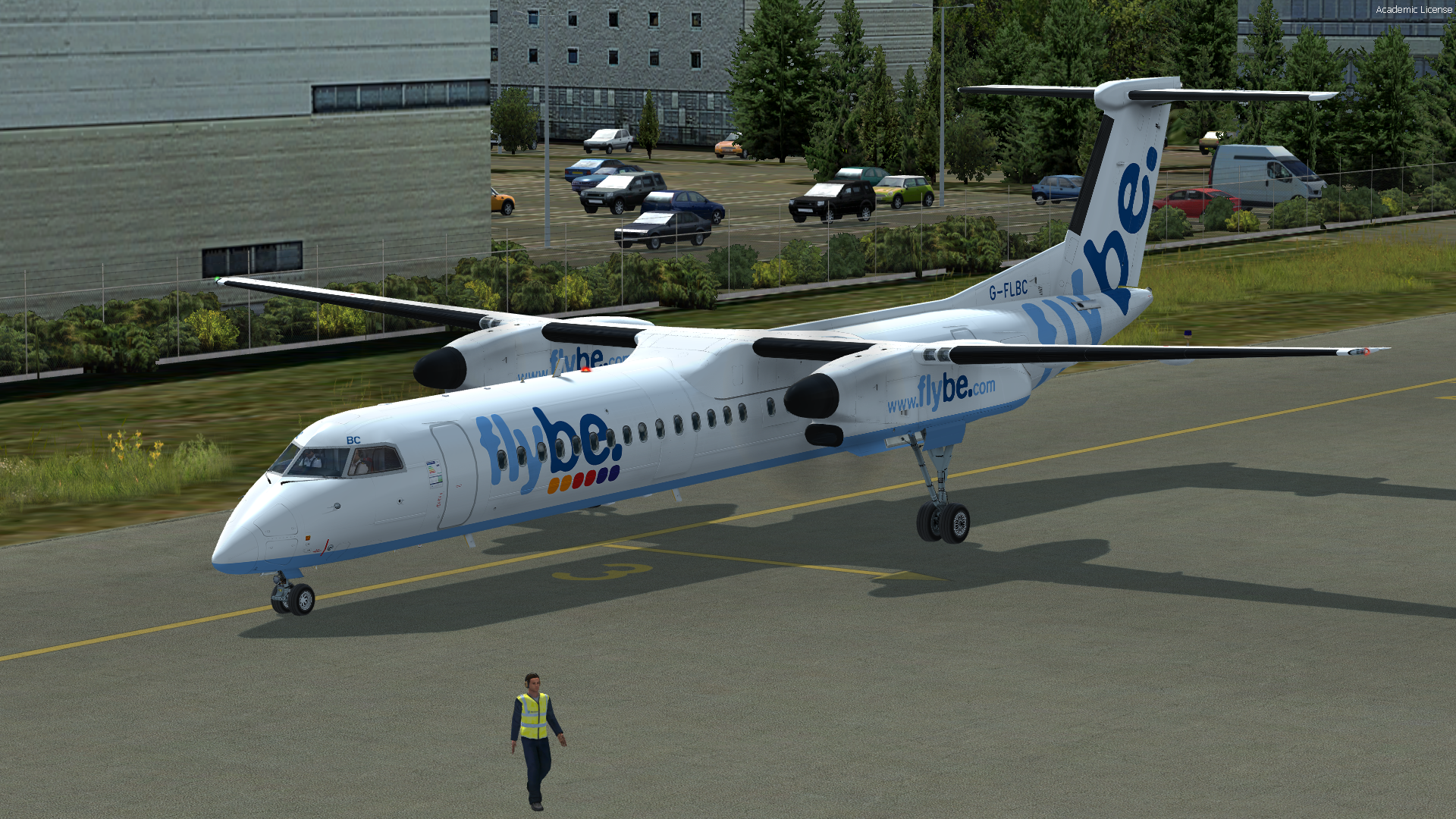
Wir liegen an einem frischen, aber schönem Sommertag in Southampton im Grass und schauen dem Catering zu, wie es den Flieger belädt.
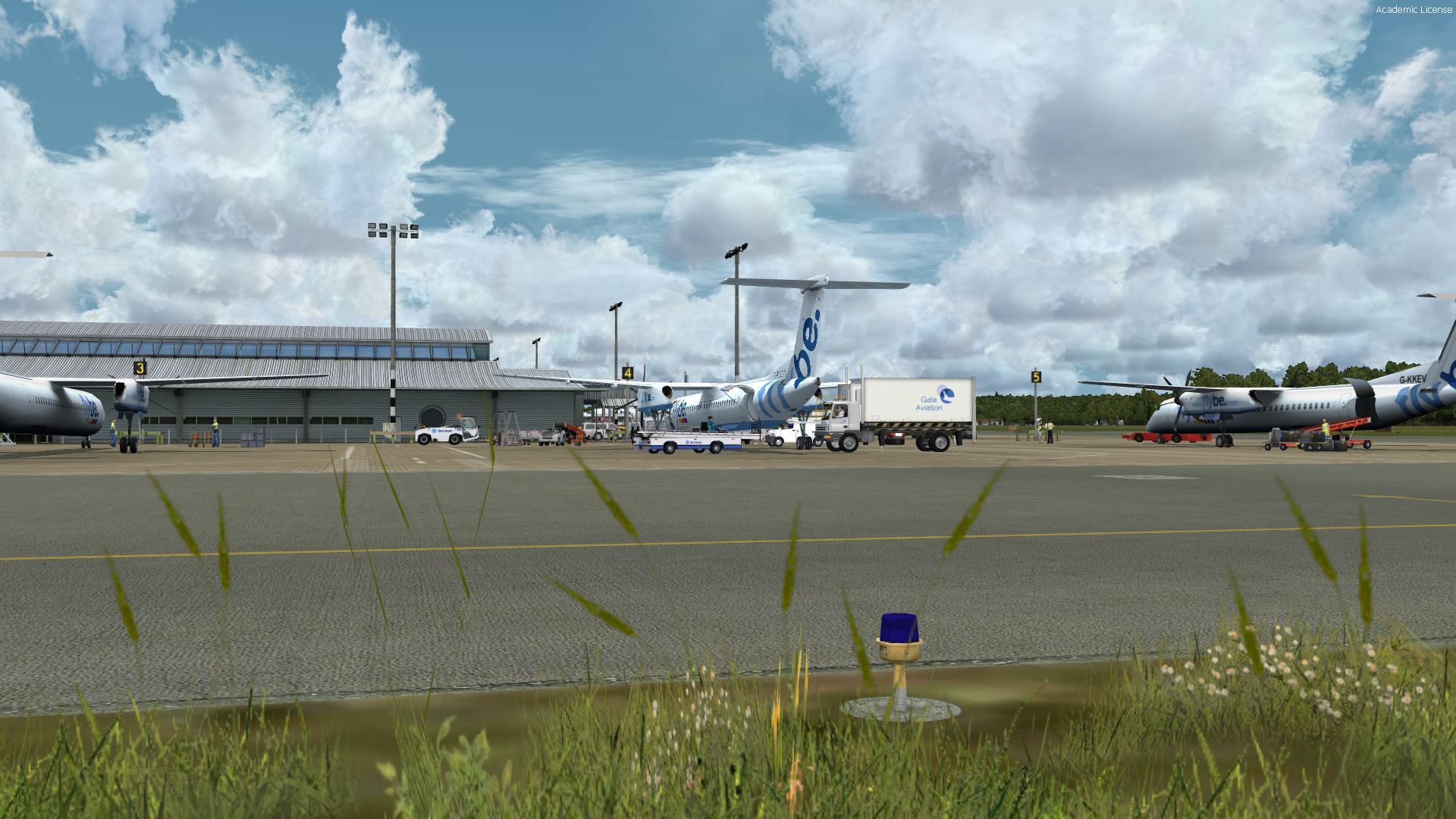
Welche nehmen wir den heute?
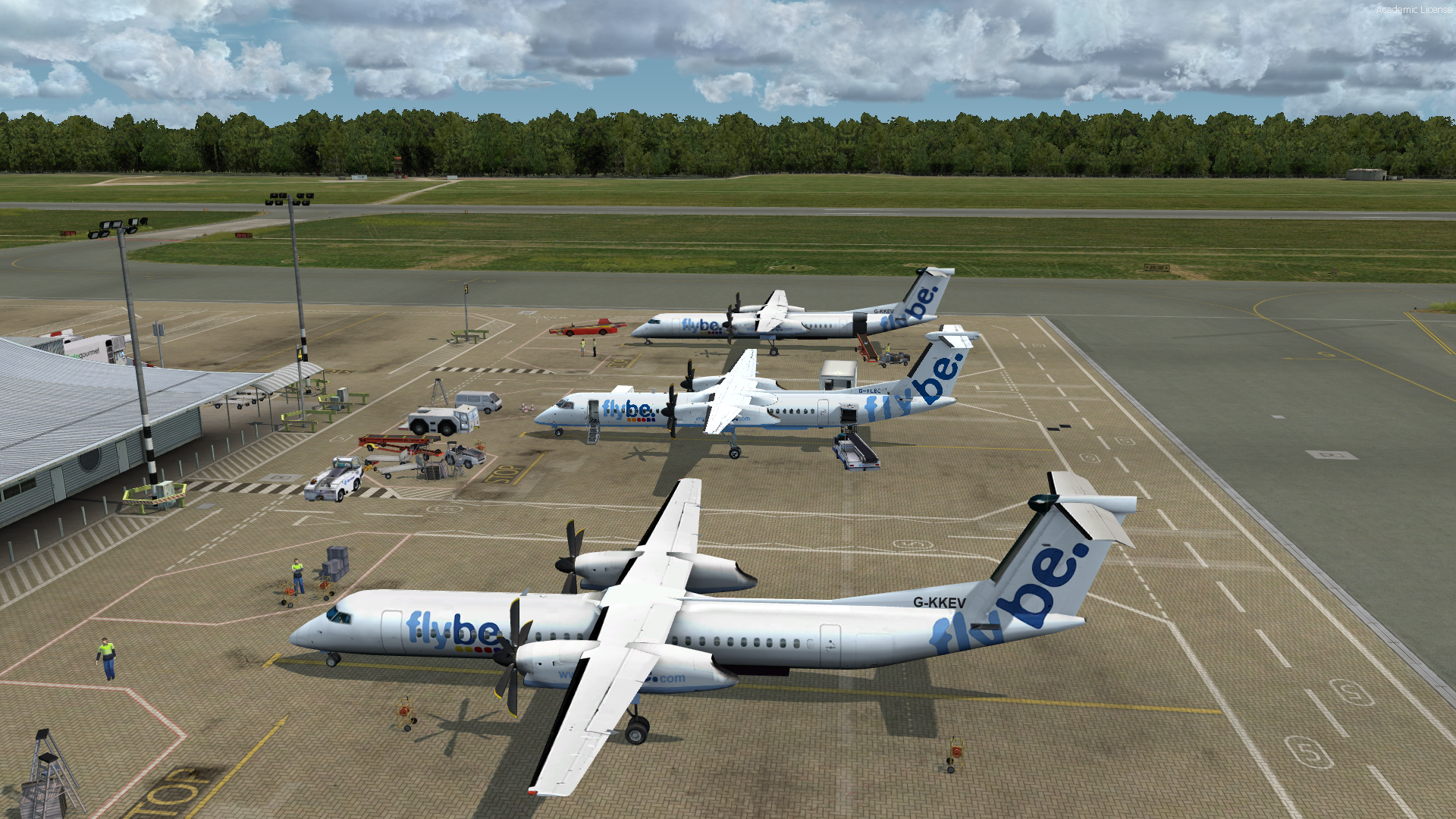
Die Scene ist wirklich schön. Alles bewegt sich und ab und zu kommt sogar eine Dampflok zwischen den ständig fahrenden Intercity Zügen nach London.
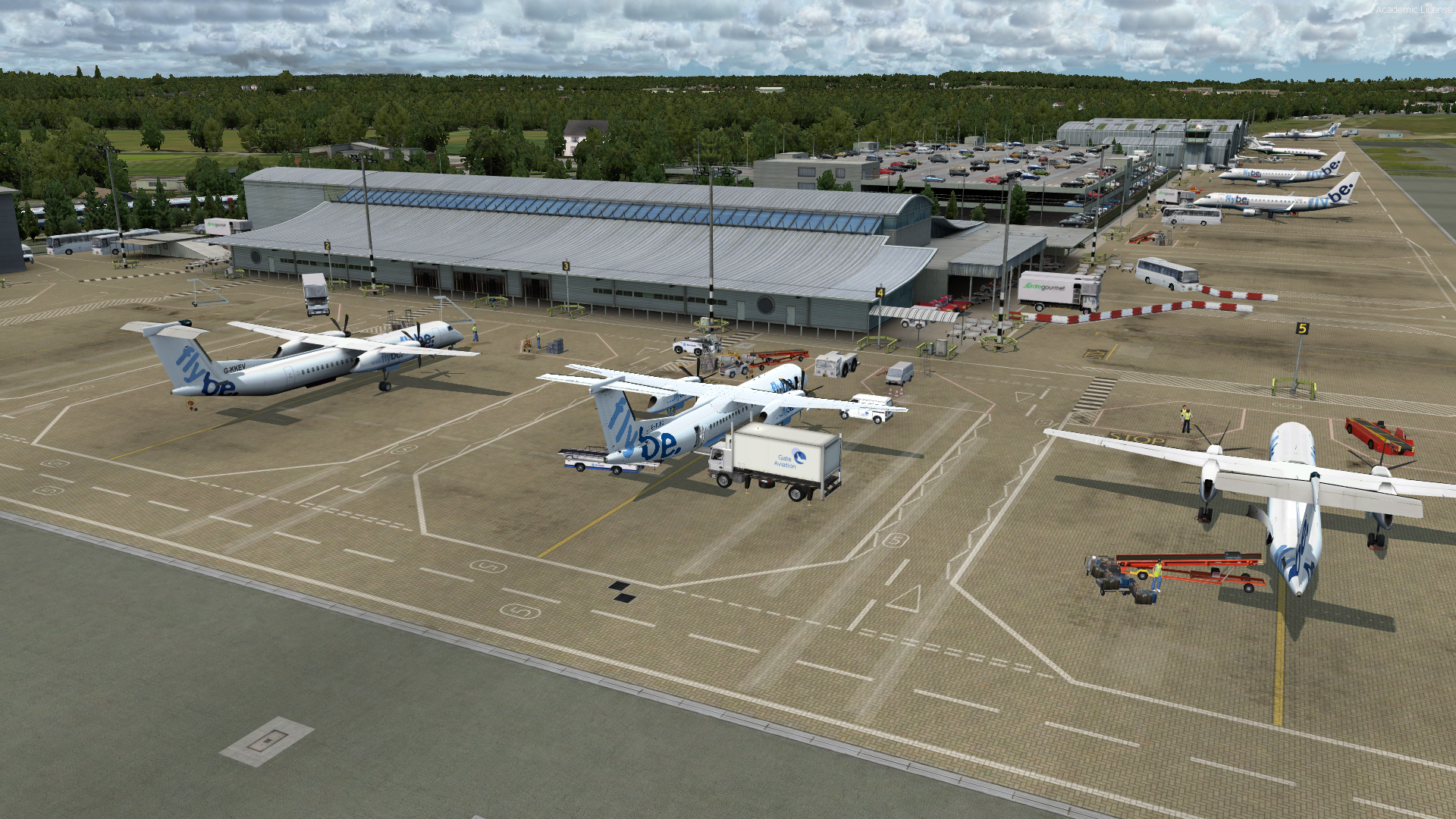
Pax sind drin und Push back. Die Sache läuft
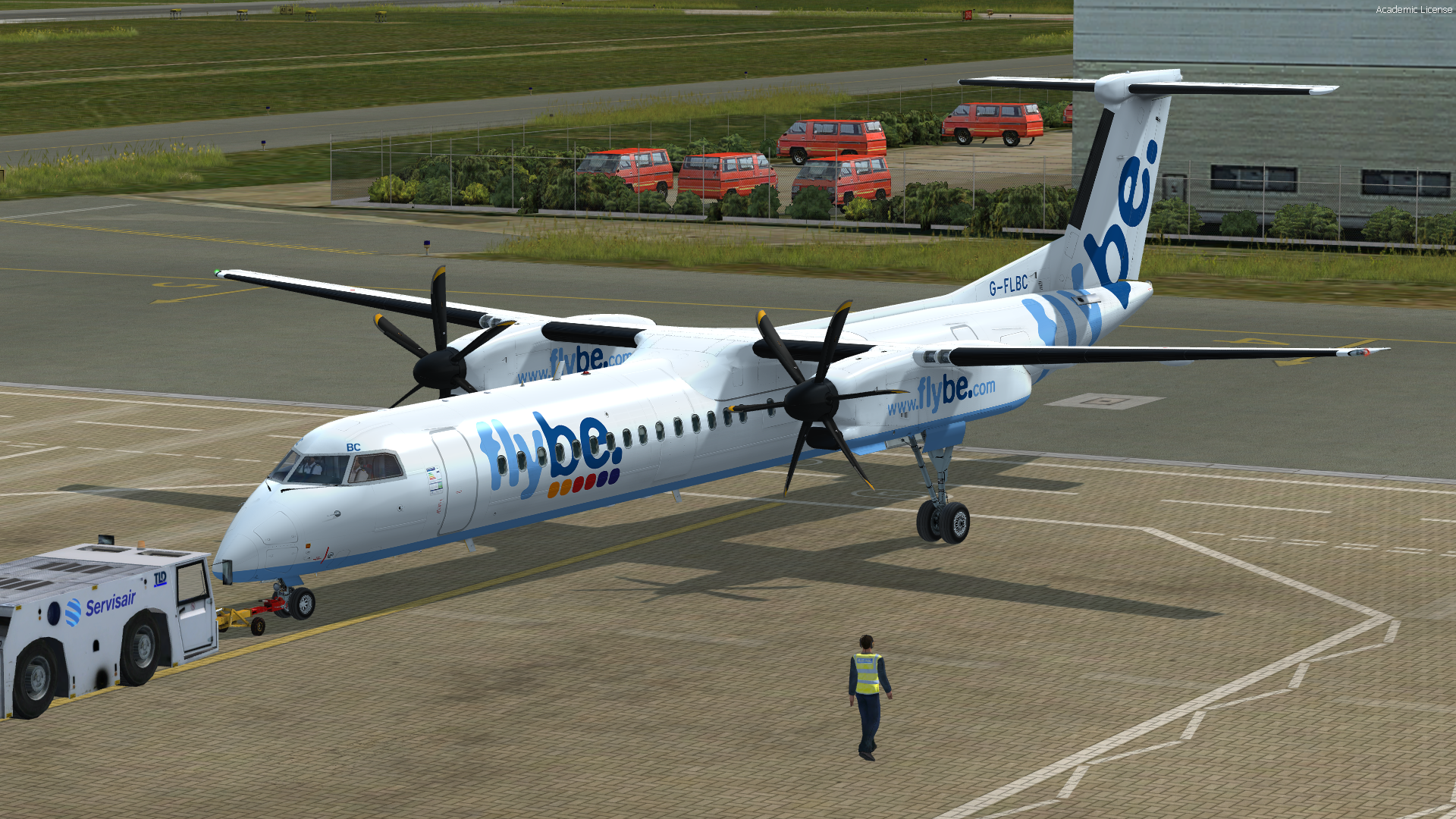
One and two stable. After start checklist please.
Positive climb
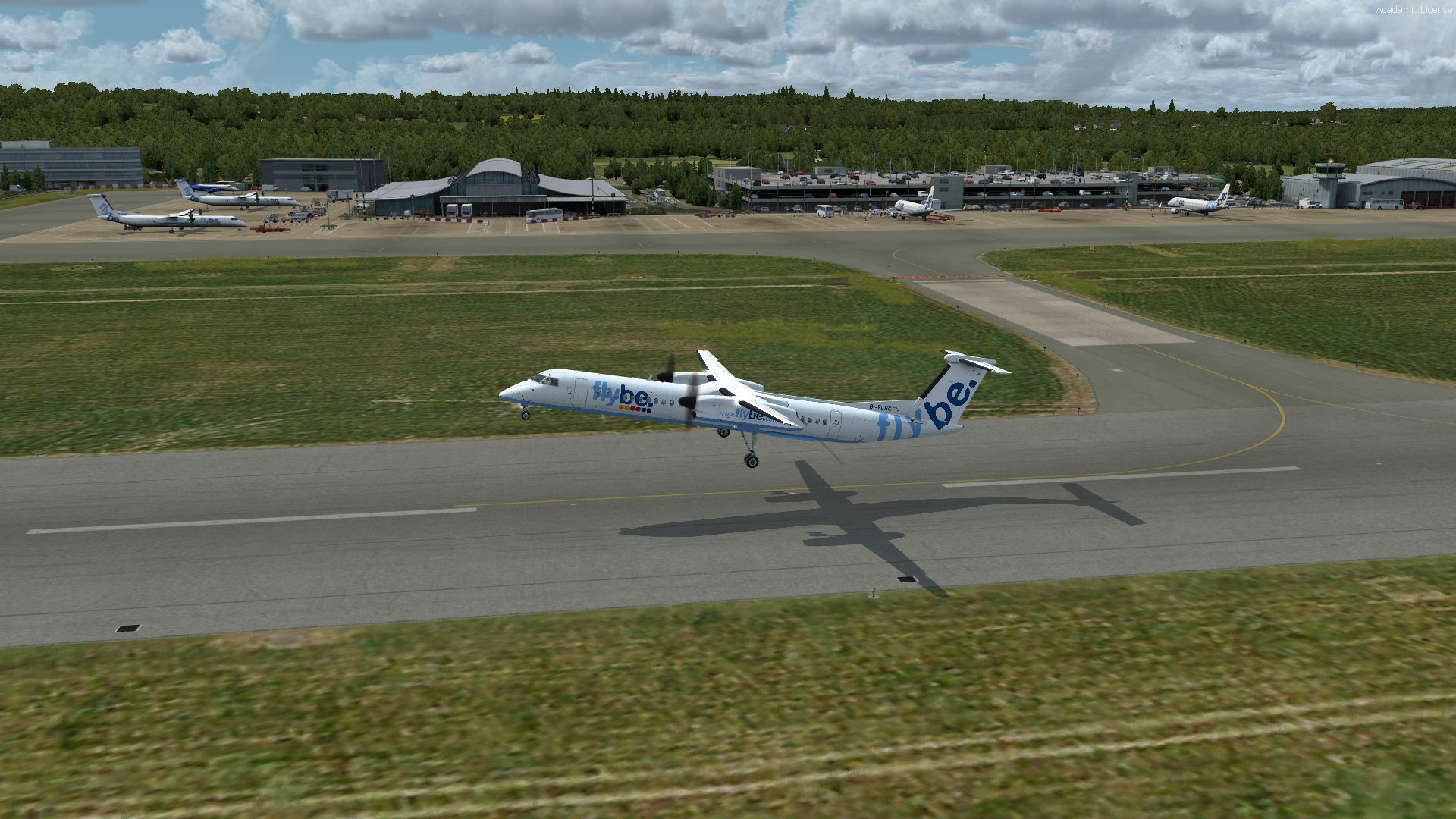
After passing 500ft heading 217
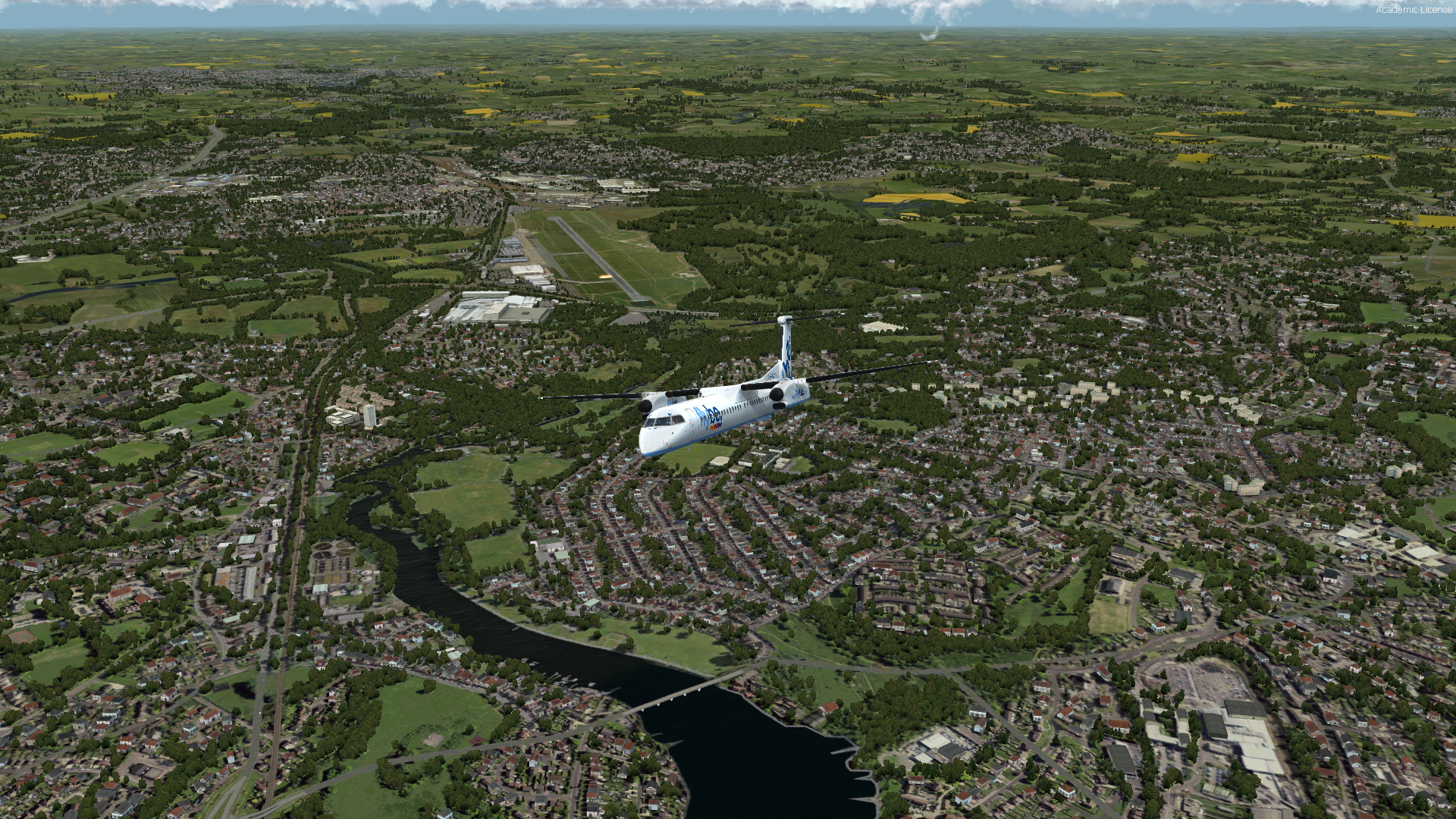
Und bei 2000ft direct GWC
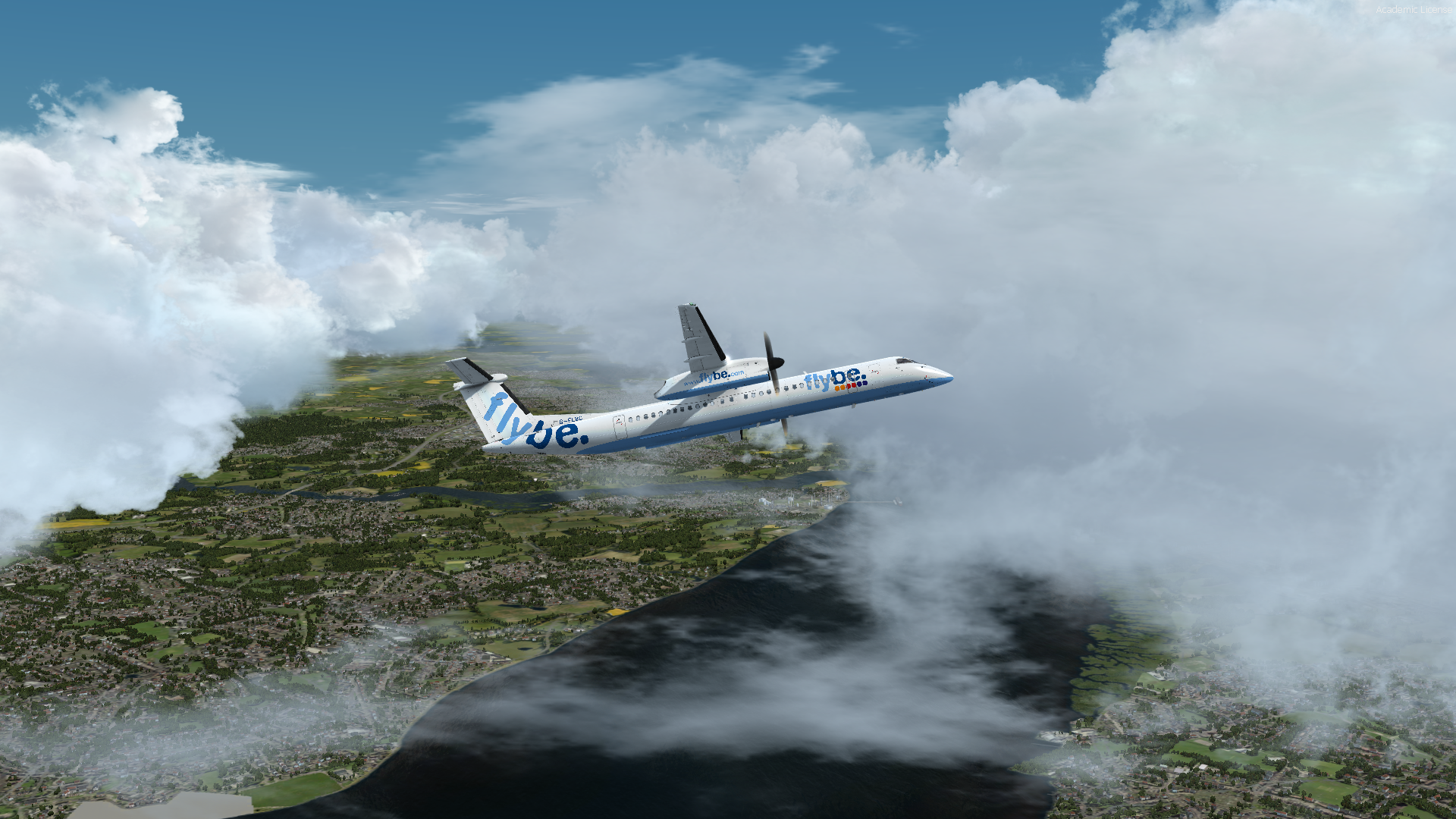
Wunderschönes Flugwetter, ein kleines bisschen holperig. Aber die Paxe sollen ja merken, das wir fliegen.
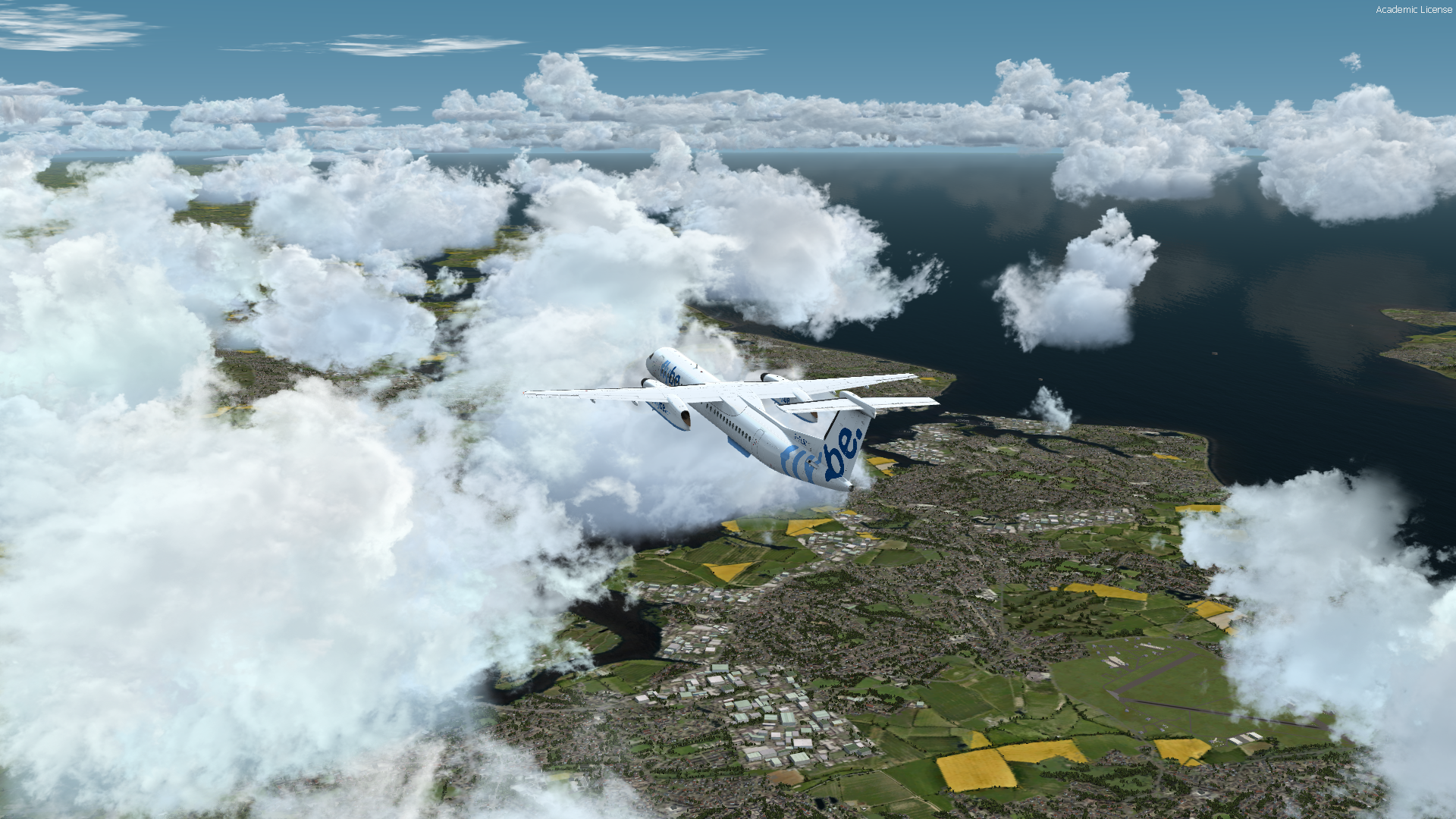
Wir überfliegen Portsmouth mit Aussicht auf die "Isle of Wight"
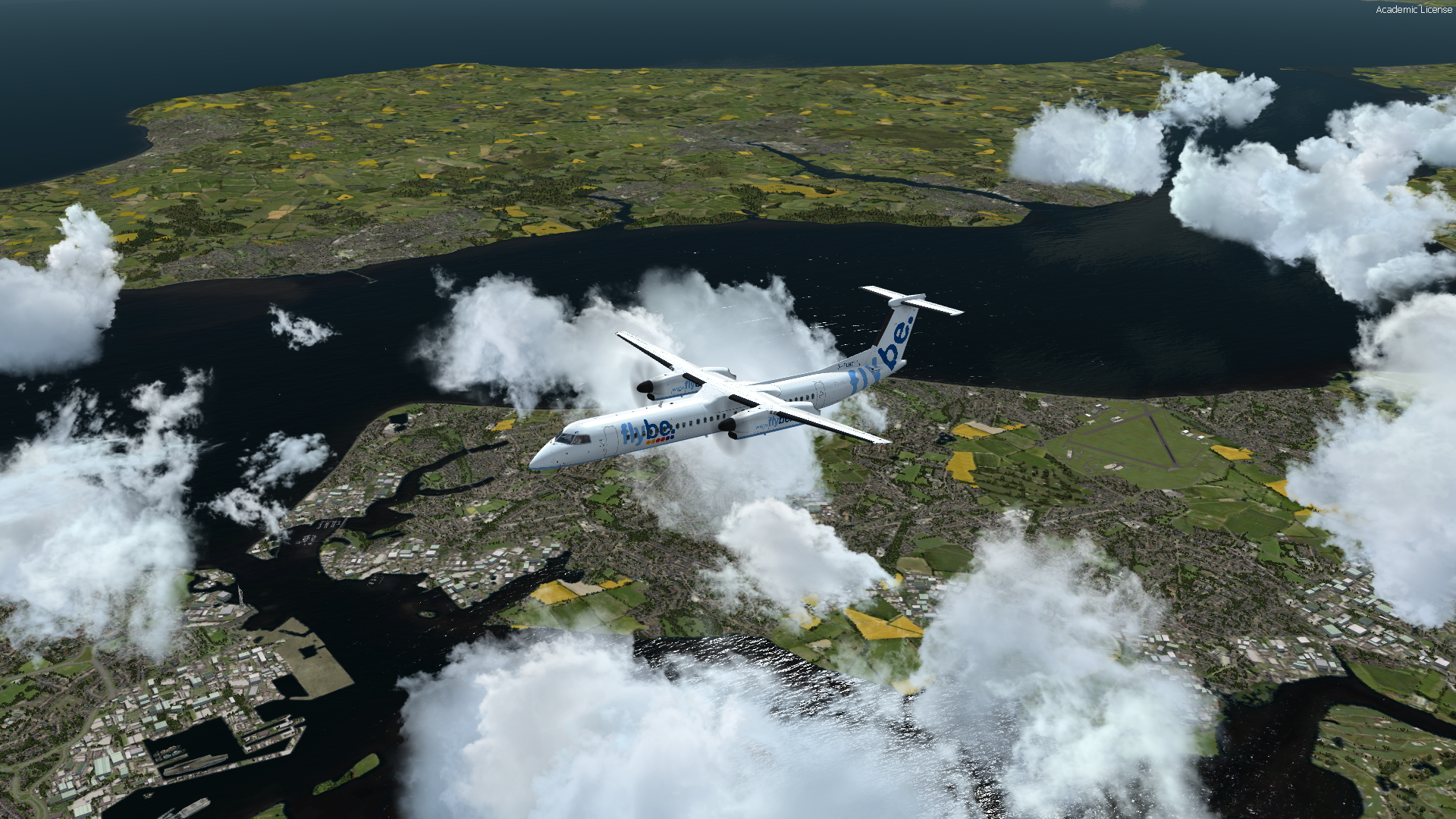
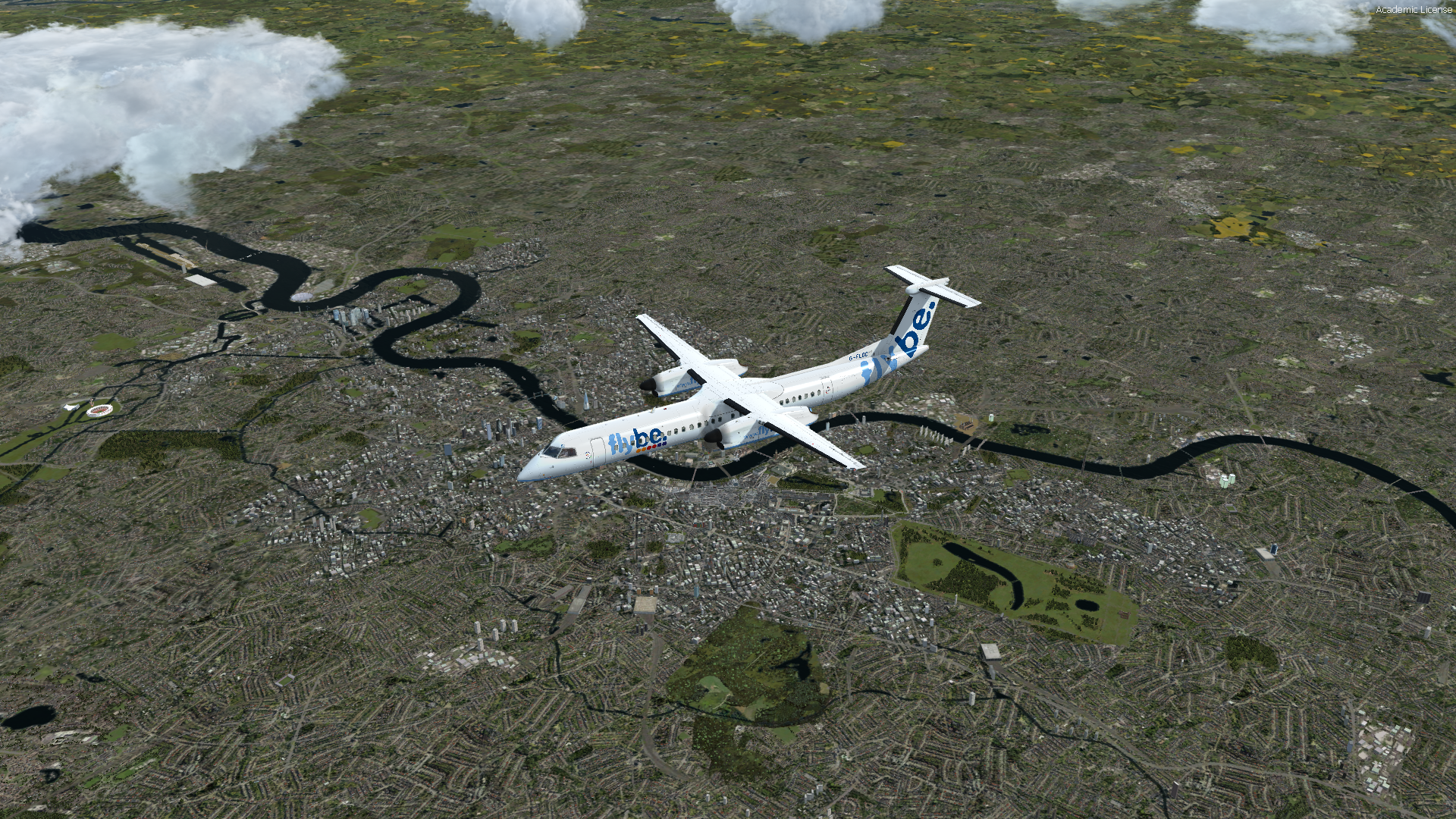
In unserer Reiseflughöhe von 23000 Fuß überfliegen wir bei bester Sicht London.
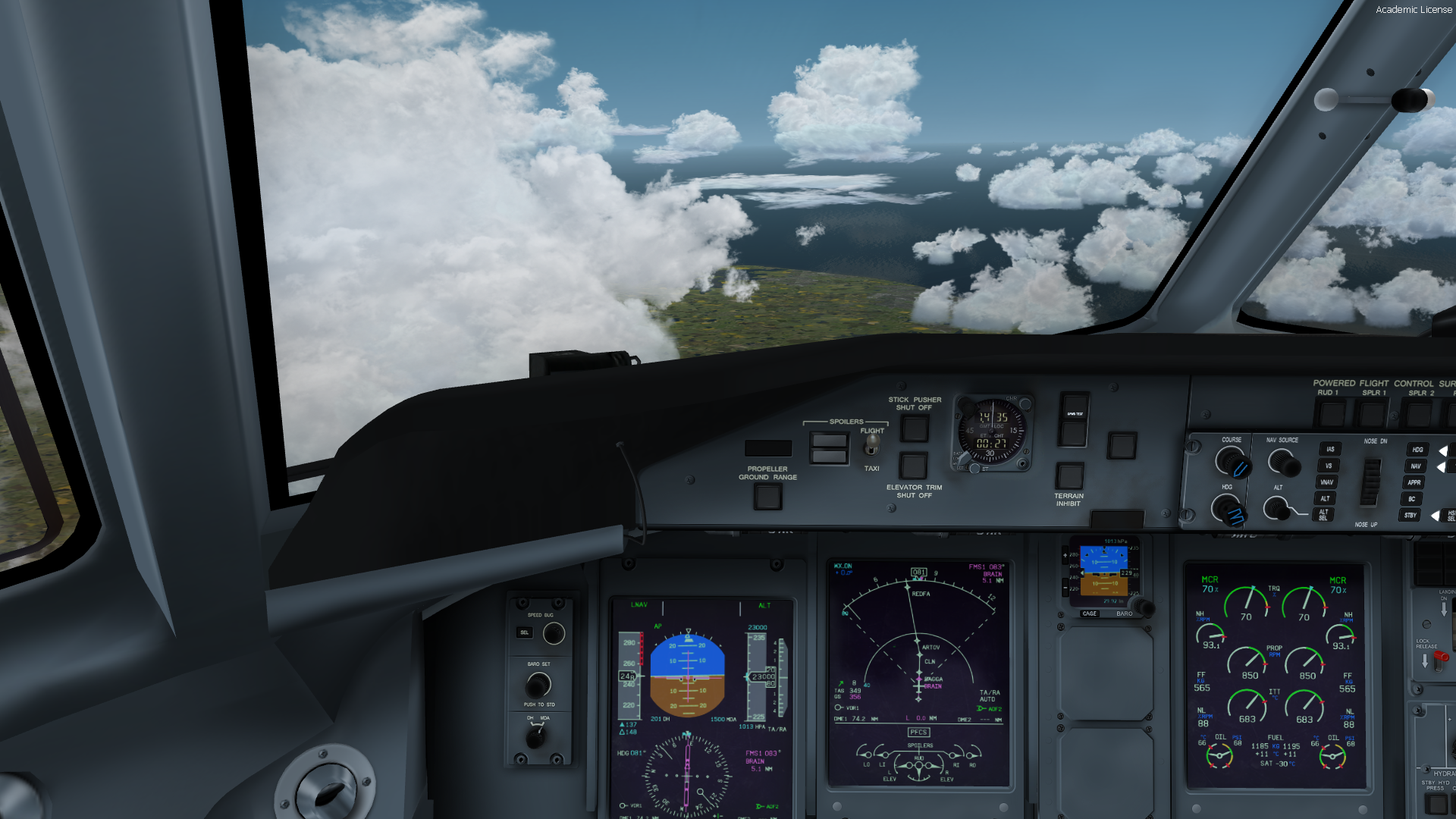
Ein wenig links und rechts um die Wolken rum.
to be continued
-
In Texel fehlt zum Beispiel der Leuchturm
Waaaaaaaaaaaaaaaaaaaaaaaaaaas? Geht ja gar nicht
Habe bei denen im Forum gepostet
ZitatAlles anzeigenFirst of all congratulations.
I love it. The best product Ive ever had for the Netherlands. Together with Germany N&S its fun flying around.
BUT..........
I miss really some iconic landmarks
I think there are more, but
- The lighthous on the Island Texel https://www.google.nl/maps/@53.18092…!7i13312!8i6656
- and the bridge near Maarssen https://www.google.nl/maps/@52.1325856,5.0398065,3a,75y,334.08h,78.4t/data=!3m6!1e1!3m4!1sJwJTeKsdc4-mhrb3IyVGWQ!2e0!7i13312!8i665
For VFR flying very important. At the bridge the road drains though water....
Regards, Torsten
Wie geil, wenn man schon ueber so kleine Dinge meckern kann
-
Ich bin jetzt einige male über meine Heimat geflogen.
Alle wichtigen Landmarks sin da. Lopik, Eisenbahn und Autobahnen sind toll gemacht.Alle Städte sind aus der Luft sehr schön gebaut. Auch die Küste, die und die Binnenseen sind toll moduliert.
Rotterdam und die neue "Maasvlakte" sind toll gemacht.
Das beste: Mit der Dash, der Maddog und der 737 macht es großen Spaß. Ganz selten mal ein Laderuckler in der Außenansicht. In der Innenansicht alles flüssig.
Der Flughafen Schiphol passt gut rein und auch die Uebergaenge zu Germany N & S sind sehr gut gemacht.
Wer den Platz hat und wem die Niederlande gefallen, Absolute Kaufempfehlung! -
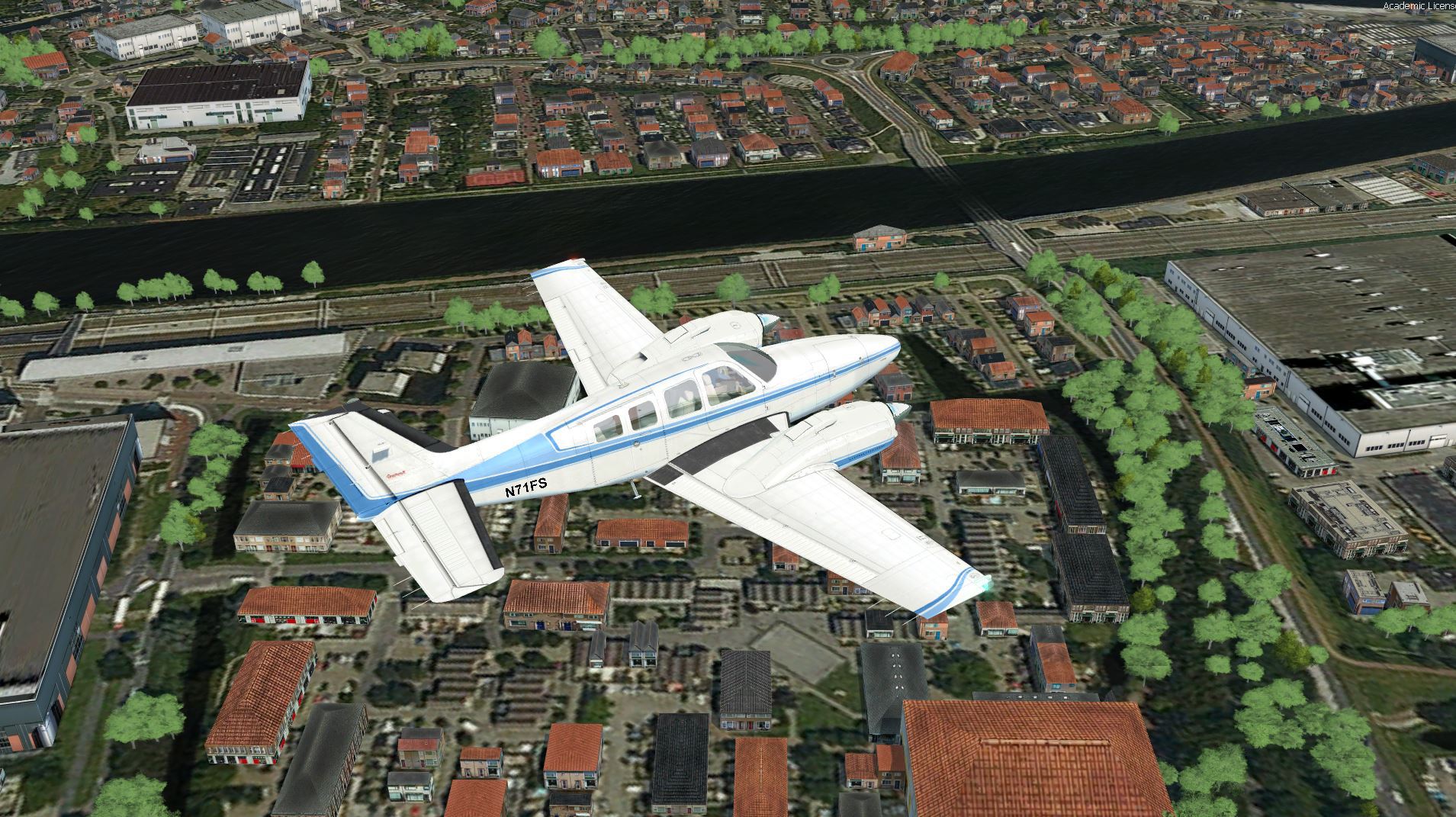
Sehr huebsch und gute frames. Auchwenn die Bruecke hinter unserem Haus fehlt.
Industriegebiete sind sehr Stimmig und auch aus groesserer Hoehe sehr schoen.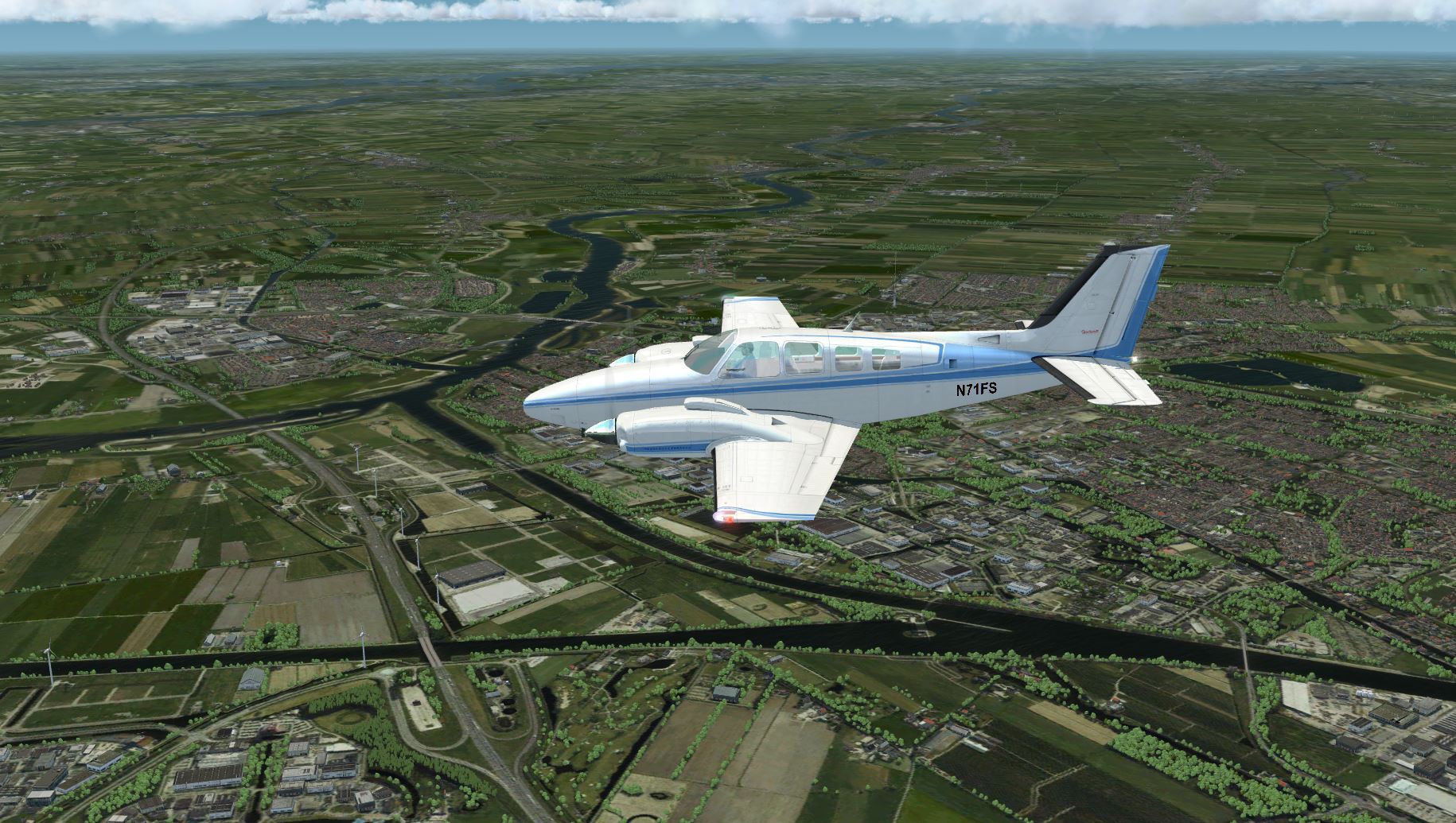
-
Netherlands TrueEarth wurde released:
https://orbxdirect.com/product/nld
Ist ja für mich ein muss!
Aber erst mal der download.
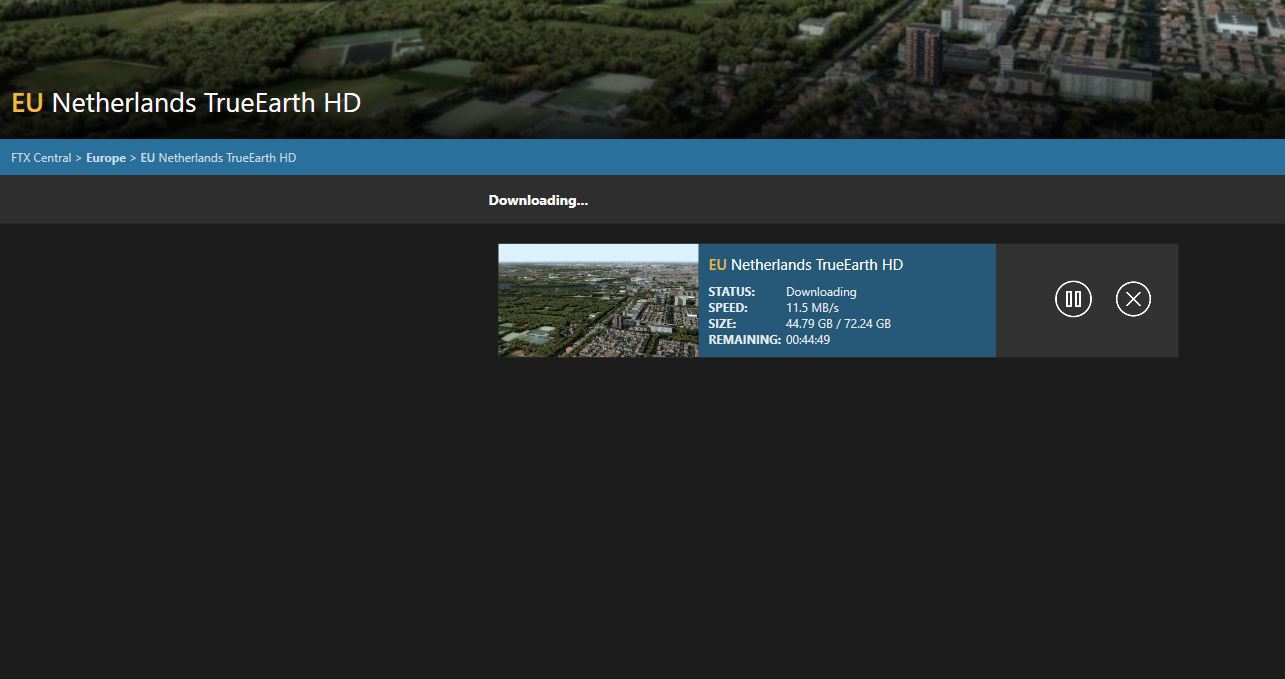
Bevor man das kauft, sollte man die neueste Version von FTX-Central installieren.
Hierbei kann man den temp Pfad selbst wählen.Ich bin ja mal gespannt.
-
Na ist doch klar!
Das haettest DU aber auch selbst rausfinden koennen.....!Man Man Man!
Ist nen Airbus. Die haben nie Strom
Sorry


-
Eigentlich nicht.
Du musst dich aber so regestrieren wie beim Kauf -
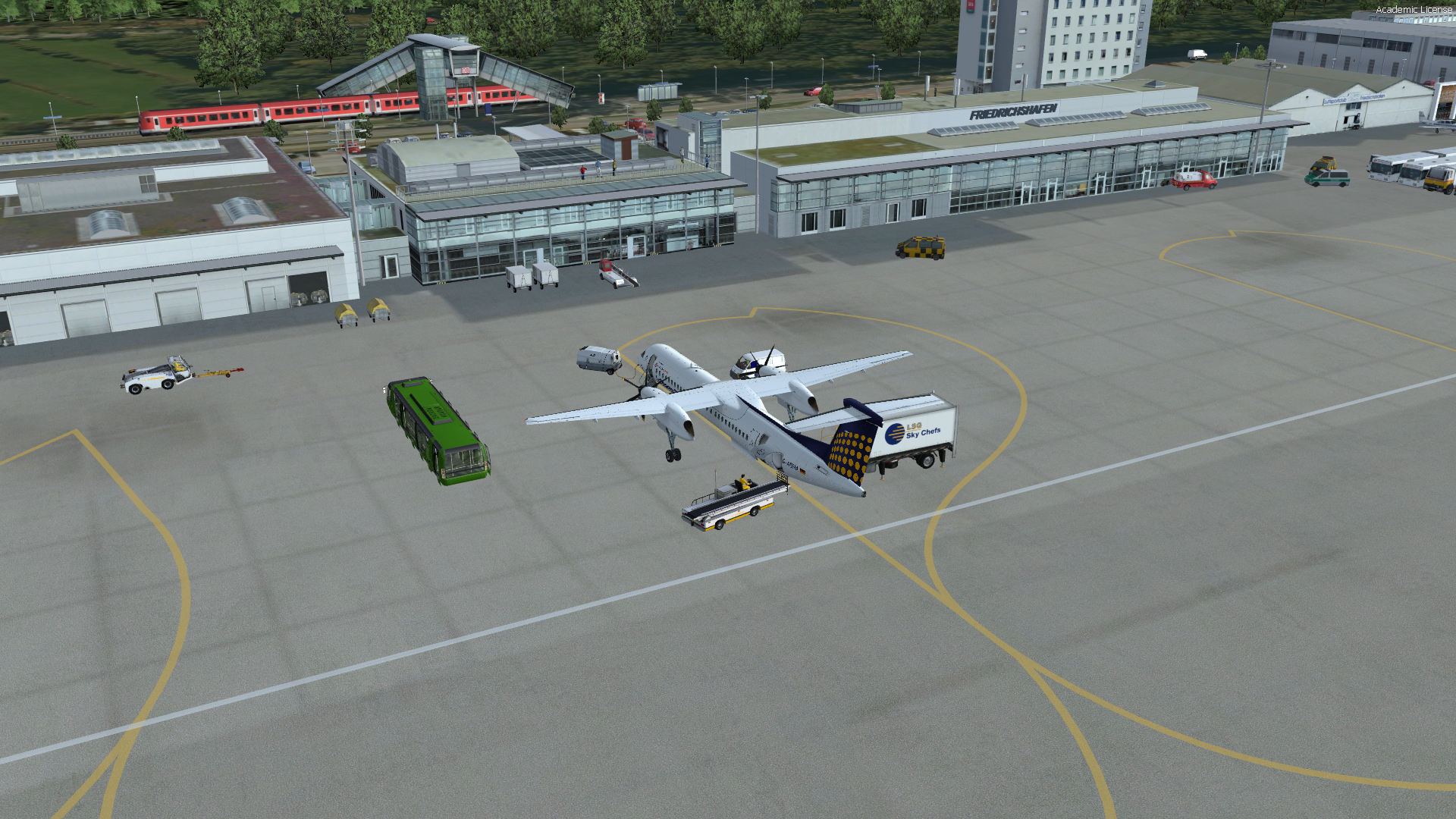
EDLW - EDNY