
Dem Juergen hinterher
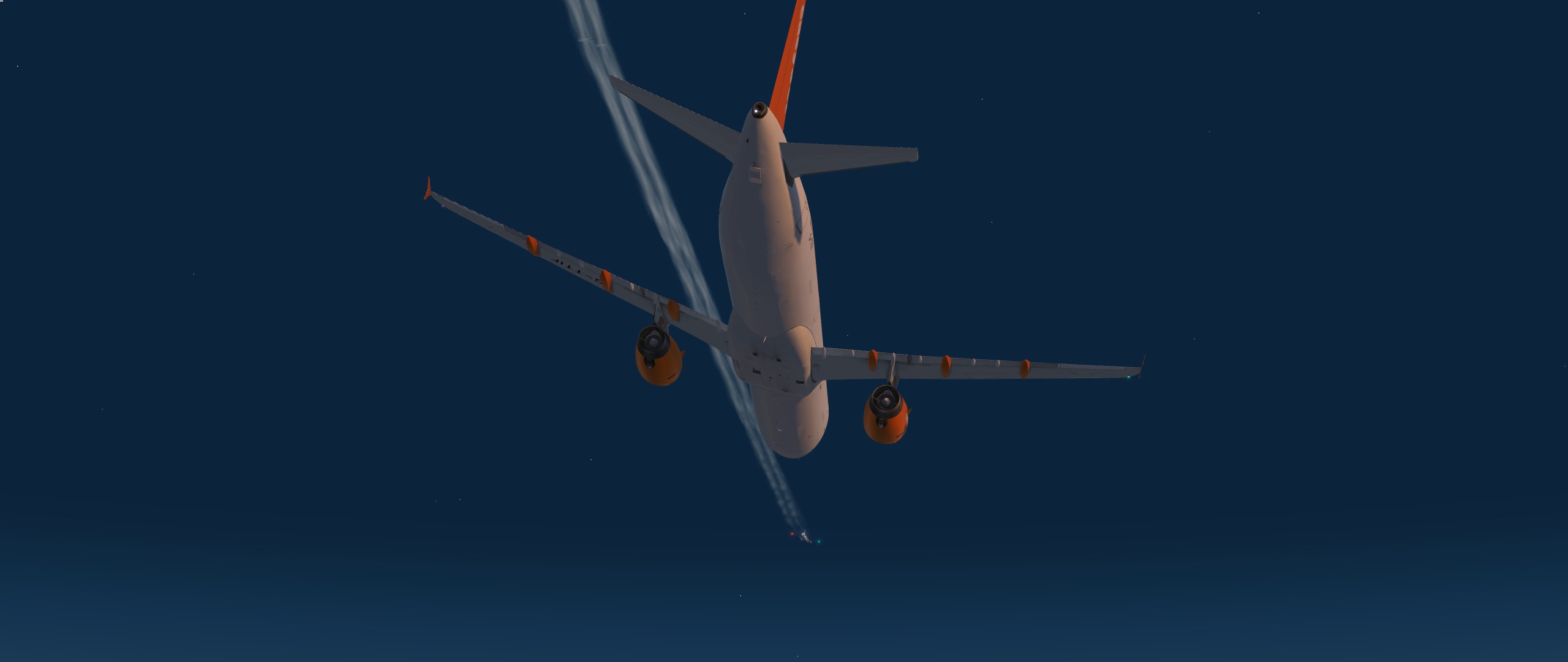
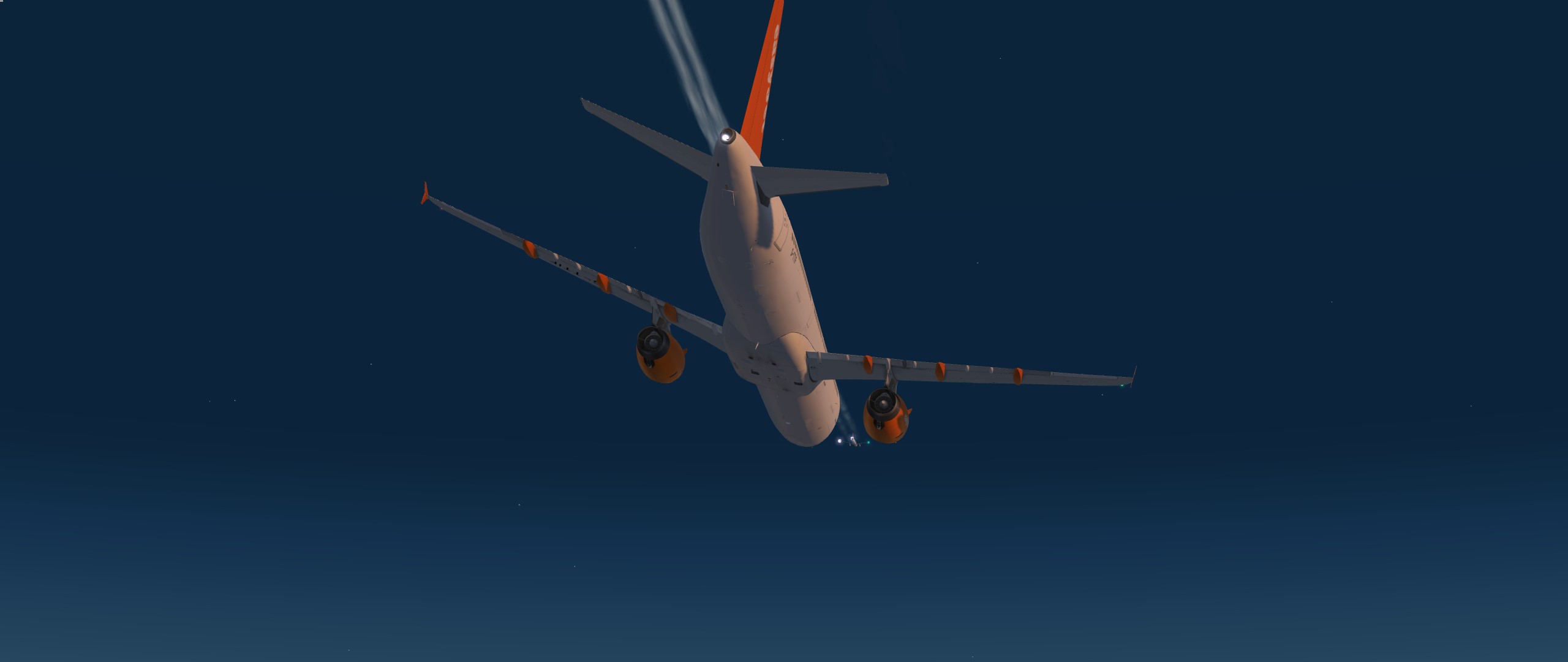
Dem Juergen hinterher
In chase plane linke Spalte community
Nimm die online von chase plane. Passen ganz gut und du kannst erst sehen ob Du sie magst
KlabautAIR pack mal RMK/KUMI mit in item 18 
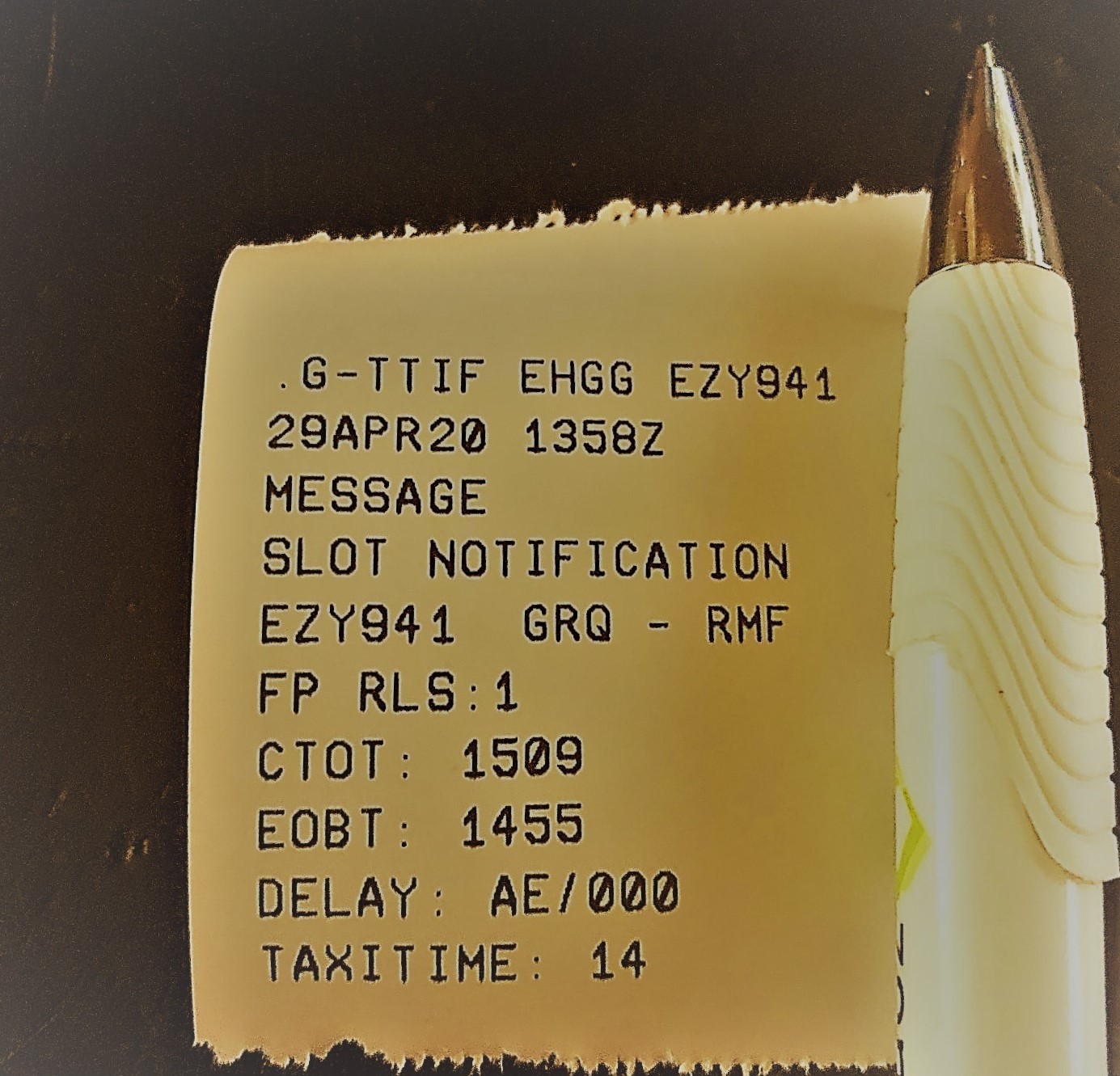
Mein Flug fuer Heute
(FPL-EZY941-IS
-A321/M-SDE3FGHIRWY/LB1
-EHGG1515
-N0449F330 TEBRO2D TEBRO DCT COL UZ738 RIDSU /N0444F350 UL607 XEBIX DCT ELMEM
N606 GIRIS N606 PEVAL/N0448F370 DCT NERRA DCT PETAK DCT DIMIS UL604 SALUN Q680
DBA M872 HGD DCT SIBRI SIBRI1C
-HEMA0440 HELX
-PBN/A1B1C1D1O1S1 DOF/200429 REG/GTTIF EET/EDVV0012 EDUU0024
LOVV0053 LIMM0059 LDZO0114 LYBA0153 LAAA0158 LGGG0213 HECC0303
OPR/EZY TALT/EHAM RVR/075 RMK/TCAS RMK/KUMI)
Die EZY941 wird grade nach EHGG ueberstellt um dann das zweite Leg zurueck zu fliegen 
Da braucht es schon etwas "Peut"
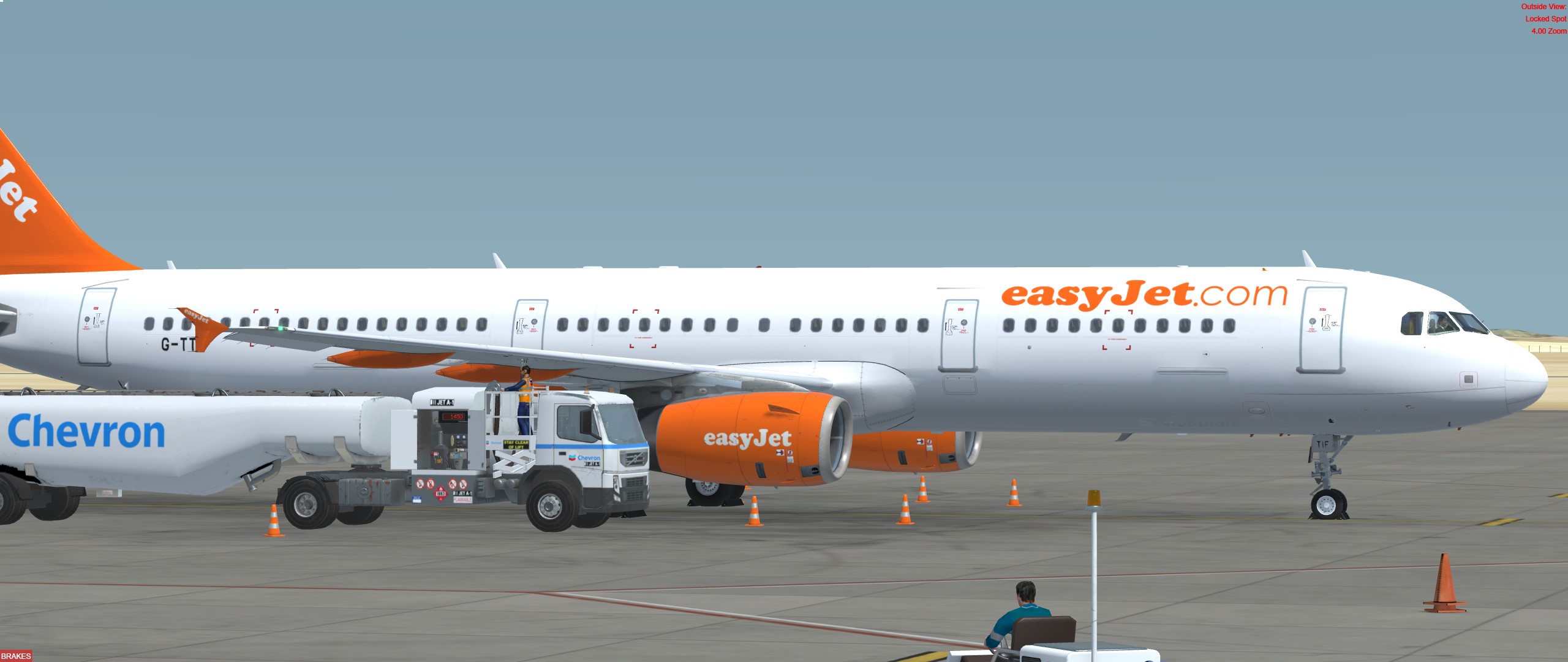
Die Paxe duerfen kommen
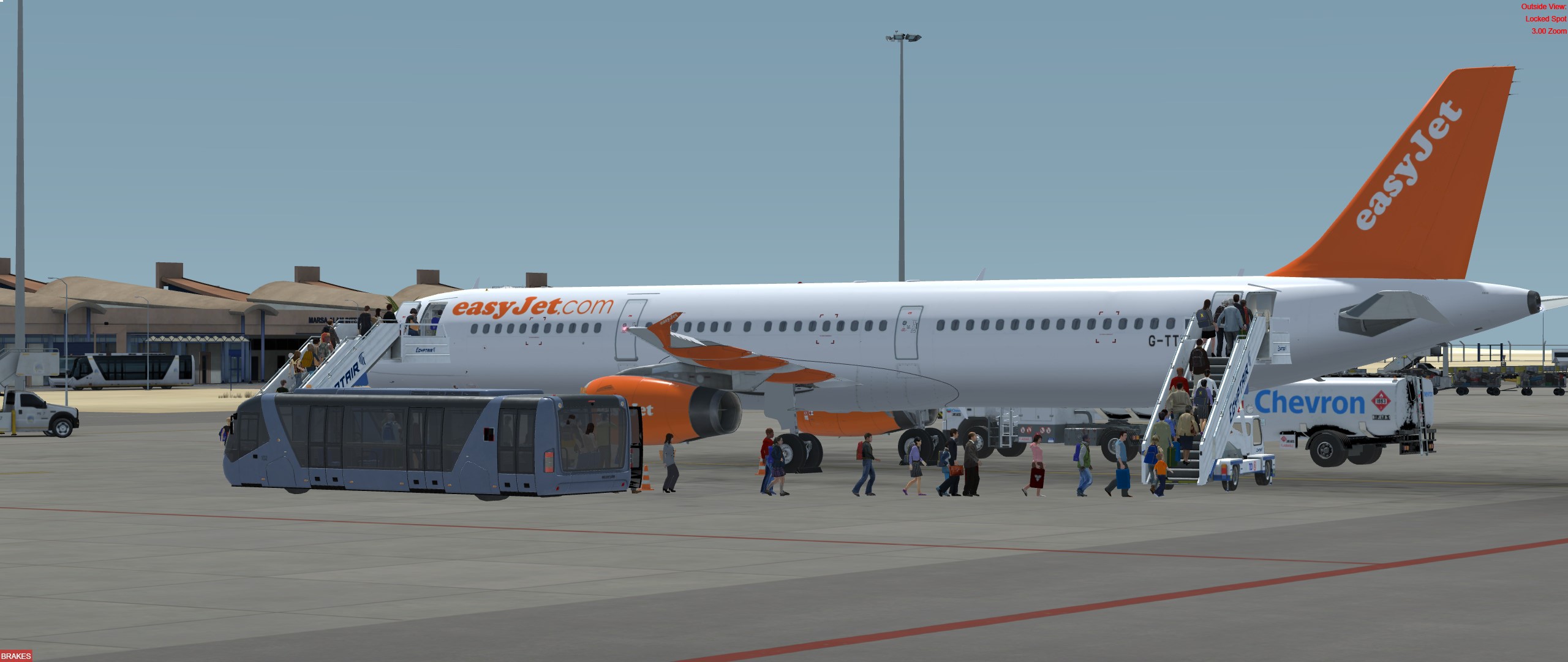
Tanken, tanken, tanken
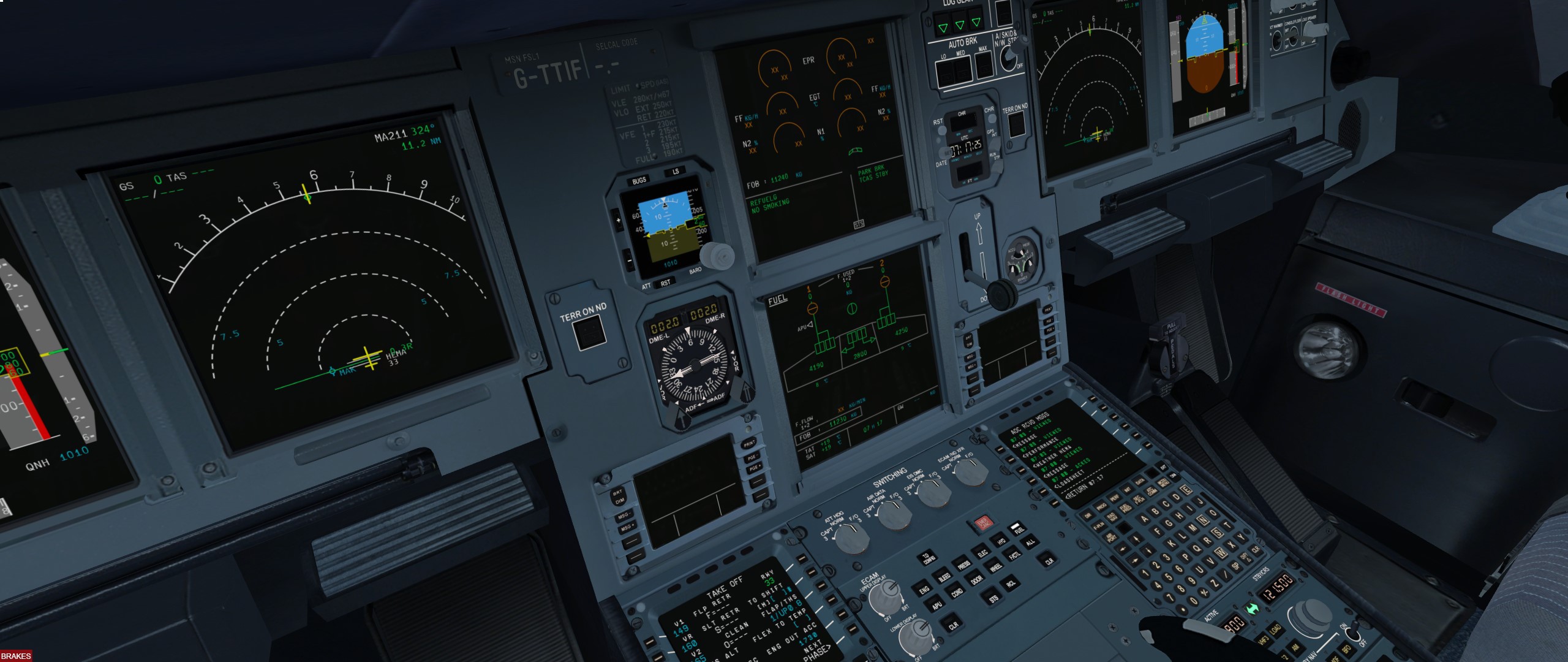
Die Luft ist mit 19 Grad schoen frisch, also lasse ich sie noch mal ins Cockpit rein um jeweilige giftigen Dämpfe zu vertreiben
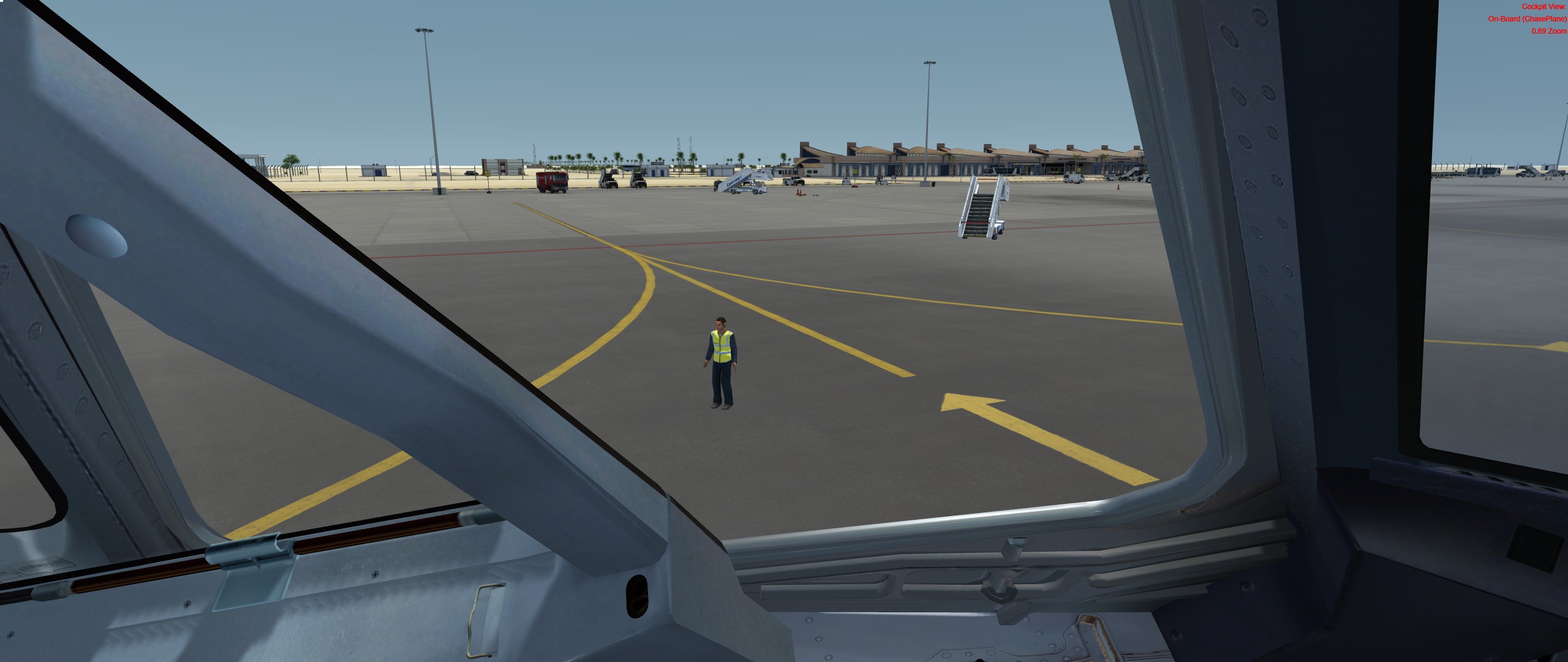
Groningen, wir kommen
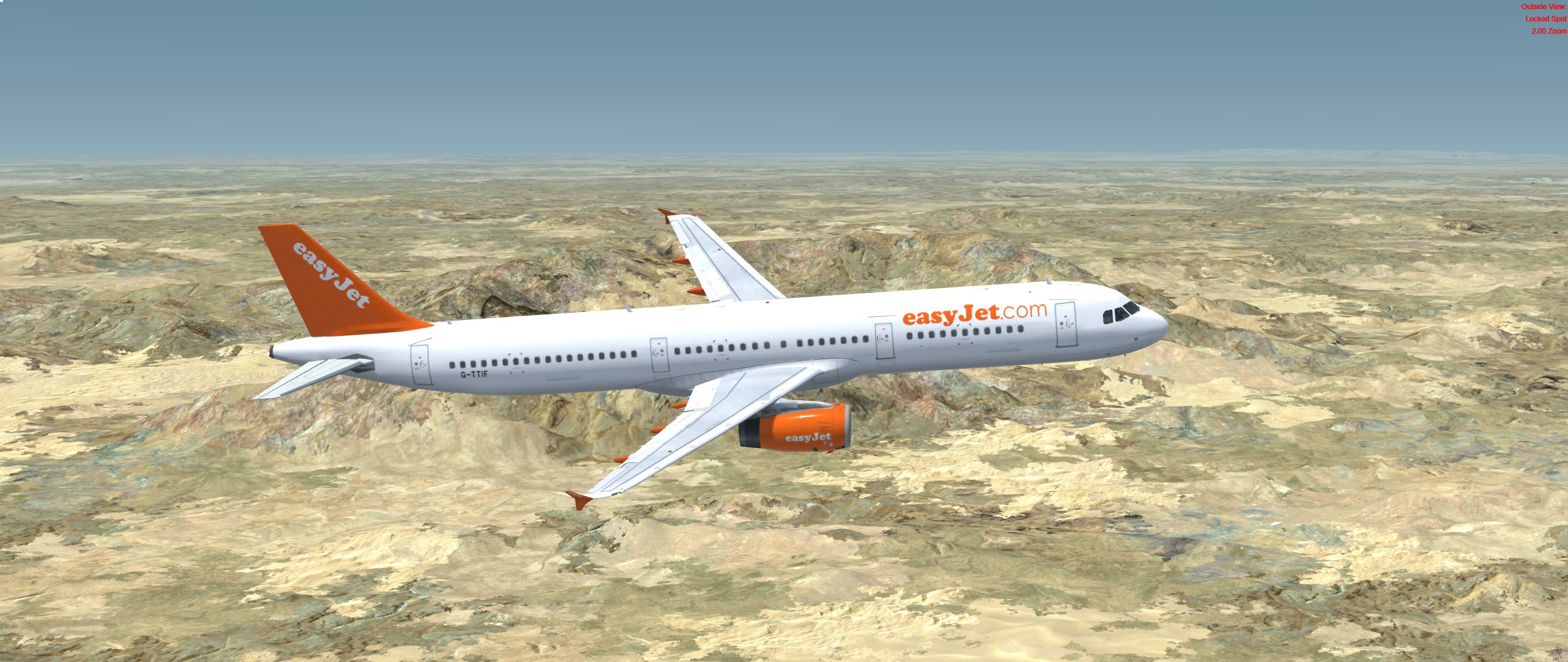
Blick vom Roten Meer in die Zufahrt zum Suezkanal
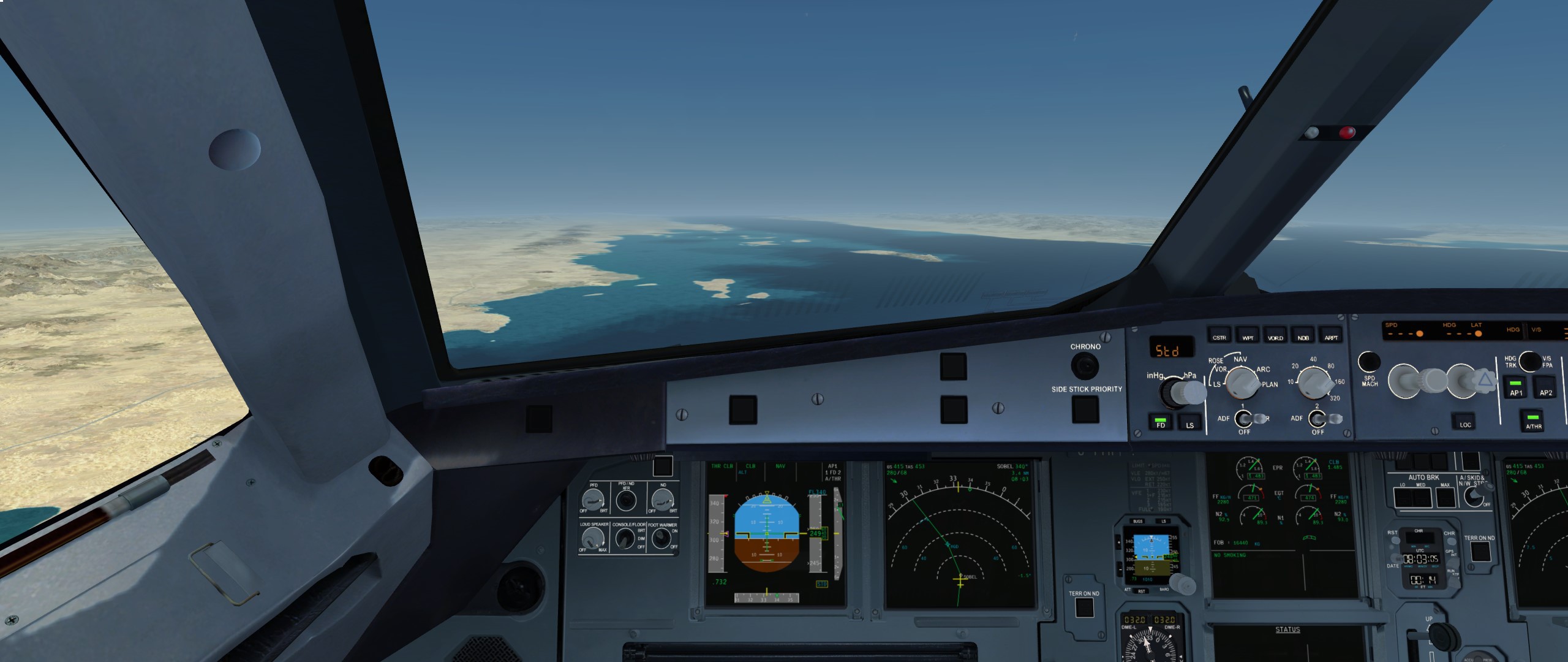
So siehts aus. Fuer den Preis haette ich mich sehr gefreut eine 767 zu haben. Aber garantiert nicht fuer den, den CS aufruft
Ja, mach! Bitte. Wenigstens nen Crosslink, damit sie es nicht loeschen koennen.
Bin da bei Euch.
Ich habe die 757 damals gekauft.
Ein schöner Flieger um ein bisschen zu Spielen. Aber der Preis ist für mich auch zu hoch.
Bis 70 währe ich wohl mit gegangen. Aber so. Nope.
Wuerde ich per addon.xml einbinden
Sieht sehr gut aus. Ich nehme dann Torta de Planato
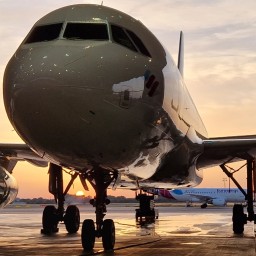
Nur damit ich das richtig verstehe.
Das ist das Update von v4.4 auf v5?
Von Capt. PERO aus dem Aerosoft Forum
In den nächsten Tagen wird SIMstarter NG P3D erscheinen! Diese Version unterstützt P3D v4.5 und v5.0 und wird Verbesserungen und neue Features mit sich bringen. Details dazu folgen in den nächsten Tagen. Die neue Version wurde soeben an das BETA Team verteilt - parallel arbeiten wir an dem Installer.
Bis heute sind seit dem Produktstart des SIMstarter NG mehr als 65 kostenfreie Updates/Upgrades erschienen und SIMstarter NG unterstützt 15 Simulator Plattformen (vom FSX bis P3Dv4.5). Der Verkauf des SIMstarter NG wird mit erscheinen des SIMstarter NG P3D eingestellt und nicht mehr weiter entwickelt.
Nutzer des Flight Simulator X (FSX) - PREPAR3D v4.4 können weiterhin mit der Version 1.9.x arbeiten, der Support dieser Version wird allerdings ab dem 01.11.2020 eingestellt - neue Features sind nicht mehr geplant.
Kunden des SIMstarter NG können das neue Produkt SIMstarter NG P3D über ein rabattiertes Upgrade (5,03 EUR zzgl. MWSt.) erwerben. Kunden die in den letzten 30 Tagen (vor dem Tag der Veröffentlichung von SIMstarter NG P3D) SIMstarter NG gekauft haben, erhalten ein kostenfreies Upgrade.
Update 22.04.2020: Aufgrund des Shopsystems haben wir den Upgrade-Preis von 5,00 EUR + MwSt. auf 5,03 EUR + MwSt. angepasst. Ich hoffe, das passt allen...
Achtung fuer alle die Simstarter nutzen (mir währe es fast nicht aufgefallen, da ich noch nicht wechseln möchte. Aber dann werde ich es schon mal kaufen):
Attention: this upgrade service is limited until June 30, 2020!

Basteln muss sein...
Früher hatten wir doch alle eine Modelleiseenbahn, oder?
mfg Kai
Was heisst hier frueher?

Mach mal ne schoene KLM!
https://www.jetphotos.com/photo/7934231Ich schau mal was ich machen kann bzw. ob sie schon jemand macht

Mach mal ne schoene KLM! 
https://www.jetphotos.com/photo/7934231
Auch nicht unwichtig sind die Backups, falls man mal zu viel rumgespielt hat
Cool das geht nach Holland

Hast Du die Parkposition auch in GSX ausgewählt?