
Beiträge von RoyalToto
-
-
-
Sehr geil! Glueckwunsch
-
-

Hallo nochmals. Ich finde den Orbx Ordner nicht .
Wenn ich bei der Suche SEQM eingebe zeigt er mir nur die bgl von Flightbeam an.
Ich finde dazu auch nichts in den bekannten Foren.
Er liegt im P3D Hauptverzeichnis
F:\Prepar3D v4\ORBX -
-
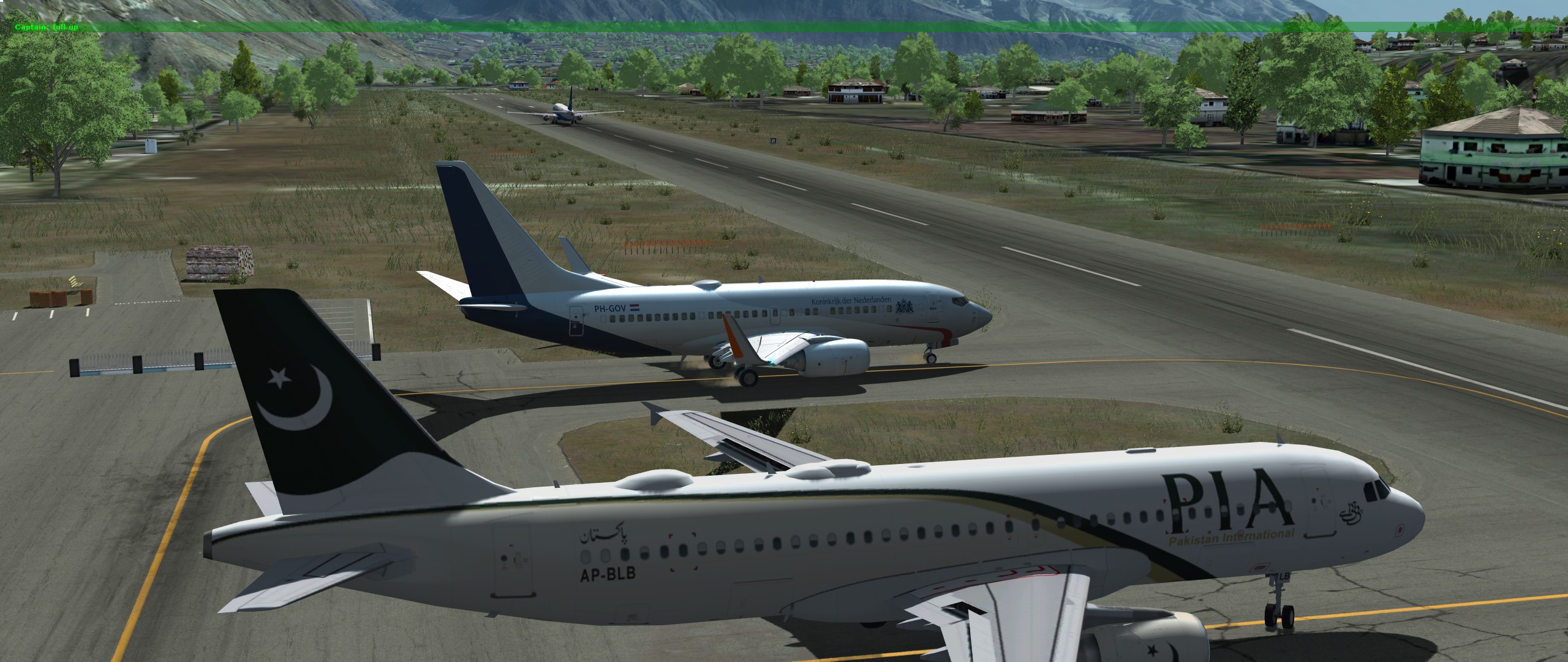
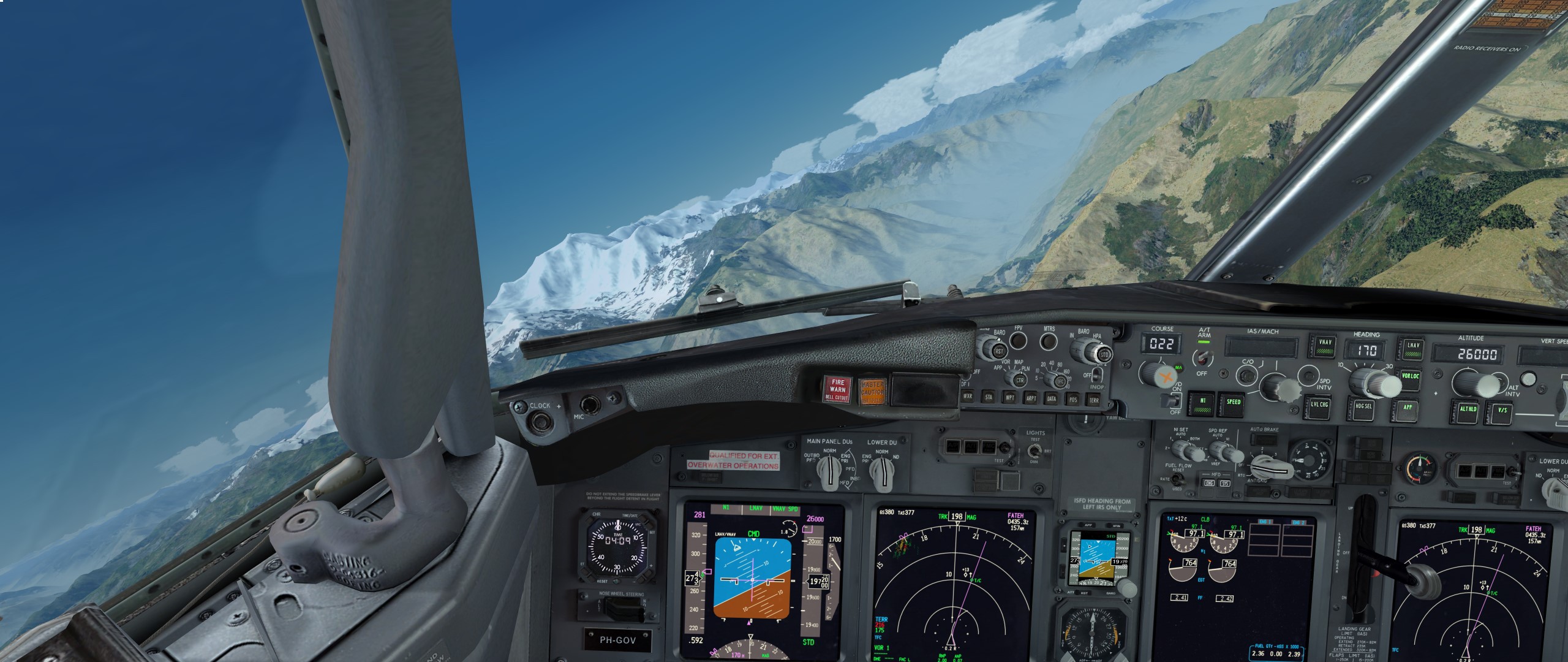
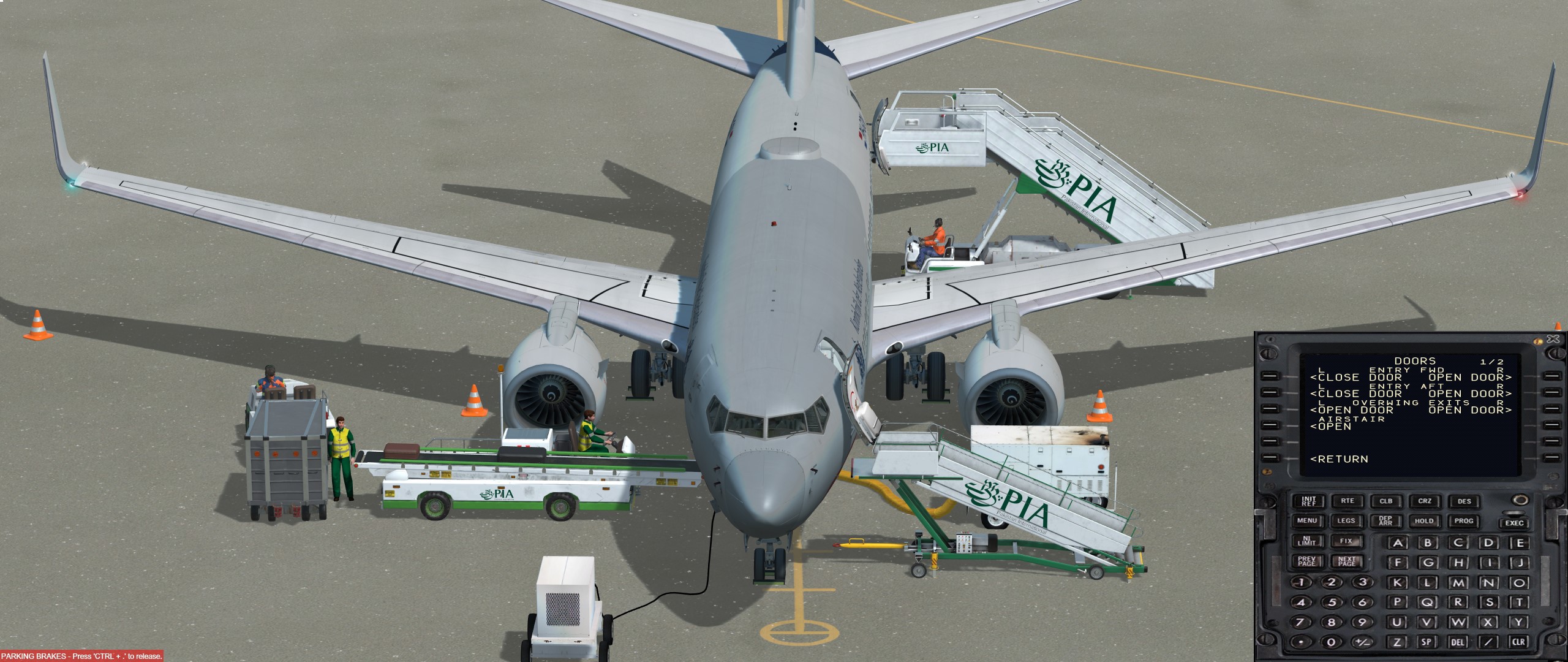
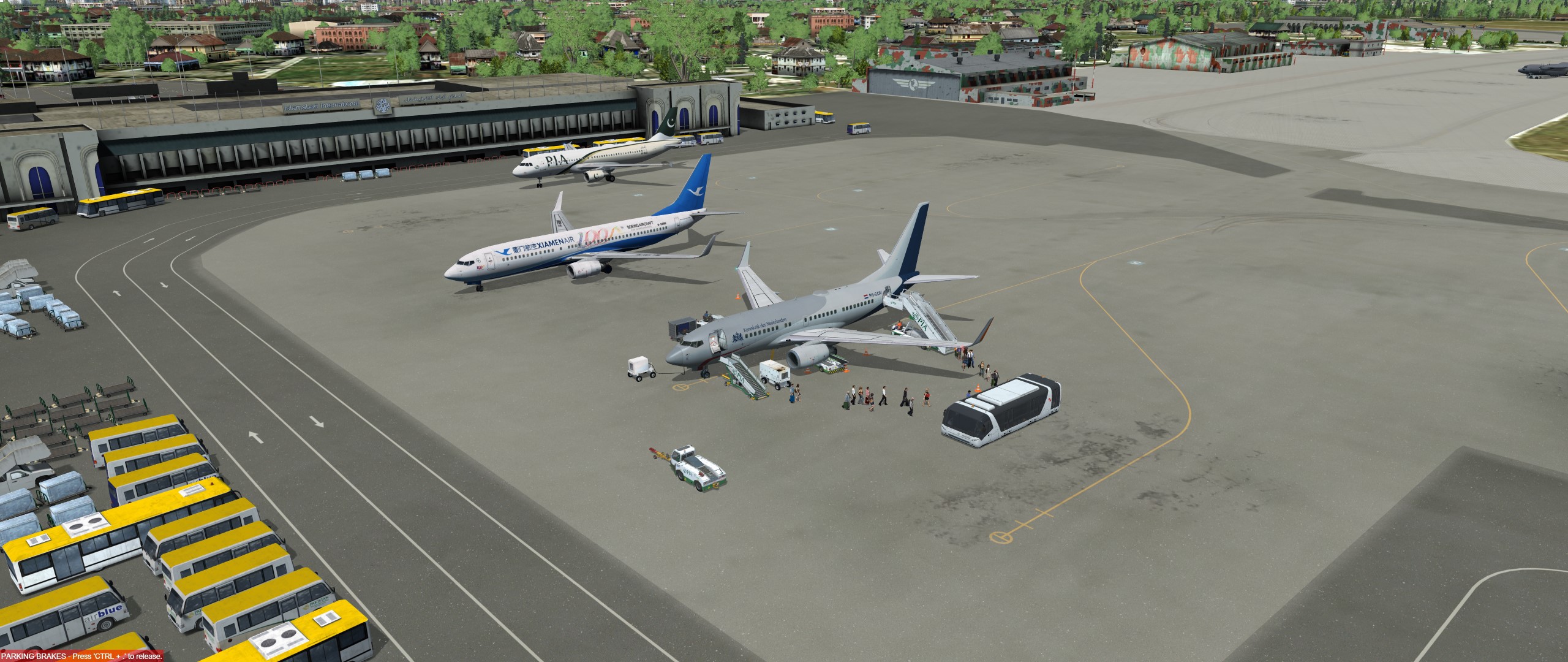
Und weiter gehts nach Islamabad mit dem Jupp, und dem Boris

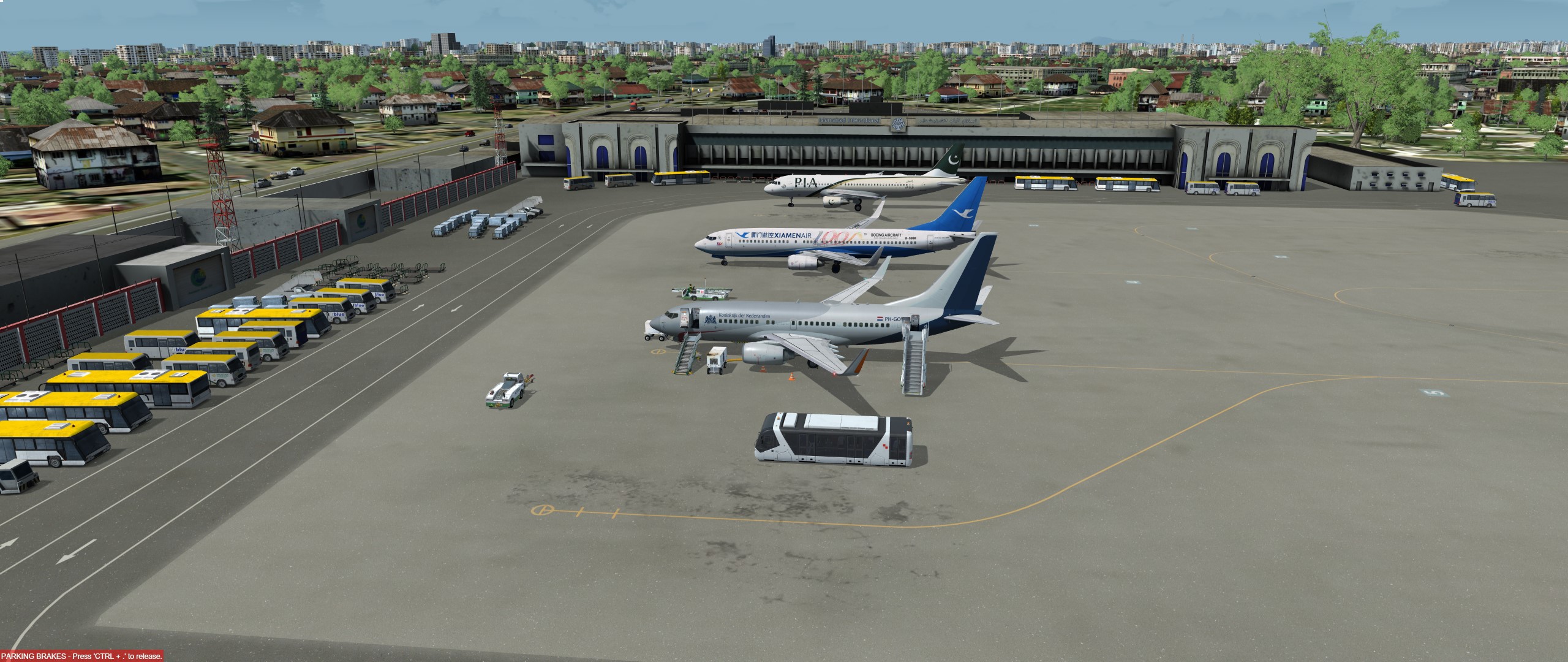
-
-
-
Soooooo genial, also.
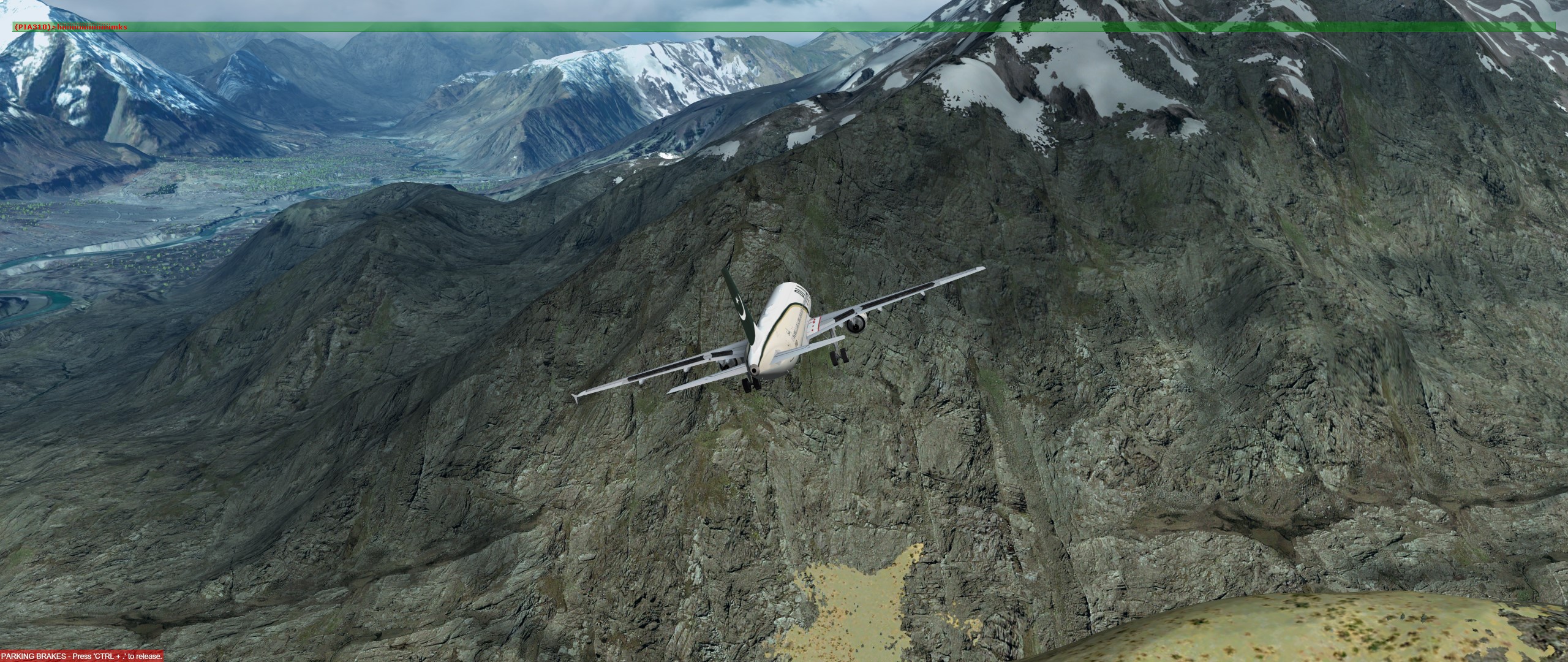
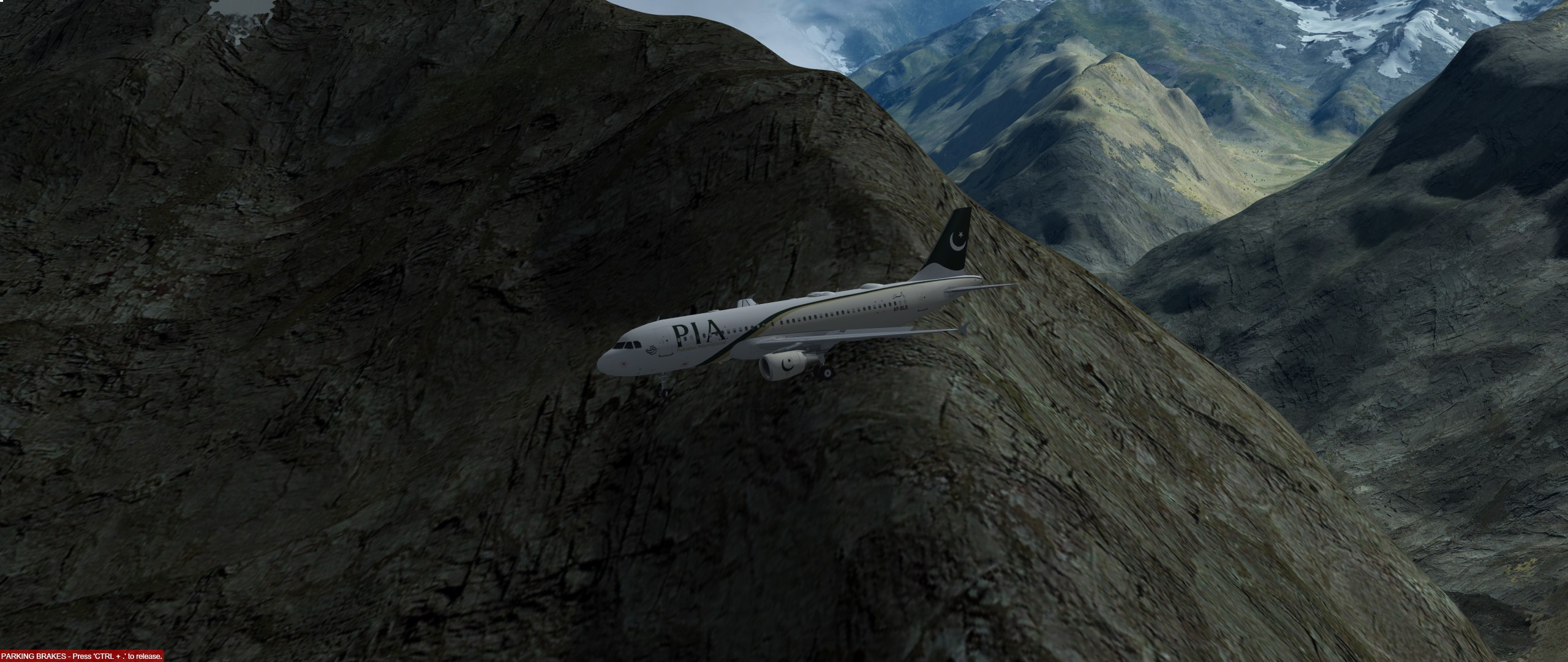
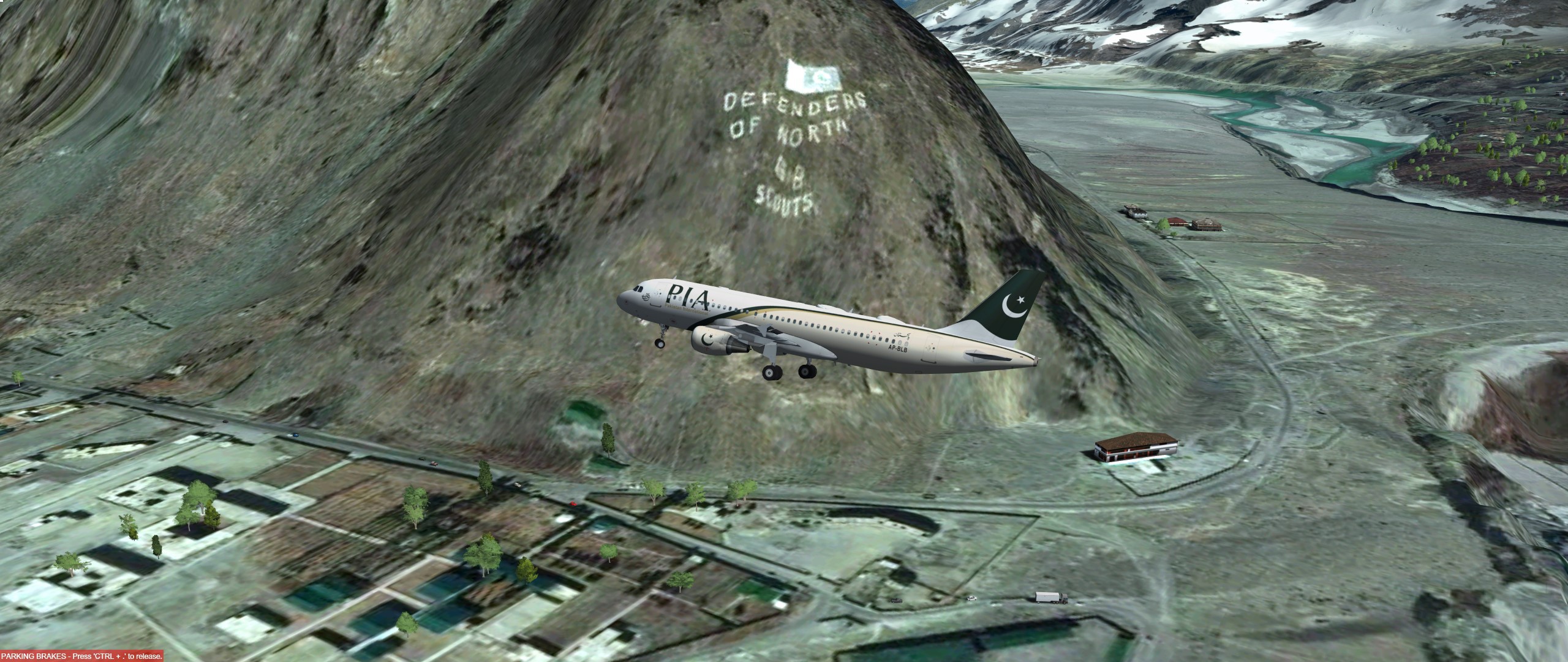
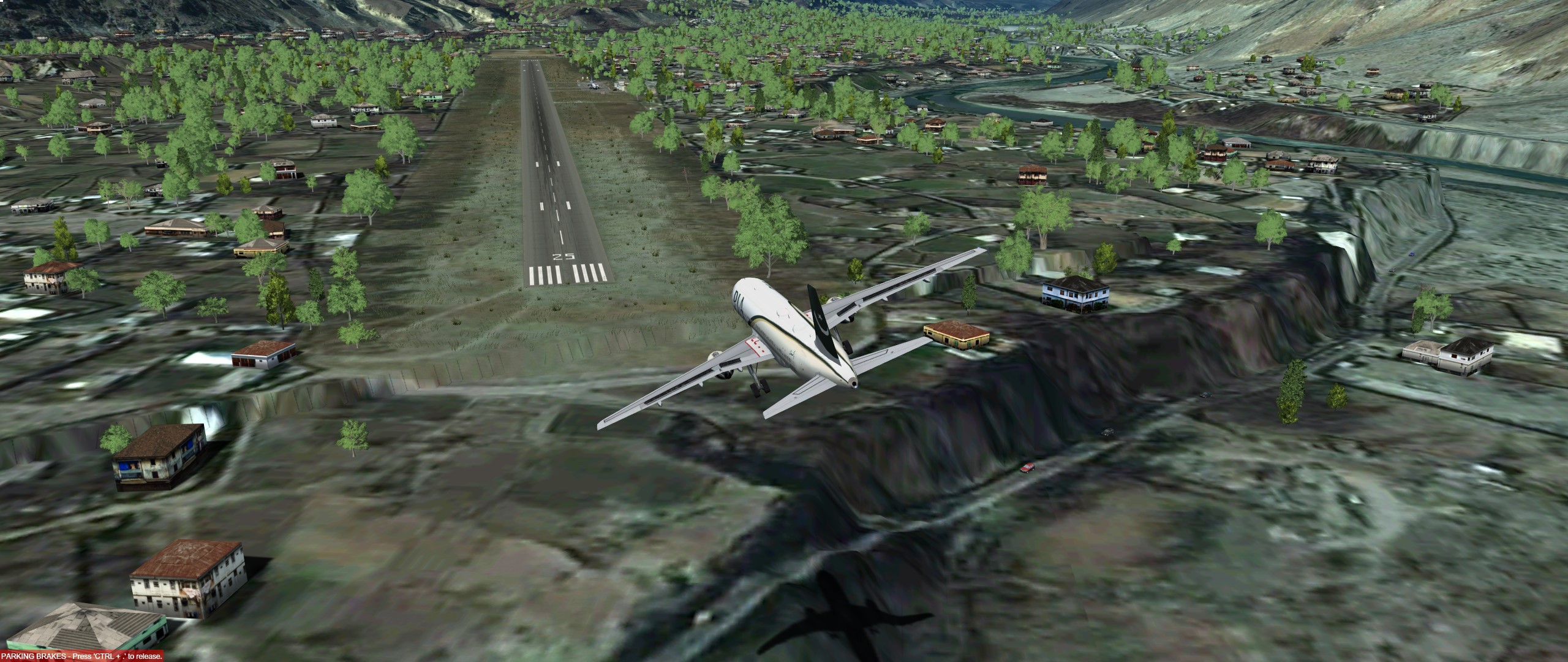
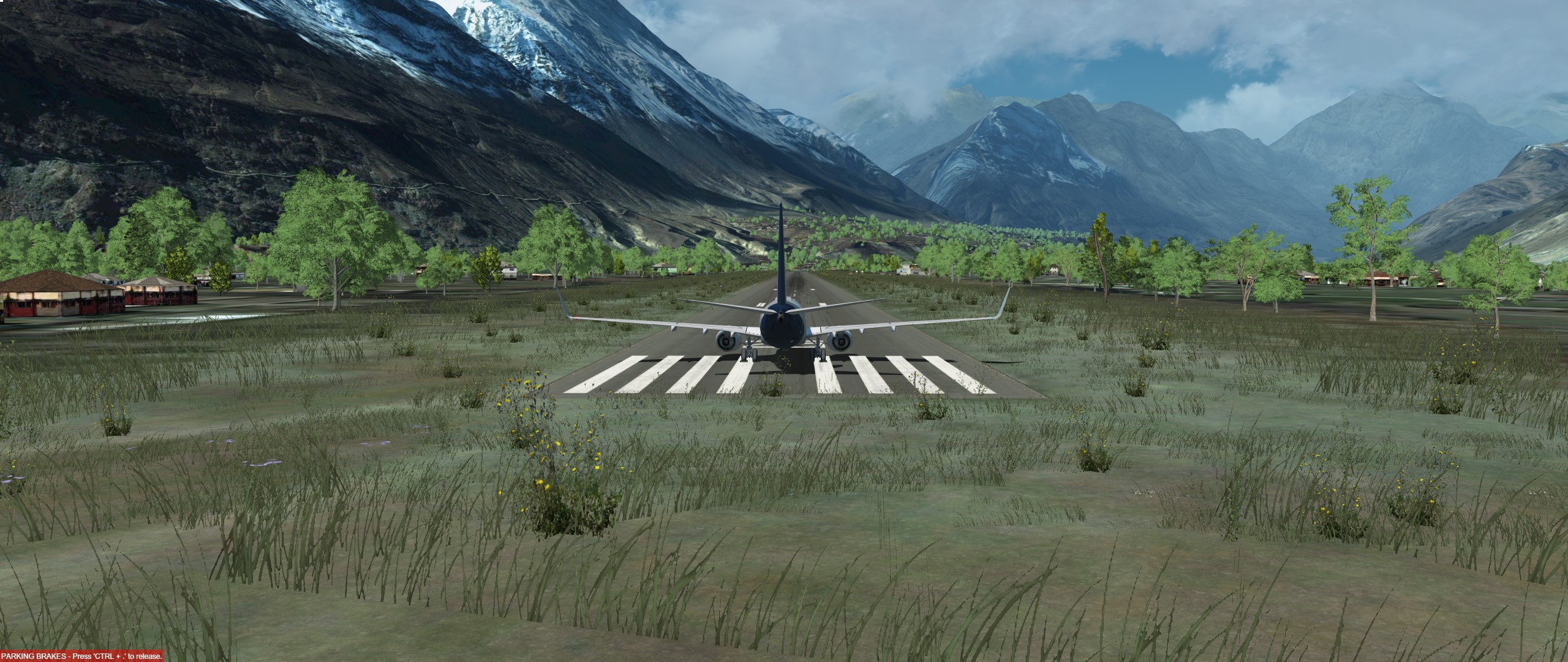
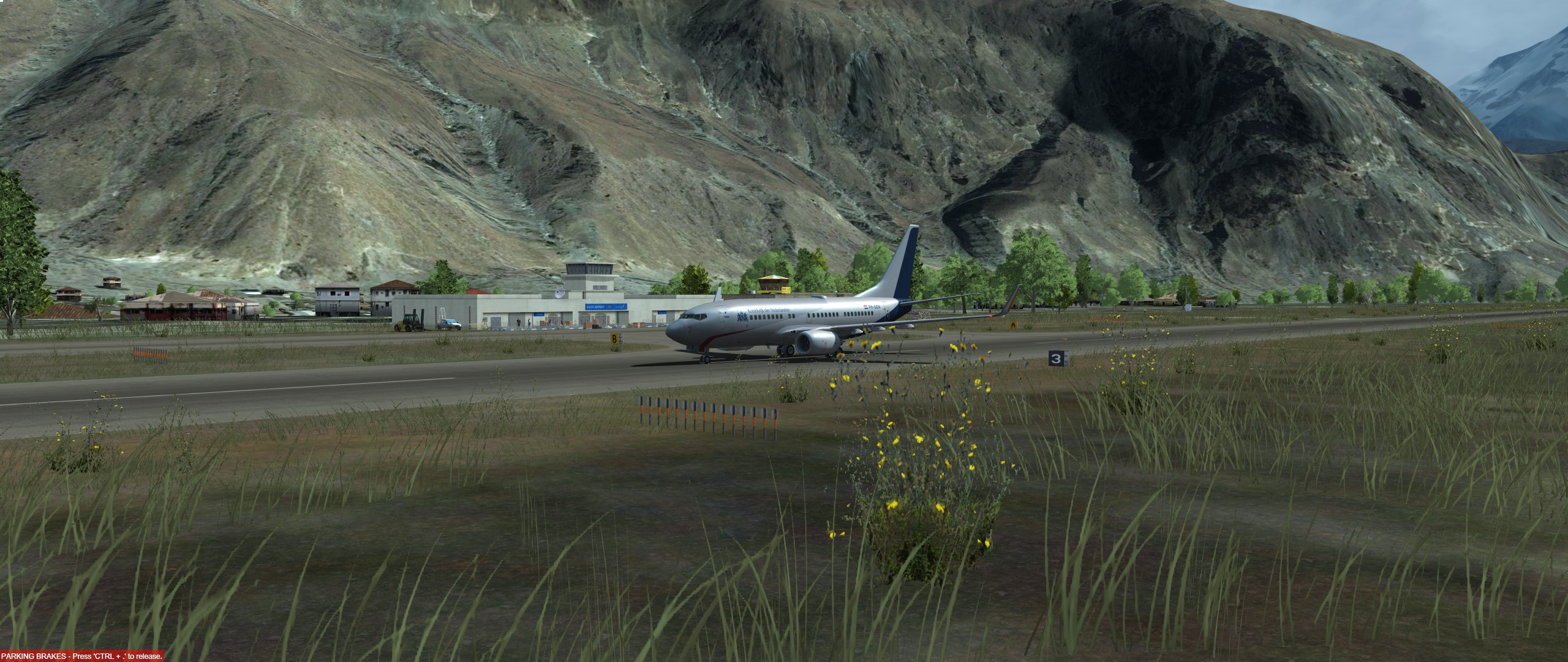
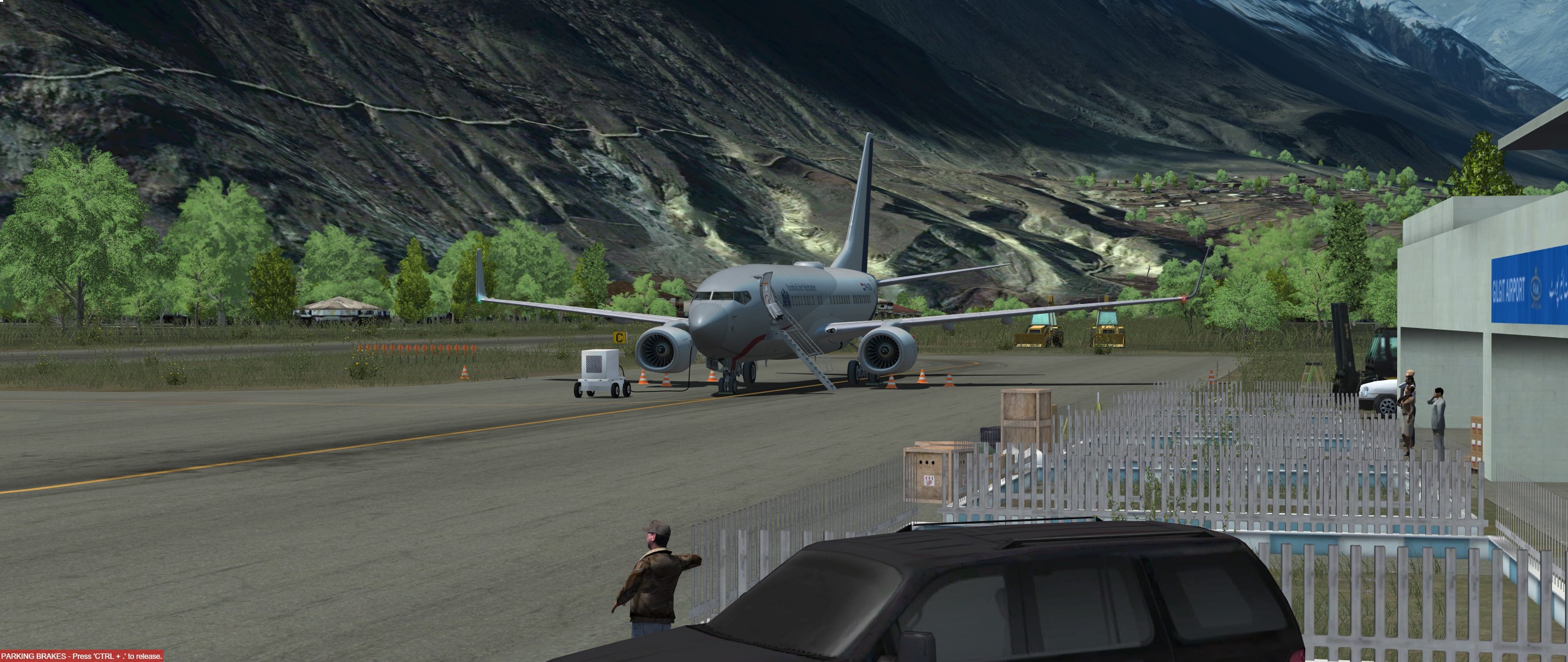
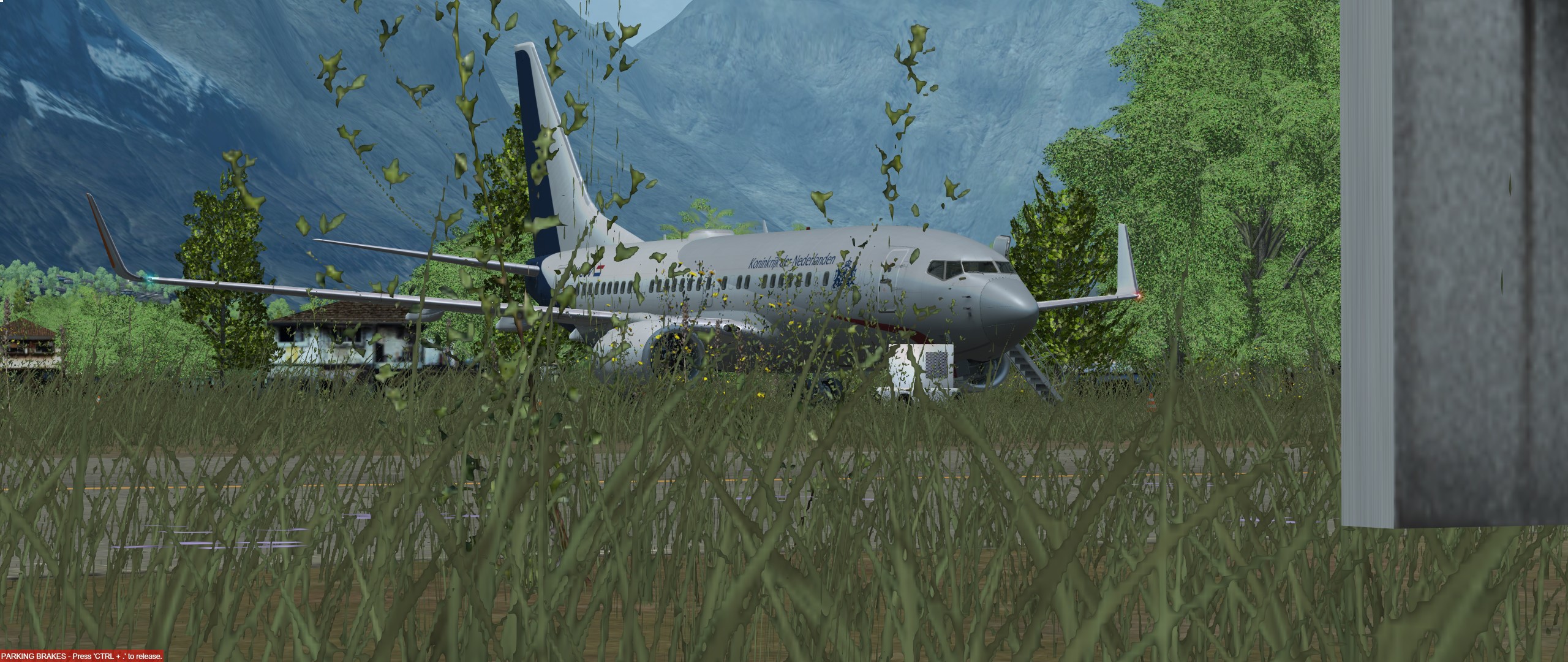
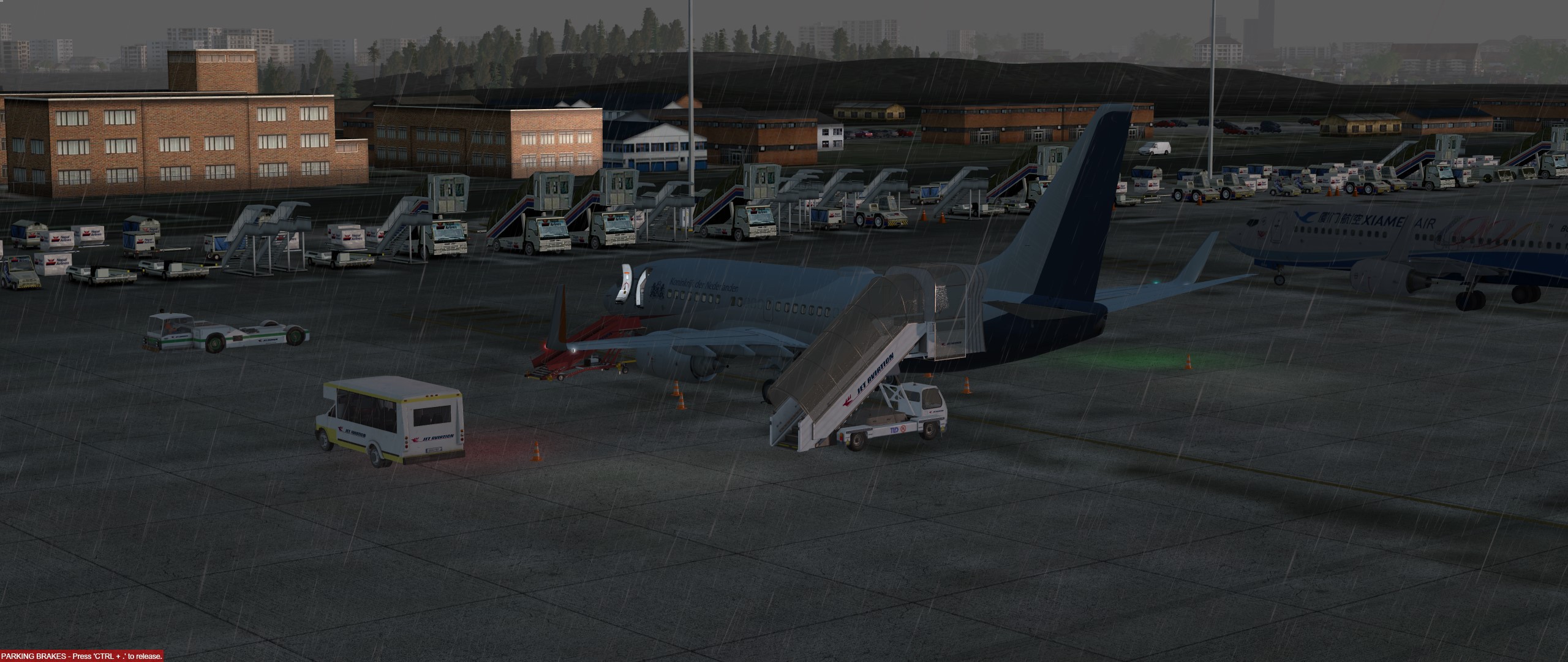
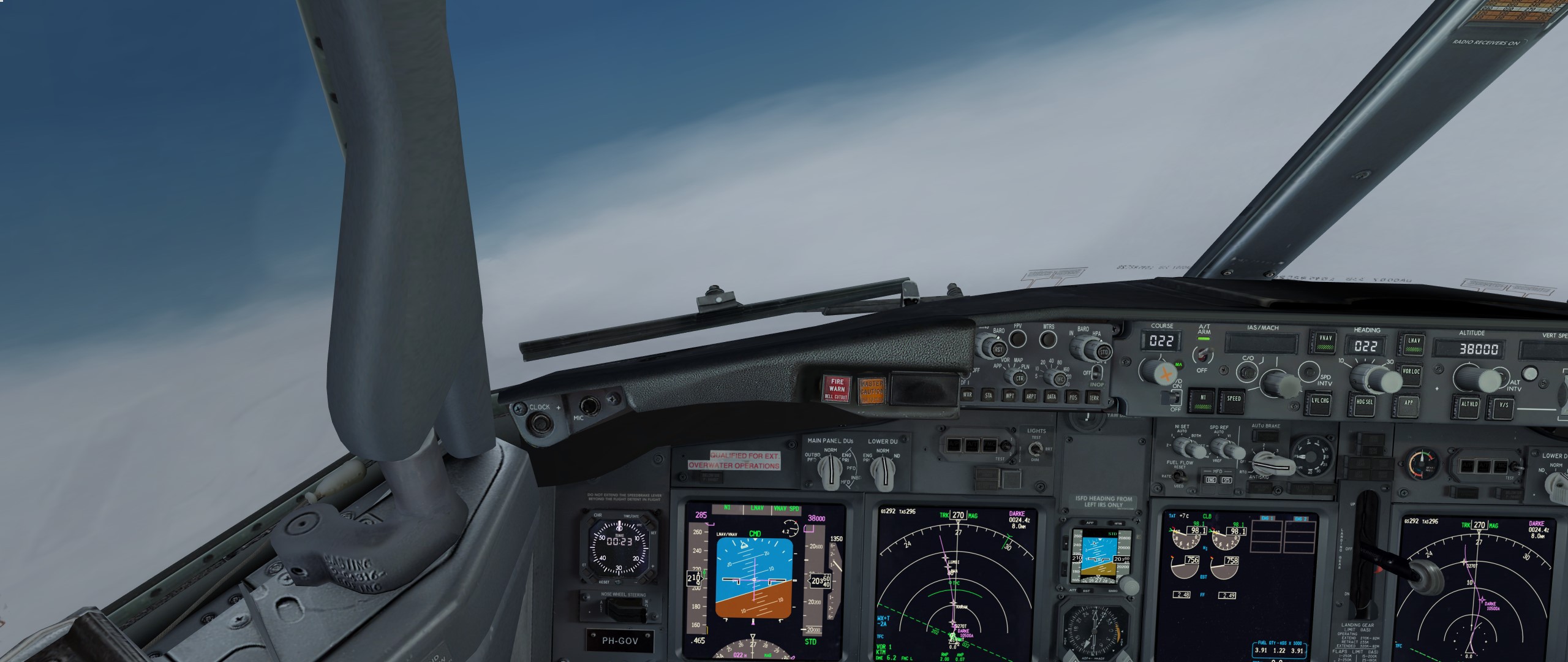
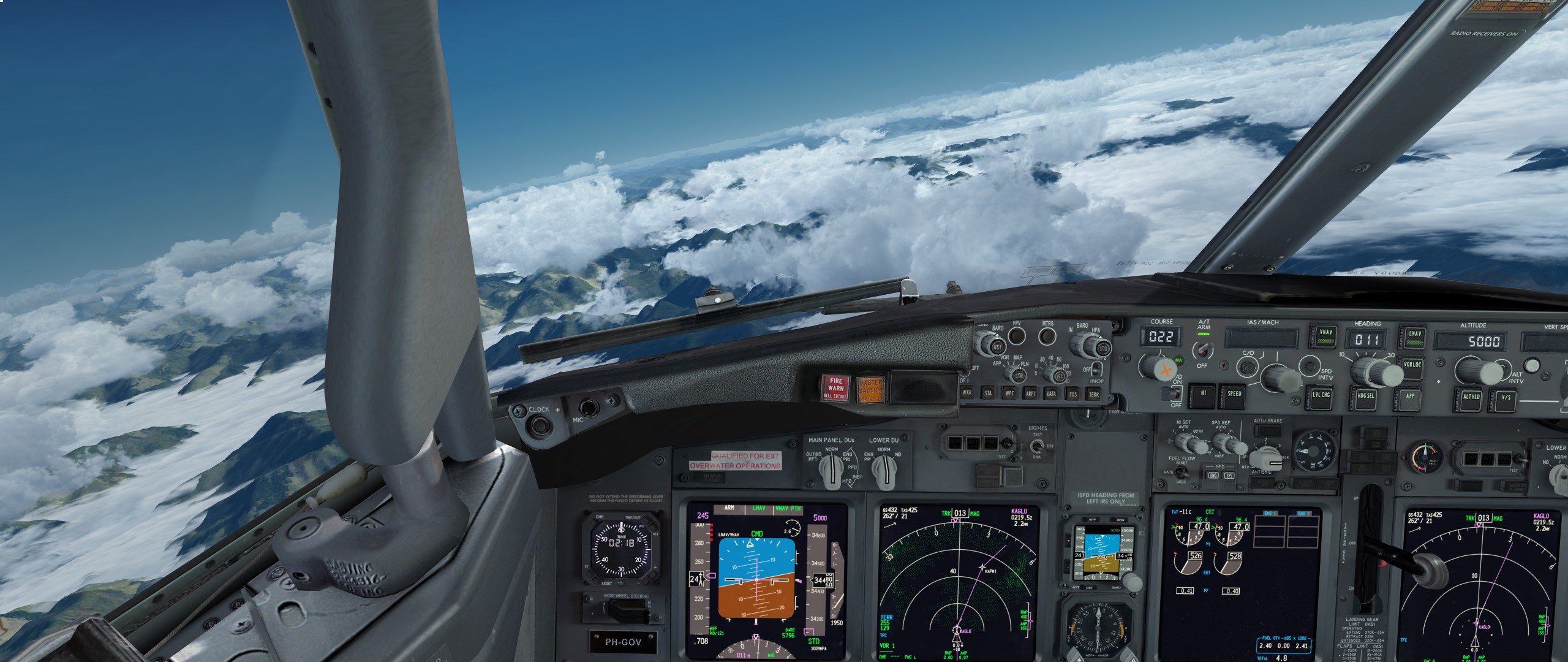
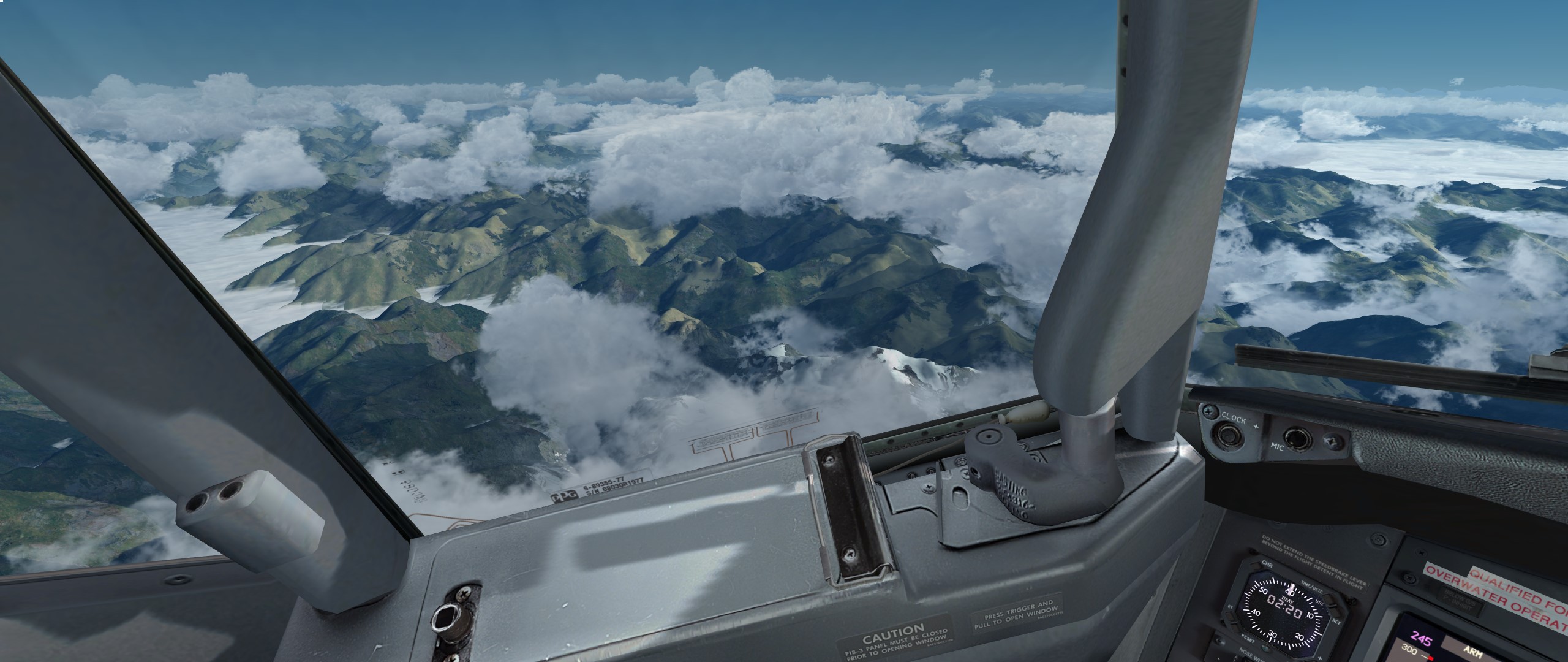
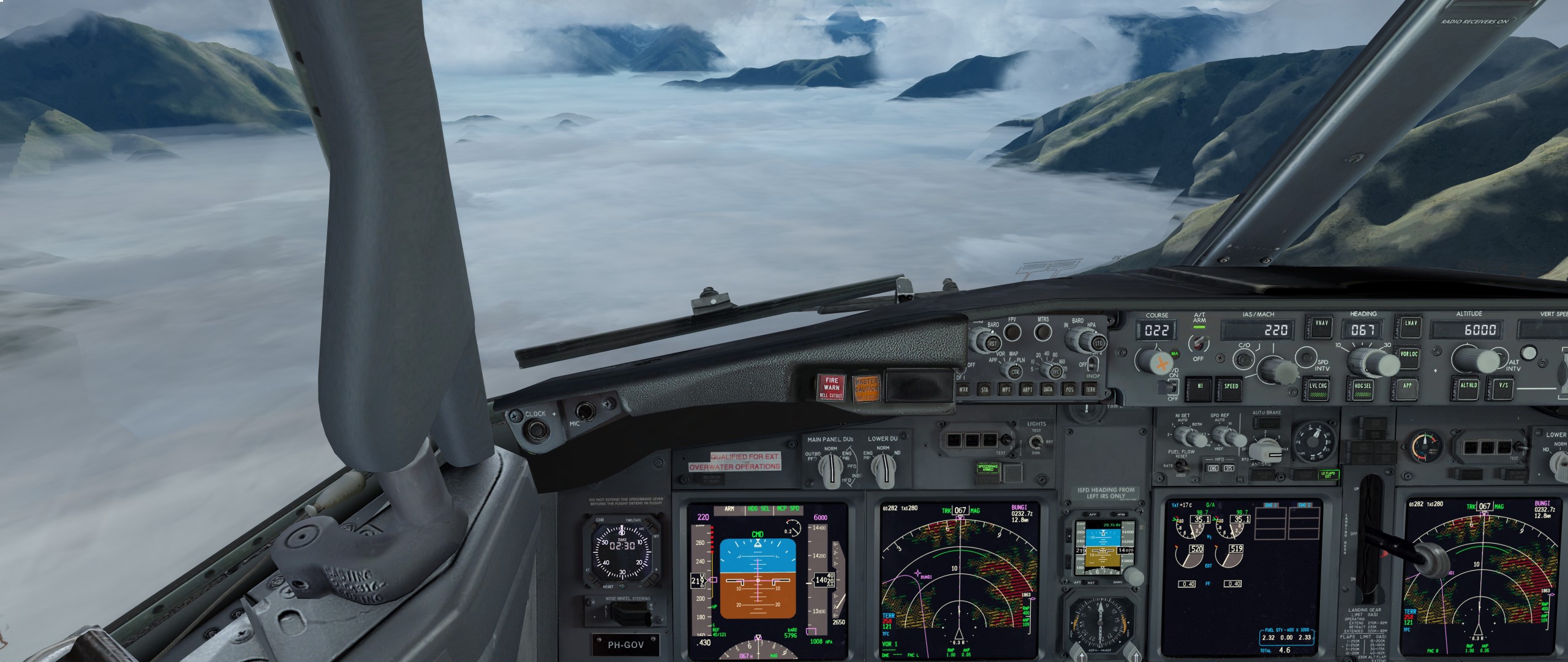
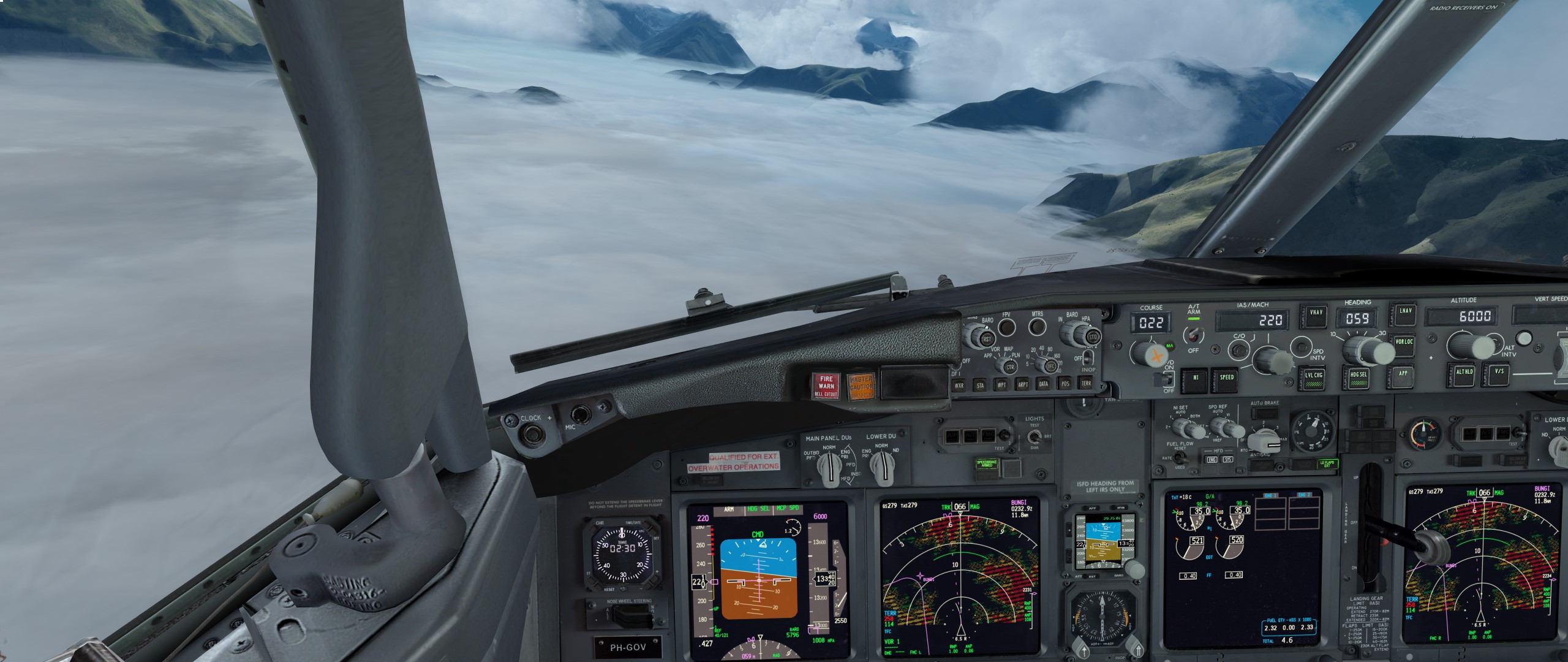
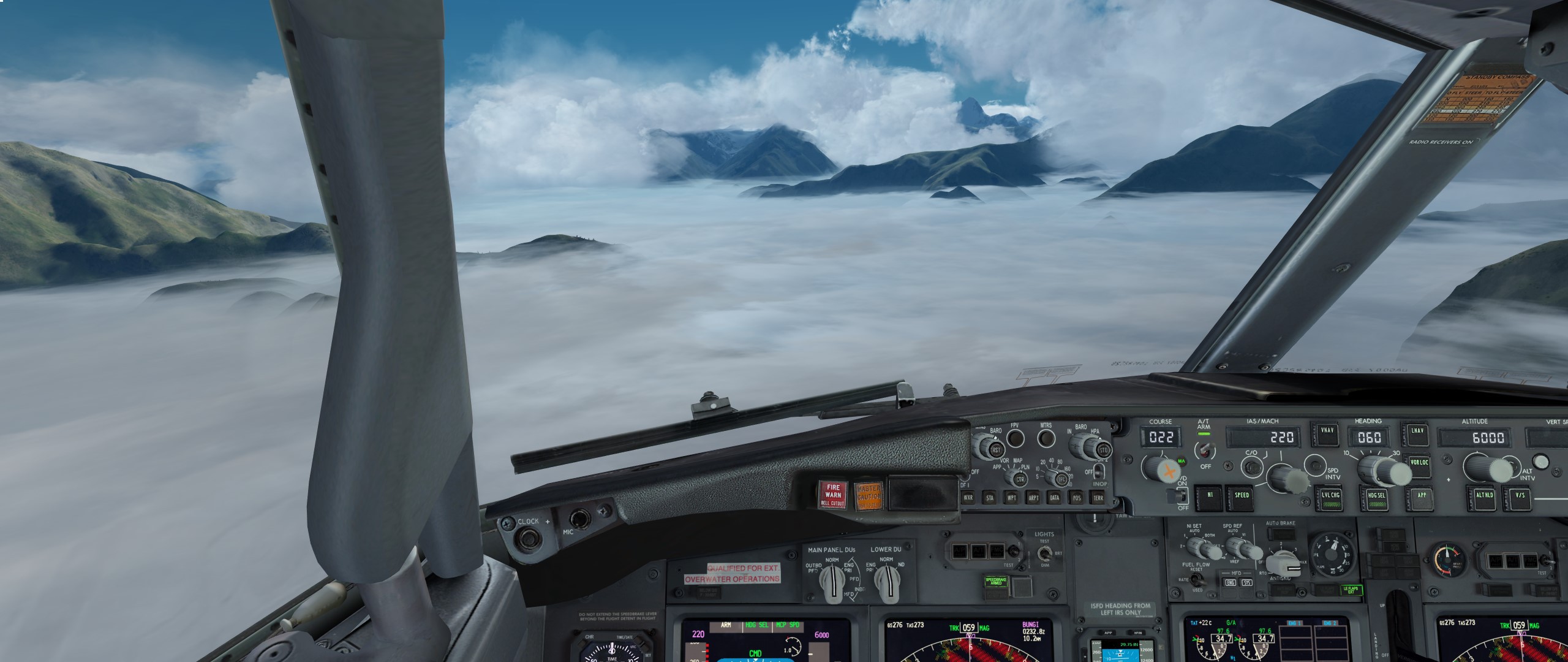
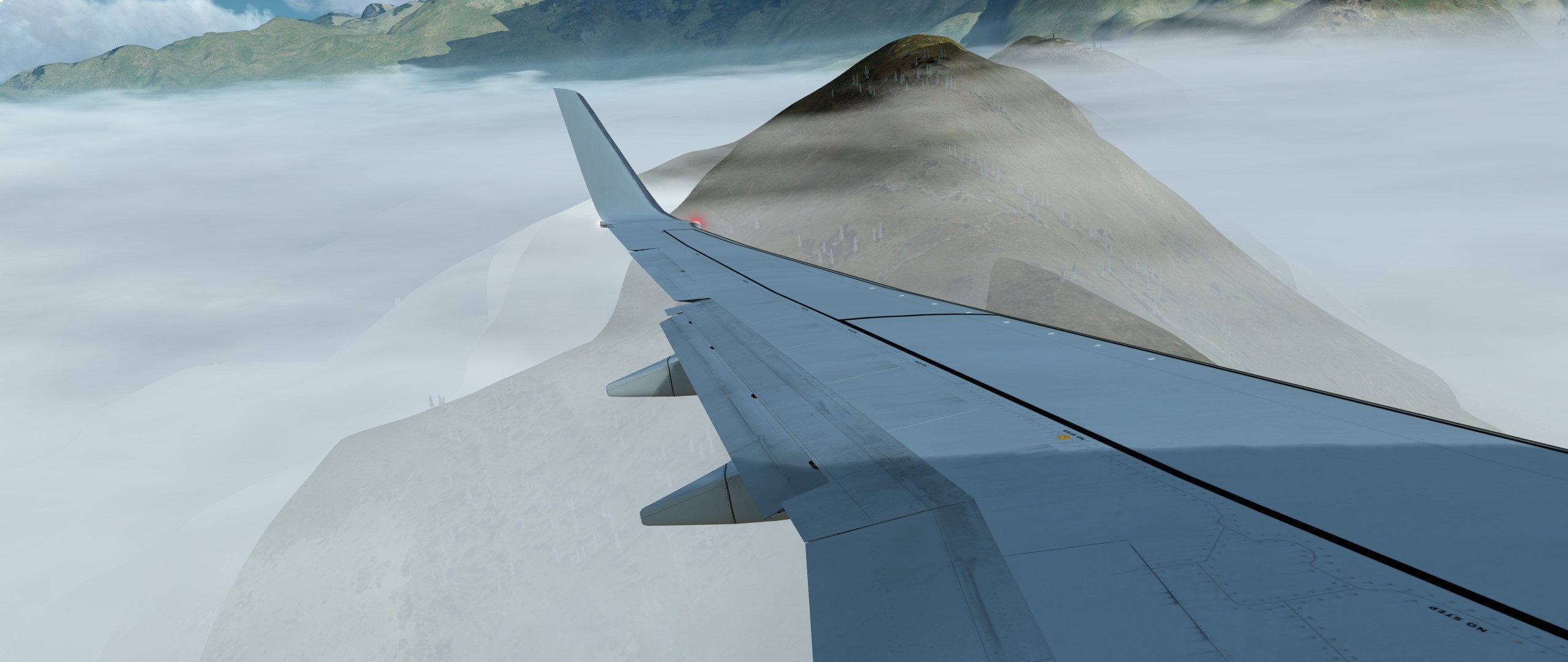
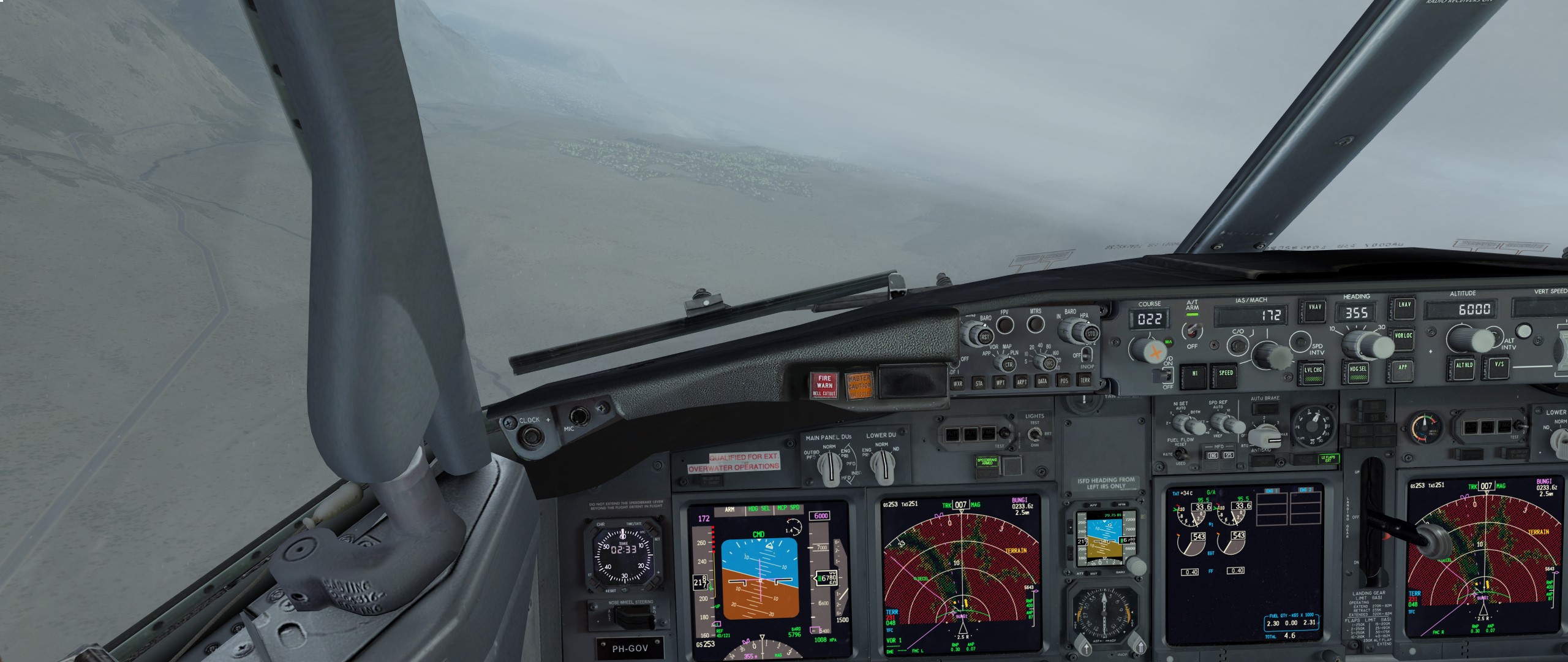
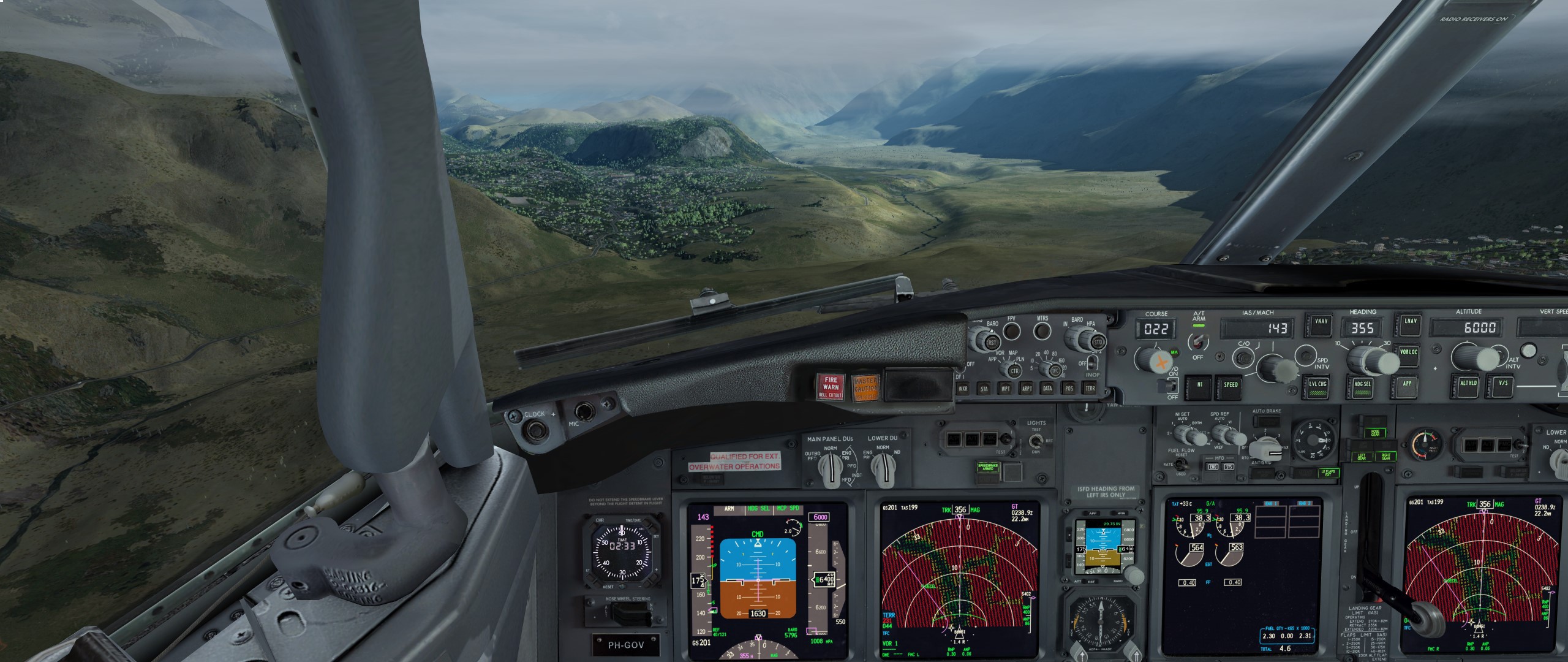
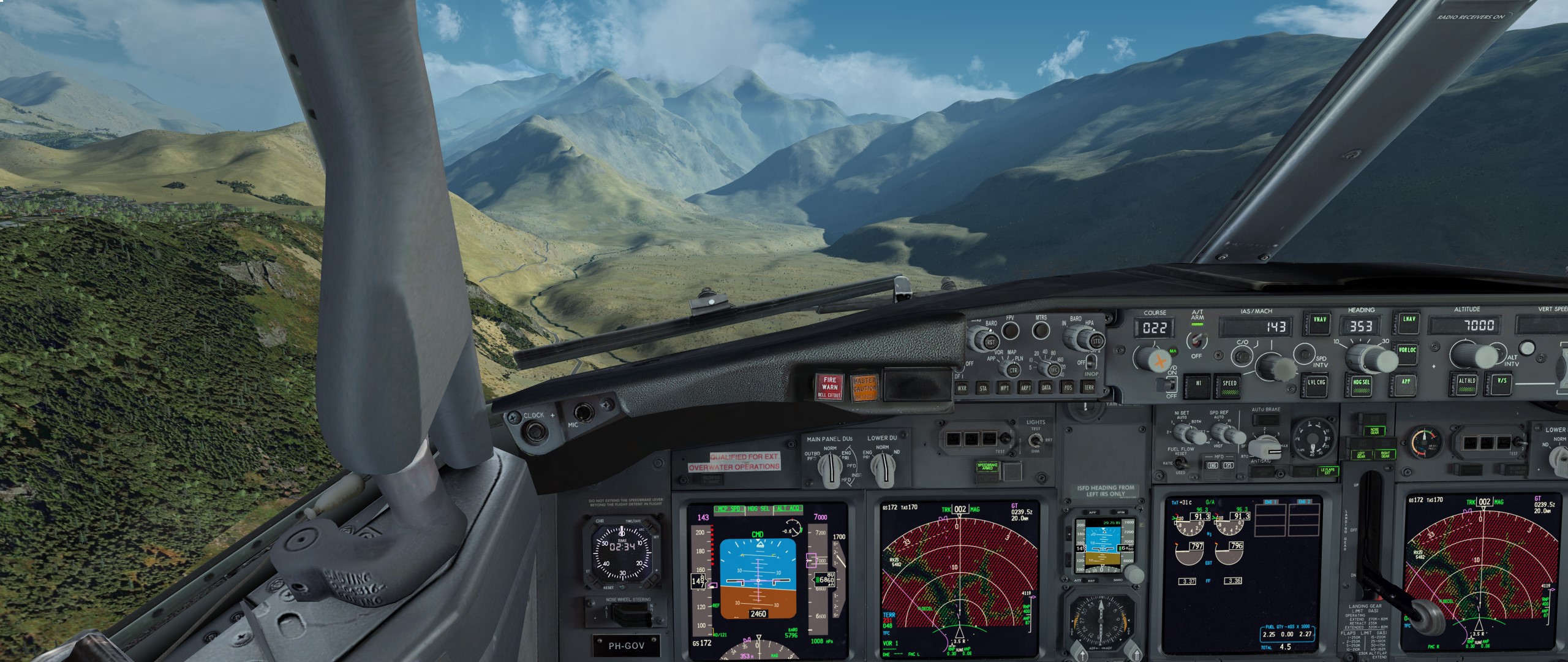
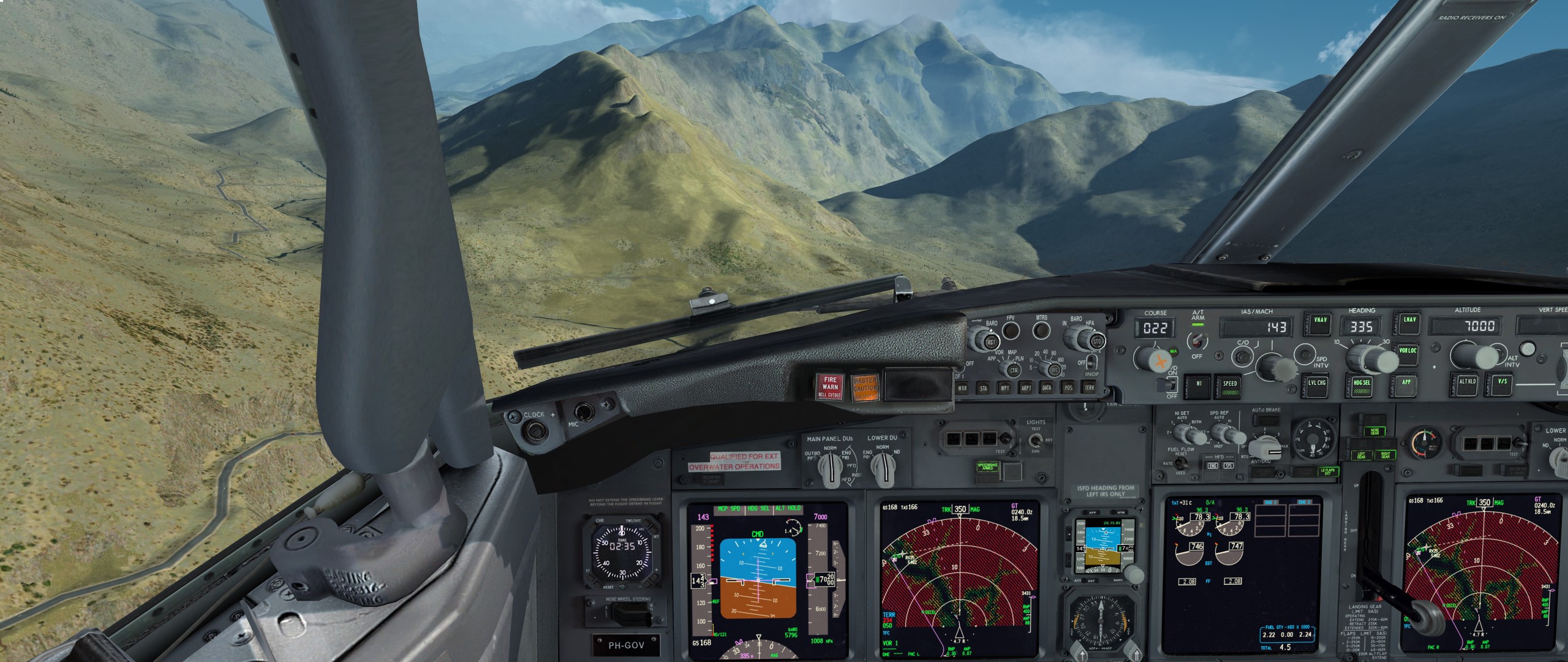
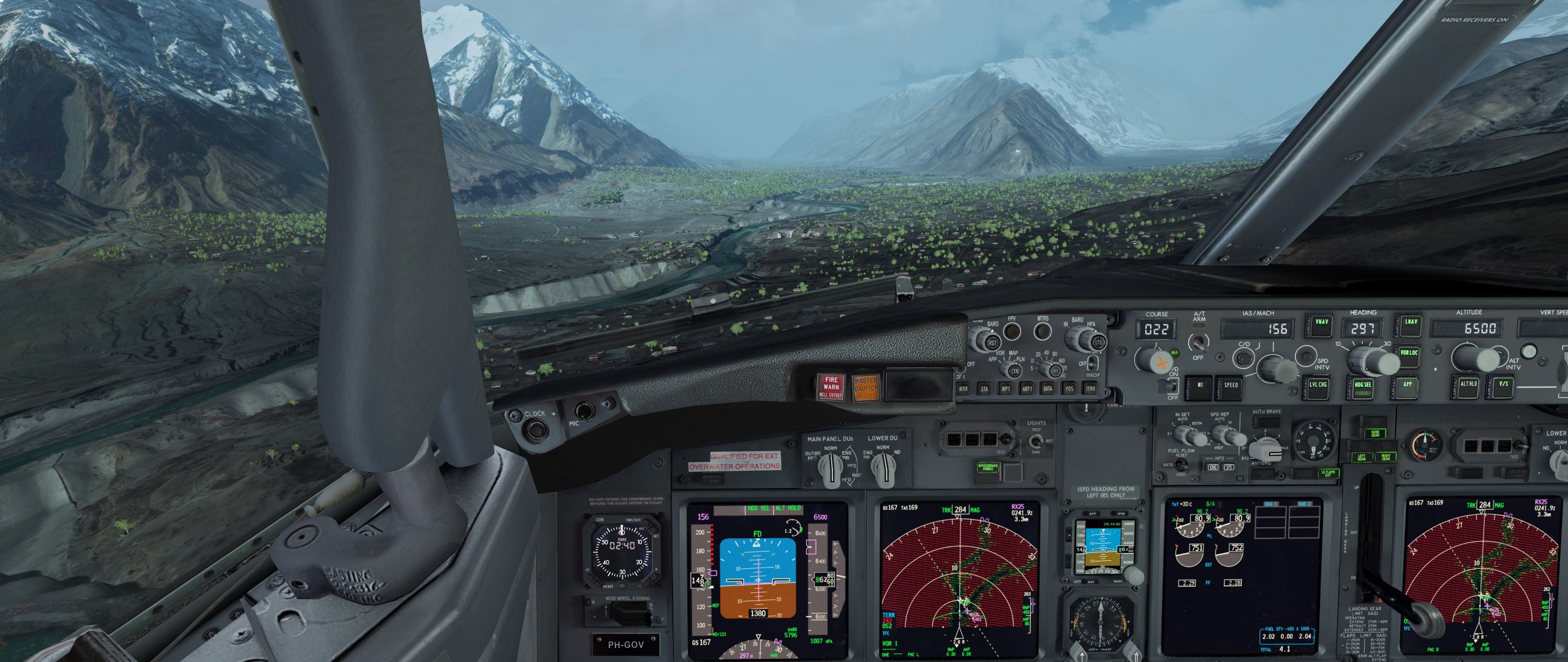
Bis Kapmi dem normalen Sinkflug folgen. Dann rechts ab ins Tal. (bei 1) Bei 2 Links ab biegen und bei 3 wieder links.
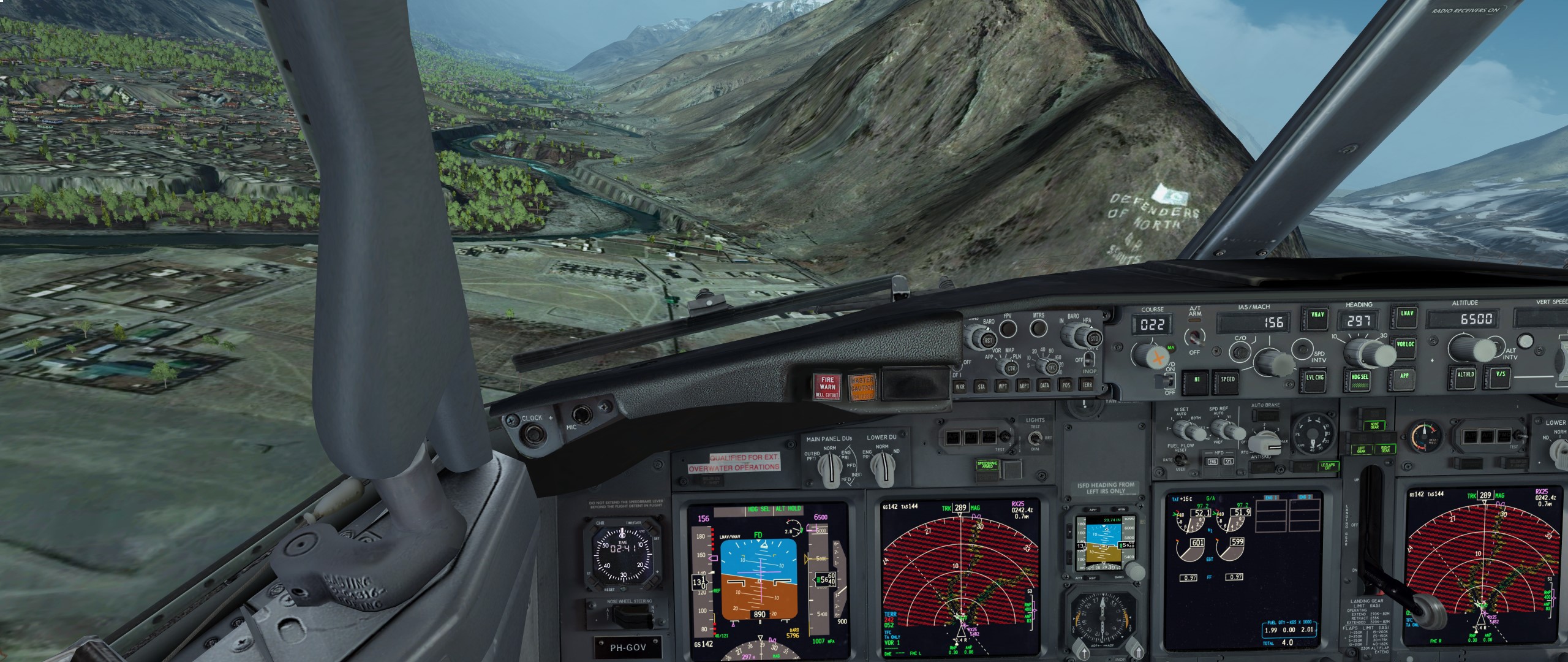
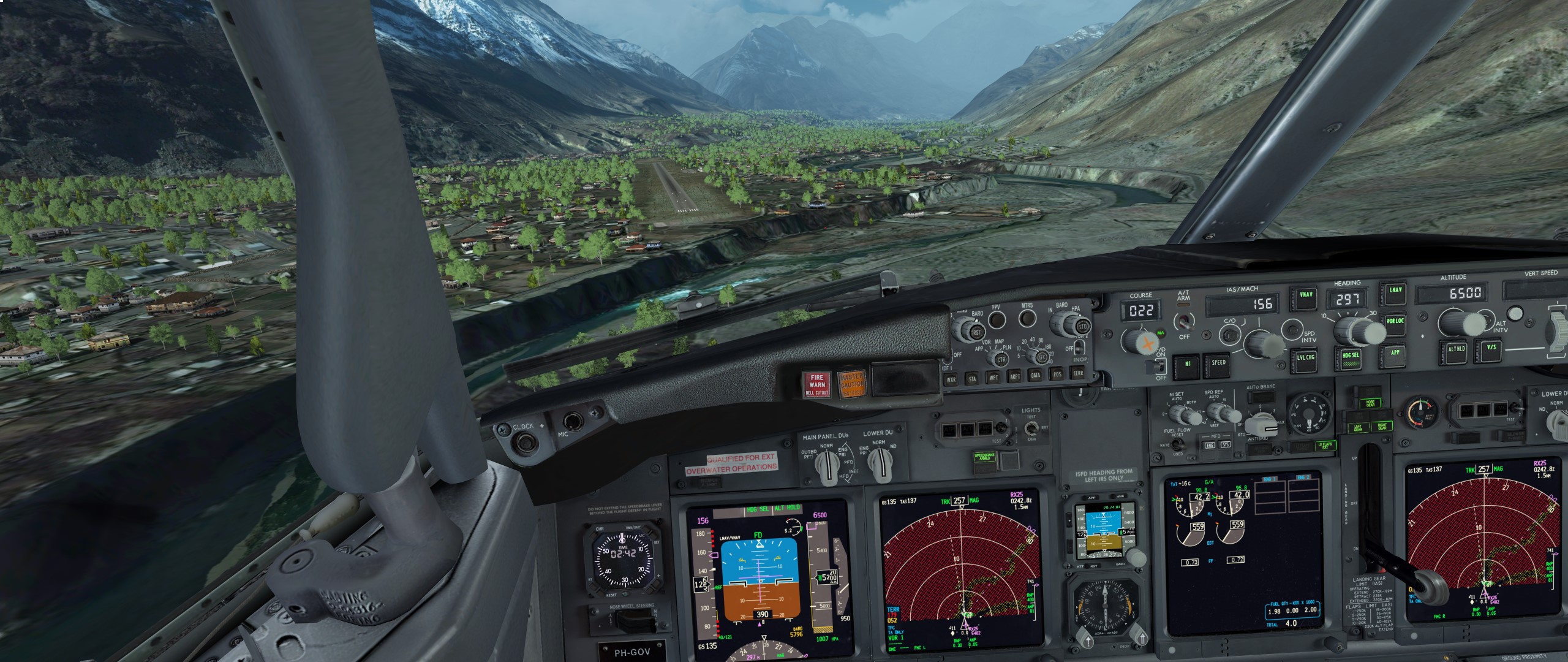
Bei 4 nicht unter 7000 sein und die Gabelung wieder links folgen. Dann kommt der Berg mit der Schrift drauf.
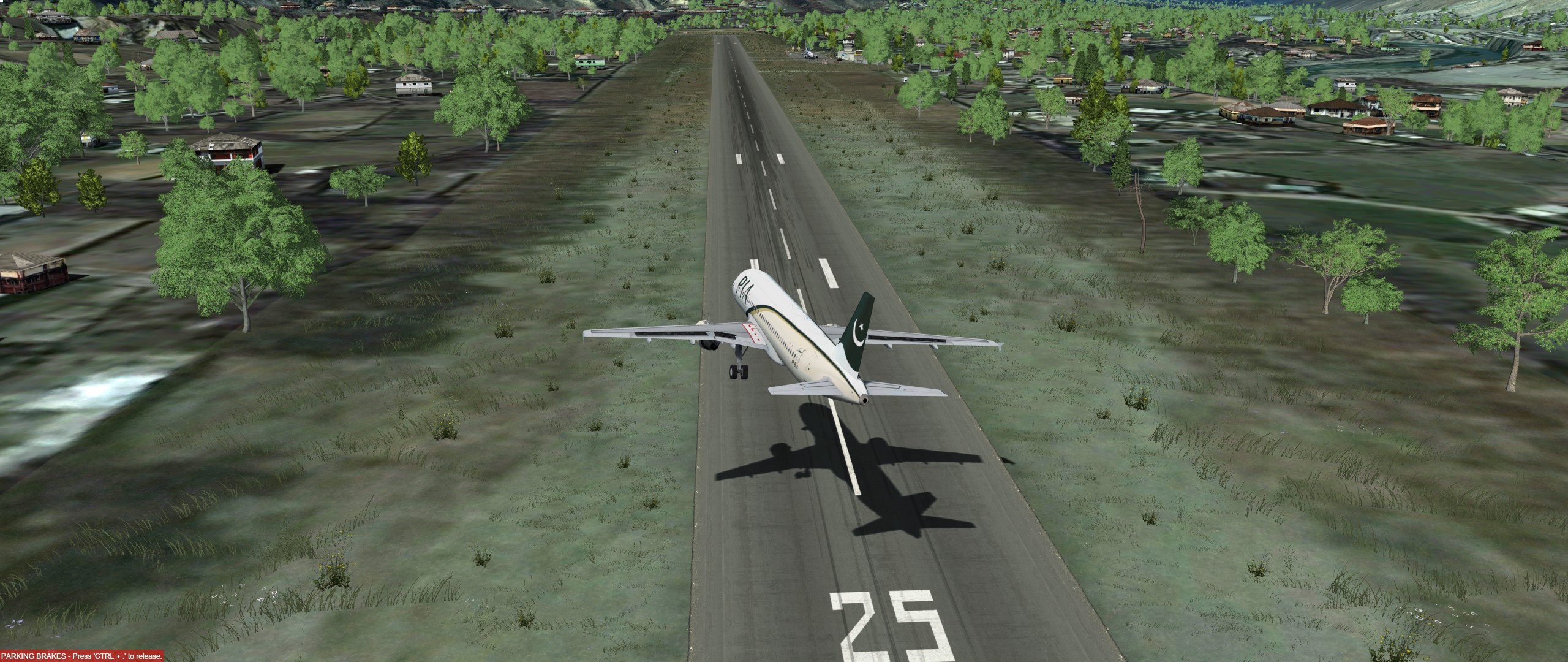
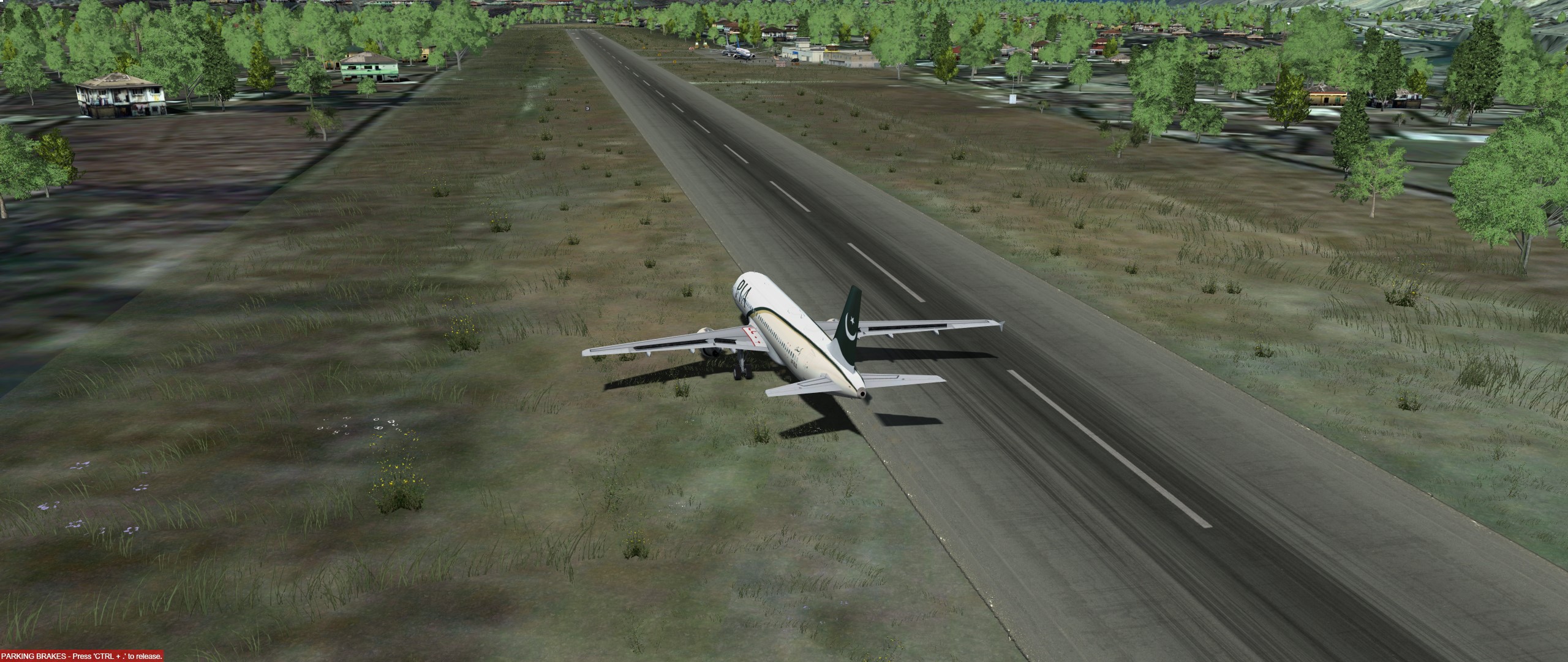
Rechtes Winglet kratzen lassen und landen!

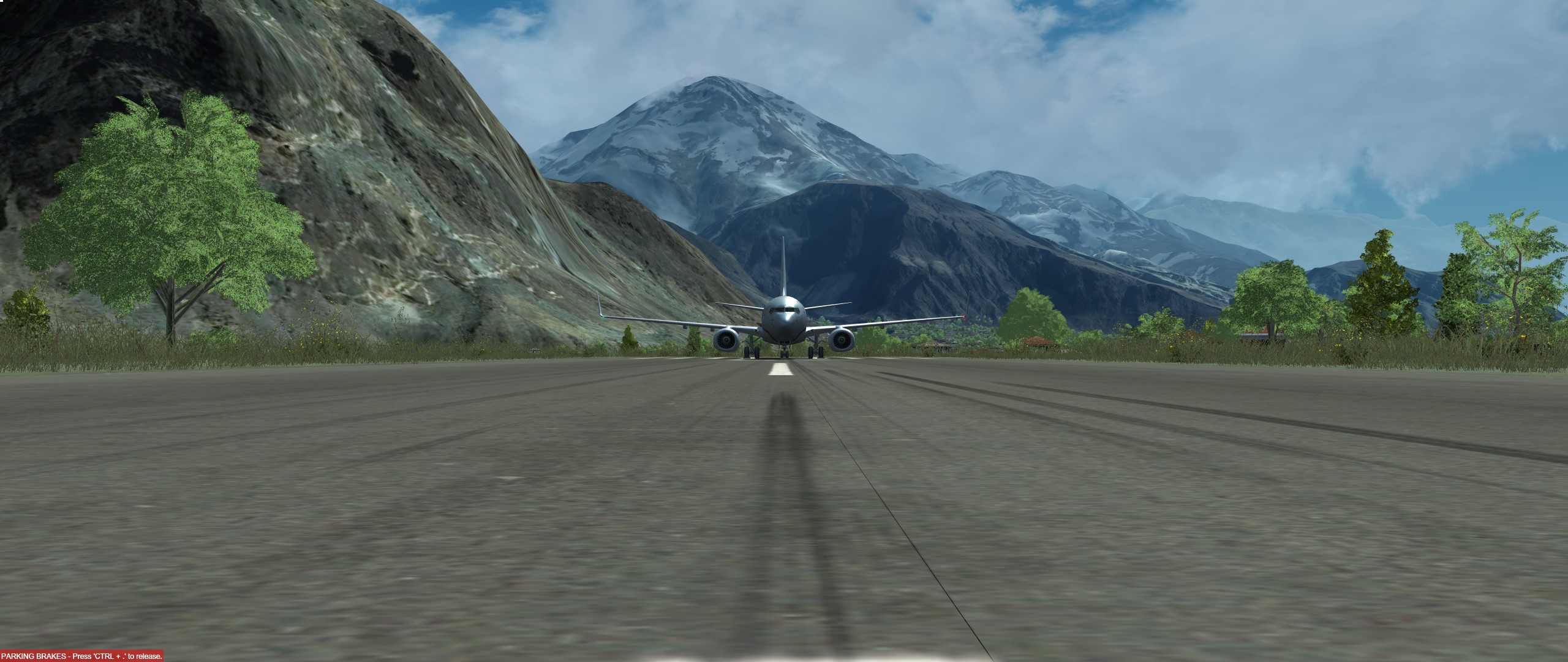
Bilder im Kumi Screenshot Ordner.
-
Wie geil!!!!!!!!!!!!!!!!!!!!!!!!!!!! Hammer!!!!!!!!!!!!!!!!!!!!!!!
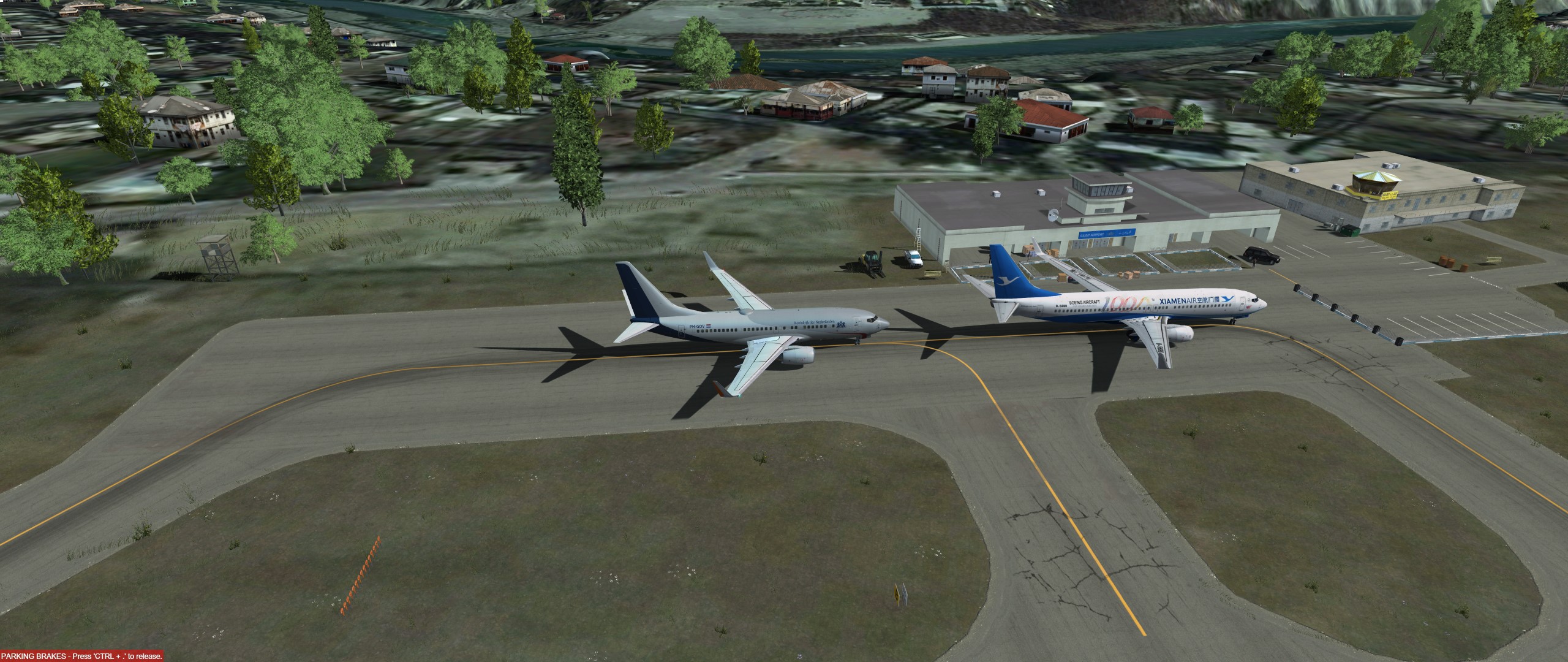
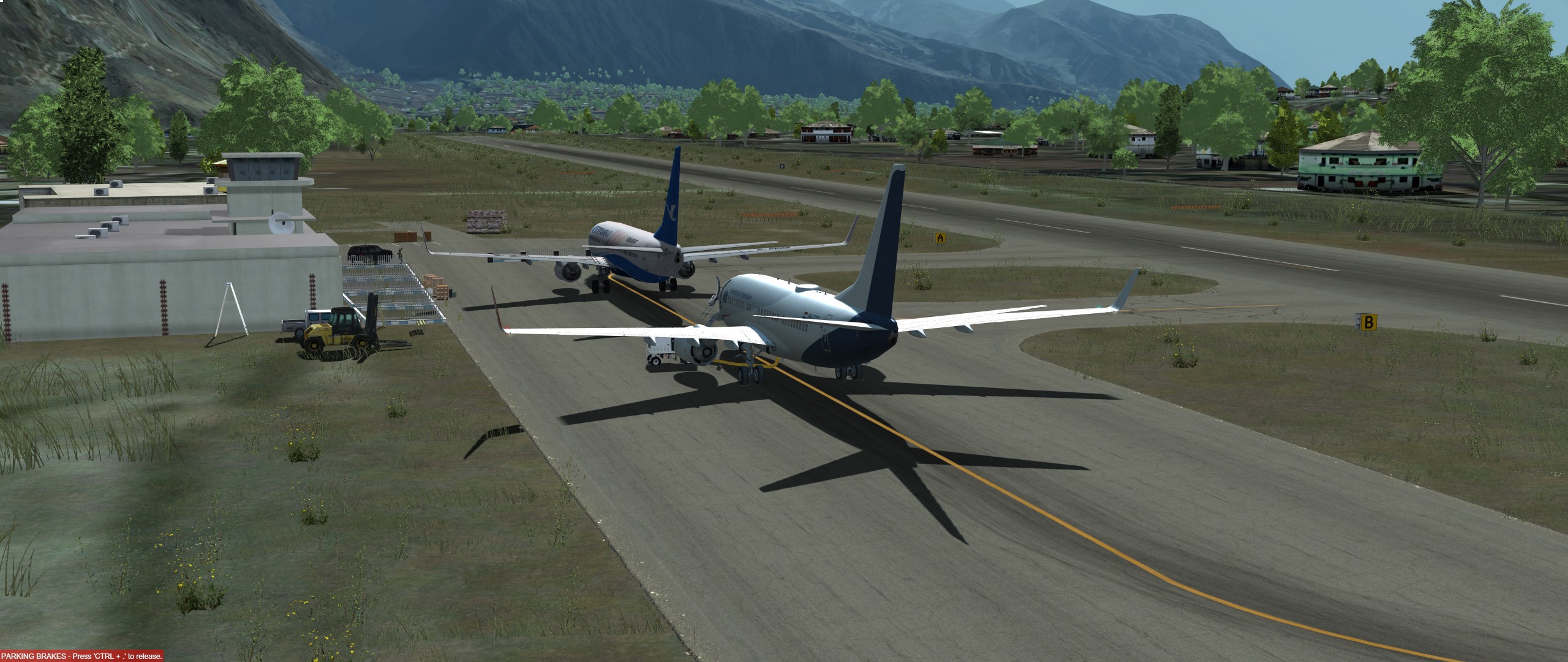
-
Bitte alle erst ein DIPLO CLEARANCE NUMBER anfragen:
-
-
War sehr geil!
Danke EIk fuers schreiben! -
(FPL-KLM941-IS
-F50/M-SDE2E3FGRY/H
-LYTV1830
-N0324F240 DCT DOPUT DCT KEMIX DCT ELGUS/N0322F200 M730
TORPO/N0323F230 M730 ANC DCT GAVRA GAVRA3P
-LIRQ0125 LIRF
-PBN/B2B3B4D2D3O2O3S1 DAT/V DOF/190710 REG/PHKVK EET/LDZO0005
LIMM0050 LIRR0117 LIMM0119 OPR/KLM RVR/075 RMK/TCAS RMK/KUMI)
-

RoyalToto da Du ja auch aus Tivat kommst, nimm bitte nicht Stand 1, denn da steht meine Bobby. Danke
Ich stehe auf der 3
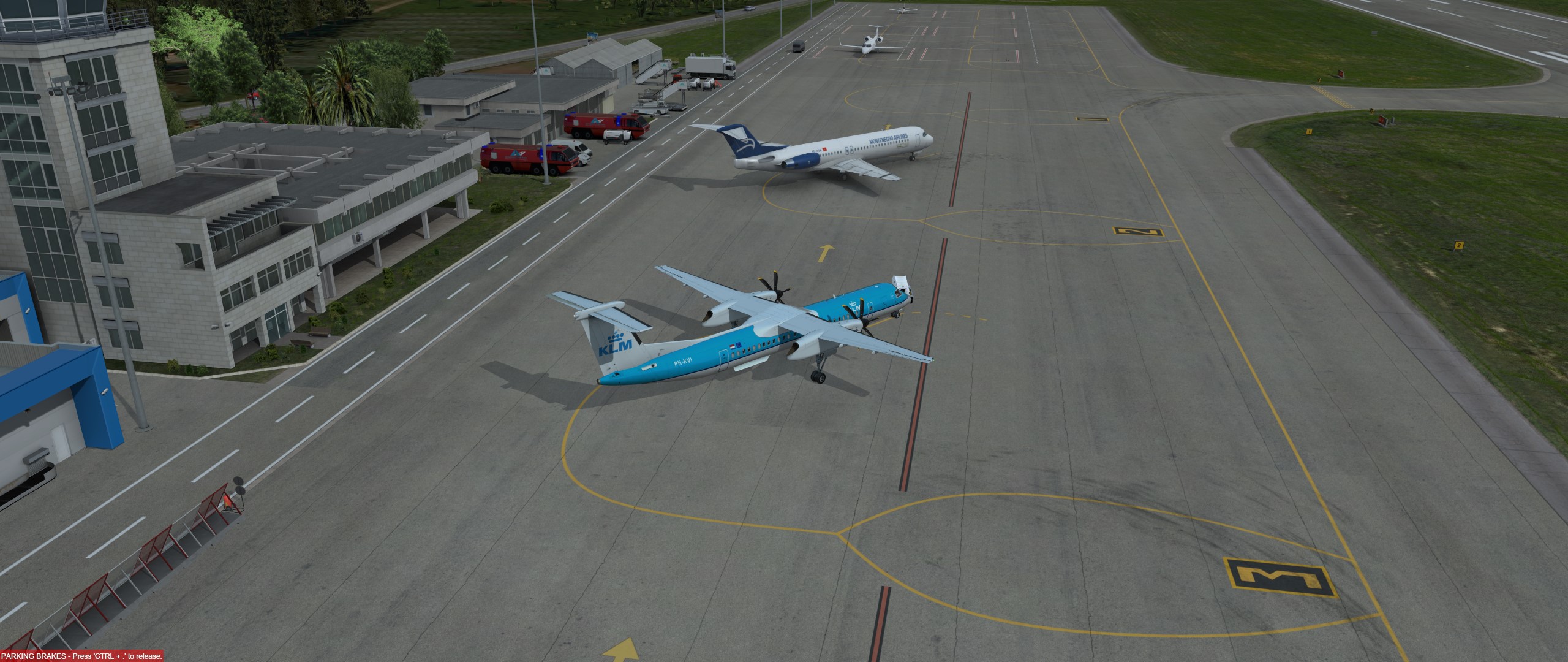
-
Uuuuuuuuuuuuups

A Delta Air Lines McDonnell Douglas MD-88 was operating flight DL1425 when the pilots initiated a diversion due to an unusual engine failure.
The aircraft, registered N906DL, had departed Atlanta and was en route to Baltimore at 33,000ft when the left hand Pratt and Whitney JT8D engine failed.
With no clear view of the engine and what seemed to be a standard engine failure, the pilots began to descend, choosing Raleigh/Durham as the diversion airport due to its proximity.
Externer Inhalt www.youtube.comInhalte von externen Seiten werden ohne deine Zustimmung nicht automatisch geladen und angezeigt.Durch die Aktivierung der externen Inhalte erklärst du dich damit einverstanden, dass personenbezogene Daten an Drittplattformen übermittelt werden. Mehr Informationen dazu haben wir in unserer Datenschutzerklärung zur Verfügung gestellt. -
-
-