

Hmmm, muss ich nochmal schauen
Im NavDisplay ist keine Route zu sehen
Hmmm, muss ich nochmal schauen
Im NavDisplay ist keine Route zu sehen
Wollte heute mal ein wenig 717 fahren.
Habe den download neu gemacht (V1.1.30.0)
Kein Nav Dispaly und das Tablet sieht auch nicht komplet aus.
Habe SuperSampling schon aus und das Rendering von der GK genommen.
Jemand noch eine Idee?
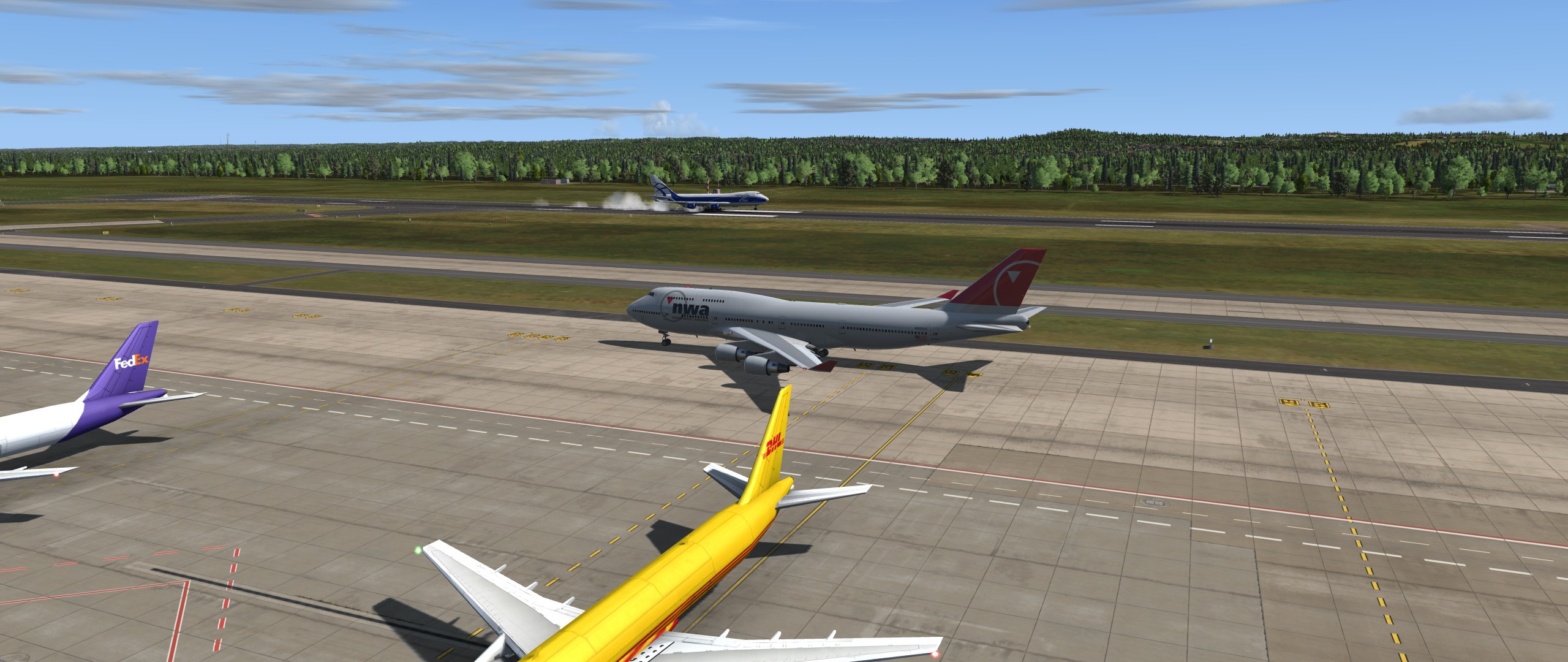
Hammer! Vor allem das Bild auf der RWY!
(FPL-PWD941-IS
-MD88/M-SDFGHRWY/C
-SKCG1745
-N0451F340 DCT KOPGI DCT KOVIP UL667 SPP UR505 MGA UA317 UMIPI
UMIPI1M
-MSLP0211 MHLM
-PBN/A1B2 DOF/190605 REG/HI914 EET/MPZL0020 MHCC0105 OPR/PWD RVR/075
RMK/TCAS)
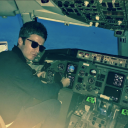
Transparenz auf 100 Prozent? Klingelts?
Das haette mir auch passieren koenen und ich haette Stunden gesucht 

Nehmt diesen Link zur Szenerie: http://www.flightsim.com/vbfs/fslib.php…e=mslpv0_1b.zip
Ich hab den Airport auch schon mit SODE Jetways per GSX ausgestattet, kann ich bei Gelegenheit dann auch mal hochladen.
Mach mal 
Jupp, der Link geht nicht:
Deep Pan Pizza

Für 4 Portionen
Arbeitszeit: 40 Min.
plus Gehzeit
Pro Portion 1002 kcal
Kohlenhydrate: 100 g
Eiweiß: 25 g
Fett: 53 g
Dazu ein lokales Bier Smylie Brothers Brewing Co.,
Prost

Gerne kopiere ich hier auch die Order-Informationen von FlyTampa/Simmmarket rein, als Beleg, dass ich eine gekaufte Version habe.
Das las mal lieber.
Aber ich denke jemand wird Dir schon helfen koennen.
@Robertleo
Ich habe ein bisschen Bauschmerzen.....
Erst mal nutzt Du eine Mailadresse, die erst seit kurzen Registriert ist.
2. Stellst Du dich nicht vor.
Dann ist dein Profil nicht sehr originell.
Und stellst gleich mal einen Link ins Forum, der so gar nichts mit Flugsimulation zu tun hat......
Was soll ich tun?
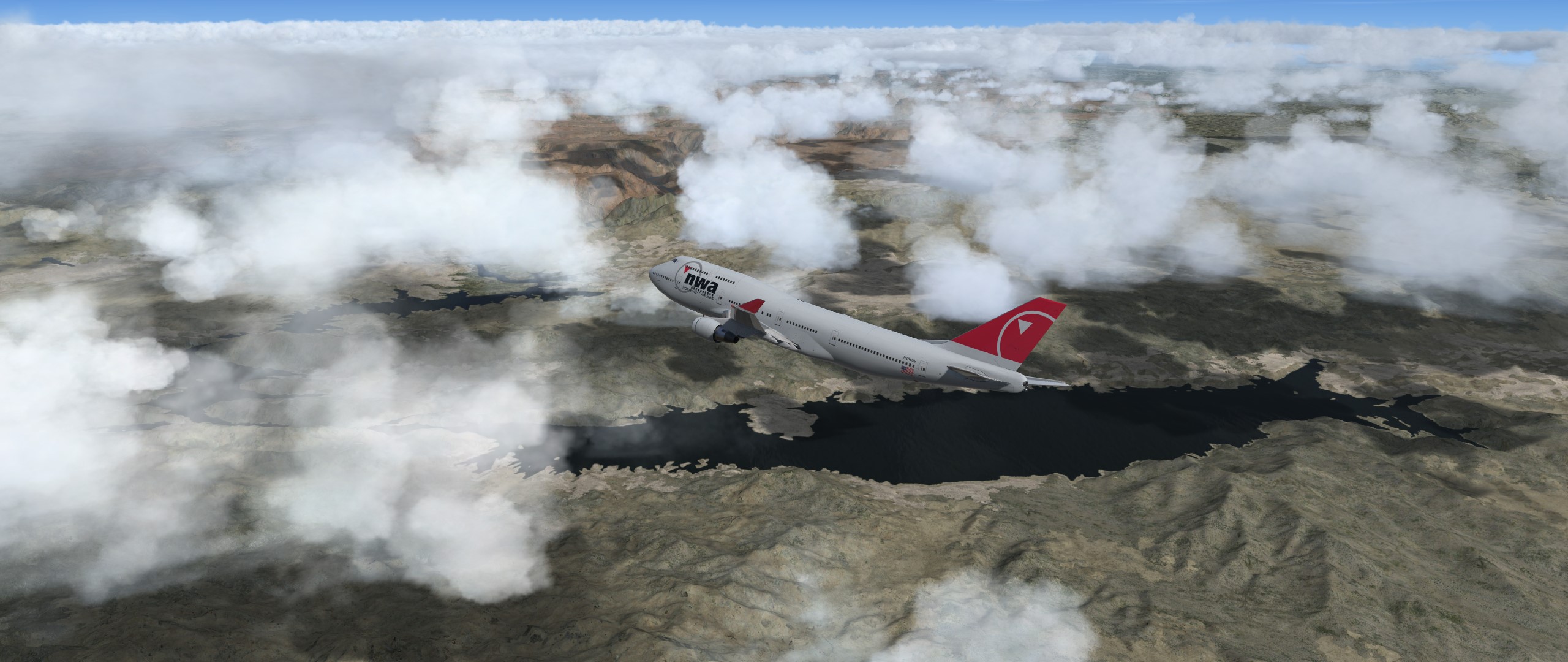
Mit dem Raffi von Chicago nach Venedig. Heute mal als AZ941
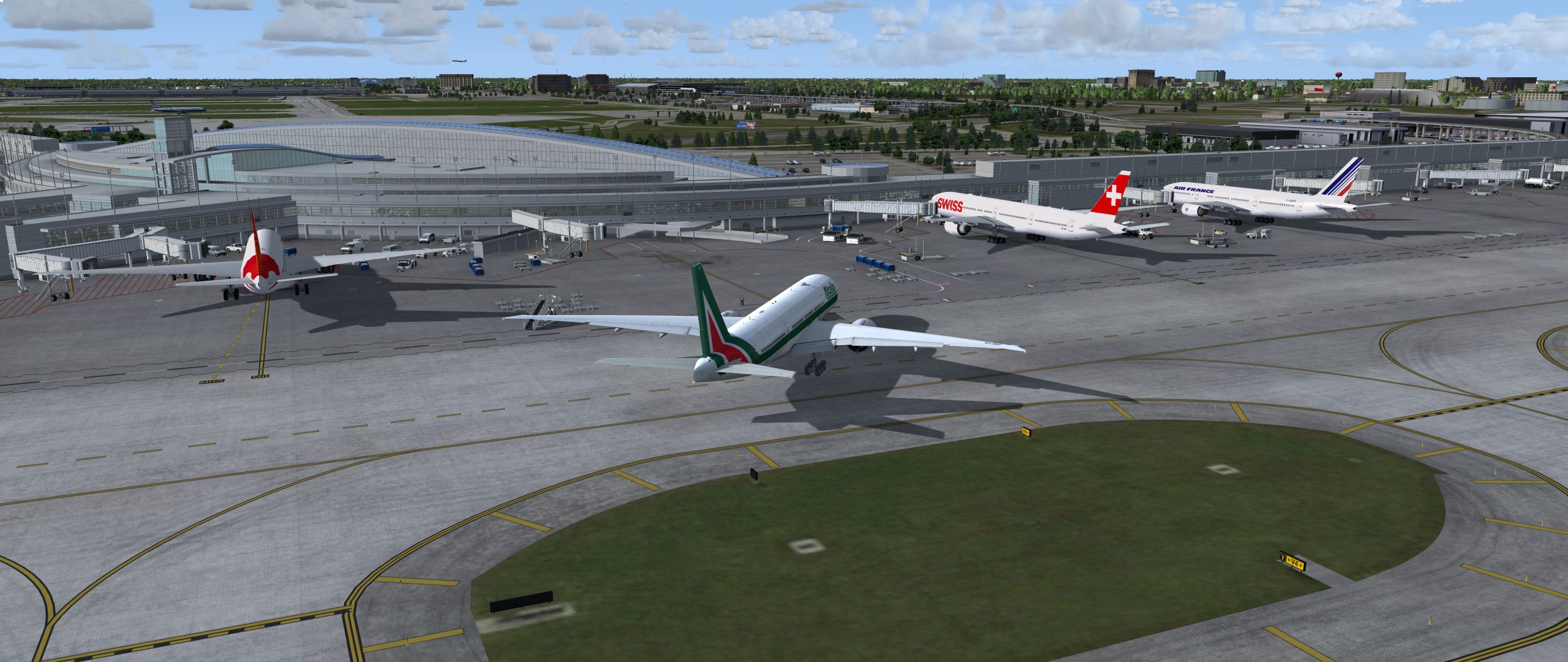
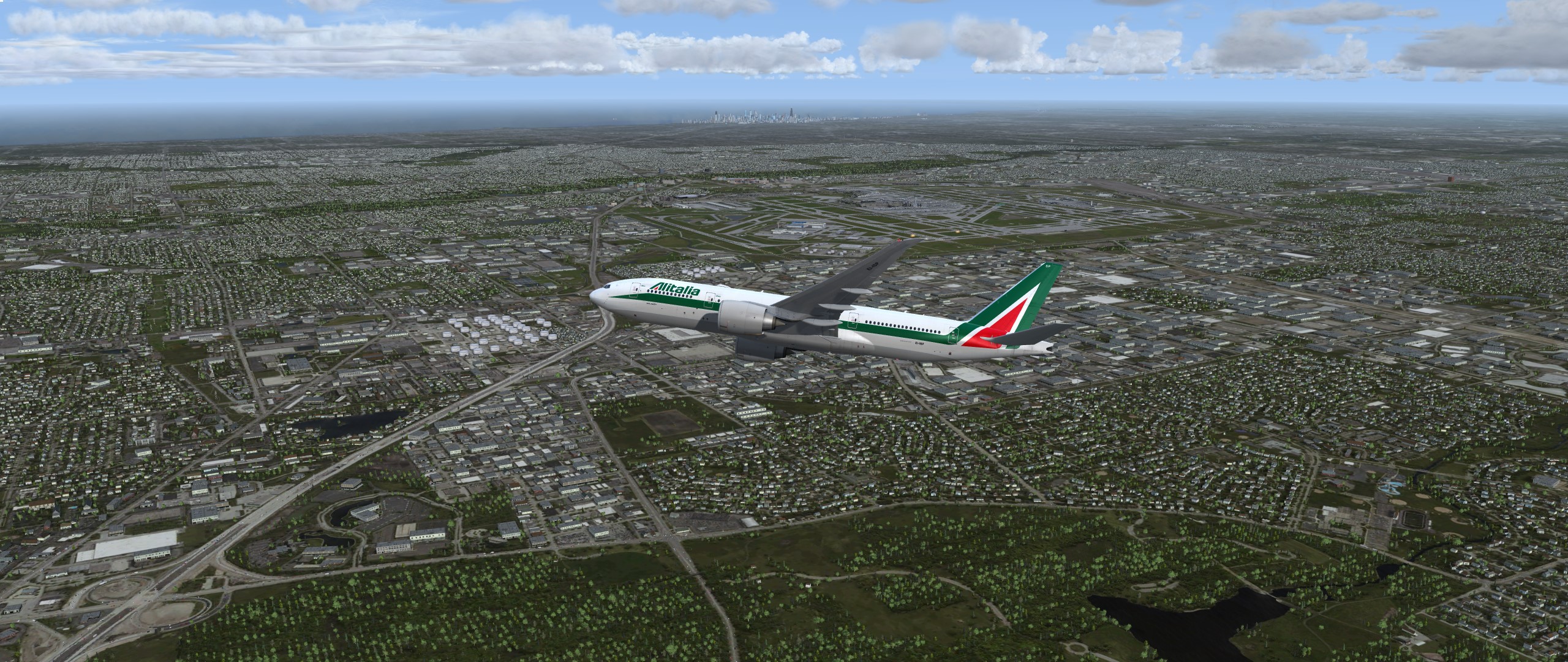
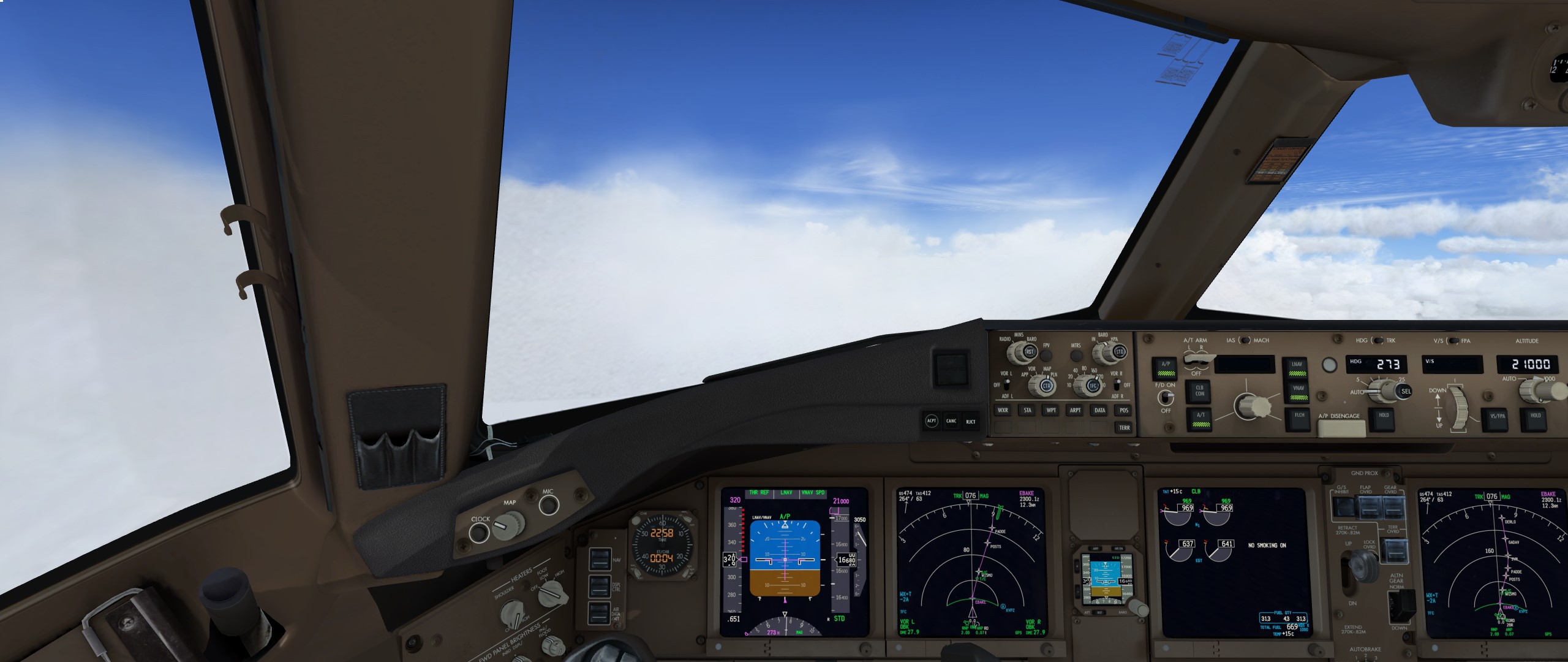
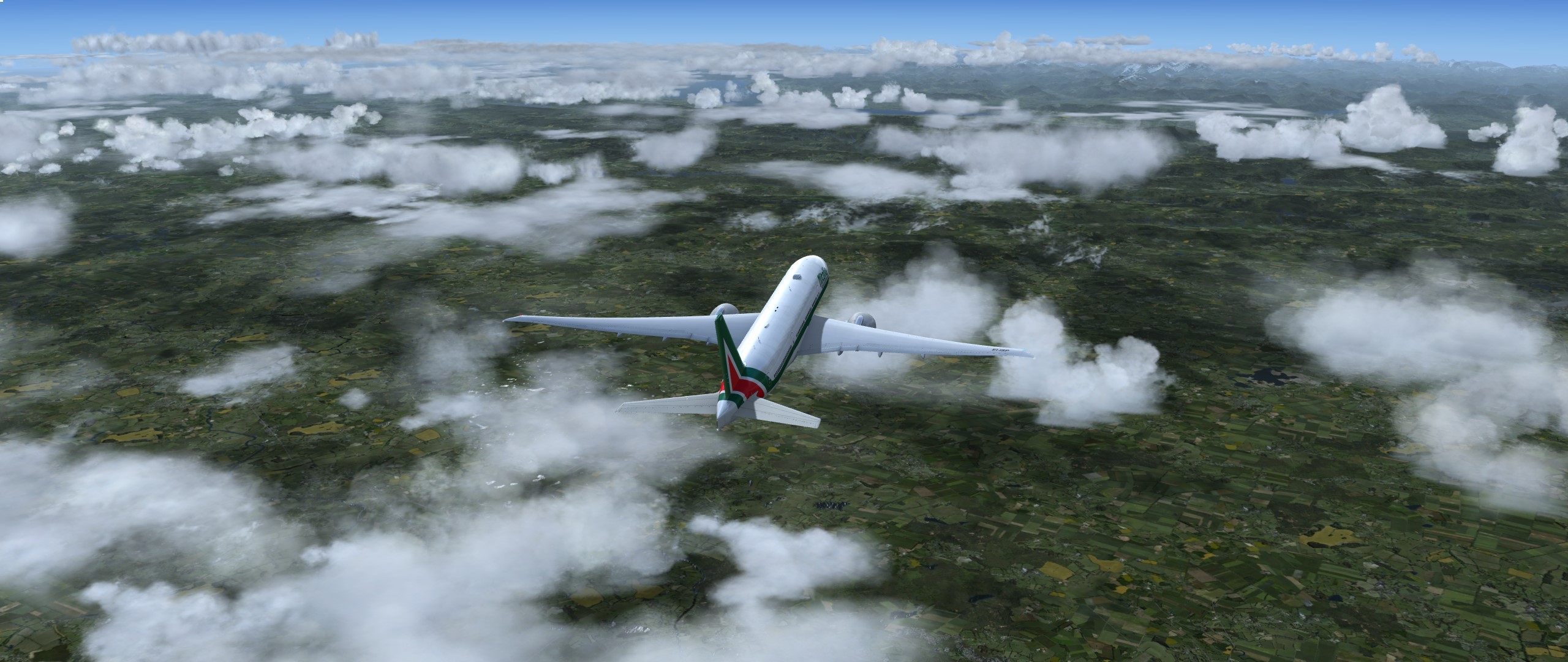
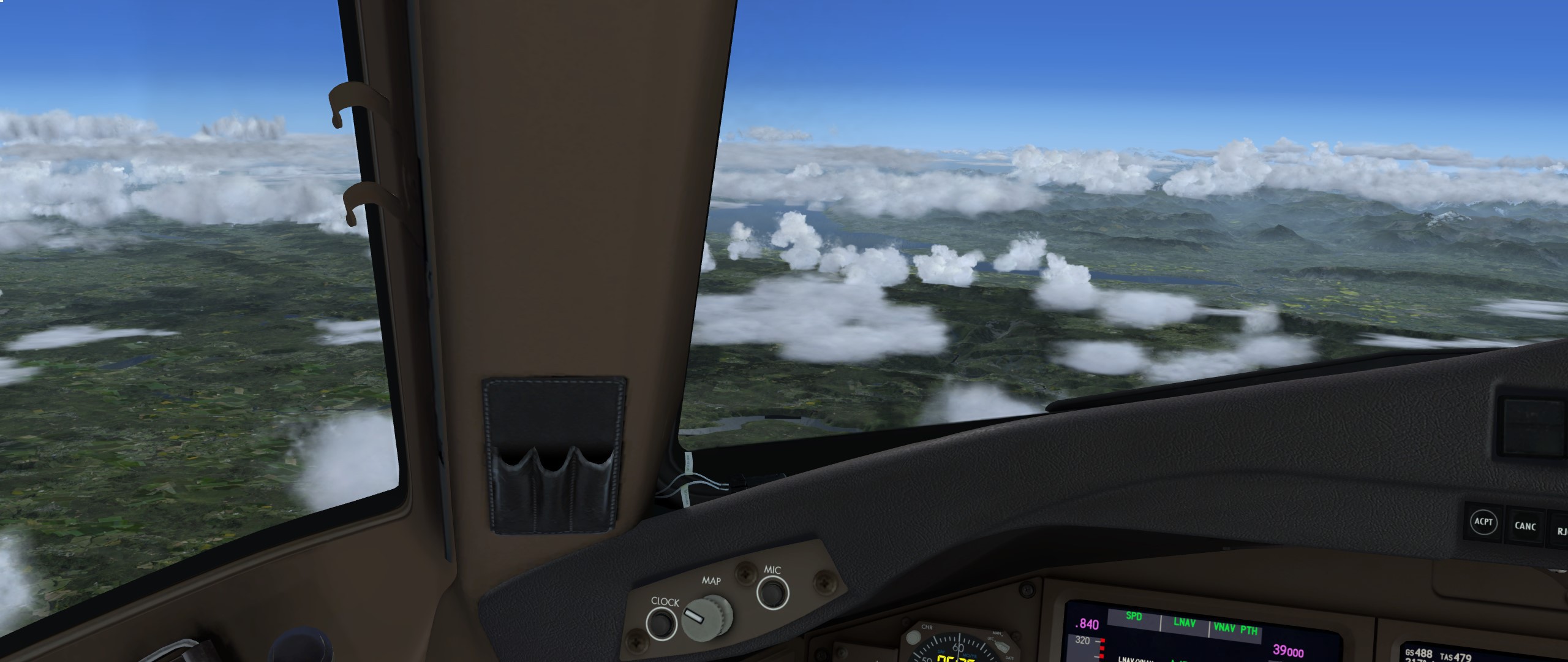
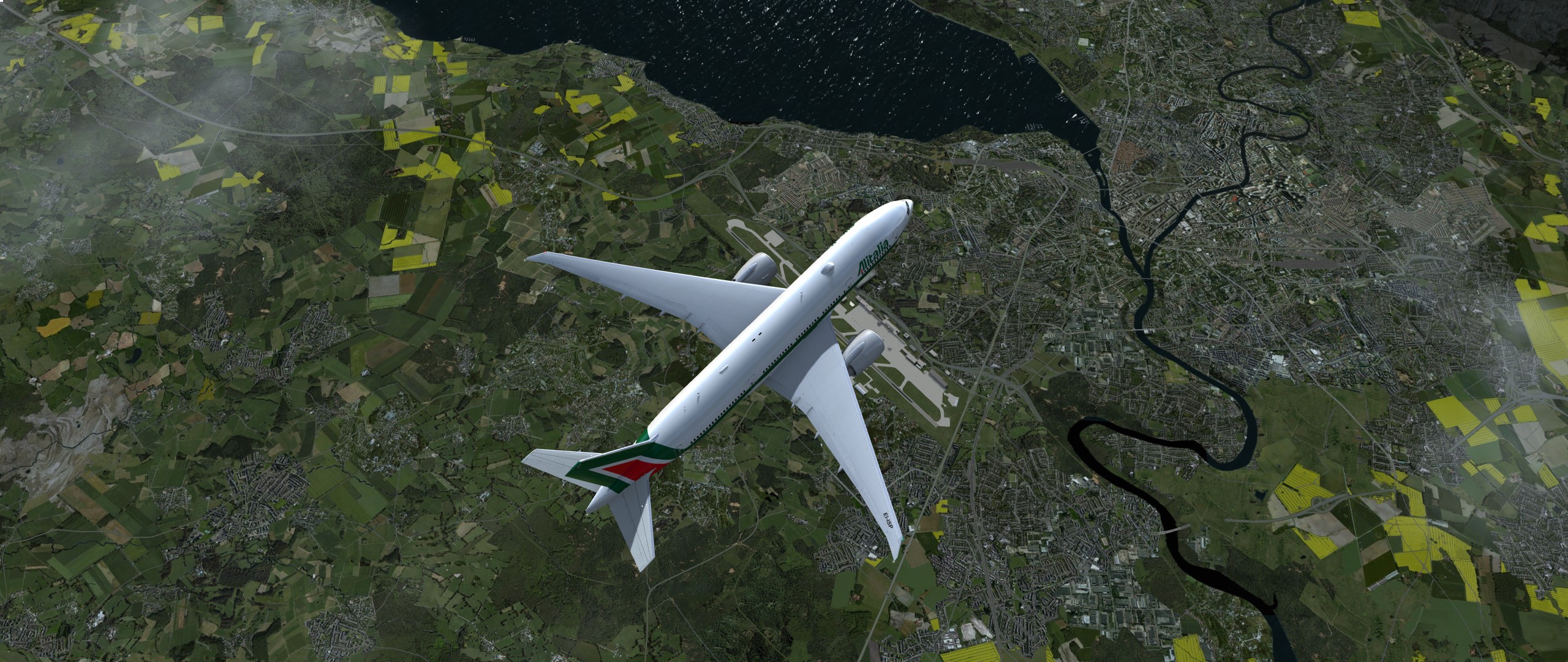
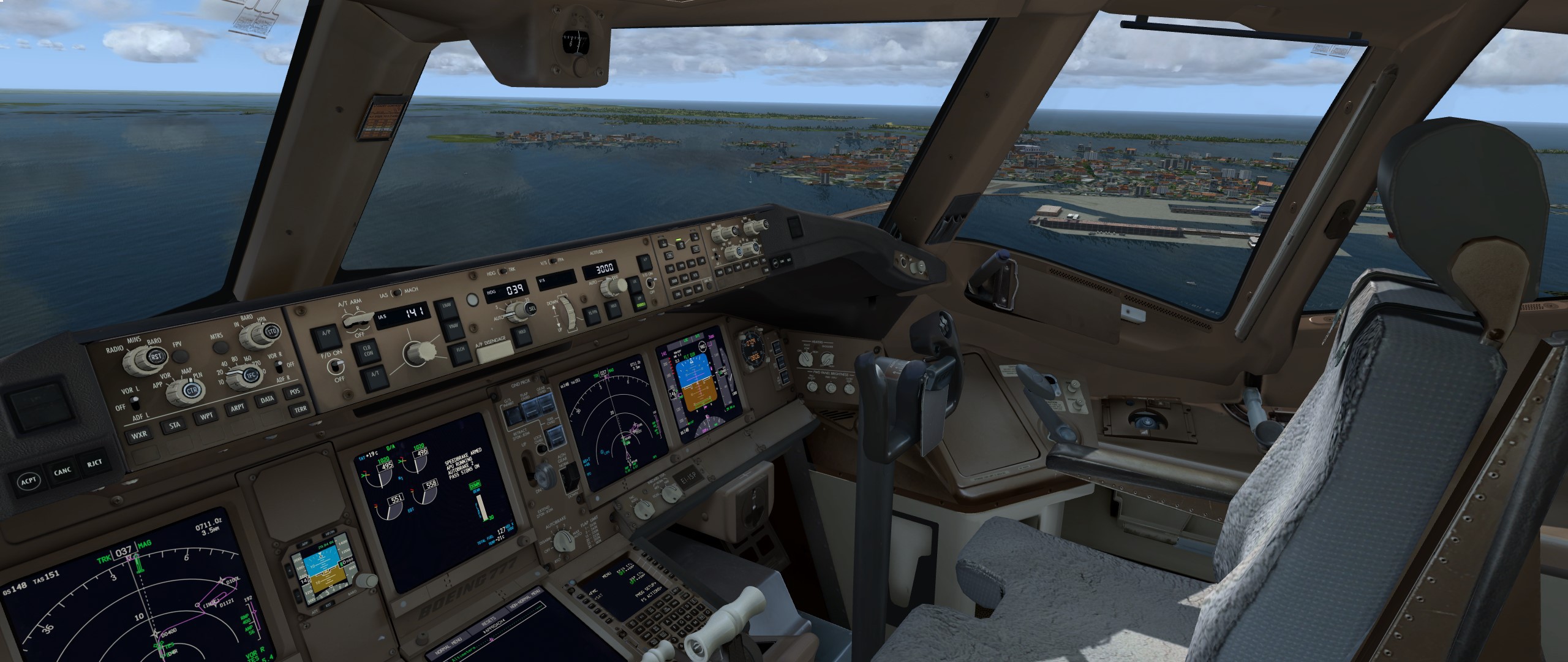
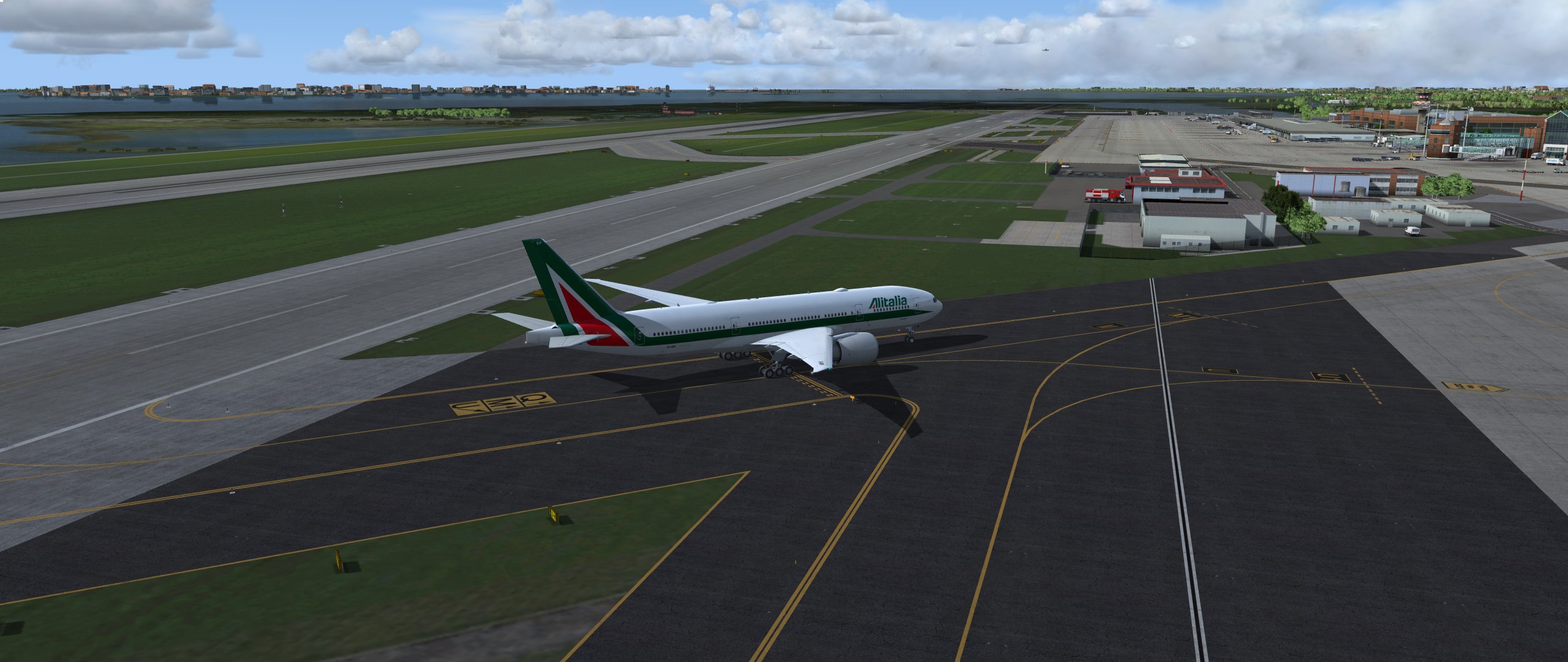
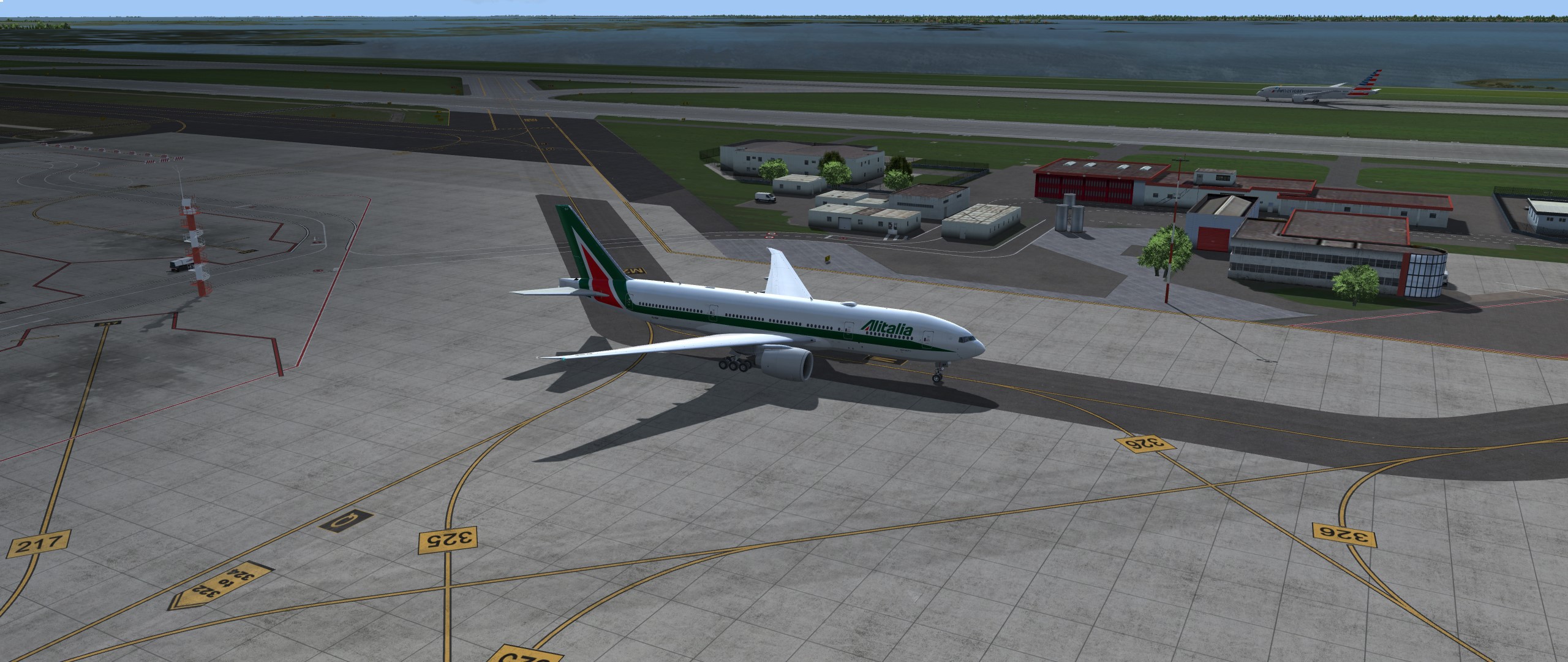
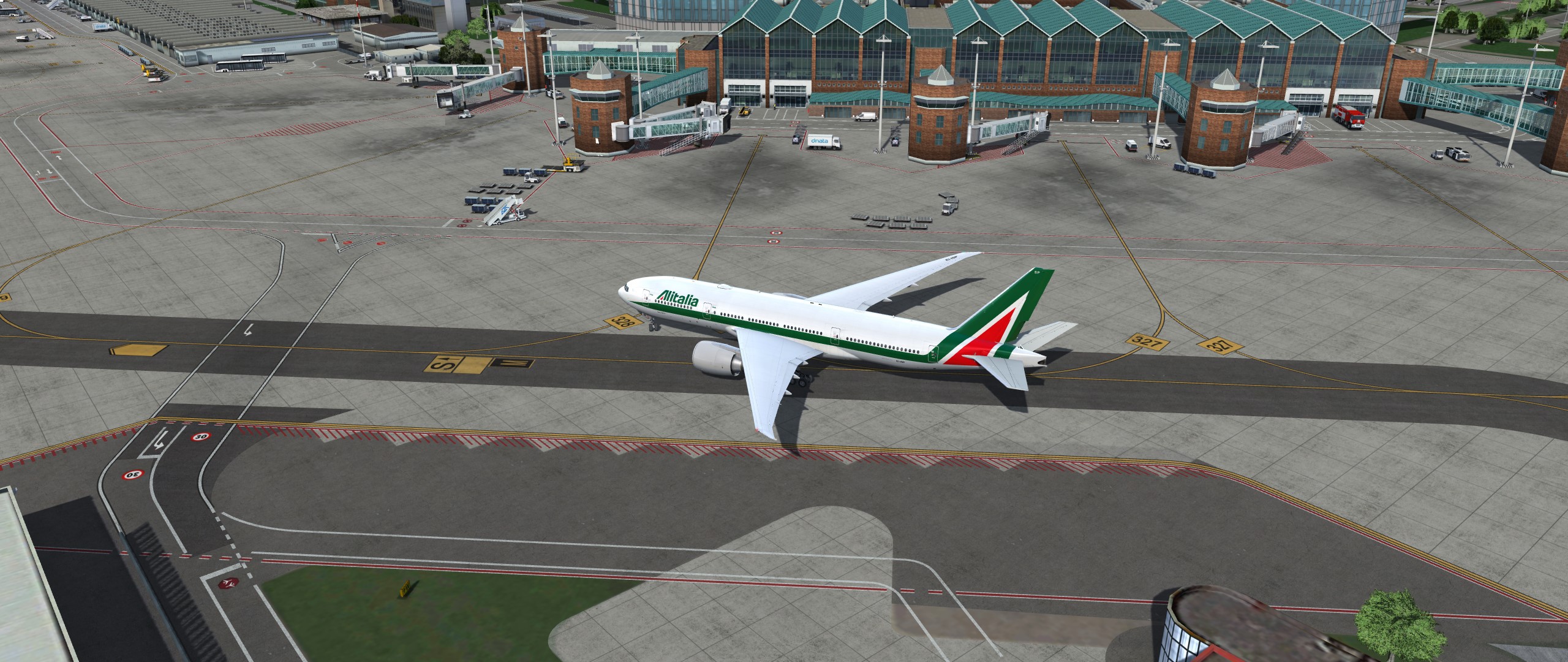
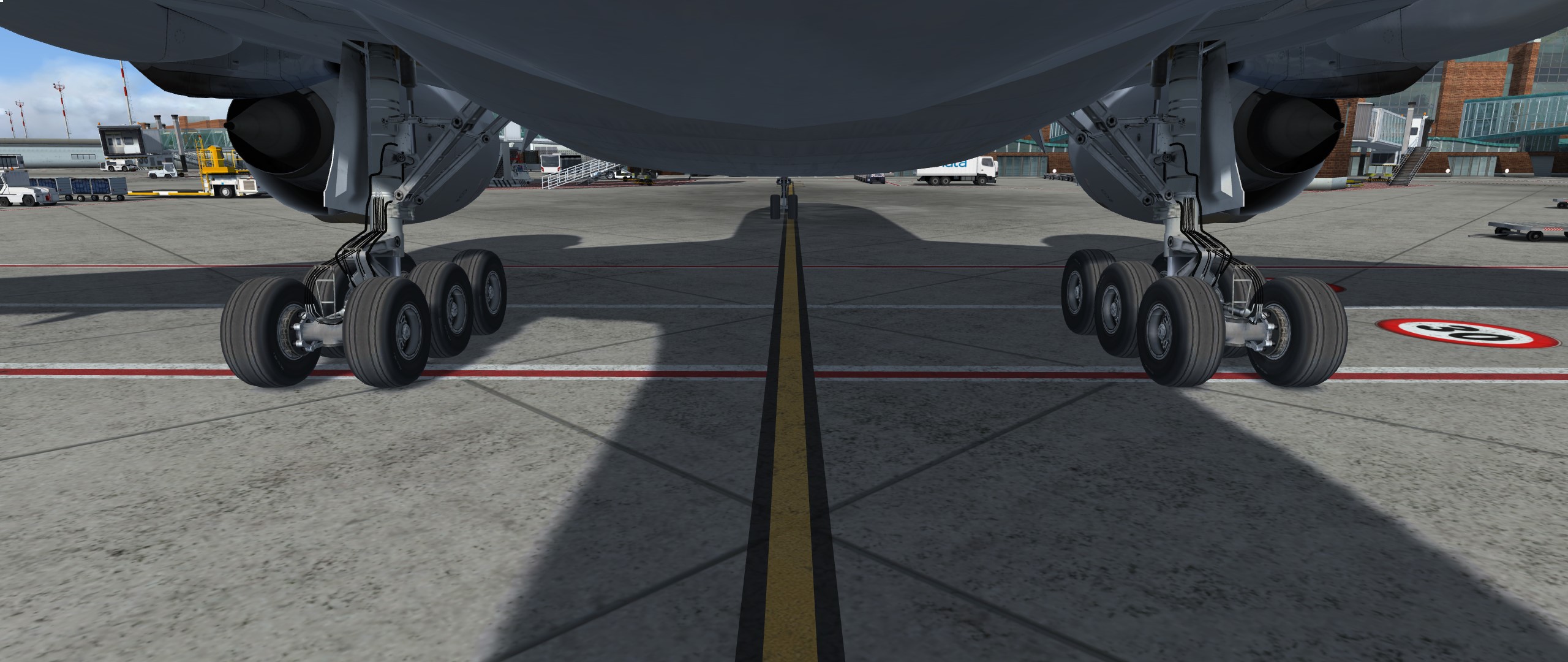
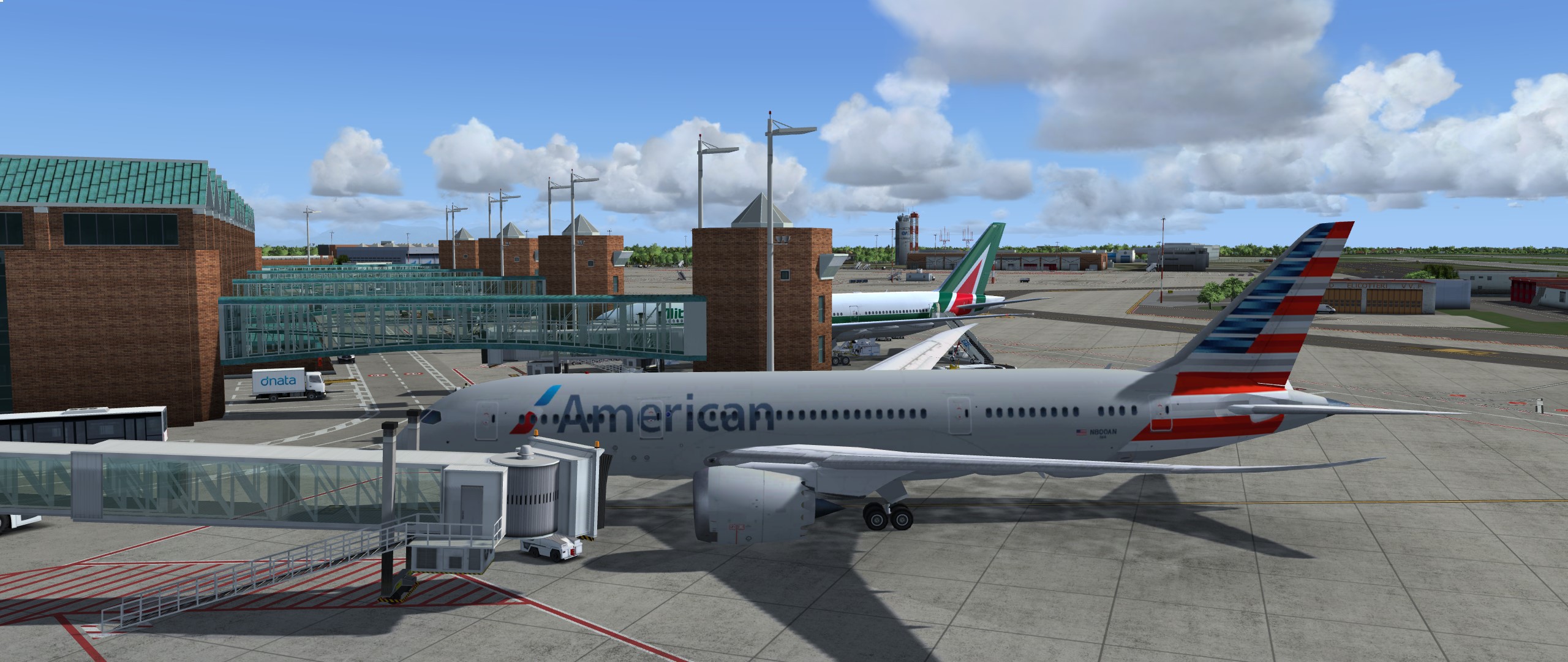
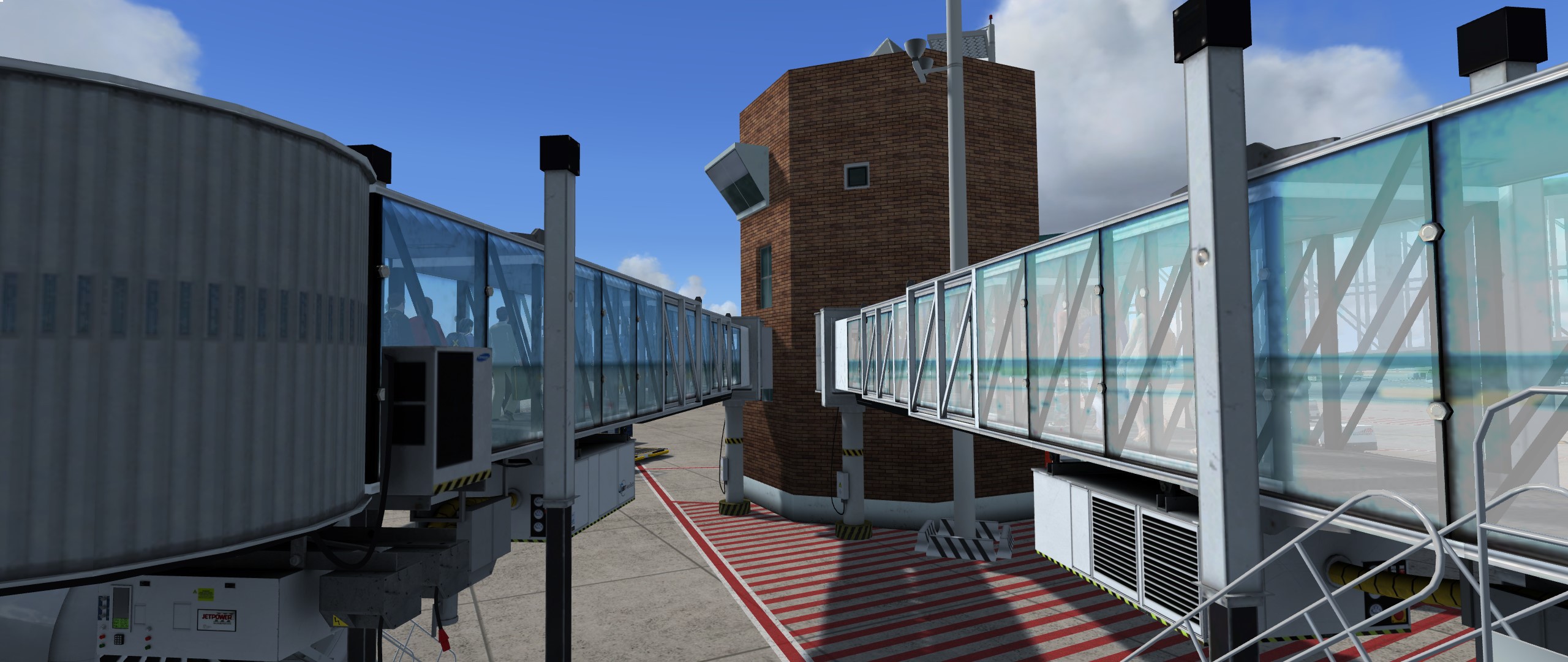
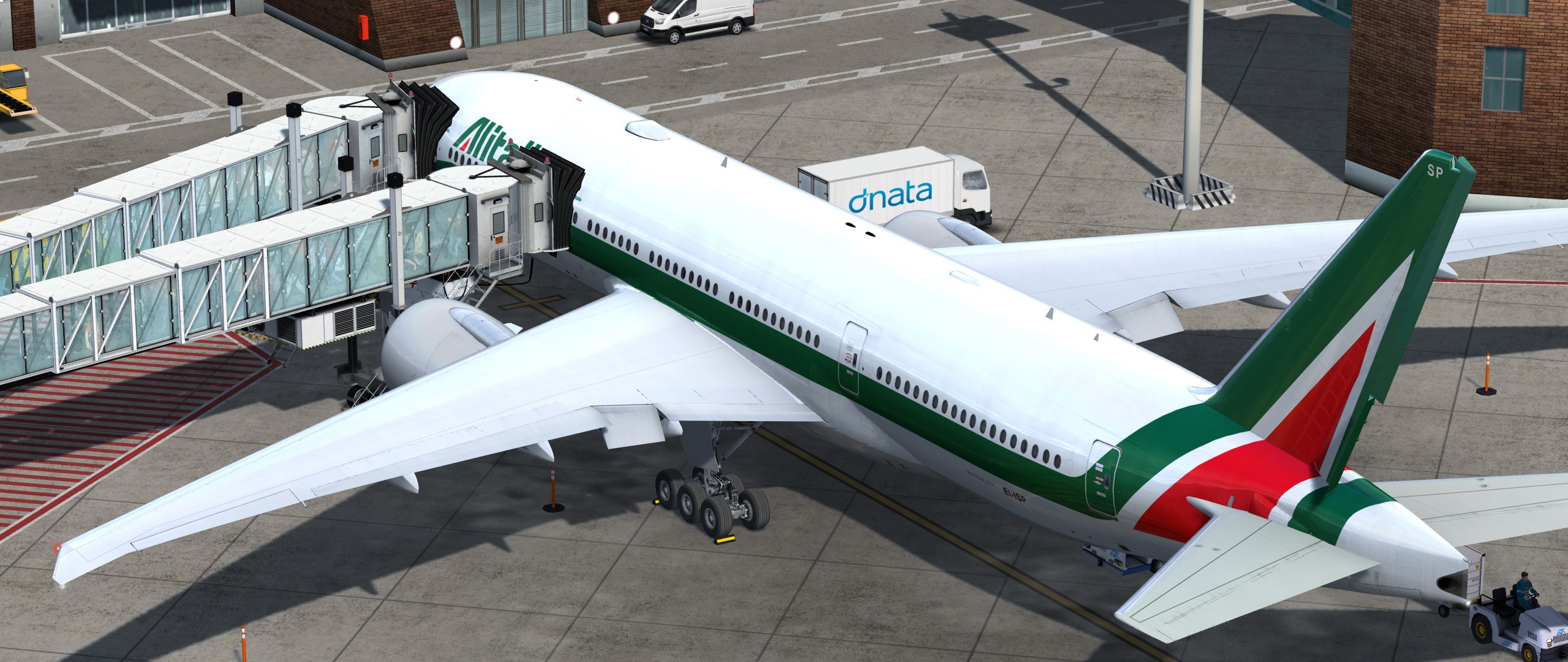
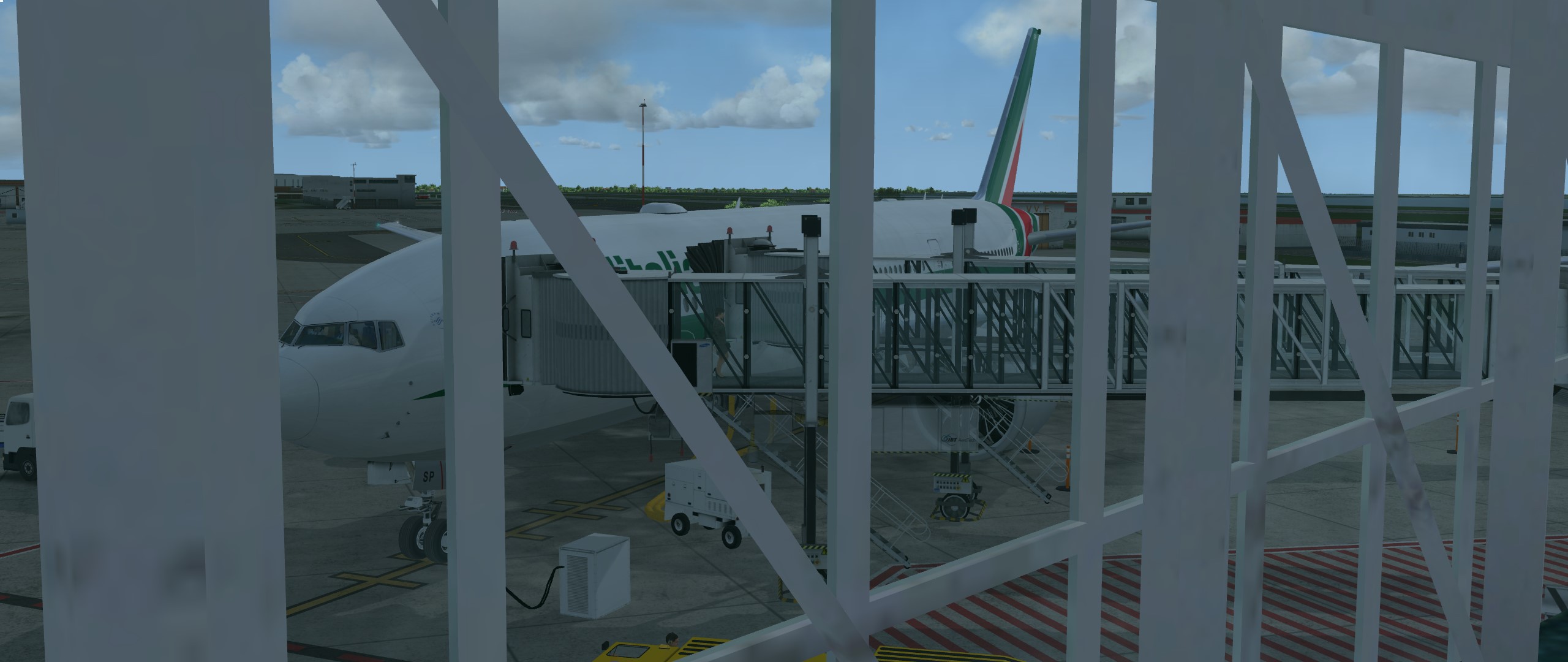
Kann ich nur bestaetigen
Sieht wirklich sehr gelungen aus.
Schade das ich nicht downloaden (nicht einmal Spenden) kann.
Er hat mich gesperrt. Der Groll sitzt bei Ihm wohl zu tief.
Aber seine Arbeit (war ja auch schon bei den Light fixes so) ist klasse!
Bald....bald....bald.....f5
Eulenfeier???
Wir könnten das ganze auch hier (bei der Eulenfeier, nem Bier und nem Spanferkel) besprechen.
Off Topic- Auch wenn deine Vorstellung nicht im Vorstellungsthread ist, danke dafür. Ich habe Dir mal das ganze Forum aufgeschlossen.
Ansonsten kann ich mich nur meinen Vorrednern anschließen. Ich denke Du solltest wirklich über den P3D nachdenken.
Meine 35 Euro Buchung ist immer noch okay.
Ich konnte aus gegebenem Anlass einfach nicht anders!

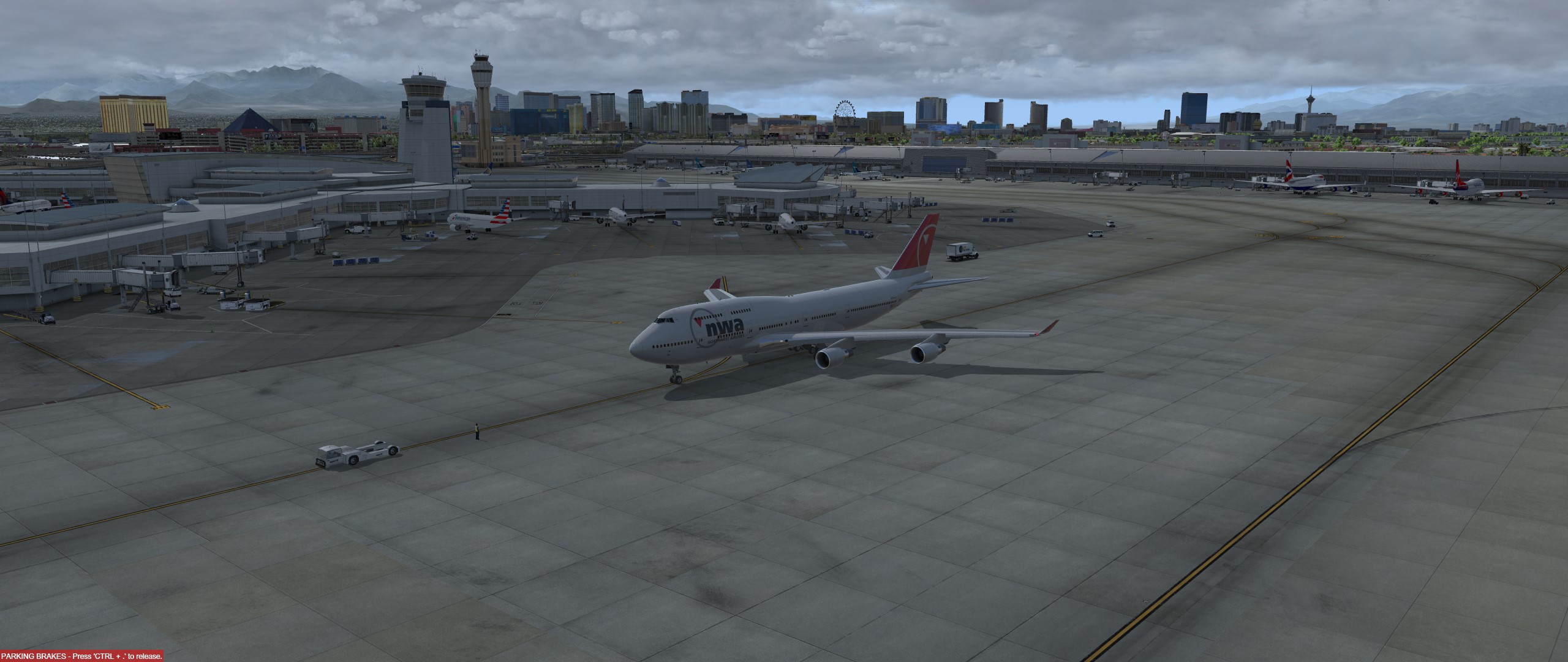
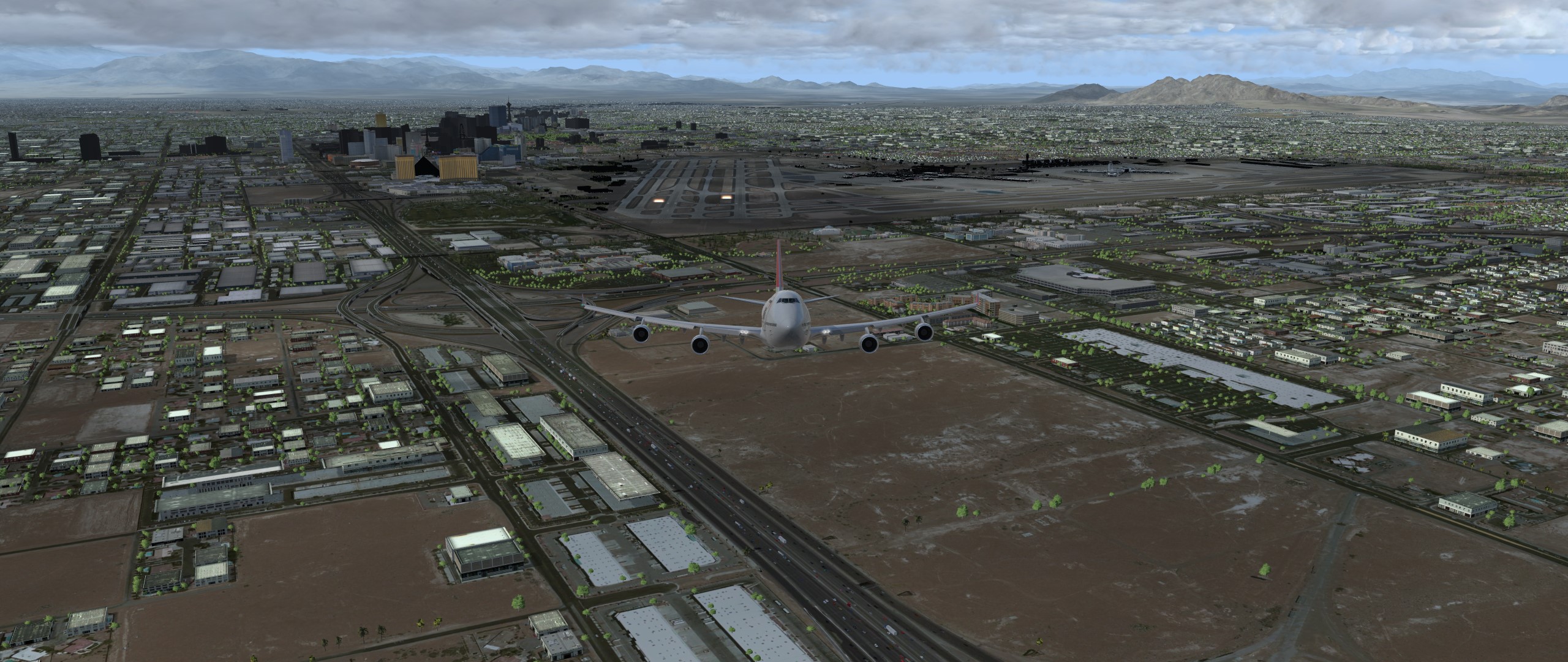
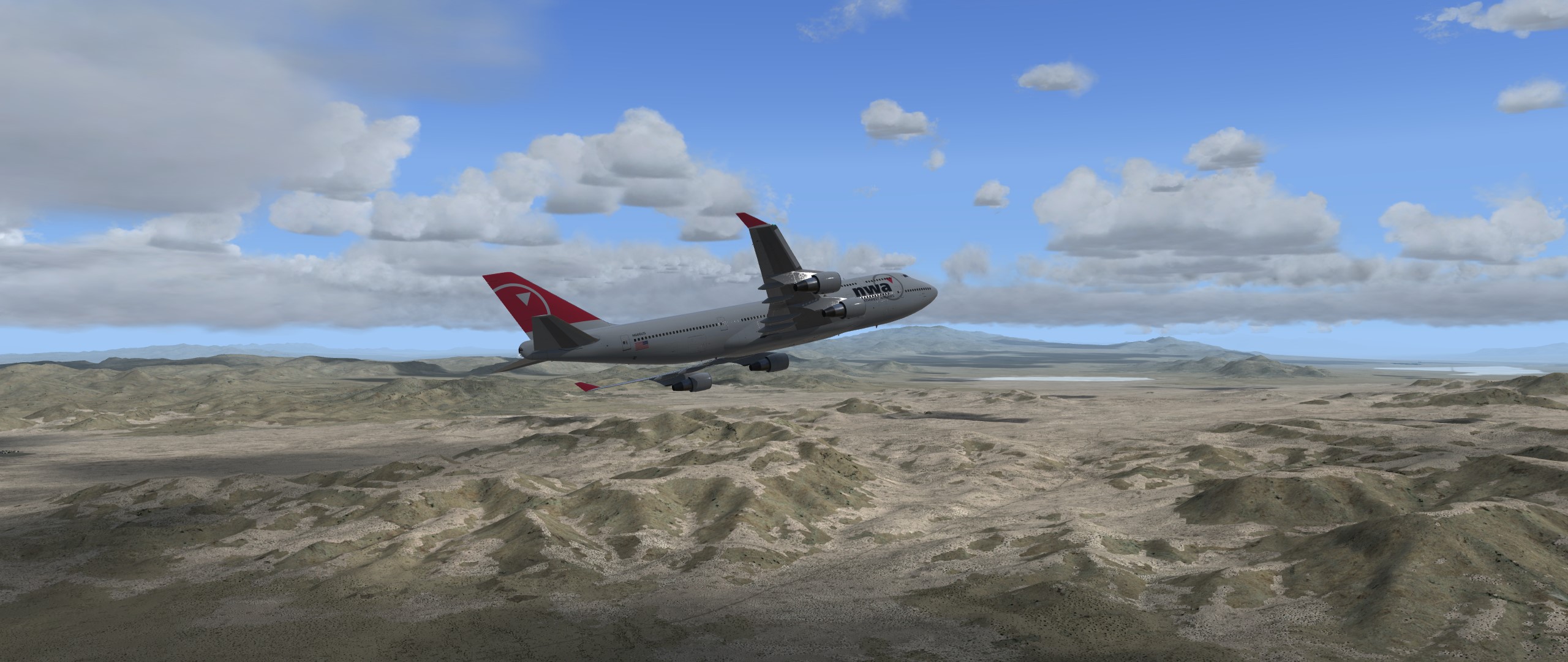
Aber wenn eine Namen-hafte Deutsche Airline gestern Ihre Tickets (teilweise) gratis angeboten hat, es eine neue tolle Scenery gibt
und sogar ich das Glück hatte für 32 Euro Hin- und Rückflug zu buchen für meine Familie und mich, dann kann das nächste Ziel nur heißen:
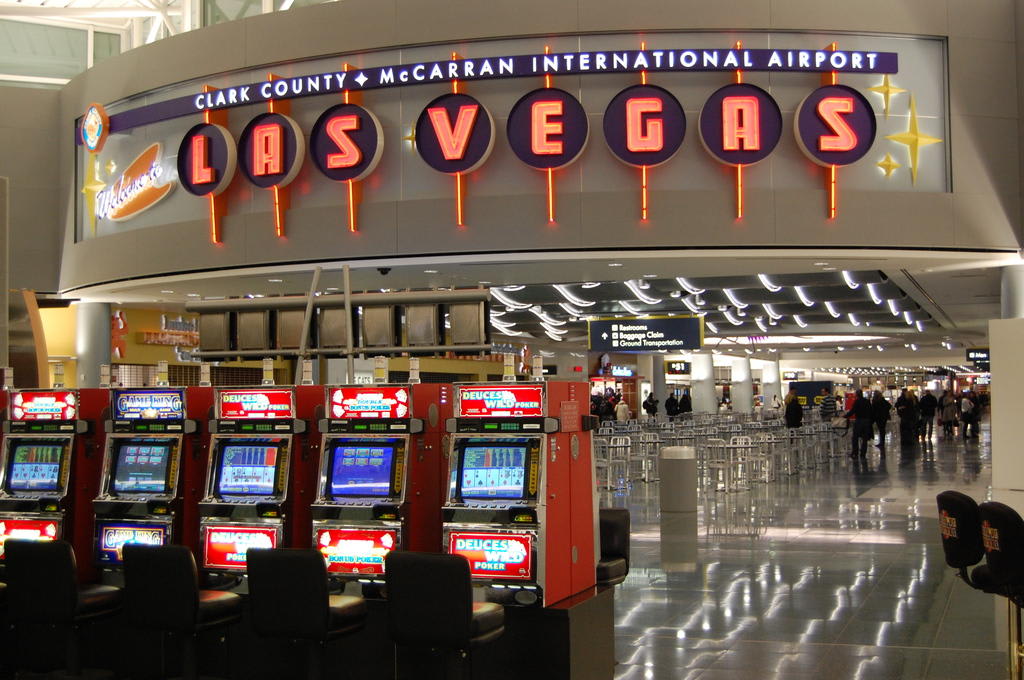
Ja, natürlich waren wir schon dort, aber Vegas ist immer eine Reise wert!
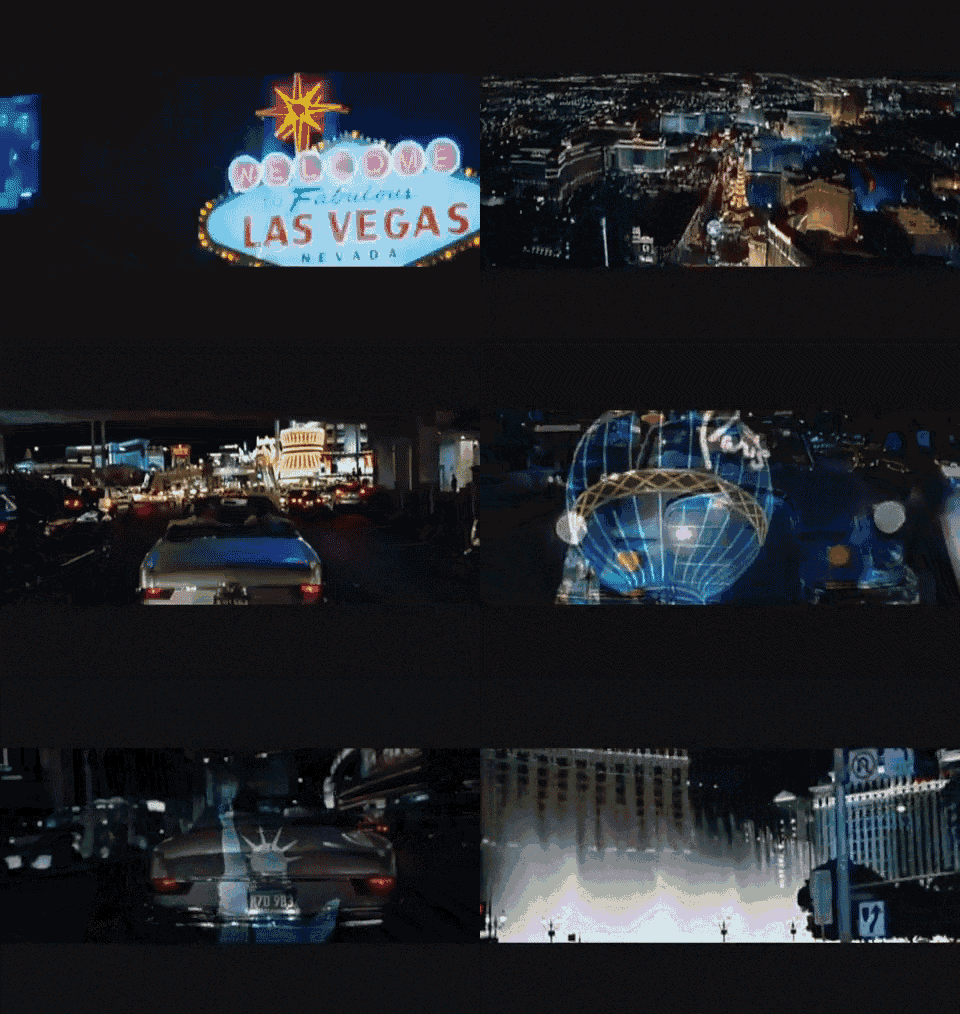
Der Flughafen McCarran International (IATA: LAS, ICAO: KLAS, auch Las Vegas-McCarran International) ist der internationale Flughafen der Stadt Las Vegas und des Clark Countys im US-Bundesstaat Nevada. Der südöstlich vom Las Vegas Strip im Vorort Paradise gelegene Flughafen hatte mit 48,5 Millionen Fluggästen (2017, +2,2 % gegenüber 2016) das achtgrößte Passagieraufkommen der USA und liegt weltweit betrachtet auf Platz

Der Flughafen wurde in den 1940er Jahren von dem Piloten George Crocket als Alamo Airport gegründet. Später wurde das Gelände von dem Kreis Clark County übernommen, welcher noch heute Eigentümer des Flughafens ist. Als Namensgeber wurde 1948 der Senator Pat McCarran gewählt, welcher eine führende Rolle beim Aufbau der Luftfahrt innerhalb der USA einnahm. Ab Anfang der 1980er Jahre sorgte der Ausbauplan „McCarran 2000“ mit Kosten in Höhe von 300 Millionen US-Dollar für die weitere Entwicklung des Flughafens. Außer einem neuen Terminal, verlängerten Startbahnen und weiteren Infrastrukturmaßnahmen sorgten auch ein neu eingeführtes einheitliches Computersystem für alle Terminals und Airlines für die Zukunftssicherheit. Bis heute wächst der Flughafen ständig.
Basisdaten
Eröffnung 1942
Betreiber Clark County
Fläche 1133 ha
Terminals 2
Passagiere 49.716.584 (2018)
Luftfracht 118.273 t (2018)
Flug- bewegungen 539.857 (2018)
Kapazität (PAX pro Jahr) 55 Mio.
Beschäftigte 10.000
Start- und Landebahnen
01R/19L 2979 m × 46 m Asphalt
01L/19R 2739 m × 46 m Beton
07R/25L 3208 m × 46 m Asphalt
07L/25R 4423 m × 46 m Asphalt
Sollte also für uns Reichen.
Scenerien:
FLYTAMPA - LAS VEGAS P3D4
AEROSOFT - US CITIES X - LAS VEGAS FSX P3D
FSDREAMTEAM - LAS VEGAS MC CARRAN INTL FSX P3D FS2004
REALWORLD SCENERY - LAS VEGAS EXTENDED V2 FSX P3D
Gibt es alles bei SimMarket
Dann gibt es noch eine Las Vegas - Mega Photoreal Scenery FSX & P3D
Und noch McCarran Int'l Terminal 3 Addon for FSDreamteam's KLAS Version 1.0
Außerdem ist die Standard Scenery auch nicht schlecht.
Also auf gehts Freunde. Ueben, Uben, Ueben!