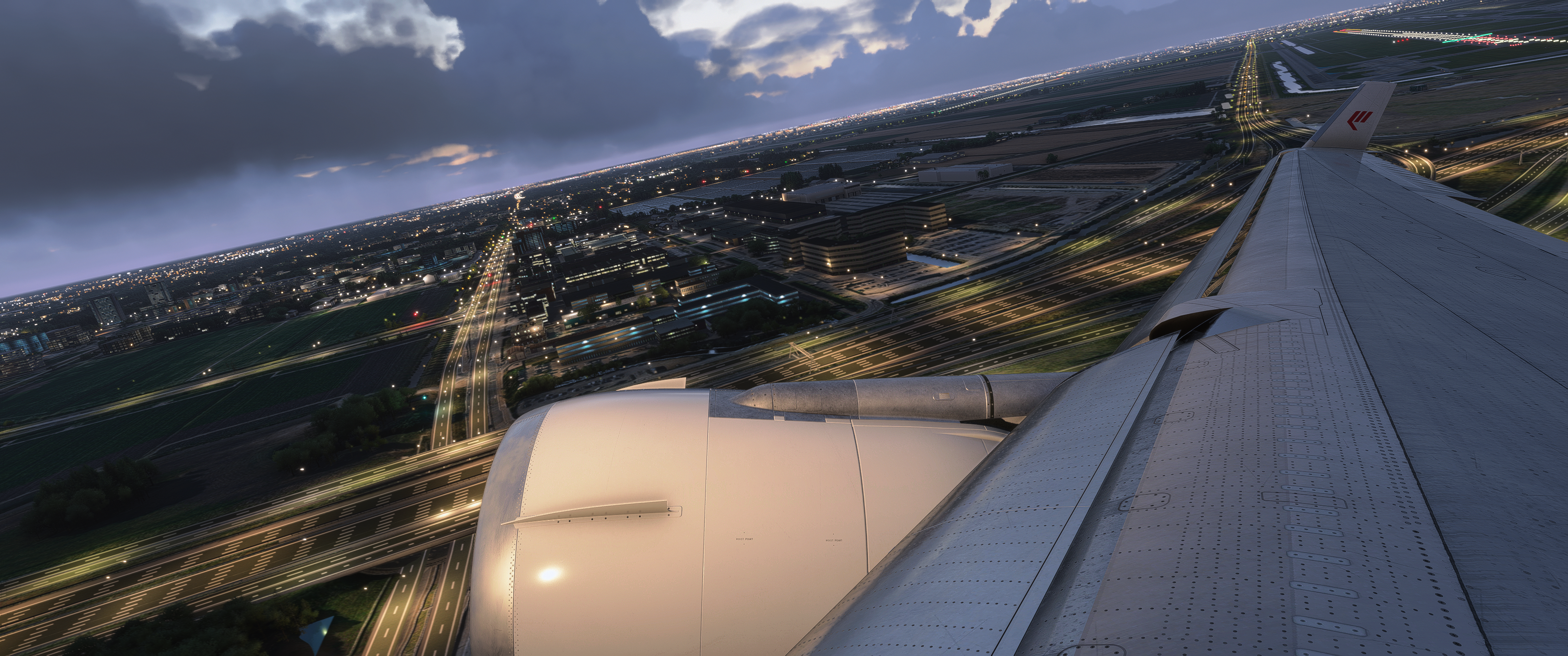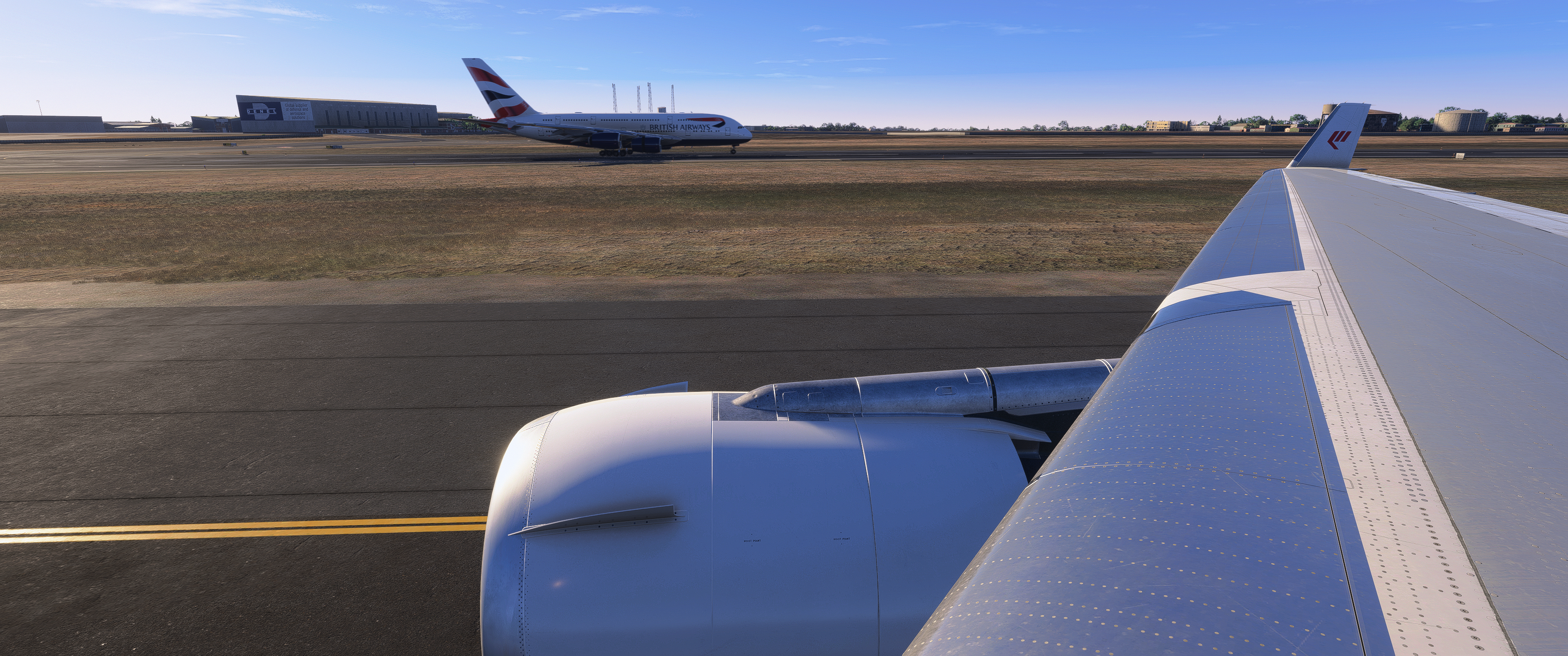


Kann mich über die Performance nicht beschweren. Konnte keine Verschlechterung feststellen beim Wechsel auf SU5.
Beiträge von blazer2410
-
-
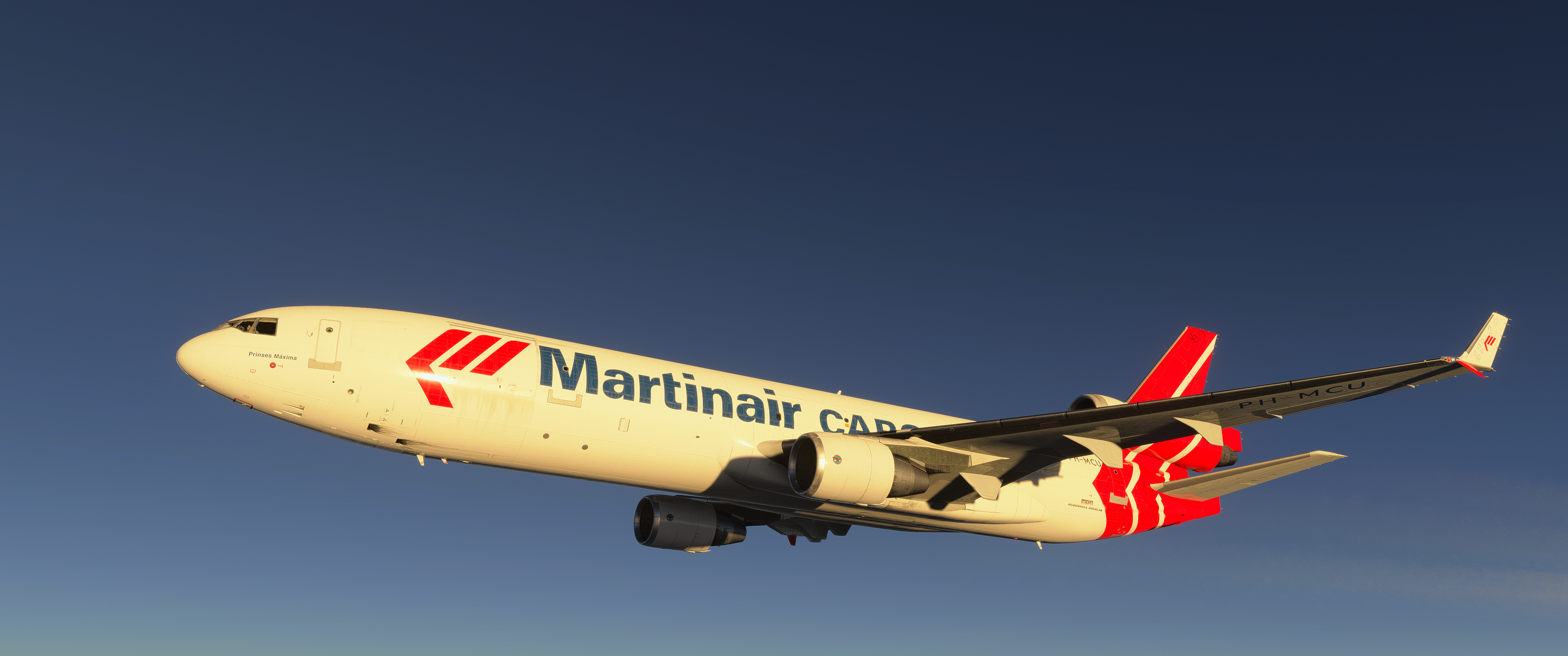
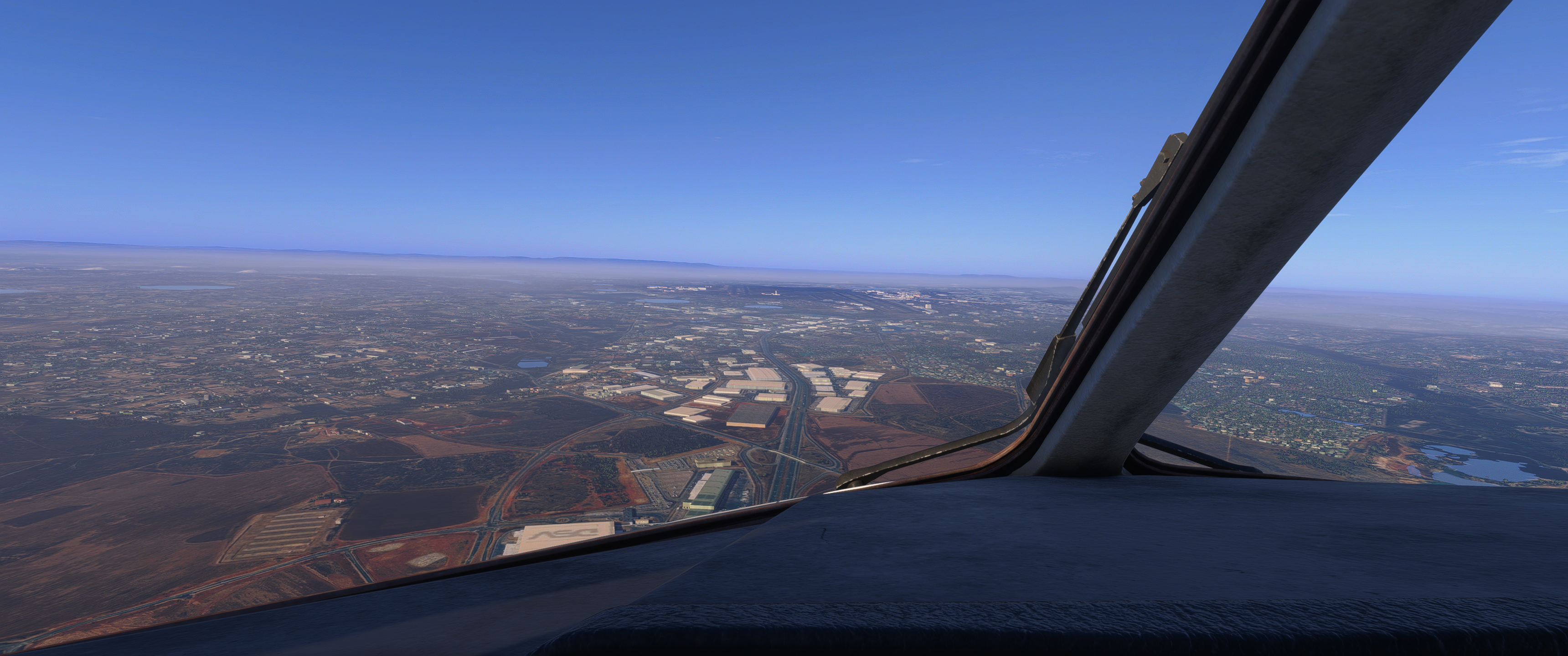
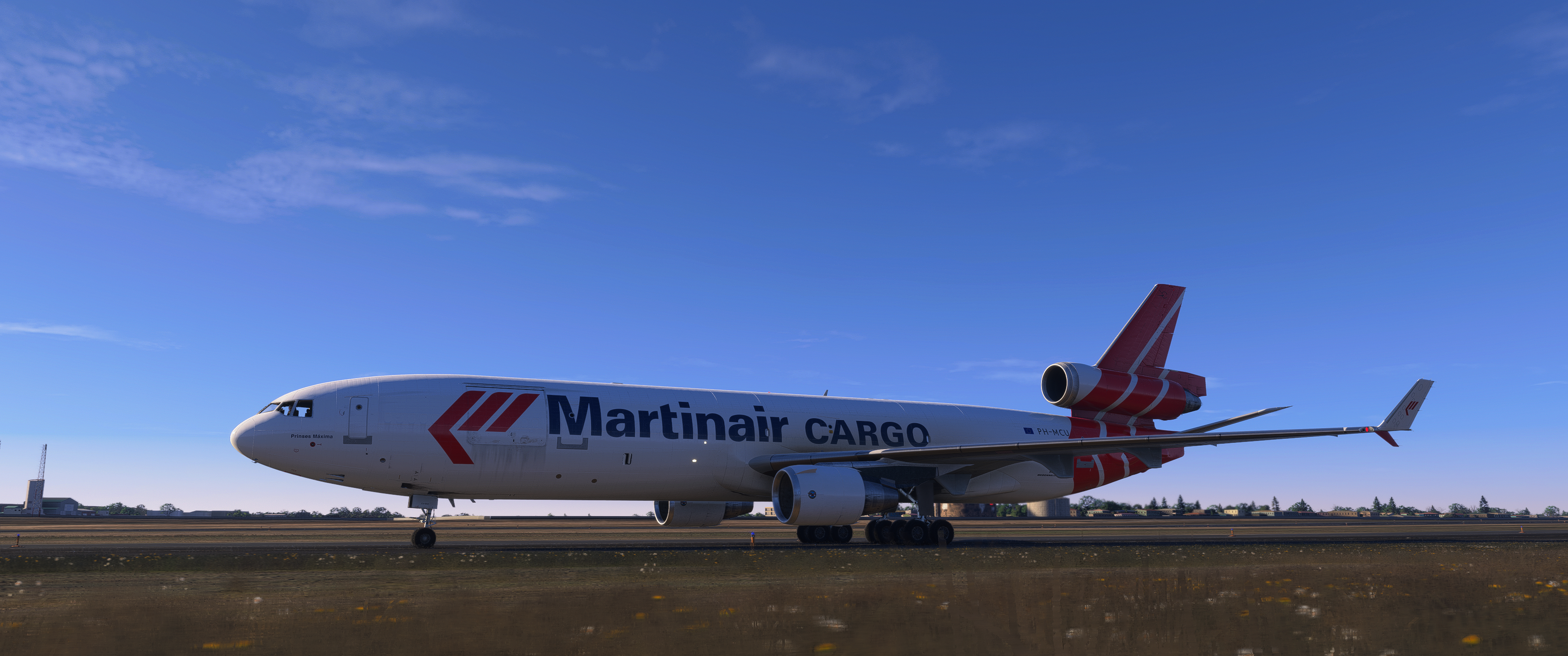
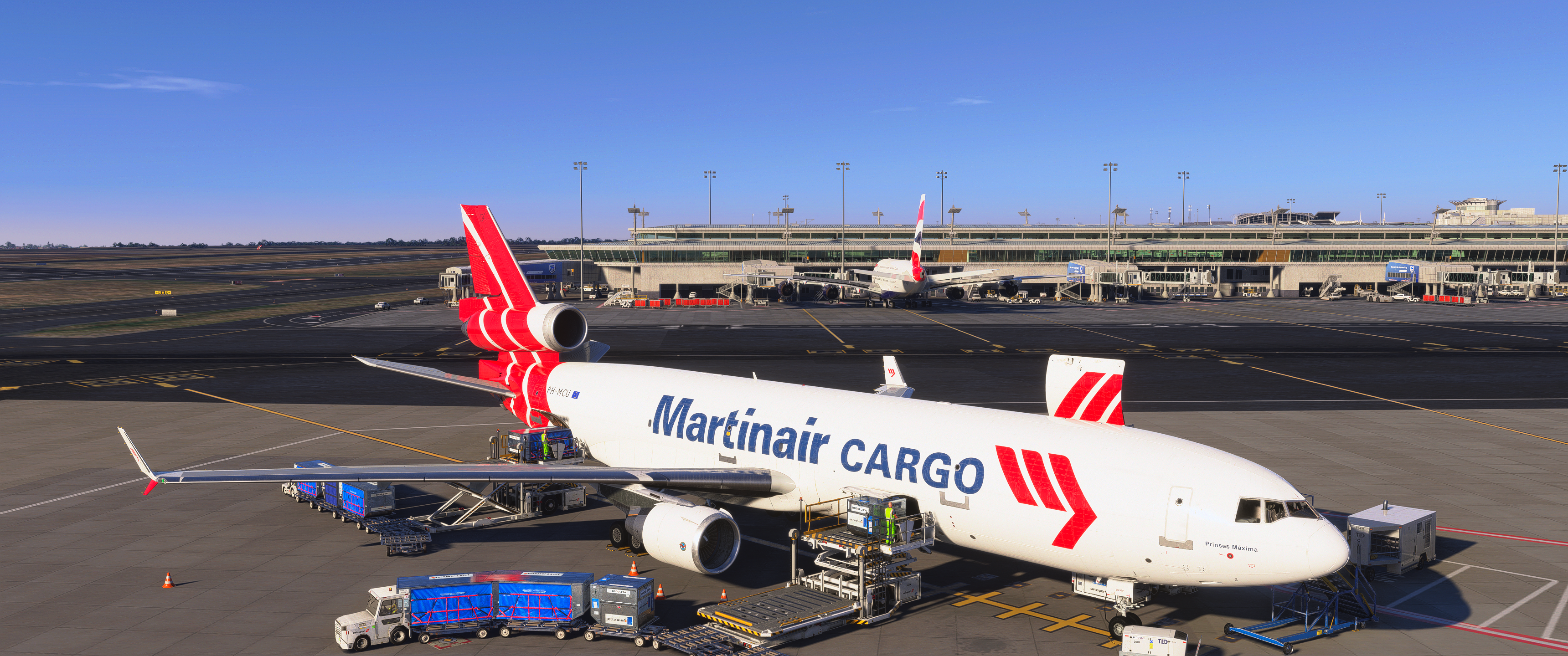
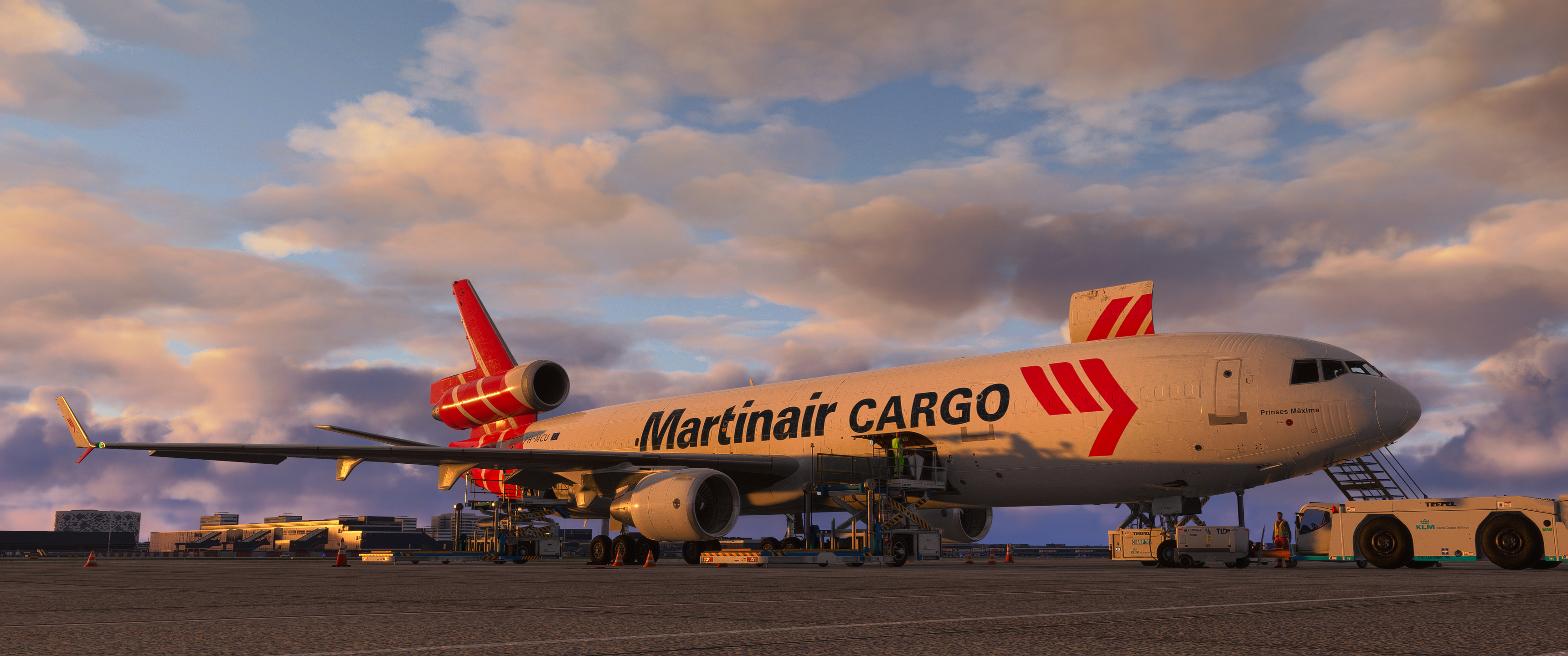
Mal wieder die MD11 ausgeführt und mich mit Matthias und seinem dicken fetten Vogel in FAOR getroffen.
-
Waren bei mir in Summe am Ende 28,13€

-
Äh, welches eingens erstellte Panel?
Panelstate wird gemeint sein.
-
Version 4.0.9 – July 9th, 2026
- GSX (all versions) NEW: Vehicles find their own way out. Building on the ground traffic awareness introduced in the previous version, a departing vehicle whose way out is blocked by another vehicle still at work no longer just waits for it to finish: it now plans an alternative maneuver by itself, like a real driver would. The classic case is the fuel truck boxed in by a baggage loader working the rear cargo door: the truck now backs away from its spot — accelerating gently and coming to a complete stop before changing direction — and then drives around the working vehicle, and around the aircraft itself, to reach the taxiway. This works for any vehicle, at any parking, with every fuelling strategy, and needs no configuration. Your custom leave paths are always followed exactly as you authored them — only if a custom route stays genuinely blocked for a couple of minutes will the vehicle stop waiting and find its own way around. And to keep arrivals and departures untangled, a vehicle arriving at the stand now gives way to one that is leaving, letting it clear out first.
- GSX Pro NEW: New "Select menu options with number keys" option in Settings > UI. If your 1-9/0 keys are assigned to another application — camera view presets, for example — they could select GSX menu options unintentionally (on MSFS 2024 this could even happen while the menu wasn't on screen). Disable this option to reserve the number keys for your other software: GSX menus are then operated by clicking (or via the web remote and EFB), the number badges disappear from the menu buttons, and the GSX menu hotkey keeps working as usual. Enabled by default, preserving the familiar behaviour.
- GSX Pro Change: Remote API and handler scripts — an aircraft's service behaviour can now be set on the fly. Building on the write access introduced in the previous version, aircraft profiles (handler scripts) and remote clients (an EFB, an ATC or dispatch tool) can now also change how GSX serves that specific airframe. The most useful case is the refuelling method — whether GSX shows the default MSFS "Fuel and Cargo" dialog or lets the aircraft's own fuel panel drive the load — together with toggles such as the GPU battery behaviour, de-icing, several pushback options, seated passengers and the passenger and cargo amounts. An aircraft integration can now tailor these to a given aircraft without any manual steps. The included Remote API guide has been updated with the full list of settable properties and a complete worked example.
- GSX (all versions) Fix: Vehicles staged at the same remote spot — the two baggage trains preparing for boarding, for example — used to appear stacked on top of each other, which was very noticeable with the new vehicle cameras. They now line up neatly side by side, and set off one at a time, a few seconds apart, so they no longer drive into each other on their way to the aircraft.
- GSX (all versions) Fix: The baggage trains could stay parked at their spawn point when boarding was requested while refuelling was still in progress, waiting for the fuel truck's area to clear even though their route only passes near it much later. They now set off as soon as their own docking spot is free.
- GSX (all versions) Fix: With several services running at the same time, Catering could occasionally get stuck after the trucks had finished and driven away, never reporting the service as completed. Catering now always completes cleanly, even when one truck finishes and leaves well before the other has arrived — the typical case on shorter aircraft, where the rear truck has to wait for the refuelling truck to clear its spot.
- GSX (all versions) Fix: On aircraft that use self-loading cargo vehicles, the loaders could take the wrong path when leaving after boarding — one cutting under the fuselage with a sharp turn, the other appearing to stall on its way out. They now follow the correct, tidy leave route.
- GSX Pro Fix (MSFS 2024): The loadmaster standing at the passenger barriers appeared in the Cameras menu without an icon; his entry now shows the walking-person icon like the other people on the apron.
-
Update auf SU5.1 ist da. Ist dann jetzt Version 1.7.35.0
Release Notes - Sim Update 5.1 [1.7.35.0] Now Available - Microsoft Flight SimulatorIf you are playing on PC, outdated packages in your community folder may have an unexpected impact on the title’s performance and behavior. If you suffer from…www.flightsimulator.com -
Sidestick hat bei mir geholfen die Sensitivität runterzuschrauben, gerade in der Pitchachse
-
Und schon das nächste

Version 4.0.7 – June 29th, 2026
- GSX (all versions) NEW: Custom approach paths — while editing a passenger-bus route, the stairs (and, on MSFS, the PIGS passenger-guidance system) now appear at the door as a reference, so you can route the bus clear of them.
- GSX Pro Change: New "Network" tab in the Settings, grouping the SimBrief account and the Remote control server options together. It also shows this PC's address (IP and port), so you can quickly connect another device — a phone, tablet, or the Stream Deck — to the web remote.
- GSX Pro Fix: Reduced the overhead of the Remote control server. It no longer causes a brief stutter at roughly one-second intervals, and it now only sends data when something actually changes, lowering the cost of keeping the EFB or web remote connected.
- GSX Pro Fix: Web remote and EFB — the menu buttons no longer briefly appear at the wrong size for a frame when switching between menu pages, removing a visible flicker.
- GSX Pro Fix: Web remote and EFB — fixed the menu flickering over the status page during GSX startup, most noticeable with aircraft that operate GSX automatically while loading (such as the Fenix A320). The aircraft's commands are still carried out; only the on-screen flicker is gone.
- GSX (all versions) Fix: Fixed a crash that could happen when backing out of the operator selection (the Back option) while a gate was being prepared.
- GSX (all versions) Fix: Custom approach paths — fixed test-driving a passenger-bus path pinned to Boarding or Deboarding in the editor (previously only "Any" could be tested).
-
Im extern ausgelagerten EFB werden aber die LIDOs ja nicht angezeigt. Denke darum ging es.
-
Selber schuld

-
Und wieso meldet dieses blöde OC3 mich jedes Mal wieder ab? Jedes Mal wieder Passwort raussuchen. Hab's jetzt auf's Desktop gelegt, aber das ist ja nun auch nicht wirklich Sinn der Sache...
Hab ich z.B. so nicht. Seit der Installation genau 1x angemeldet.
-
Flughafen Wien nutzt das auch gerne
Kopenhagen ebenfalls.
-
Abwarten und Bier trinken

Ich bin auf jeden Fall gespannt was dabei am Ende (oder auch am Anfang) bei heraus kommt.
-
Hast du in deinem Browser irgendwelche Autofill Einstellungen eventuell geändert?
-
Fallen leider einige Punkte negativ auf.
Zum großen Teil passen die Jetways nicht richtig, sind nicht richtig positioniert. Mal zu hoch, zu tief oder auch einfach nicht mit dem Gebäude verbunden.
Glastexturen bei Nacht teils grausig.
Bedarf leider noch ein paar Updates.
-
Einmal querbeet


-
Das Extended Simulation Pack ist bzw enthält die Fehlersimulation.
-
Dieses:
LIME Bergamo Airport MSFS by Tailstrike Designs | Contrail ShopLIME - Bergamo Airport v1.0.2 add-on for Microsoft Flight Simulator created by Tailstrike Designs. Simple installation with the Contrail App!contrail.shop -
PMDG sperrt sich da auch ein wenig gegen GSX, support für GSX auch eher rudimentär. Angeblich wegen der XBOX User.
-
LIME - GCTS
Raus aus dem Grau(en)


Rein in wärmere Gefilde